
In an era where personal data is constantly tracked and shared, maintaining control over your privacy has never been more important. One of the simplest yet most effective ways to protect your identity during phone calls is by hiding your number. Whether you're contacting a business, reaching out to someone without revealing your identity, or simply avoiding unwanted callbacks, knowing how to dial a hidden number empowers you with discretion and control.
This guide walks you through practical, reliable methods to conceal your caller ID across different mobile platforms, networks, and situations—without relying on third-party myths or unreliable apps. From built-in carrier codes to smartphone settings and trusted calling applications, you’ll learn exactly how to make anonymous calls with confidence.
Understanding Caller ID and Privacy
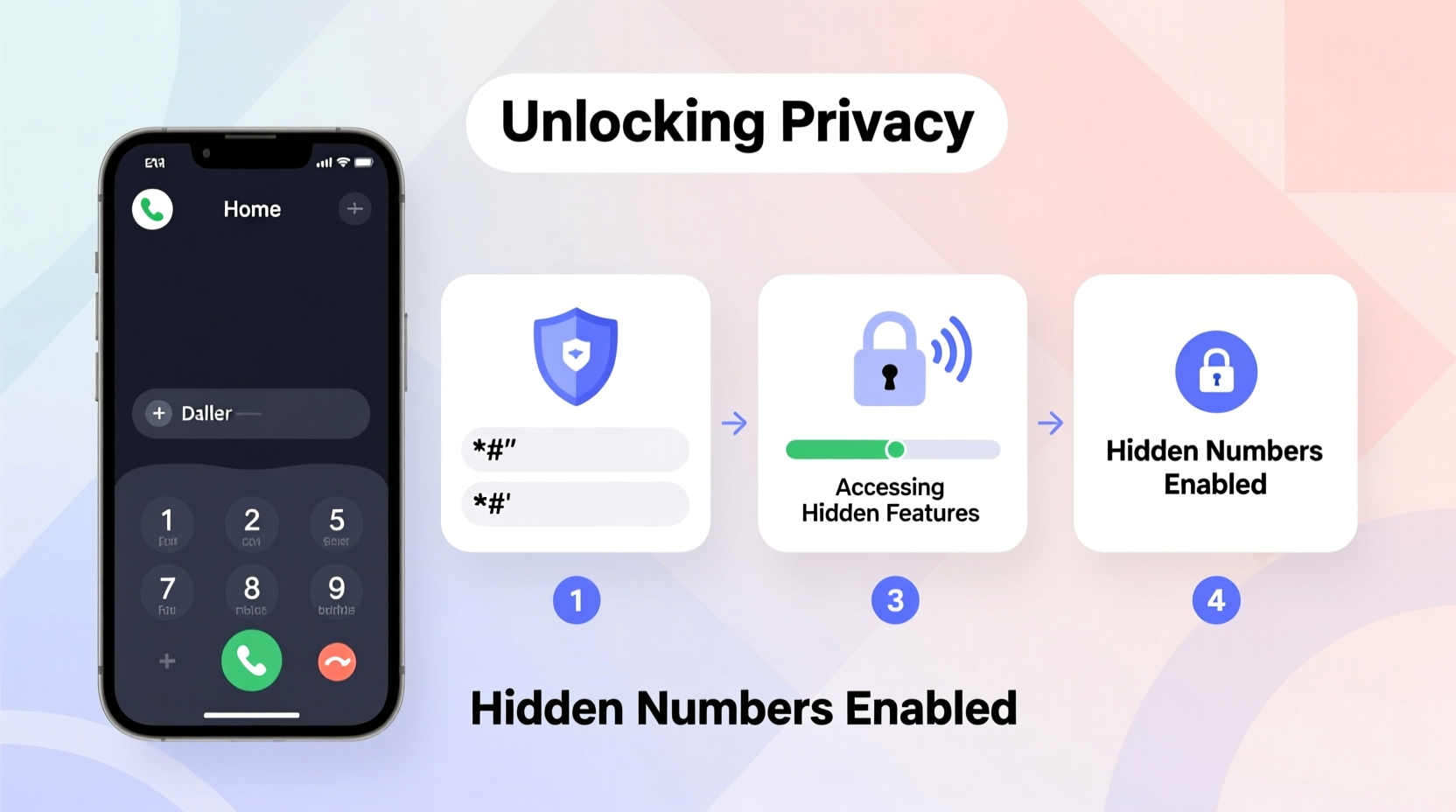
Caller ID is a service that transmits your phone number to the recipient’s device when you make a call. While useful for legitimate identification, it also exposes your number every time you dial. Most carriers enable caller ID by default, meaning your number appears unless you take steps to block it.
Hiding your number doesn’t mean you’re doing anything illicit—it’s a privacy feature available to all users. Legitimate reasons include:
- Contacting service providers without sharing personal info
- Calling unfamiliar numbers safely (e.g., classified ads)
- Maintaining professional boundaries (e.g., freelancers, real estate agents)
- Protecting yourself in sensitive personal situations
It's important to note: some recipients may not answer hidden-number calls due to spam concerns, and emergency services may still receive your number even if hidden, as required by law in many countries.
“Caller ID blocking is a fundamental privacy right. Every user should know how to control what information they share during a call.” — David Lin, Telecommunications Privacy Analyst
Step-by-Step Guide to Dialing Hidden Numbers
There are multiple ways to hide your number, depending on your device, carrier, and frequency of use. Below is a clear, actionable sequence of methods—from temporary to permanent.
Method 1: Use Temporary Prefix Codes (Per-Call Blocking)
The quickest way to hide your number for a single call is by entering a short code before the phone number. This method works on both Android and iPhone devices and does not require app installations or setting changes.
- Open your phone’s dialer app.
- Type *67 before the full number (include area code).
- Press call.
Example: To call (555) 123-4567 anonymously, dial *675551234567.
The recipient will see “Private Number,” “Blocked,” or “Unknown Caller” instead of your digits. This method works in the U.S., Canada, and many other countries using the North American Numbering Plan (NANP). It must be repeated for each call.
Method 2: Disable Caller ID in Phone Settings (Permanent Blocking)
If you regularly need to hide your number, adjust your device settings to block caller ID by default.
For iPhone (iOS):
- Go to Settings.
- Tap Phone.
- Select Show My Caller ID.
- Toggle it to Off.
For Android (varies slightly by brand):
- Open the Phone app.
- Tap the three-dot menu and select Settings.
- Go to Caller ID or Additional Settings.
- Choose Hide number or Don’t show my number.
Once disabled, all outgoing calls will appear as private unless re-enabled. Note: Some carriers may charge for permanent caller ID suppression or require account verification.
Method 3: Use Third-Party Calling Apps
Apps like Google Voice, TextNow, or Burner offer dedicated secondary numbers that mask your real identity entirely. These are ideal for long-term anonymity or business use.
- Google Voice: Provides a free U.S. number linked to your account. All calls and texts appear under this number, not your personal one.
- Burner: Offers temporary, disposable numbers for short-term needs (e.g., online dating, selling items).
- TextNow: Free VoIP service with ad-supported calling; uses Wi-Fi or data.
These apps bypass traditional caller ID altogether, offering greater flexibility and features like voicemail transcription and call recording.
Do’s and Don’ts of Anonymous Calling
| Do | Don’t |
|---|---|
| Use *67 for quick, one-time anonymous calls | Harass or intimidate others using hidden numbers |
| Enable permanent blocking only if needed regularly | Assume blocked calls are untraceable—authorities can still access logs |
| Use trusted apps like Google Voice for business privacy | Rely on sketchy “spoofing” apps that violate telecom laws |
| Inform legitimate contacts you’re calling from a private line | Expect all recipients to answer hidden-number calls |
Real-World Example: Protecting Personal Boundaries
Sophia, a freelance photographer, often lists her services online. After posting on a local marketplace, she received a gig inquiry but hesitated to share her personal number. Using *67, she made her initial call from her mobile. The client answered, they discussed details, and later exchanged emails. By keeping her number private early on, Sophia avoided spam calls and maintained control over her contact information.
Later, she set up a Google Voice number specifically for client communication—keeping her personal line secure while appearing professional.
Common Questions About Hidden Number Dialing
Can I hide my number internationally?
Temporary codes vary by country. In the UK, dial 141 before the number to hide your ID; in Australia, use #1832#. Always verify the correct prefix for the destination country. Permanent blocking usually requires carrier configuration.
Will *67 work on text messages?
No. *67 only affects voice calls. SMS messages cannot be anonymized through dialer codes. To send private texts, use messaging apps like Signal, WhatsApp, or apps with masked numbers such as Burner.
Can someone trace a hidden number?
While your number won’t display to the recipient, telecom providers and law enforcement can trace the origin of a call when necessary. True anonymity isn't guaranteed, especially in cases involving threats or illegal activity.
Final Tips for Maintaining Call Privacy
- Test your setup by calling your own landline or a friend to confirm your number appears as “Private.”
- Be aware that some organizations (e.g., banks, government offices) may refuse to assist callers with blocked IDs.
- Regularly review app permissions—some calling apps request access to contacts or location.
- Consider combining caller ID blocking with encrypted messaging for full communication privacy.
Take Control of Your Communication Privacy Today
Your phone number is more than just digits—it’s a gateway to your personal life. With simple tools like *67, built-in phone settings, and secure calling apps, you can decide when and how to share your identity. Privacy isn’t about secrecy; it’s about choice.
Start small: try a hidden call today using the methods outlined here. Evaluate which approach fits your lifestyle—whether it’s temporary blocking for occasional use or a dedicated secondary number for ongoing needs. The power to protect your information is already in your pocket.




 浙公网安备
33010002000092号
浙公网安备
33010002000092号 浙B2-20120091-4
Comments
No comments yet. Why don't you start the discussion?