
The iPhone 11 remains one of Apple’s most enduring models—launched in 2019, it still powers millions of users with reliable performance and solid software support. But with the iPhone 15 series now available, many long-time iPhone 11 owners are asking: is it finally worth upgrading, or can they comfortably wait until next year?
This decision isn’t just about new features. It involves evaluating your current device’s limitations, assessing how much newer technology improves your daily experience, and weighing the financial cost against real-world benefits. The answer depends on your usage, priorities, and expectations.
Performance: A Quantum Leap in Speed and Efficiency
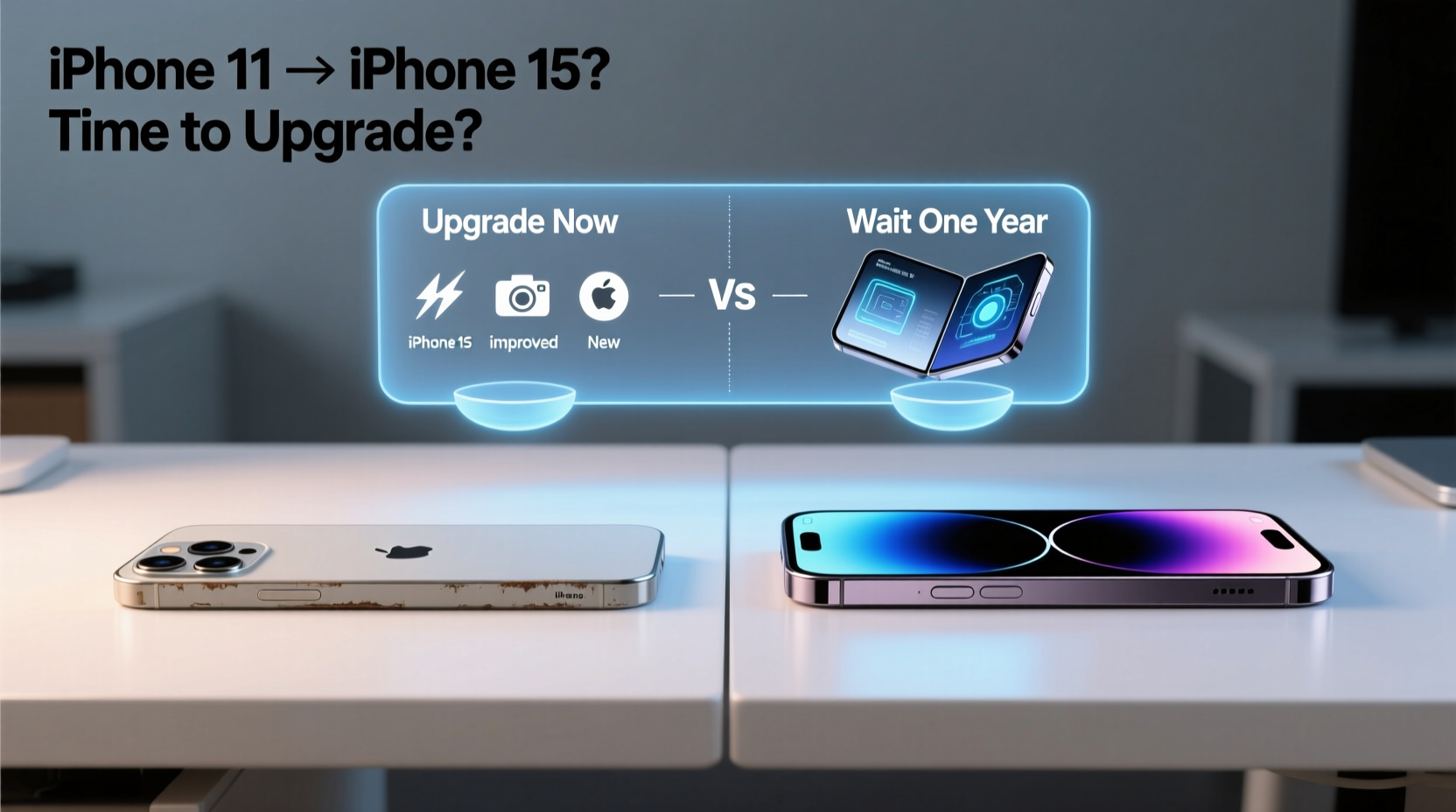
The jump from the iPhone 11’s A13 Bionic chip to the iPhone 15’s A17 Pro (in the Pro models) or even the standard A16 Bionic in the base iPhone 15 represents a significant evolution in processing power. While the A13 handled everyday tasks well in its time, today’s apps, multitasking demands, and iOS updates push older chips harder than before.
The A17 Pro, built on a 3nm process, delivers up to 2x faster CPU and GPU performance compared to the A13. This translates into smoother app launches, quicker photo and video editing, and better gaming performance—especially for titles that leverage MetalFX upscaling or console-level graphics.
Even the base iPhone 15, equipped with the A16 Bionic (from the iPhone 14 Pro), outperforms the iPhone 11 by nearly 50% in CPU tasks and significantly more in GPU benchmarks. For users who rely on their phone for productivity or creative work, this difference matters.
Camera System: Night Mode, Computational Photography, and Pro Features
The camera is where the iPhone 15 pulls far ahead. The iPhone 11 introduced Night Mode, but its 12MP main sensor and limited dynamic range now feel dated. In contrast, the iPhone 15 brings a 48MP main sensor with pixel binning, improved low-light performance, Smart HDR 5, and advanced computational photography.
The iPhone 15 also introduces a dedicated 2x telephoto zoom option via sensor cropping, giving you greater flexibility without sacrificing quality. For portrait photography, the upgraded depth sensing and Focus Pixels deliver sharper subject separation and more natural bokeh.
“Photographers upgrading from the iPhone 11 often report being stunned by the clarity, color accuracy, and low-light capability of the iPhone 15—even in casual snapshots.” — David Lin, Mobile Imaging Analyst at TechPulse Review
If you regularly take photos in dim lighting, shoot landscapes, or value social media-ready images, the camera improvements alone may justify the upgrade. The addition of Photonic Engine across all lenses enhances texture and noise reduction, making every shot look more polished.
Battery Life and Charging: Real Gains, But Not Revolutionary
Battery life on the iPhone 11 was decent for its time, offering around 17 hours of video playback. The iPhone 15 improves upon this with slightly larger batteries and more efficient processors. Apple claims up to 20 hours of video playback for the iPhone 15, which reflects modest but meaningful gains.
More impactful is the shift to USB-C charging. After years of Lightning, the iPhone 15 now uses the universal USB-C port, aligning with EU regulations and simplifying cable management. You can now use the same charger for your iPhone, iPad, and many laptops.
While wireless and MagSafe charging remain unchanged, the inclusion of USB-C enables faster data transfer—especially on Pro models with USB 3 speeds (up to 10Gbps). This is a major benefit for photographers and videographers transferring large files directly to computers.
| Feature | iPhone 11 | iPhone 15 |
|---|---|---|
| Chipset | A13 Bionic | A16 Bionic (base), A17 Pro (Pro) |
| Rear Cameras | Dual 12MP (Wide, Ultra-Wide) | 48MP Main + 12MP Ultra-Wide (with 2x Telephoto option) |
| Front Camera | 12MP TrueDepth | 12MP Dynamic Island with Autofocus |
| Display | 6.1” LCD (LCD Retina HD) | 6.1” OLED Super Retina XDR |
| Charging | Lightning, Qi Wireless | USB-C, Qi2 Wireless (coming late 2024) |
| Battery Life (Video Playback) | Up to 17 hours | Up to 20 hours |
| Water Resistance | IP68 (2m for 30 min) | IP68 (6m for 30 min) |
Design and Display: From LCD to OLED and the Move to Dynamic Island
The iPhone 11’s LCD display, while functional, lacks the deep blacks, contrast, and vibrancy of the iPhone 15’s Super Retina XDR OLED panel. OLED offers better outdoor visibility, true blacks, and more accurate color reproduction—important for media consumption and photo editing.
Perhaps the most visible change is the transition from the notch to the Dynamic Island. More than just aesthetic, the Dynamic Island turns system alerts and live activities (like timers, music playback, and ride tracking) into interactive elements. It’s a modern UI feature that integrates seamlessly into daily use.
Build quality has also improved. The iPhone 15 features a color-infused glass back and an aluminum frame with tighter tolerances. It feels more premium in hand and resists scratches better than the iPhone 11’s glossy finish, which was prone to smudges and micro-abrasions over time.
Software Support and Future-Proofing
Apple typically supports iPhones with iOS updates for 5–6 years. The iPhone 11 launched with iOS 13 and is expected to receive updates through at least 2025, possibly into 2026. That means it’s not obsolete yet—but future updates may begin to slow it down further.
The iPhone 15, released in 2023, will likely receive iOS updates until 2029 or beyond. If you plan to keep your phone for four or more years, starting fresh with the iPhone 15 gives you longer software relevance and access to upcoming AI-powered iOS features expected in 2024 and 2025.
Real-World Example: Sarah’s Upgrade Dilemma
Sarah has used her iPhone 11 since 2020. She’s a freelance photographer who relies on her phone for client communication, quick edits, and portfolio shots. Over the past year, she’s noticed her phone struggling with RAW photo processing and occasional app crashes when using Adobe Lightroom.
In January 2024, she considered waiting for the iPhone 16. But after testing an iPhone 15 at a store, she was struck by how quickly it processed high-res images, how vibrant the OLED screen was for color grading, and how much easier the Dynamic Island made monitoring uploads. She upgraded in March—and found her workflow improved significantly.
For Sarah, waiting another year would have meant continued frustration and lost productivity. The upgrade paid for itself in time saved and better client deliverables.
When to Upgrade Now vs. Wait Until Next Year
Deciding whether to upgrade now or delay depends on several factors. Here’s a checklist to guide your decision:
- Your iPhone 11 is slowing down – Frequent app reloads, laggy animations, or delayed camera startup indicate hardware strain.
- You need better battery life – If you’re carrying a power bank daily, newer models offer more consistent endurance.
- You care about photo quality – The 48MP sensor and improved Night Mode deliver tangible results.
- You want USB-C convenience – Simplifying cables across devices is a real lifestyle improvement.
- You plan to keep your phone for 4+ years – The iPhone 15 will stay supported longer than your current device.
- You're facing repair costs – Replacing a cracked screen or battery on an older model might approach half the value of a trade-in.
On the other hand, consider waiting if:
- Your iPhone 11 still performs well – No slowdowns, good battery health, and no urgent feature needs.
- You expect major AI features in iOS 18 – Rumors suggest iPhone 16 will be “AI-first,” with enhanced Siri, on-device processing, and contextual awareness.
- You can get a better deal next year – Apple typically discounts the previous generation by $100–$200 when new models launch.
Step-by-Step: How to Decide Whether to Upgrade
- Assess your current phone’s condition – Check battery health in Settings > Battery. If it’s below 80%, performance throttling is likely.
- List your pain points – Are you frustrated by slow camera startup, weak low-light photos, or short battery life?
- Test drive an iPhone 15 – Visit an Apple Store or authorized reseller to experience the display, camera, and responsiveness firsthand.
- Check trade-in value – Use Apple’s trade-in tool to see how much credit you can get for your iPhone 11 (often $100–$180 depending on condition).
- Compare total cost – Factor in trade-in, carrier deals, and installment plans. Sometimes $0-down offers make upgrading affordable.
- Project your needs 2–3 years ahead – Will you still be satisfied with your iPhone 11 in 2025? Be honest about diminishing returns.
- Make your decision – Upgrade now if benefits outweigh cost; commit to routine maintenance if staying put.
Frequently Asked Questions
Will the iPhone 11 stop working if I don’t upgrade?
No. The iPhone 11 will continue to function normally and receive security updates for at least another year or two. However, newer apps and iOS versions may run slower over time due to increased system demands.
Is the iPhone 15 worth the price compared to Android alternatives?
If you’re deeply embedded in the Apple ecosystem (Mac, iPad, Apple Watch), the seamless integration, long-term software support, and resale value make the iPhone 15 a strong choice. Android phones may offer more specs per dollar, but iOS longevity is unmatched.
Can I wait for the iPhone 16 and still use my iPhone 11?
Yes. The iPhone 11 should remain usable through 2025. If you’re not experiencing major issues, waiting for rumored AI features and potential design changes in the iPhone 16 is a reasonable strategy—especially if you can stretch your current device’s lifespan with a battery replacement.
Conclusion: Make the Decision That Serves Your Lifestyle
Upgrading from the iPhone 11 to the iPhone 15 isn’t just about having the latest gadget—it’s about whether the improvements enhance your daily life enough to justify the cost. For users who depend on their phone for creativity, communication, and productivity, the leap in performance, camera quality, and modern features like USB-C and Dynamic Island makes the upgrade compelling.
But if your iPhone 11 still meets your needs and you’re comfortable with its limitations, there’s no shame in waiting. Technology moves fast, but smart ownership means upgrading when it makes sense—not just because something new exists.




 浙公网安备
33010002000092号
浙公网安备
33010002000092号 浙B2-20120091-4
Comments
No comments yet. Why don't you start the discussion?