
Apple’s annual iPhone releases often spark debate: Is this year’s model truly better, or just a repackage of last year’s tech with a new label? For iPhone 12 owners, the jump to the iPhone 13 raises a legitimate question—does the upgrade deliver meaningful improvements, or is it just marketing noise? The answer isn’t a simple yes or no. It depends on your usage, expectations, and how much you value incremental innovation.
The iPhone 13 launched with fanfare around its A15 Bionic chip, improved camera system, and longer battery life. But if you already own an iPhone 12, many core features remain unchanged—same design language, similar display quality, and identical software experience. So, is the upgrade worth the cost? Let’s examine the key differences and real-world impact to help you decide.
Design and Build: Subtle Changes, Same Feel
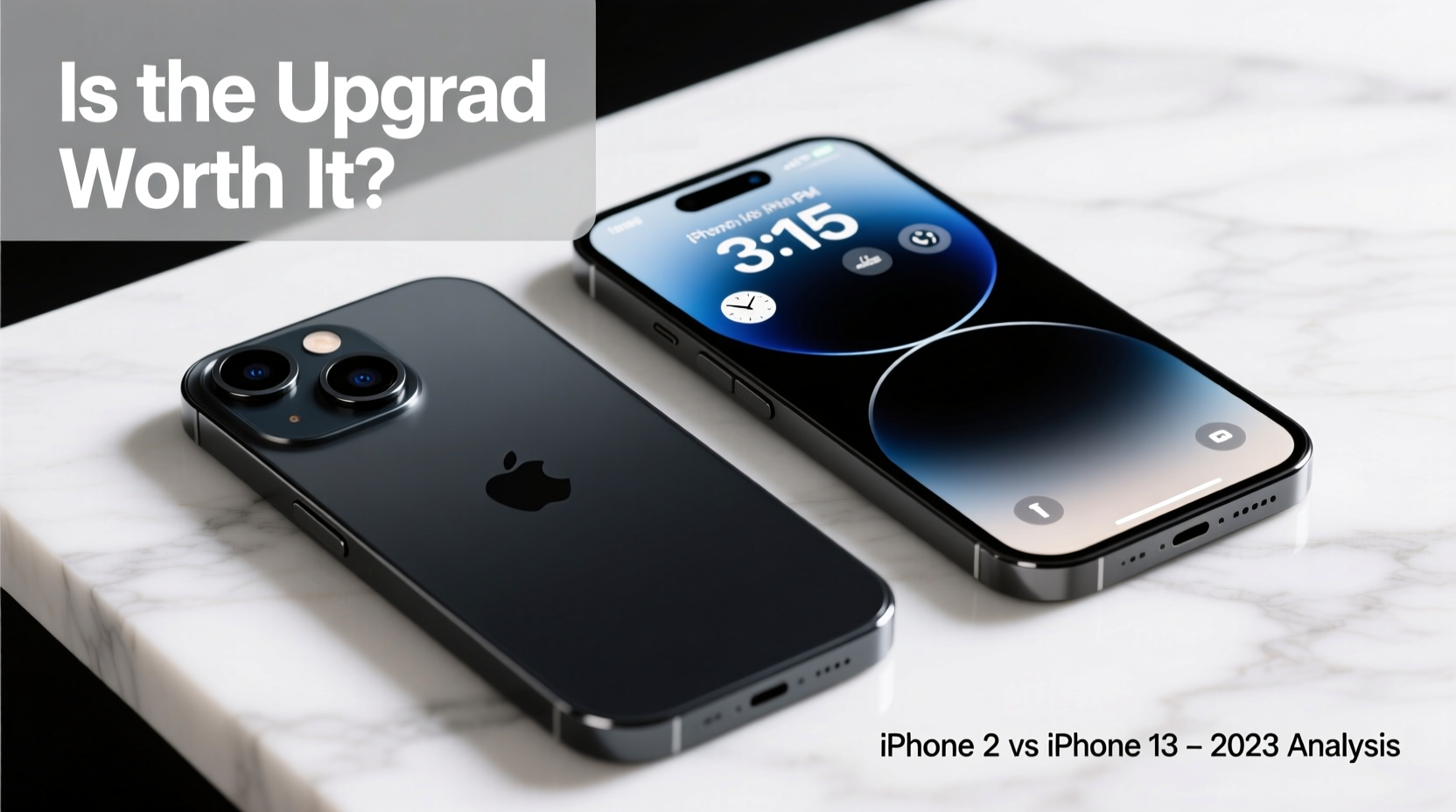
At first glance, the iPhone 13 looks nearly identical to the iPhone 12. Both feature flat aluminum edges, Ceramic Shield front cover, and IP68 water resistance. However, Apple made one notable change: the camera module is now diagonally aligned rather than vertically stacked. This redesign accommodates larger sensors but results in a slightly thicker phone—7.65mm vs. 7.4mm—and marginally heavier at 174g compared to the iPhone 12’s 164g.
The smaller notch on the iPhone 13 frees up a bit more screen space, though the difference is subtle in daily use. The overall ergonomics remain familiar, meaning if you like how the iPhone 12 feels in hand, the 13 won’t surprise you.
Performance: A15 vs. A14 – More Than Just Speed
The iPhone 13 is powered by Apple’s A15 Bionic chip, while the iPhone 12 runs on the A14. On paper, the A15 offers about 10–15% faster CPU performance and a 20–30% improvement in GPU efficiency. In practice, both chips handle everyday tasks—browsing, messaging, streaming, and even most gaming—with ease.
Where the A15 shines is in sustained workloads and future-proofing. Apps that rely heavily on machine learning, such as advanced photo editing or AR experiences, benefit from the extra neural engine cores (16-core vs. 11-core). Over time, the A15 will likely stay responsive longer as iOS evolves and apps become more demanding.
“While the A14 is still excellent, the A15 represents a refinement in efficiency that translates to real-world gains in battery and thermal management.” — David Liu, Mobile Hardware Analyst at TechPulse Insights
Battery Life: One of the Biggest Upgrades
If there’s one area where the iPhone 13 clearly outperforms its predecessor, it’s battery life. Despite a modest increase in battery capacity (from ~2,815mAh to ~3,227mAh), optimizations in the A15 chip and display contribute to significantly longer endurance.
Independent tests show the iPhone 13 delivers up to 2.5 hours more video playback than the iPhone 12. For users who regularly drain their battery by midday, this could be a game-changer. Whether you're traveling, working remotely, or simply hate charging multiple times a day, the improved efficiency matters.
| Model | Video Playback (Apple Claim) | Real-World Usage Estimate |
|---|---|---|
| iPhone 12 | 17 hours | ~14–15 hours |
| iPhone 13 | 19 hours | ~17–18 hours |
Camera Improvements: Smarter, Not Just Sharper
The iPhone 13’s camera upgrades are more evolutionary than revolutionary. Both models have dual 12MP systems (wide and ultra-wide), but the 13 features larger sensors, sensor-shift stabilization (on the main lens), and enhanced computational photography.
In low-light conditions, the iPhone 13 captures noticeably brighter photos with better detail and less noise. Smart HDR 4 and Photographic Styles allow for more natural skin tones and dynamic range adjustments. The standout feature is Cinematic Mode, which applies real-time depth-of-field effects to videos—a novelty for some, useful for content creators.
For casual photographers, the improvements may be hard to spot without side-by-side comparisons. But for those who take mobile photography seriously, especially in challenging lighting, the iPhone 13 offers tangible benefits.
Real-World Example: Sarah’s Upgrade Decision
Sarah has used her iPhone 12 since launch. She’s a busy freelance designer who relies on her phone for client calls, photo editing, and staying connected. Her battery barely lasts through a full workday, and she often carries a power bank.
After testing a friend’s iPhone 13, she noticed two things: her favorite design apps loaded slightly faster, and the battery survived a full day of heavy use—including video calls and Lightroom edits—without needing a recharge. While the design felt familiar, the peace of mind from longer battery life and smoother multitasking convinced her to upgrade.
For Sarah, the upgrade wasn’t about flashy new features—it was about reducing friction in her daily workflow.
Step-by-Step: Should You Upgrade?
Before spending hundreds on a new device, follow this decision-making process:
- Evaluate your current phone’s condition: Is your iPhone 12 damaged, slow, or struggling with iOS updates?
- Assess your battery needs: Do you charge multiple times a day? If yes, the 13’s battery could be a major relief.
- Consider your camera usage: Are you pushing your phone’s photography limits? Low-light performance and Cinematic Mode may justify the switch.
- Check storage: The base iPhone 13 starts at 128GB (vs. 64GB on iPhone 12), which is more practical for modern app and media demands.
- Calculate cost vs. benefit: Weigh the price of the upgrade against how long you plan to keep the phone. If you upgrade every two years, the gains add up over time.
Do’s and Don’ts When Deciding to Upgrade
| Do | Don't |
|---|---|
| Trade in your iPhone 12—its resale value is still strong | Upgrade just because of FOMO or peer pressure |
| Wait for carrier deals or holiday discounts | Ignore your actual pain points with the current device |
| Test the iPhone 13 in-store to feel the differences | Overlook cloud storage costs if switching from high local storage |
Frequently Asked Questions
Will the iPhone 13 get updates longer than the iPhone 12?
Both phones launched with iOS 15 and will likely receive updates until 2026 or 2027. There’s no significant advantage in update lifespan between the two models.
Can I expect better 5G performance on the iPhone 13?
Apple improved 5G efficiency and signal aggregation in the iPhone 13, leading to slightly better battery management during 5G use. However, real-world speed depends more on carrier coverage than hardware.
Is the iPhone 13 worth it for someone happy with their iPhone 12?
If your iPhone 12 meets your needs and holds a charge well, the upgrade offers refinements rather than breakthroughs. Wait for the iPhone 14 or 15 unless battery life or camera quality is a pressing concern.
Conclusion: Value Over Hype
The iPhone 13 isn’t a radical departure from the iPhone 12—it’s a polished evolution. The improvements in battery life, camera processing, and chip efficiency are real, but they’re incremental. For users frustrated by short battery life or seeking better low-light photos, the upgrade makes sense. For everyone else, the decision should be driven by need, not hype.
Technology should serve you, not the other way around. If your iPhone 12 still performs well, consider extending its life with a battery replacement or new case. But if you’ve been waiting for a more capable all-day device, the iPhone 13 delivers quiet but meaningful progress.




 浙公网安备
33010002000092号
浙公网安备
33010002000092号 浙B2-20120091-4
Comments
No comments yet. Why don't you start the discussion?