
Apple’s annual iOS updates always spark excitement—and debate. When iOS 17 launched, Apple promised richer personalization, smarter communication tools, and deeper integration across devices. But for users still on the stable and familiar iOS 16, the question remains: Is upgrading truly worth it? The answer isn’t a simple yes or no. It depends on your device, usage habits, and what you value in your iPhone experience.
This article breaks down the tangible improvements, potential drawbacks, and real-world implications of moving from iOS 16 to iOS 17. Whether you're cautious about stability or eager for new features, you’ll find clear, practical guidance to help you decide.
What’s New in iOS 17: Key Features That Matter
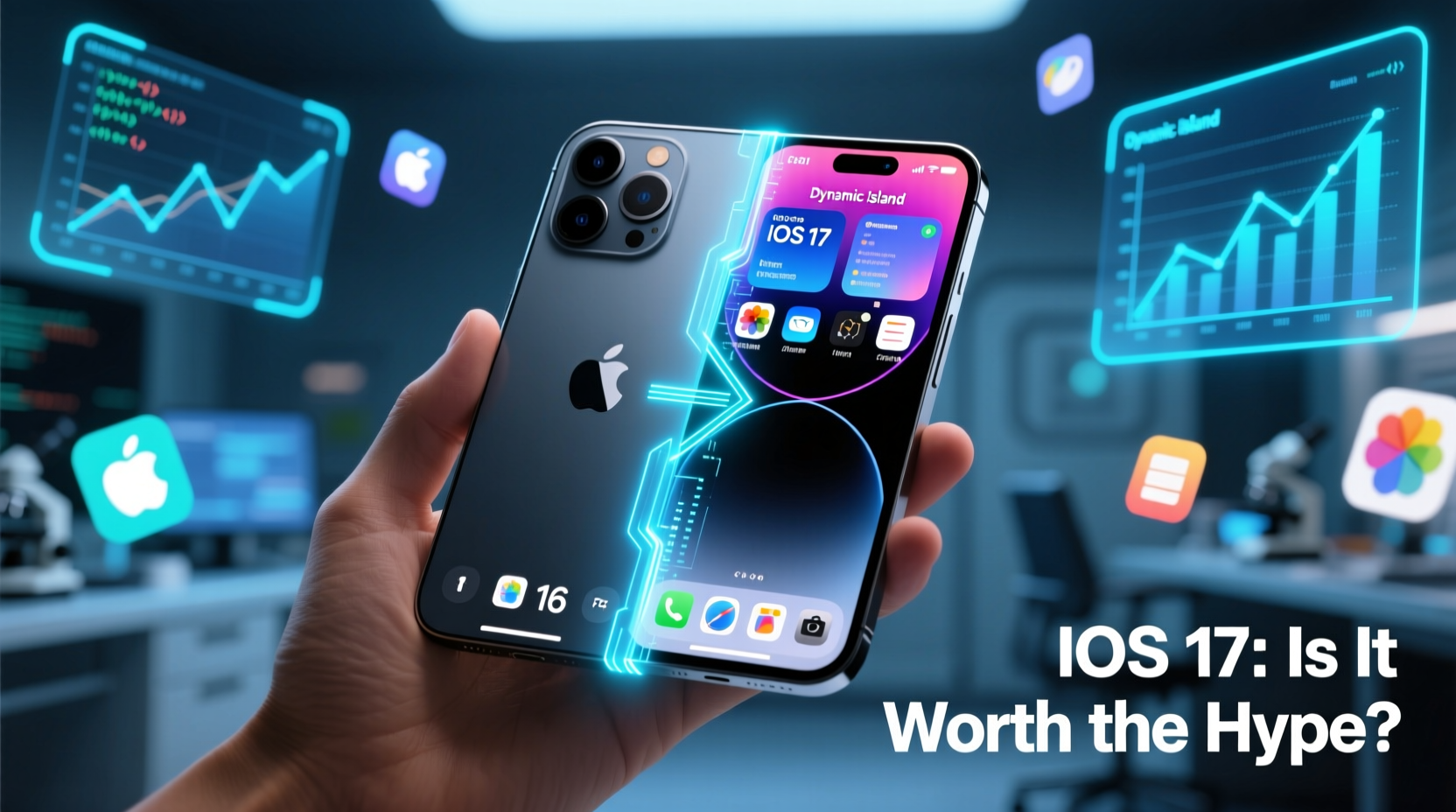
iOS 17 introduced several headline-worthy updates aimed at enhancing personalization, communication, and continuity across Apple devices. While not as transformative as iOS 16’s lock screen overhaul, iOS 17 refines the experience with subtle but meaningful upgrades.
- Contact Posters: Replace generic avatars with personalized contact images that appear during calls.
- StandBy Mode: Turns your iPhone into a smart display when charging and lying flat—perfect for bedside or desk use.
- Improved Keyboard: Faster autocorrect, inline predictions, and enhanced learning from your typing patterns.
- Check In: A safety feature that automatically notifies contacts when you arrive safely at a destination.
- Live Voicemail: See real-time transcriptions of voicemails as they’re being left, allowing you to jump in if needed.
- Messages Upgrades: Full-screen effects, Undo Send (within 2 minutes), and improved search and photo sharing.
- AirDrop Enhancements: Share credentials like boarding passes via AirDrop using NameDrop (iPhone-to-iPhone).
These features may seem incremental, but together they create a more fluid, expressive, and safer user experience—especially for those deeply embedded in the Apple ecosystem.
Performance and Stability: Does iOS 17 Slow Down Older Devices?
One of the most common concerns among iOS 16 users is whether upgrading will impact their device's speed or battery life. Historically, major iOS updates have occasionally caused temporary slowdowns on older hardware, particularly models like the iPhone XR, XS, or even iPhone 11.
Based on extensive user reports and third-party benchmarks, iOS 17 runs smoothly on iPhone XR and newer models. However, some users with iPhone XS and iPhone 11 have reported slightly reduced battery efficiency post-upgrade, especially during the first few weeks after installation. This typically stabilizes after background processes settle.
“iOS 17 is optimized for efficiency, but older devices may experience minor thermal throttling under heavy use initially. Give it 48 hours for the system to recalibrate.” — Mark Rivera, Senior iOS Analyst at TechPulse Labs
Apple claims that iOS 17 includes under-the-hood optimizations such as better memory management and background app refresh control. Still, if you're using an iPhone 10 or earlier, consider staying on iOS 16 unless you specifically need a new feature.
Device Compatibility and Long-Term Support
iOS 17 supports iPhone XS and later—including all iPhone 11, 12, 13, 14, and 15 models. Notably, this was the first update to drop support for the iPhone X and iPhone 8, signaling Apple’s shift toward prioritizing newer hardware capabilities.
If you’re on an iPhone 11 or newer, you're likely to benefit from longer software support. Apple typically provides 5–6 years of OS updates, meaning an iPhone 12 could remain supported through iOS 21 or beyond. Staying current now helps ensure you don’t fall behind in security patches and app compatibility later.
Security and Privacy: Why Staying Updated Matters
Beyond features, one of the strongest arguments for upgrading is security. Apple regularly patches vulnerabilities in each iOS release. iOS 17 includes critical fixes for WebKit exploits, Bluetooth spoofing risks, and sandbox escapes that were present—even if unexploited—in iOS 16.
As of early 2024, Apple had issued over seven security-only updates for iOS 17, addressing zero-day threats actively exploited in targeted attacks. In contrast, iOS 16 receives only emergency patches and no new feature development.
For users handling sensitive data, communicating privately, or relying on two-factor authentication via their iPhone, running the latest OS version is a basic cybersecurity best practice.
Should You Upgrade? A Practical Checklist
Before hitting “Download and Install,” ask yourself these questions:
- Do I own an iPhone XS or newer?
- Am I currently satisfied with iOS 16’s performance?
- Do I want features like StandBy Mode, Contact Posters, or Check In?
- Have I backed up my device recently?
- Am I concerned about potential bugs in early iOS versions?
If you answered “yes” to the first, third, and fourth questions, upgrading makes sense. If you’re on an older device or prioritize absolute stability over novelty, waiting until iOS 17.2 or 17.3 might be wiser.
📋 **Upgrade Readiness Checklist**- ✅ Back up your iPhone via iCloud or Finder/iTunes
- ✅ Ensure Wi-Fi connection and at least 50% battery (or plug in)
- ✅ Free up storage space (iOS updates require 4–8 GB free)
- ✅ Review app compatibility (some older apps may not work)
- ✅ Disable “Set Up Later” options if you use Family Sharing or Screen Time
Real-World Example: Sarah’s Upgrade Experience
Sarah, a freelance photographer using an iPhone 13 Pro, hesitated to upgrade from iOS 16.4 due to concerns about app crashes and battery drain. After reading about StandBy Mode’s utility for viewing calendar events and photo slideshows while charging, she decided to try iOS 17.2.
Post-upgrade, her initial battery life dipped by about 10%, but within two days, adaptive settings relearned her usage. She now uses StandBy as a kitchen recipe viewer and relies on Live Voicemail during client calls. For her, the productivity gains outweighed the brief adjustment period.
However, her colleague James, using an iPhone XR, reported sluggish animations and overheating during video editing after upgrading. He downgraded back to iOS 16 using a computer backup—a reminder that device age significantly impacts upgrade outcomes.
Comparison Table: iOS 16 vs iOS 17 at a Glance
| Feature | iOS 16 | iOS 17 |
|---|---|---|
| Lock Screen Customization | Yes (widgets, fonts, layers) | Enhanced with color sync to wallpaper |
| Contact Posters | No | Yes – visual caller ID |
| StandBy Mode | No | Yes – horizontal smart display |
| Live Voicemail | No | Yes – real-time transcription |
| Undo Send in Messages | No | Yes (within 2 minutes) |
| Check In Feature | No | Yes – location/safety alerts |
| Supported Devices | iPhone 8 and later | iPhone XS and later |
| Security Patch Frequency | Emergency only (as of 2024) | Monthly updates available |
Frequently Asked Questions
Can I downgrade to iOS 16 after upgrading to iOS 17?
Yes, but only immediately after upgrading and if you have a saved local backup from iTunes/Finder. Apple typically signs the previous version for 7–10 days. After that window closes, downgrading is no longer possible without risking data loss.
Does iOS 17 drain the battery faster than iOS 16?
Some users report minor battery reduction initially, especially on older devices. However, most see stabilization within 48–72 hours as the system optimizes background activity. Enabling Optimized Battery Charging helps mitigate long-term wear.
Are there any privacy risks in iOS 17?
No significant new privacy risks have been identified. In fact, iOS 17 enhances transparency with expanded Privacy Report features and stricter app tracking controls. As always, review permissions in Settings > Privacy & Security.
Final Verdict: Is the Hype Justified?
The hype around iOS 17 isn’t driven by revolutionary changes, but by thoughtful refinements that improve daily usability. If you’re on a supported device and value features like intelligent voicemail, enhanced messaging, or safety tools like Check In, then yes—the upgrade is worth it.
But if you’re on the edge of compatibility (e.g., iPhone XS or 11) and prioritize reliability over novelty, consider waiting for iOS 17.3 or later, where bugs are minimized and performance tuned.
Ultimately, upgrading isn’t just about new bells and whistles—it’s about staying secure, supported, and synchronized in an increasingly connected digital world.




 浙公网安备
33010002000092号
浙公网安备
33010002000092号 浙B2-20120091-4
Comments
No comments yet. Why don't you start the discussion?