
Internet performance is often judged by download speed—how fast you can stream videos, load websites, or download files. But what happens when your upload speed exceeds your download speed? While this seems counterintuitive, it's not as rare as you might think. In fact, many users experience slower-than-expected downloads while uploads sail through at full throttle. This imbalance can disrupt everyday tasks like streaming, video conferencing, and online gaming. Understanding the root causes and applying targeted fixes is essential to restoring optimal network balance.
Why Upload Speed Might Be Faster Than Download Speed
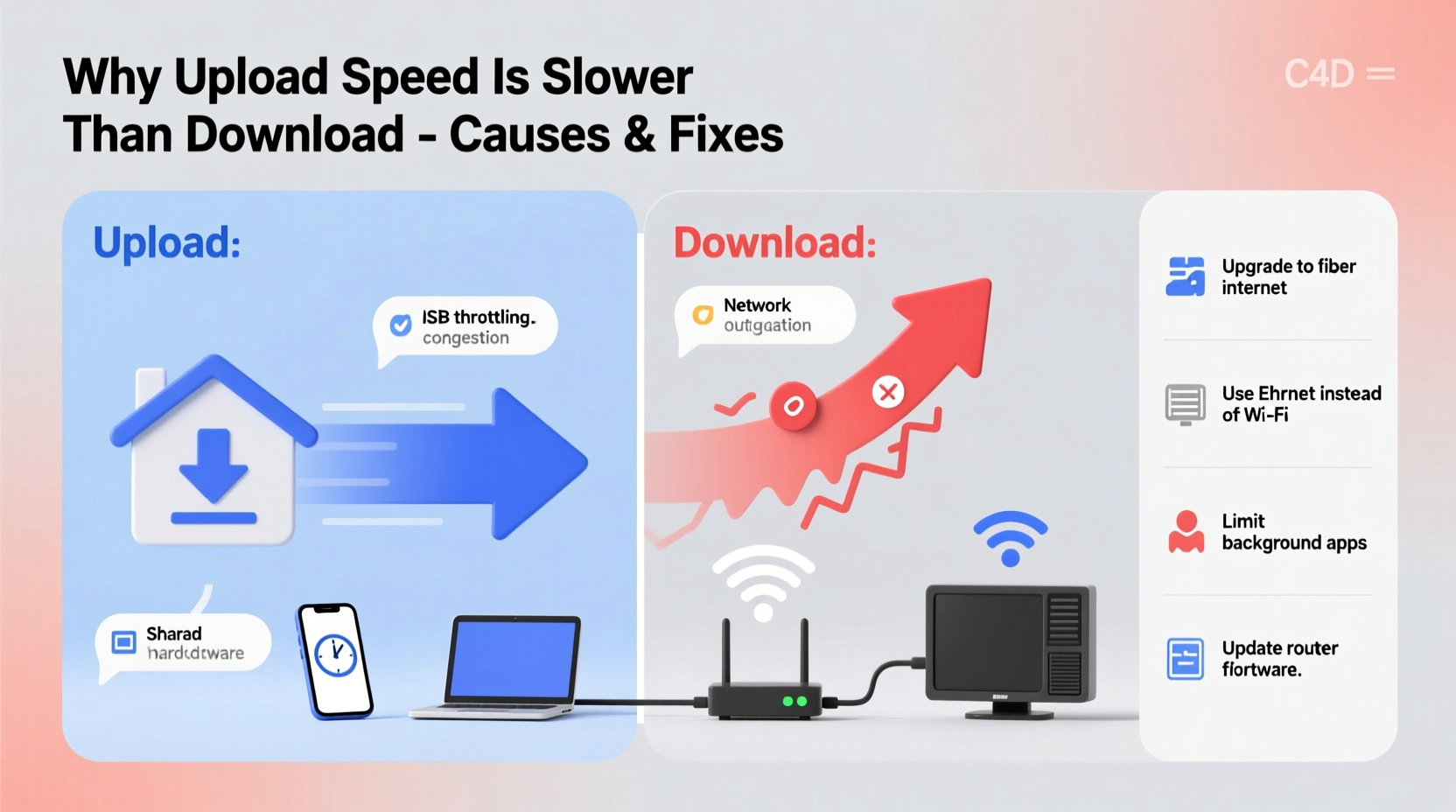
Most residential internet plans are designed with asymmetrical bandwidth—download speeds are typically much higher than upload speeds. So when uploads outpace downloads, something has disrupted the expected performance. Several technical and environmental factors can contribute to this anomaly.
- Network congestion during peak hours: High traffic on your ISP’s network can disproportionately affect download throughput.
- Router or modem limitations: Outdated hardware may struggle to process incoming data efficiently, especially if firmware is not updated.
- Background applications consuming bandwidth: Cloud backups, automatic updates, or peer-to-peer software may saturate outgoing channels without affecting download handling.
- ISP throttling or service misconfiguration: Some ISPs limit download speeds under certain conditions while leaving upload capacity untouched.
- Wi-Fi interference or signal degradation: Wireless networks are more prone to packet loss on the receiving end, reducing effective download rates.
- Server-side limitations: The remote server you're downloading from may have low outbound capacity, skewing results in speed tests.
Common Causes and Their Real-World Impact
The imbalance between upload and download speeds isn’t just a curiosity—it affects real usage. For example, a freelancer uploading large design files may notice quick transfers, yet struggle to load client emails or cloud-based project tools due to sluggish downloads.
“We saw a 40% increase in customer complaints about slow streaming despite ‘fast’ upload speeds during evening hours. The culprit was outdated DOCSIS 3.0 modems unable to handle modern downstream loads.” — Raj Patel, Senior Network Engineer at MetroNet Broadband
In another case, a small business reported seamless video conferencing (which relies heavily on upload) but experienced delays in accessing cloud CRM data—a download-dependent task. After investigation, it was found that their router was prioritizing outgoing VoIP traffic, inadvertently deprioritizing incoming data streams.
Step-by-Step Guide to Diagnose and Fix Imbalanced Speeds
- Verify your internet plan: Check your ISP contract for advertised download and upload speeds. Confirm whether asymmetry is intentional (e.g., 100 Mbps down / 20 Mbps up).
- Test with a wired connection: Use an Ethernet cable to connect directly to your modem/router. Eliminate Wi-Fi variables such as interference and distance.
- Close background applications: Shut down cloud sync tools (Dropbox, OneDrive), game clients, and update managers before testing.
- Reboot your network equipment: Power cycle your modem and router. Wait two minutes before restarting to clear temporary glitches.
- Update firmware: Access your router’s admin panel and check for available firmware updates.
- Run multiple speed tests: Use reputable services like Fast.com, Speedtest.net, or your ISP’s official tool. Test at least three times across morning, afternoon, and evening.
- Contact your ISP: If results consistently show abnormal download performance, request a line quality check or modem replacement.
Solutions to Restore Balanced Internet Performance
Once you’ve identified the cause, targeted solutions can correct the imbalance and restore normal functionality.
Upgrade Your Hardware
Older modems and routers may not support current broadband standards. For cable internet, ensure your modem supports DOCSIS 3.1 if your ISP offers gigabit service. Routers should support at least Wi-Fi 5 (802.11ac), preferably Wi-Fi 6 for better multi-device handling.
Optimize Router Settings
Access your router settings via its IP address (usually 192.168.1.1 or 192.168.0.1). Look for QoS (Quality of Service) settings and adjust them to prioritize download-heavy applications like streaming or browsing if needed. Disable any rules that unfairly favor upload traffic.
Switch DNS Servers
Default ISP DNS servers can be slow or unreliable. Switching to public alternatives like Google DNS (8.8.8.8, 8.8.4.4) or Cloudflare (1.1.1.1) can improve response times and overall download efficiency.
| Issue | Potential Fix | Difficulty Level |
|---|---|---|
| Outdated modem | Replace with ISP-approved DOCSIS 3.1 model | Moderate |
| Wi-Fi interference | Switch to 5 GHz band or use Ethernet | Easy |
| Background bandwidth use | Disable auto-updates and cloud sync temporarily | Easy |
| ISP throttling | Contact support or consider service upgrade | Moderate |
| Firmware issues | Update router/modem firmware | Intermediate |
Checklist: How to Fix Faster Upload Than Download
- ✅ Run a speed test over Ethernet (not Wi-Fi)
- ✅ Close all background apps using the internet
- ✅ Reboot modem and router
- ✅ Check for firmware updates
- ✅ Verify your service plan’s expected speeds
- ✅ Change DNS to 1.1.1.1 or 8.8.8.8
- ✅ Contact ISP if download speeds remain below 80% of advertised rate
- ✅ Consider upgrading modem or router if older than 3–4 years
Frequently Asked Questions
Can faster upload speed damage my internet connection?
No, having a higher upload speed than download does not harm your connection. However, it may indicate an underlying issue such as network misconfiguration, server-side bottlenecks, or measurement inaccuracies during speed tests.
Is it normal for upload to be faster than download?
Not typically. Most consumer internet plans are asymmetric, with download speeds significantly higher than upload. If upload consistently exceeds download, especially on a wired test, further investigation is warranted.
Why do speed tests show different results on different devices?
Variations occur due to device capabilities, Wi-Fi signal strength, background processes, and browser efficiency. For accurate comparisons, use the same device, location, and connection type each time.
Conclusion: Take Control of Your Internet Performance
An upload speed that surpasses download performance is unusual but solvable. By methodically diagnosing the issue—starting with simple steps like rebooting your router and progressing to hardware upgrades—you can restore balanced, reliable internet access. Don’t accept poor download performance as inevitable. Your connection should support both efficient uploads and responsive downloads, especially in today’s digital-first world where cloud services, remote work, and HD streaming are standard.




 浙公网安备
33010002000092号
浙公网安备
33010002000092号 浙B2-20120091-4
Comments
No comments yet. Why don't you start the discussion?