
In today’s mobile-first work environment, a single USB-C port on your laptop often isn’t enough. Whether you're connecting an external monitor, a wired Ethernet cable, or charging your phone while transferring data, you need a way to expand connectivity. That’s where USB-C hubs and dongles come in. But when multiple devices are connected simultaneously, heat becomes a critical concern. Excessive temperature can degrade performance, shorten device lifespan, or even trigger safety shutdowns. So, which solution—hub or dongle—is better equipped to manage multiple connections without overheating?
This article breaks down the technical and practical differences between USB-C hubs and dongles, evaluates their thermal performance under load, and helps you choose the right tool for high-demand setups.
Understanding the Core Differences
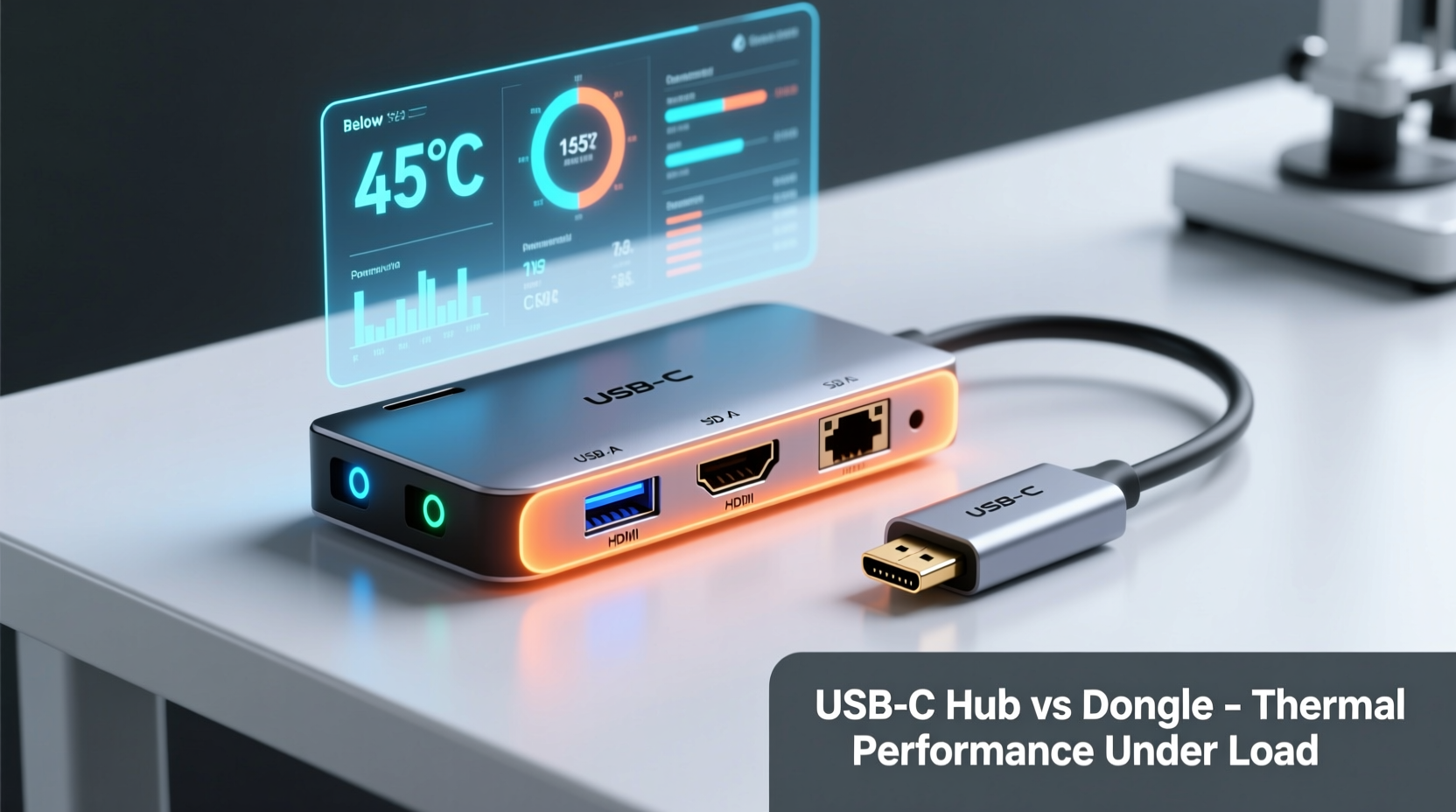
The terms “USB-C hub” and “dongle” are often used interchangeably, but they represent different levels of functionality and design complexity.
- Dongles are compact adapters designed for one or two specific functions—like converting USB-C to HDMI or adding a single USB-A port. They’re ideal for occasional use and portability.
- Hubs, by contrast, are multi-port expansion devices that offer several connection types (HDMI, USB-A, Ethernet, SD card slots) through a single USB-C input. They’re built for productivity and often include power delivery passthrough.
While both rely on USB-C’s versatility, their internal architecture and thermal management strategies differ significantly. Dongles typically have minimal circuitry and passive cooling, whereas quality hubs incorporate active thermal regulation, shielding, and higher-grade components to handle sustained loads.
Thermal Performance: Why It Matters
When a USB-C adapter processes data, powers peripherals, or drives a display, electrical resistance generates heat. The more ports in use—and the higher the bandwidth or power draw—the greater the thermal load. Poorly managed heat leads to:
- Reduced data transfer speeds due to throttling
- Unstable video signals or flickering displays
- Device disconnections or system crashes
- Potential long-term damage to the adapter or host device
Overheating is especially common with low-cost, poorly ventilated models that lack proper heat dissipation. This makes thermal design a deciding factor when choosing between a hub and a dongle for multi-device use.
“Thermal performance isn't just about comfort—it's a direct indicator of signal integrity and power stability in USB-C expansion devices.” — Dr. Lin Zhao, Electronics Engineer at Silicon Valley Connectivity Lab
Comparing Hubs and Dongles Under Load
To evaluate real-world performance, consider how each device type handles three common multi-connection scenarios:
- Connecting a 4K monitor + external SSD + smartphone charging
- Using Ethernet, keyboard/mouse, and flash drive simultaneously
- Daisy-chaining multiple adapters (e.g., hub + additional dongle)
Dongles generally fail under these conditions. Their small form factor limits space for heat dispersion, and most are not rated for concurrent high-power operations. For example, a USB-C to HDMI dongle may work fine alone, but pairing it with a separate USB-A adapter often overwhelms the host port’s power budget and causes erratic behavior.
Hubs, particularly those labeled as “powered” or “active,” are engineered to distribute load efficiently. Many include:
- Metal casings for passive heat dissipation
- Internal thermal pads or heat sinks
- Smart power allocation across ports
- Firmware that regulates output based on temperature
A well-designed hub can sustain 720p or even 4K video output while powering USB devices and charging the laptop—all without exceeding safe operating temperatures.
Real-World Example: Remote Work Setup
Consider Sarah, a freelance graphic designer using a MacBook Air with a single USB-C port. Her workflow requires:
- A 27-inch 4K monitor
- An external SSD for project files
- A wireless mouse and keyboard via USB receiver
- Charging her iPhone during sessions
Initially, she tried stacking two dongles: one for HDMI, another for USB-A. Within 20 minutes, the laptop fan ramped up, the display flickered, and the SSD disconnected intermittently. After switching to a powered Anker 555 USB-C Hub with 100W PD, all devices ran stably for hours—even during rendering tasks. The aluminum housing stayed warm but never hot, and no throttling occurred.
This case illustrates a broader trend: dongles are convenient for travel or light use, but hubs provide superior stability and thermal control for continuous, multi-device operation.
Key Features That Prevent Overheating
Not all hubs are created equal. To ensure reliable performance without overheating, look for these engineering and design features:
| Feature | Why It Helps Prevent Overheating | Common in Hubs? | Rare in Dongles? |
|---|---|---|---|
| Aluminum/Metal Housing | Acts as a heat sink, dissipating warmth faster than plastic | Yes | Yes |
| Power Delivery (PD) Support ≥60W | Reduces strain on host battery and prevents power congestion | Yes | Yes |
| Active Power Management | Dynamically allocates current to avoid overloading circuits | Yes | Yes |
| Separate Data and Power Channels | Minimizes interference and reduces resistive heating | Yes (premium models) | Yes |
| Certified Components (USB-IF, HDMI 2.0) | Ensures compliance with thermal and electrical standards | Sometimes | Often missing |
Hubs with these features maintain surface temperatures below 45°C (113°F) even after prolonged use—well within safe limits. In contrast, many plastic-bodied dongles exceed 60°C (140°F), risking automatic disconnection or degradation over time.
Step-by-Step Guide to Choosing a Safe, High-Performance Option
Follow this process to select a USB-C expansion solution that won’t overheat under your typical workload:
- Assess your connection needs: List all devices you’ll connect simultaneously (monitor, storage, network, etc.). Note bandwidth and power requirements.
- Determine total power draw: Add up wattage for each peripheral. If combined exceeds 15W, opt for a powered hub with ≥60W PD input.
- Prioritize build quality: Choose metal-cased models from reputable brands (e.g., CalDigit, Anker, HyperDrive).
- Check reviews for thermal feedback: Search user comments for phrases like “gets hot,” “shuts down,” or “fan kicks on.”
- Verify certifications: Look for USB-IF, HDMI Forum, or Thunderbolt 3/4 certification logos indicating tested safety and performance.
- Test under load: Once received, run all intended devices for at least one hour and monitor temperature manually (touch test) or via software tools.
If the device becomes uncomfortably hot to touch—or your computer reports port throttling—discontinue use and consider a higher-tier model.
Checklist: What to Look for in a Non-Overheating USB-C Solution
- ✅ Metal enclosure (aluminum preferred)
- ✅ At least one full-size USB-A 3.0+ port
- ✅ HDMI or DisplayPort supporting 4K@60Hz
- ✅ Gigabit Ethernet port (if needed)
- ✅ 60W or higher Power Delivery pass-through
- ✅ Overcurrent and overtemperature protection
- ✅ Compact but not sealed design (vents or grooves help)
- ✅ Positive user feedback on sustained usage
Frequently Asked Questions
Can a USB-C hub damage my laptop by overheating?
Well-designed hubs with proper thermal and electrical safeguards will not harm your laptop. However, cheap, uncertified models lacking overvoltage or overtemperature protection could potentially cause issues. Always purchase from trusted manufacturers and avoid unknown brands sold at unusually low prices.
Is it safe to leave a USB-C hub plugged in all day?
Yes, if it’s a high-quality hub with robust power management. Most premium models enter low-power mode when idle and only activate circuits as needed. Just ensure there’s adequate ventilation and that the hub doesn’t remain hot when no devices are connected.
Do USB-C dongles generate less heat because they’re smaller?
No—smaller size actually increases heat concentration. While dongles consume less total power, their lack of surface area and internal insulation means heat builds up quickly. A tiny HDMI dongle can reach scalding temperatures in minutes when driving a 4K display, making it less thermally efficient than a larger hub.
Conclusion: Hubs Win for Multi-Connection Stability
When managing multiple connections without overheating, USB-C hubs outperform dongles in nearly every measurable way. Their superior thermal design, intelligent power distribution, and support for simultaneous high-bandwidth tasks make them the logical choice for professionals, remote workers, and anyone relying on consistent peripheral performance.
Dongles still have a place—as emergency backups or for minimalist travelers—but they lack the engineering depth required for sustained, multi-device workflows. Investing in a well-built hub pays off in reliability, longevity, and peace of mind.




 浙公网安备
33010002000092号
浙公网安备
33010002000092号 浙B2-20120091-4
Comments
No comments yet. Why don't you start the discussion?