
When it comes to high-end PC virtual reality, two headsets consistently rise to the top of enthusiast discussions: the Valve Index and the HP Reverb G2. Both are engineered for immersive experiences, but they serve different priorities in resolution, tracking, audio, and ergonomics. For gamers, developers, or professionals investing in VR, understanding the differences between these systems is essential. This guide dives deep into their display quality, positional tracking, build design, and real-world usability to help you decide which delivers superior visual clarity and motion accuracy.
Display Resolution: Clarity and Visual Fidelity
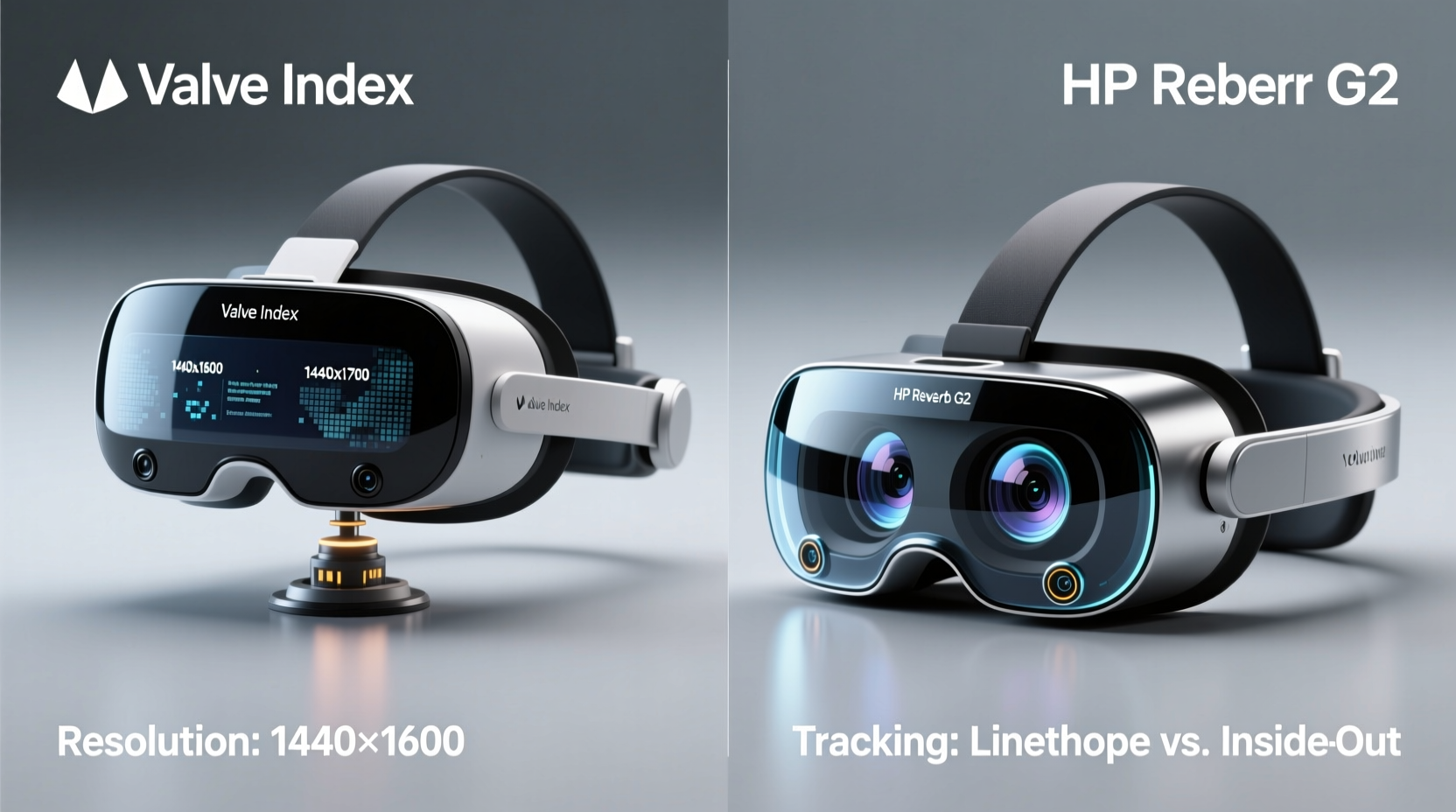
Resolution remains one of the most critical factors in VR immersion. A higher pixel density reduces screen-door effect—the visible gaps between pixels—and enhances realism in virtual environments.
The **HP Reverb G2**, developed in collaboration with Microsoft and Valve, features dual 2.89” LCD panels with a per-eye resolution of 2160 x 2160. This results in a combined resolution of 4320 x 2160 across both eyes—currently among the highest native resolutions available in consumer VR headsets. The sharpness is immediately noticeable, especially in text-heavy applications like flight simulators or productivity tools in VR.
In contrast, the **Valve Index** uses dual 1440 x 1600 LCD displays (2880 x 1600 combined), which is lower than the Reverb G2 on paper. However, Valve compensates with a wider field of view (FOV) of up to 130 degrees compared to the Reverb G2’s ~114 degrees. While the Reverb G2 wins in raw pixel count, the Index provides a more expansive peripheral vision, contributing to greater immersion in fast-paced games.
Tracking Performance: Precision and Reliability
Tracking refers to how accurately a headset detects your head and hand movements in physical space. Poor tracking breaks immersion; precise tracking makes virtual interactions feel natural.
The Valve Index uses **SteamVR Tracking 2.0**, also known as Lighthouse technology. It relies on external base stations (sold separately or included in full kits) that emit infrared lasers to map movement in 3D space. This system is renowned for its sub-millimeter precision, low latency, and support for large play areas—up to 10m x 10m. It also enables multi-user setups and advanced peripherals like tracked gloves or full-body suits.
The HP Reverb G2, on the other hand, uses inside-out tracking via four front-facing cameras. No external sensors are required, simplifying setup. While convenient, this method can struggle in dim lighting or with fast, erratic movements. Occlusion—when controllers move behind your back or out of camera view—is more common than with Lighthouse systems.
“Lighthouse tracking remains the gold standard for competitive VR esports and professional simulations where every millisecond counts.” — Dr. Alan Torres, VR Systems Engineer at MIT Media Lab
For users who demand absolute reliability in tracking—especially in complex environments or competitive gaming—the Valve Index holds a clear advantage. The Reverb G2 is adequate for casual use and seated experiences but may falter during intense room-scale gameplay.
Headset Comparison Table
| Feature | Valve Index | HP Reverb G2 |
|---|---|---|
| Resolution (per eye) | 1440 x 1600 | 2160 x 2160 |
| Combined Resolution | 2880 x 1600 | 4320 x 2160 |
| Display Type | LCD | LCD |
| Refresh Rate | 80–144 Hz | 90 Hz |
| Field of View | Up to 130° | ~114° |
| Tracking System | Lighthouse (external base stations) | Inside-out (onboard cameras) |
| Controllers | Knuckles (finger tracking) | Microsoft-designed wands |
| Audio | Integrated off-ear speakers | Integrated earbuds |
| Weight | 508g | 504g |
| Price (Headset Only) | $999 | $599 |
Ergonomics, Comfort, and Audio Experience
Long VR sessions demand comfort. Both headsets weigh roughly the same, but their fit and balance differ significantly.
The Valve Index uses an overhand halo design with adjustable dial tension at the rear. This distributes weight evenly and minimizes face contact, reducing sweat and pressure points. The facial interface is removable and washable. Its off-ear speakers project sound directly into the ears without blocking ambient noise, allowing users to stay aware of surroundings—a feature many streamers appreciate.
The Reverb G2 employs a traditional strap system with a front weight distribution. Some users report “forehead pressure” during extended use. It includes built-in earbuds, which deliver decent audio but lack spatial depth compared to external headphones. The earbuds are not replaceable, raising concerns about long-term durability.
Additionally, the Index’s Knuckle controllers support individual finger tracking, enabling natural gestures like pointing, grabbing, or thumbs-up. The Reverb G2’s controllers are functionally similar to Windows Mixed Reality wands—reliable but lacking nuanced input.
Real-World Use Case: Flight Simulation Setup
Consider Mark, a flight simulation enthusiast building a home cockpit. He values legibility of cockpit instruments, minimal latency, and consistent head tracking during rapid glances.
Initially, Mark chose the HP Reverb G2 for its ultra-high resolution. Text on instrument panels was razor-sharp, and video streaming in VR felt cinematic. However, he noticed occasional tracking jitter when turning his head quickly during landing approaches. The inside-out system struggled to keep up with sudden rotational movements, leading to disorientation.
After switching to the Valve Index with two Base Station 2.0 units, Mark experienced immediate improvement. Head tracking became buttery smooth, even during aggressive maneuvers. Though cockpit text appeared slightly less crisp, the wider FOV made scanning instruments more natural. Combined with Knuckle controllers, he could reach for switches with lifelike precision.
This case illustrates a key trade-off: resolution benefits static clarity, while tracking excellence supports dynamic responsiveness. For simulation professionals, the latter often outweighs the former.
Performance Requirements and Setup Complexity
Both headsets require powerful PCs, but their setup processes differ dramatically.
The HP Reverb G2 connects via a single USB-C and DisplayPort cable. Plug-and-play compatibility with SteamVR and Windows Mixed Reality makes it ideal for beginners. Room setup takes under 10 minutes using the WMR portal.
The Valve Index requires more effort. Users must mount two base stations in opposite corners of the room, ensure line-of-sight coverage, and calibrate the play area using SteamVR. While more involved, this allows for larger, more accurate tracking volumes. Additionally, the Index supports standing, seated, and room-scale experiences with equal fidelity.
- Minimum GPU for Reverb G2: NVIDIA GTX 1070 / AMD Radeon RX Vega 56
- Recommended GPU for Index: NVIDIA RTX 2070 or higher (especially for 120–144Hz modes)
- Cable Management: Both use tethered connections; wireless adapters like Virtual Desktop or TPCast are third-party options.
Checklist: Choosing the Right Headset for You
Use this checklist to determine which headset aligns with your priorities:
- ✅ Do you need the sharpest possible visuals for reading or media? → Consider Reverb G2.
- ✅ Will you play fast-paced, room-scale games (e.g., Boneworks, Blade & Sorcery)? → Choose Valve Index.
- ✅ Is ease of setup and minimal hardware important? → Reverb G2 has simpler installation.
- ✅ Do you plan to expand into full-body tracking or multiplayer VR labs? → Valve Index + Lighthouse scales better.
- ✅ Are you on a budget under $700? → Reverb G2 offers better value.
- ✅ Do you want finger-aware controllers for realistic interaction? → Index Knuckles are unmatched.
Frequently Asked Questions
Can I use HP Reverb G2 controllers with Valve Index?
No. The Reverb G2 uses Microsoft’s WMR controller protocol, which is incompatible with SteamVR’s Knuckle ecosystem. Each system requires its own dedicated controllers.
Does the Valve Index have better longevity than the Reverb G2?
In terms of modularity and upgrade path, yes. Valve sells replacement parts (face cushions, cables, base stations), and the platform is actively supported through SteamVR updates. HP has discontinued new production of the Reverb G2, making it a legacy product with limited future support.
Which headset has less motion blur?
The Valve Index supports refresh rates up to 144Hz, significantly reducing motion blur in fast-moving scenes. The Reverb G2 is capped at 90Hz, which may cause smearing during rapid head turns, especially in action titles.
Final Verdict: Resolution vs. Tracking Trade-Off
The HP Reverb G2 wins on pure resolution. With over twice the pixel count of the Valve Index, it delivers the clearest image currently available in consumer VR. It's ideal for VR cinema, architectural walkthroughs, or any application where fine detail matters.
However, the Valve Index dominates in tracking precision, refresh rate flexibility, controller innovation, and ecosystem scalability. Its Lighthouse system sets the benchmark for responsive, low-latency VR—critical for competitive gaming, training simulations, and interactive experiences.
If your priority is **visual clarity above all**, and you mostly engage in seated or desk-based VR, the Reverb G2 is a compelling choice—especially at its current discounted pricing.
But if you seek **the most responsive, immersive, and future-proof VR experience** with elite tracking and expressive controls, the Valve Index justifies its premium cost despite the lower resolution.




 浙公网安备
33010002000092号
浙公网安备
33010002000092号 浙B2-20120091-4
Comments
No comments yet. Why don't you start the discussion?