
Virtual reality (VR) has evolved from a futuristic concept into an accessible technology that fits in your living room. For first-time buyers, the range of VR headsets can be overwhelming—prices vary from under $300 to over $1,000, and each model offers different capabilities, comfort levels, and compatibility requirements. Understanding what matters most before making a purchase ensures you invest in a device that matches your lifestyle, space, and expectations. Whether you're drawn to immersive gaming, fitness, or social experiences, getting the fundamentals right sets the foundation for a satisfying VR journey.
Understanding the Types of VR Headsets
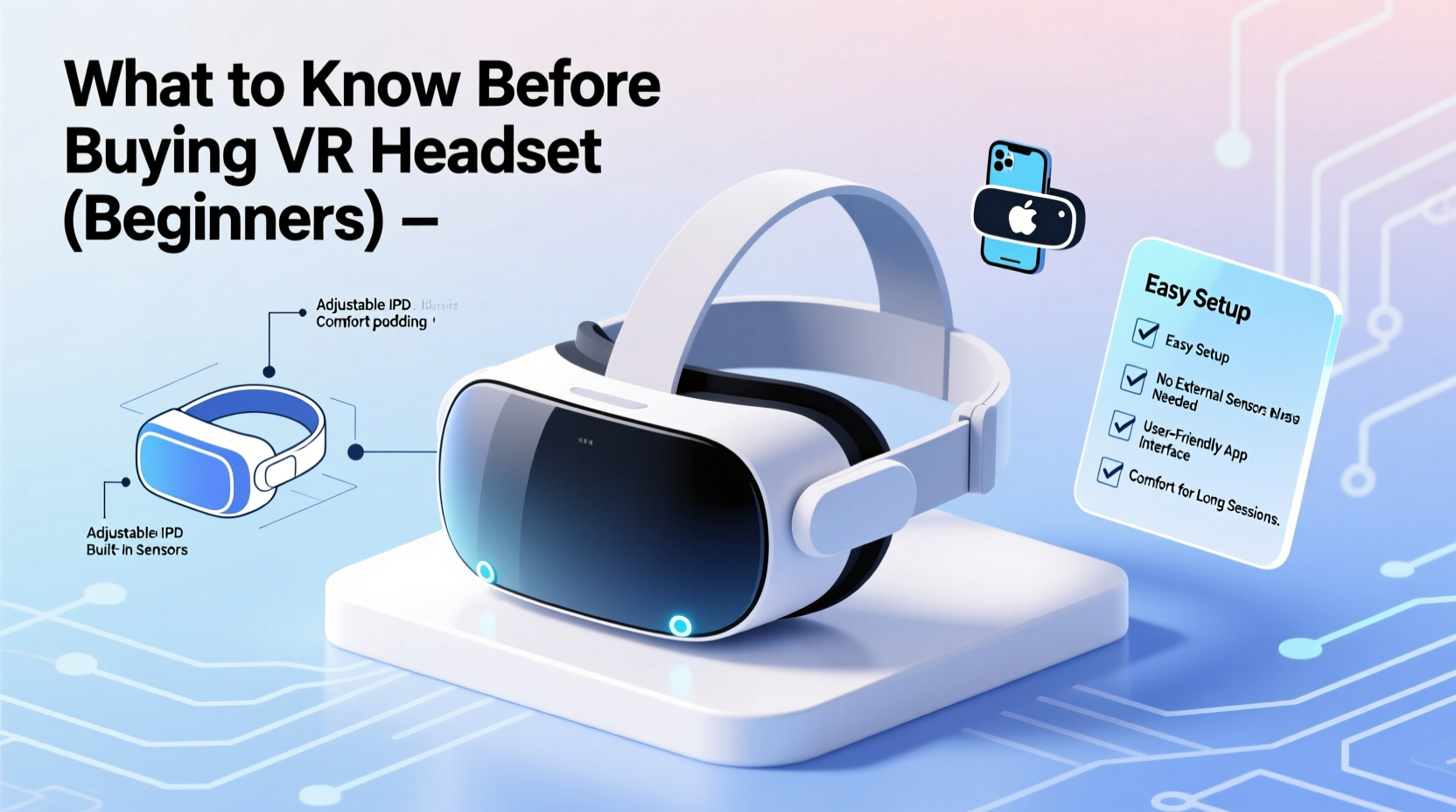
Not all VR headsets are created equal. They fall into three main categories: standalone, PC-powered, and console-based. Each type serves different user needs and technical environments.
- Standalone headsets operate independently, requiring no external devices. Powered by built-in processors and batteries, they offer the greatest convenience and mobility. Examples include Meta Quest 3 and Pico 4. These are ideal for beginners who want plug-and-play simplicity.
- PC-powered headsets, like the Valve Index or HTC Vive Series, deliver higher graphical fidelity and tracking precision but require a capable gaming computer. They connect via cables or wirelessly using adapters and are best suited for users with high-end PCs focused on premium gaming or professional applications.
- Console-based VR is currently led by Sony’s PlayStation VR2, which works exclusively with the PS5. It balances performance and accessibility, offering strong visuals without needing a PC. However, it limits flexibility to PlayStation owners.
Key Features to Evaluate Before Buying
Choosing a VR headset isn't just about brand or price. Several technical and ergonomic factors influence your long-term satisfaction.
Display Quality and Resolution
The clarity of the visual experience depends on resolution, refresh rate, and field of view. Most modern headsets offer at least 1832 x 1920 pixels per eye, with refresh rates between 72Hz and 120Hz. Higher refresh rates reduce motion blur and improve comfort during fast-paced games. A wider field of view enhances immersion, though few consumer models exceed 110 degrees horizontally.
Tracking System
Inside-out tracking uses cameras on the headset to map your surroundings and detect controller positions—no external sensors required. This simplifies setup and is standard in standalone and newer PC headsets. Outside-in tracking, used in older systems like the original HTC Vive, relies on base stations placed around the room for greater precision but adds installation steps.
Comfort and Fit
You may wear your headset for extended periods, so fit matters. Look for adjustable straps, balanced weight distribution, and facial interface materials that minimize pressure. Some users prefer headbands with rear dials for secure fitting; others prioritize lightweight designs. Try reading reviews from users with similar face shapes or wearing glasses.
Audio Integration
Built-in spatial audio enhances immersion. Many headsets feature integrated speakers or earbuds that project sound near your ears without blocking ambient noise—a safety benefit if you share space with others. However, audiophiles often replace these with aftermarket headphones for richer sound.
“Comfort is as critical as specs. A poorly fitting headset will break immersion within minutes, no matter how advanced the tech.” — Lena Park, VR Experience Designer at Immersive Futures Lab
Room Setup and Space Requirements
Your physical environment determines which headsets work best. VR requires enough open floor space to move safely, especially in room-scale experiences where you walk around virtual environments.
Most systems use guardian or boundary systems—digital perimeters you set during setup to prevent collisions with walls or furniture. The minimum recommended play area is typically 6.5 x 5 feet (2 x 1.5 meters), though some games function well in smaller seated or standing setups.
Ensure your space is clear of tripping hazards. Rugs should be flat, cords secured, and pets or children supervised when you're immersed. Lighting also plays a role: overly bright rooms or direct sunlight can interfere with inside-out tracking cameras.
Wired vs. Wireless: What’s Best for You?
Wired headsets generally offer lower latency and consistent bandwidth, translating to smoother visuals. However, cables can restrict movement and pose tangling risks. Wireless options, including standalone units or PC VR via Wi-Fi 6 adapters (like Air Link or Virtual Desktop), provide freedom but may suffer from compression artifacts or connection drops depending on your router strength.
If opting for wireless PC streaming, ensure your network supports 5 GHz Wi-Fi with minimal interference. A dedicated access point near your play area improves stability.
Compatibility and Ecosystem Considerations
A headset is only as useful as the content available for it. Before purchasing, evaluate the software library and platform exclusivity.
| Headset Type | Platform | App Store | Notable Exclusives |
|---|---|---|---|
| Meta Quest Series | Standalone / PC (via Link) | Meta Quest Store | Beat Saber, Supernatural, Resident Evil 4 VR |
| Valve Index | PC VR | SteamVR | Half-Life: Alyx, Boneworks |
| PlayStation VR2 | PS5 | PS Store | Horizon Call of the Mountain, Gran Turismo 7 VR |
| Pico 4 / Neo 3 | Standalone (Global/China) | Pico Store | Fight Saga, Demeo (limited Western titles) |
Cross-platform availability is growing, but many flagship titles remain exclusive. Check whether your desired apps—be it fitness programs like Les Mills Bodycombat, productivity tools, or multiplayer games—are supported.
Also consider future-proofing. Does the manufacturer regularly update firmware? Are new accessories (like prescription lens inserts or haptic vests) compatible? Brands like Meta have shown sustained investment in their ecosystem, while smaller players may lack long-term support.
Step-by-Step Guide to Choosing Your First VR Headset
Follow this sequence to make a confident decision tailored to your situation:
- Assess your budget. Entry-level standalone headsets start around $300–$400. High-end PC systems can exceed $1,000 including hardware upgrades.
- Determine your primary use case. Is it gaming, fitness, meditation, education, or social interaction? Match your goals to top-rated apps in those categories.
- Evaluate your existing tech. Do you have a VR-ready PC (RTX 3060 or better)? A PS5? Or do you prefer an all-in-one solution?
- Measure your available space. Confirm you have sufficient clearance for seated, standing, or room-scale play.
- Research recent models. Avoid outdated headsets unless buying secondhand. Focus on devices released within the last two years.
- Read real-user reviews. Pay attention to feedback about comfort, customer service, and software updates.
- Check return policies. Some retailers allow trial periods. Test the headset at home to assess fit and usability.
Real Example: Sarah’s First VR Purchase
Sarah, a 34-year-old teacher from Portland, wanted to explore VR for stress relief and light exercise. She didn’t own a gaming PC or console and lived in a small apartment. After researching, she chose the Meta Quest 3. Its standalone design eliminated the need for extra hardware, and its mixed-reality features allowed her to meditate in virtual forests overlaid on her living room.
She started with free demos of guided breathing apps and gradually added titles like “FitXR” for dance workouts. Because the headset tracked movement accurately without external sensors, she could set up quickly after work. Within weeks, VR became part of her weekly routine—proving that thoughtful selection leads to lasting engagement.
Common Mistakes Beginners Make
- Underestimating space needs. Attempting room-scale games in cluttered areas increases injury risk and degrades tracking.
- Ignoring comfort adjustments. Failing to customize strap tension or interpupillary distance (IPD) settings causes discomfort and blurry visuals.
- Overlooking hygiene. Sweat buildup on facial interfaces can cause skin irritation or odors. Clean regularly with alcohol-free wipes.
- Buying based on specs alone. A high-resolution display won’t compensate for poor ergonomics or limited software.
- Skipping tutorials. Jumping straight into complex games without learning controls leads to frustration.
FAQ: Top Questions from New VR Users
Can I use a VR headset if I wear glasses?
Yes. Most headsets accommodate glasses, though frames may press against the face cushion. Some models, like the Quest 3, support prescription lens inserts sold separately, offering a cleaner fit.
Is VR safe for children?
Manufacturers recommend minimum ages (usually 10–13+) due to ongoing visual development and content suitability. Supervise younger users, limit session length to 15–20 minutes, and choose age-appropriate apps.
How do I prevent motion sickness?
Start with stationary experiences and gradually increase intensity. Ensure high frame rates, use teleportation movement instead of smooth locomotion initially, and take breaks every 20–30 minutes. Over time, many users build tolerance.
Essential Checklist Before Purchase
- ☐ Define your main purpose:
- Gaming, fitness, productivity, or exploration?
- ☐ Confirm system compatibility:
- Do you need a PC, console, or will a standalone unit suffice?
- ☐ Measure your play area:
- Ensure adequate width, depth, and ceiling height.
- ☐ Review app availability:
- Verify access to at least three must-have titles.
- ☐ Test comfort features:
- Look for IPD adjustment, ventilation, and weight balance.
- ☐ Budget for accessories:
- Consider cases, cleaning kits, wrist straps, or elite battery packs.
- ☐ Check warranty and support:
- Confirm repair options and software update frequency.
Making the Most of Your VR Investment
Once you’ve selected a headset, treat setup as an iterative process. Calibrate your guardian boundary carefully, experiment with audio settings, and personalize visual preferences. Spend time exploring free content before purchasing premium apps. Join online communities to discover hidden gems and troubleshooting tips.
Remember, VR is not just about spectacle—it's about presence. The most rewarding experiences often come from simple interactions: watching a sunset in another country, attending a live concert in avatar form, or completing a mindfulness session in a tranquil virtual garden. By choosing wisely and using thoughtfully, your headset becomes more than a gadget—it becomes a gateway.




 浙公网安备
33010002000092号
浙公网安备
33010002000092号 浙B2-20120091-4
Comments
No comments yet. Why don't you start the discussion?