
Mornings set the tone for the rest of the day. For many, they begin with a chaotic scramble: turning off alarms, checking the weather, brewing coffee, adjusting lights, and gathering information—all before leaving the house. But what if your home could wake up with you, preparing everything in advance? Voice assistant routines make this possible by automating multiple actions across connected devices with a single command or trigger. Whether you're using Amazon Alexa, Google Assistant, or Apple’s Siri, integrating smart routines can transform your mornings from stressful to seamless.
This guide explores how to design and deploy effective voice assistant routines that synchronize actions across your smart home ecosystem. From waking up gently to receiving real-time updates while getting ready, automation can eliminate friction and give you back precious minutes every day.
Why Automate Your Morning?
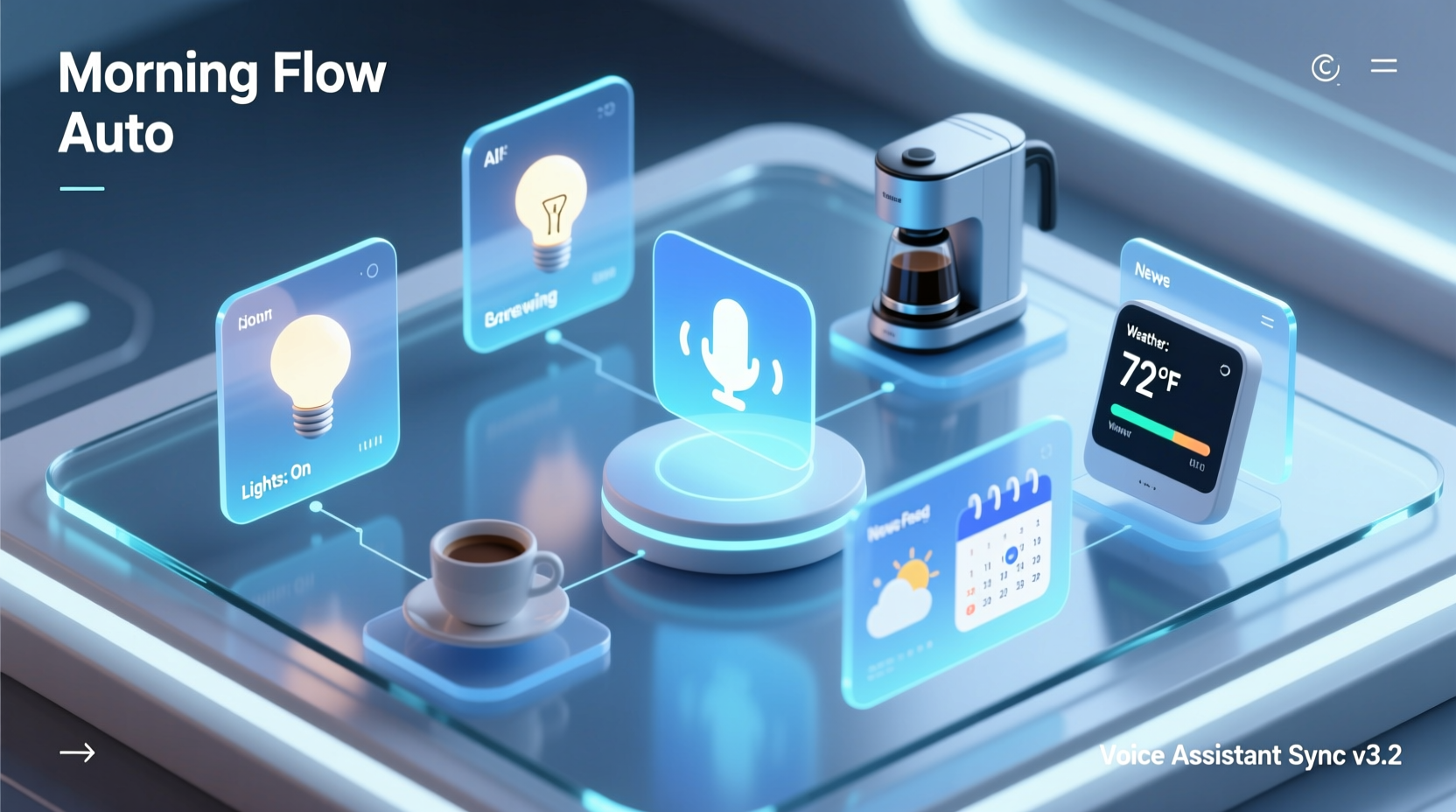
The average person spends 30 to 45 minutes on morning preparation. Much of this time is spent on repetitive, low-value tasks—turning on lights, checking calendars, starting appliances, or pulling together news and traffic updates. By automating these steps, you reduce decision fatigue, minimize distractions, and create a consistent, calming start to your day.
Voice assistants like Alexa, Google Assistant, and Siri have evolved beyond simple Q&A tools. They now act as central hubs for smart homes, capable of triggering complex sequences across lighting, thermostats, speakers, blinds, security systems, and kitchen appliances. When configured properly, they can initiate a full \"morning routine\" based on time, motion, sound, or voice command.
“Automation isn’t about laziness—it’s about intentionality. Routines free up mental bandwidth so you can focus on what matters.” — Dr. Lena Torres, Behavioral Technologist at MIT Human Interaction Lab
Step-by-Step Guide to Building a Smart Morning Routine
Creating an effective morning automation doesn’t require coding skills. Most voice assistants offer intuitive interfaces through their companion apps. Follow this structured approach to build a personalized morning sequence:
- Inventory Your Devices: List all smart devices in your bedroom, bathroom, kitchen, and entryway. Include lights, thermostats, speakers, blinds, coffee makers, and displays.
- Determine Your Ideal Wake-Up Flow: Map out the ideal sequence of events when you wake up. Example: Gradual light increase → soft music → temperature adjustment → news briefing → coffee brew.
- Choose a Trigger: Decide whether your routine starts automatically (e.g., at 6:30 AM) or via voice command (“Good morning”).
- Use the Assistant App to Create the Routine: Open your voice assistant app (Alexa, Google Home, or Apple Home), navigate to Routines, and add actions step by step.
- Test and Refine: Run the routine manually first. Adjust timing, volume, brightness, or device order based on experience.
Cross-Platform Comparison: Alexa vs. Google vs. Siri
Each major voice assistant supports routines, but their capabilities and integration depth vary. Here's how they compare for morning automation:
| Feature | Alexa (Amazon) | Google Assistant | Siri (Apple HomeKit) |
|---|---|---|---|
| Trigger Types | Time, voice, motion sensors, door sensors | Time, voice, location, device state | Time, voice, location, sensor (via HomeKit) |
| Supported Devices | Over 150,000 smart devices | Broad support, especially Android/Google ecosystem | Limited to MFi-certified HomeKit devices |
| Multi-Room Audio Sync | Yes (via Echo groups) | Yes (Speaker Groups) | Yes (AirPlay 2) |
| Customizable Delays | No native delay, but workarounds exist | Yes (with conditional logic) | Limited (requires Shortcuts app for advanced timing) |
| Third-Party Integrations | IFTTT, SmartThings, Ring, Philips Hue, etc. | Nest, Fitbit, IFTTT, August Locks | Fewer options, strong privacy focus |
| Best For | Device variety and granular control | Android users and contextual awareness | iOS users prioritizing privacy and ecosystem cohesion |
Alexa leads in sheer device compatibility, making it ideal for households with mixed brands. Google Assistant excels at delivering timely, context-aware information such as commute times based on calendar events. Siri offers tight integration with Apple devices but requires compatible hardware, which may limit flexibility.
Real-Life Example: How Sarah Streamlined Her Mornings
Sarah, a project manager and mother of two, used to spend her mornings rushing between the kids’ rooms, the kitchen, and her laptop. She often forgot to check traffic or left the house without reviewing her schedule. After setting up a Google Assistant routine, her mornings transformed.
At 7:00 AM, her smart blinds open gradually. The thermostat adjusts to 72°F. A gentle chime plays through bedroom speakers, followed by a 5-minute news summary. As she walks into the kitchen, motion sensors trigger the lights and start the coffee maker via a smart plug. On her Nest Hub, her calendar, weather, and commute time appear automatically.
She also created a voice-activated “Good morning” command that activates only after 7:00 AM, ensuring the system doesn’t respond accidentally at night. Within a week, Sarah reported feeling more in control and saving nearly 20 minutes each morning.
“I didn’t realize how much mental energy I was wasting on small decisions until automation took them away.” — Sarah Lin, Boston, MA
Essential Tips for Effective Morning Routines
To maximize reliability and comfort, follow these best practices when designing your voice assistant routines:
- Layer the Experience: Avoid overwhelming stimuli. Start with dim lights and soft sounds, increasing intensity over 2–5 minutes.
- Use Conditional Logic: Program routines to adapt. For example: “If it’s raining, announce a reminder to take an umbrella.”
- Sync with Wearables: Connect your smartwatch or fitness tracker to delay the routine if you’re still asleep (e.g., if sleep tracking shows deep sleep past alarm time).
- Minimize Redundancy: Don’t repeat the same info across devices. Let your bedside display show weather, and your speaker deliver traffic updates.
- Ensure Privacy: Disable microphones or mute cameras during sensitive moments. Use local processing where possible (e.g., Apple’s on-device Siri requests).
Checklist: Building Your First Morning Routine
Follow this checklist to ensure your routine is functional, reliable, and user-friendly:
- ✅ Identify 2–3 key morning actions to automate (e.g., lights, news, temperature).
- ✅ Confirm all targeted devices are online and linked to your assistant.
- ✅ Choose a trigger: time-based (e.g., 6:45 AM) or voice-activated (“Good morning!”).
- ✅ Set device-specific actions in the assistant app (e.g., “Turn on bedroom lights,” “Play NPR on kitchen speaker”).
- ✅ Add delays where needed (e.g., wait 30 seconds before starting coffee).
- ✅ Test the routine manually to verify timing and volume levels.
- ✅ Enable optional conditions (e.g., “Only on weekdays” or “If motion detected in bedroom”).
- ✅ Save and activate the routine. Monitor performance for three days.
- ✅ Refine based on feedback (e.g., lower music volume, adjust light color temperature).
- ✅ Expand to include additional devices once the core flow works reliably.
Advanced Automation Ideas
Once you’ve mastered basic routines, consider these advanced integrations to further enhance your mornings:
- Adaptive Lighting: Use smart bulbs to simulate sunrise, gradually shifting from warm reds to bright whites over 15–30 minutes.
- Dynamic Content Delivery: Have your assistant read only unread emails or prioritize urgent calendar alerts based on keywords.
- Security Handoff: Automatically disarm your home security system when your phone arrives within geofenced range in the morning.
- Kitchen Automation: Start your toaster oven, electric kettle, or slow cooker via smart plugs after confirming you’re awake.
- Family Mode: Trigger different actions per user. For example, one voice profile plays classical music, another reads sports scores.
For tech-savvy users, platforms like IFTTT or Apple Shortcuts allow even deeper customization. You could create a routine that checks air quality and opens windows via smart actuators if pollution levels are low—or sends a text to your partner when coffee is ready.
FAQ: Common Questions About Voice Assistant Routines
Can I run the same routine on multiple voice assistants?
Not natively. Each platform operates independently. However, you can recreate similar routines on Alexa, Google, and Siri separately. Use cross-platform tools like IFTTT to sync certain triggers across ecosystems.
What happens if my Wi-Fi goes down during the routine?
Most routines require internet connectivity. If your network fails, devices may not respond. To improve resilience, use local execution features (available in Google Home and Apple HomeKit) where commands are processed on your network instead of in the cloud.
Can I customize the voice or tone of the announcements?
Yes. Google Assistant and Alexa allow you to choose different voices. Alexa offers expressive tones (e.g., cheerful, whispering), while Google provides natural-sounding voices with regional accents. Siri currently has fewer voice options but integrates well with iOS accessibility settings.
Conclusion: Take Control of Your Mornings Starting Today
Your morning doesn’t have to be a race against the clock. With voice assistant routines, you can orchestrate a calm, efficient start powered by technology that works quietly in the background. Whether it’s warming the room before you rise, brewing coffee as you brush your teeth, or briefing you on the day ahead, automation puts you in control—without lifting a finger.
The key is to start simple, test thoroughly, and scale gradually. In less than an hour, you can set up a routine that saves you time every single day. Imagine reclaiming 10 minutes each morning—that’s over 60 hours a year. Now ask yourself: What could you do with an extra day and a half?




 浙公网安备
33010002000092号
浙公网安备
33010002000092号 浙B2-20120091-4
Comments
No comments yet. Why don't you start the discussion?