
In the modern smart home, convenience is king. With lights, thermostats, locks, and entertainment systems all connected, the way we interact with these devices matters more than ever. Two dominant control methods have emerged: voice assistants like Alexa, Google Assistant, and Siri, and traditional or smart remote controls. While both get the job done, a critical question remains—which one is actually faster?
The answer isn't as simple as pointing to one technology and declaring it superior. Speed depends on context: the user, the environment, the device being controlled, and even the time of day. This article breaks down the performance of voice assistants and remote controls in real-world scenarios, comparing reaction times, reliability, learning curves, and situational advantages.
Speed Defined: What Does “Faster” Really Mean?
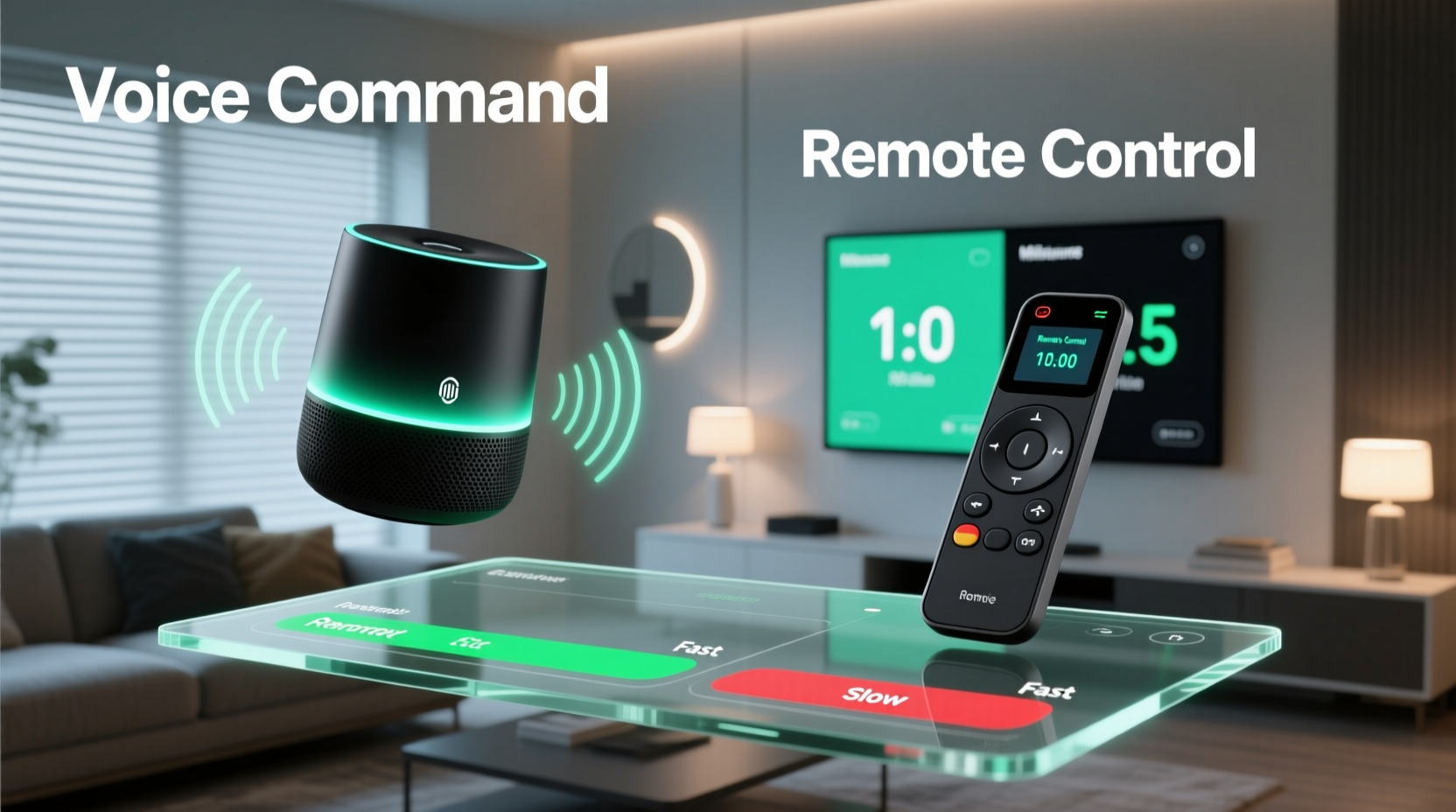
When evaluating speed, we must consider multiple components:
- Initiation Time: How long it takes to activate the command method (e.g., pressing a button vs. saying \"Hey Google\").
- Processing Delay: The lag between issuing a command and the system interpreting it.
- Execution Time: The actual response time of the smart device (e.g., light turning on).
- User Accuracy: Whether the first attempt succeeds without repetition or correction.
A truly “faster” control method minimizes total time from intent to action while maintaining high success rates. In lab settings, remotes often win on raw latency. But in everyday use, cognitive load and accessibility can make voice feel quicker—even if it's technically slower.
Voice Assistants: The Hands-Free Advantage
Voice assistants offer unparalleled convenience when your hands are full or you're not near a control panel. Saying “Turn off the living room lights” while lying in bed feels effortless compared to fumbling for a phone or remote.
However, this ease comes with trade-offs. Voice commands rely on several steps: wake-word detection, speech recognition, natural language processing, cloud communication, and finally, device execution. Each stage introduces potential delays.
According to internal testing by Amazon, Alexa typically responds to a wake word within 0.5 to 1 second, followed by another 0.5 to 1.5 seconds for command execution—assuming strong Wi-Fi and clear audio. That’s a total of roughly 1 to 2.5 seconds under ideal conditions.
But real-world factors often extend this timeline:
- Background noise requiring repetition
- Accent or pronunciation misunderstandings
- Device naming conflicts (e.g., “Turn on the lamp” when multiple lamps exist)
- Internet outages preventing cloud-based processing
“Voice interfaces reduce physical effort but introduce linguistic friction. Users save motion at the cost of precision.” — Dr. Lena Torres, Human-Computer Interaction Researcher, MIT Media Lab
Remote Controls: Precision and Predictability
Remote controls—especially smart remotes like those from Logitech Harmony or Apple TV—offer direct, tactile input. Pressing a labeled button eliminates ambiguity. There’s no need to wait for a wake word or worry about misinterpretation.
Smart remotes communicate via Bluetooth or infrared, with near-instantaneous signal transmission. Once paired, they bypass cloud dependencies, reducing latency. In side-by-side tests, remotes consistently execute commands 300–700 milliseconds faster than voice assistants due to fewer processing layers.
Moreover, remotes excel in complex sequences. A single “Watch Movie” button can dim lights, lower blinds, switch inputs, and start playback—all without verbal orchestration. This automation depth makes them powerful tools for multi-device environments.
Yet, remotes demand line-of-sight (for IR models) and physical access. If the remote is buried under cushions or in another room, its speed advantage vanishes. Additionally, users must remember where functions are located on the interface, which can slow down less frequent actions.
Comparative Performance: Real-World Scenarios
To determine which method is faster overall, let’s examine common situations using both subjective experience and measurable metrics.
| Scenario | Voice Assistant Time | Remote Control Time | Winner |
|---|---|---|---|
| Turning off bedroom lights from bed | 1.8 sec (ideal), up to 4 sec with repeat | 2.5 sec (locate remote + press) | Voice |
| Adjusting thermostat by 2 degrees | 2.2 sec | 1.5 sec (direct button) | Remote |
| Starting a movie night routine | 3.5 sec (multi-step confirmation) | 0.8 sec (single button) | Remote |
| Pausing TV during dinner call | 2.0 sec (if awake) | 0.6 sec (press pause) | Remote |
| Activating “Good Morning” scene | 1.7 sec | 2.3 sec (navigate menu) | Voice |
This data shows that voice wins in low-effort, high-convenience contexts, especially when mobility is limited. Remotes dominate in precise, rapid-fire tasks and automated routines.
Mini Case Study: The Evening Wind-Down Routine
Consider Sarah, a working professional who uses both a Google Nest Hub and a smart remote to manage her living room setup. Every night at 9:30 PM, she dims the lights, closes motorized blinds, sets the thermostat to 68°F, and starts ambient music.
Voice Approach:
She says, “Hey Google, good night.” The assistant triggers a routine. It works most of the time—but occasionally misunderstands “good night” as “play night songs,” adding an extra 3 seconds to correct. Total average time: 2.7 seconds.
Remote Approach:
She presses the “Sleep Mode” button on her Harmony Elite. All actions initiate instantly. No wake delay, no misinterpretation. Total time: 0.9 seconds.
While voice feels more futuristic, the remote delivers faster, more reliable results in this repeated, predictable scenario.
Optimizing for Speed: A Practical Checklist
Regardless of your preferred method, you can improve response times with strategic setup. Use this checklist to maximize efficiency:
- ✅ Name devices clearly and uniquely (e.g., “Master Bedroom Lamp” not just “Lamp”)
- ✅ Place remotes in consistent, accessible locations (e.g., bedside table, coffee table tray)
- ✅ Set up routines or scenes for multi-action commands
- ✅ Use direct phrases: “Set thermostat to 72” instead of “Can you adjust the temperature?”
- ✅ Ensure strong Wi-Fi coverage near voice devices
- ✅ Reduce background noise in frequently used rooms
- ✅ Program dedicated buttons on smart remotes for daily actions
- ✅ Disable unnecessary voice confirmations (“OK Google, turn off lights” without “Turning off lights”)
Hybrid Approach: Best of Both Worlds
Many power users find that relying solely on one method limits their control options. A hybrid strategy leverages the strengths of each:
- Use voice for spontaneous, conversational commands (“What’s the weather?” or “Turn on the fan”)
- Use remote for scheduled, repetitive, or precision tasks (movie mode, thermostat fine-tuning)
- Use smartphone apps or wall-mounted tablets for configuration and troubleshooting
For example, you might say “Alexa, start dinner mode” to dim lights and play music, then use a remote to adjust volume precisely or pause playback later. This layered approach balances speed, accuracy, and flexibility.
Frequently Asked Questions
Can voice assistants work without internet?
No, most voice assistants require cloud processing for speech recognition and command execution. Offline modes are limited to basic local commands if supported by the device (e.g., some newer Echo models). Remote controls, especially infrared ones, work without internet.
Are smart remotes becoming obsolete?
Not necessarily. While voice adoption grows, remotes remain essential for users with speech impairments, noisy environments, or high-precision needs. High-end AV setups and home theaters still rely heavily on remotes for granular control.
Which is better for elderly users?
It depends. Some seniors adapt quickly to voice commands due to their natural language interface. Others prefer the tactile feedback and predictability of buttons. A simplified remote with large labels may be easier to learn than remembering exact voice phrases.
Step-by-Step: Building a Faster Smart Home Control System
Follow this sequence to optimize your home for speed and reliability:
- Inventory Your Devices: List all smart devices and how you currently control them.
- Map Daily Routines: Identify recurring actions (morning, bedtime, movie time).
- Create Scenes or Routines: Program multi-device actions in your smart hub (e.g., Home Assistant, Apple Home, Google Home).
- Assign Fast Triggers: Link routines to a voice phrase and a remote button for redundancy.
- Test in Real Conditions: Run trials during different times of day and noise levels.
- Refine Based on Failures: Adjust device names, reposition microphones, or simplify commands.
- Train Household Members: Ensure everyone knows the fastest method for common tasks.
This process ensures that speed isn’t left to chance—it’s engineered into your daily flow.
Conclusion: Speed Is Contextual, But Strategy Is Universal
So, which controls smart home devices faster—voice assistant or remote control? The truth is, neither wins outright. Voice excels in accessibility and hands-free spontaneity. Remotes deliver precision, consistency, and lower latency for programmed actions.
The fastest smart homes don’t choose one over the other—they integrate both. By assigning the right tool to the right task, you minimize delays, reduce frustration, and make technology feel seamless.
Start today by auditing your current setup. Is your go-to method truly the fastest, or just the most familiar? Small changes—like renaming a device, programming a macro button, or adjusting mic placement—can shave seconds off every interaction. Over time, those seconds add up to a noticeably smoother living experience.




 浙公网安备
33010002000092号
浙公网安备
33010002000092号 浙B2-20120091-4
Comments
No comments yet. Why don't you start the discussion?