
In an era where speed and precision define digital efficiency, the way we search for information has evolved dramatically. Voice assistants like Siri, Alexa, and Google Assistant promise hands-free convenience, while traditional typing remains a staple for many. But when it comes to delivering fast and accurate answers, which method truly wins? The answer isn’t always straightforward—it depends on context, intent, environment, and even user behavior.
This article breaks down the performance of voice assistants versus typed queries across multiple dimensions. From response time and accuracy to contextual understanding and usability, we’ll explore real-world scenarios, expert insights, and data-backed comparisons to help you decide when to speak and when to type.
Speed Comparison: How Fast Are Voice and Text Queries?
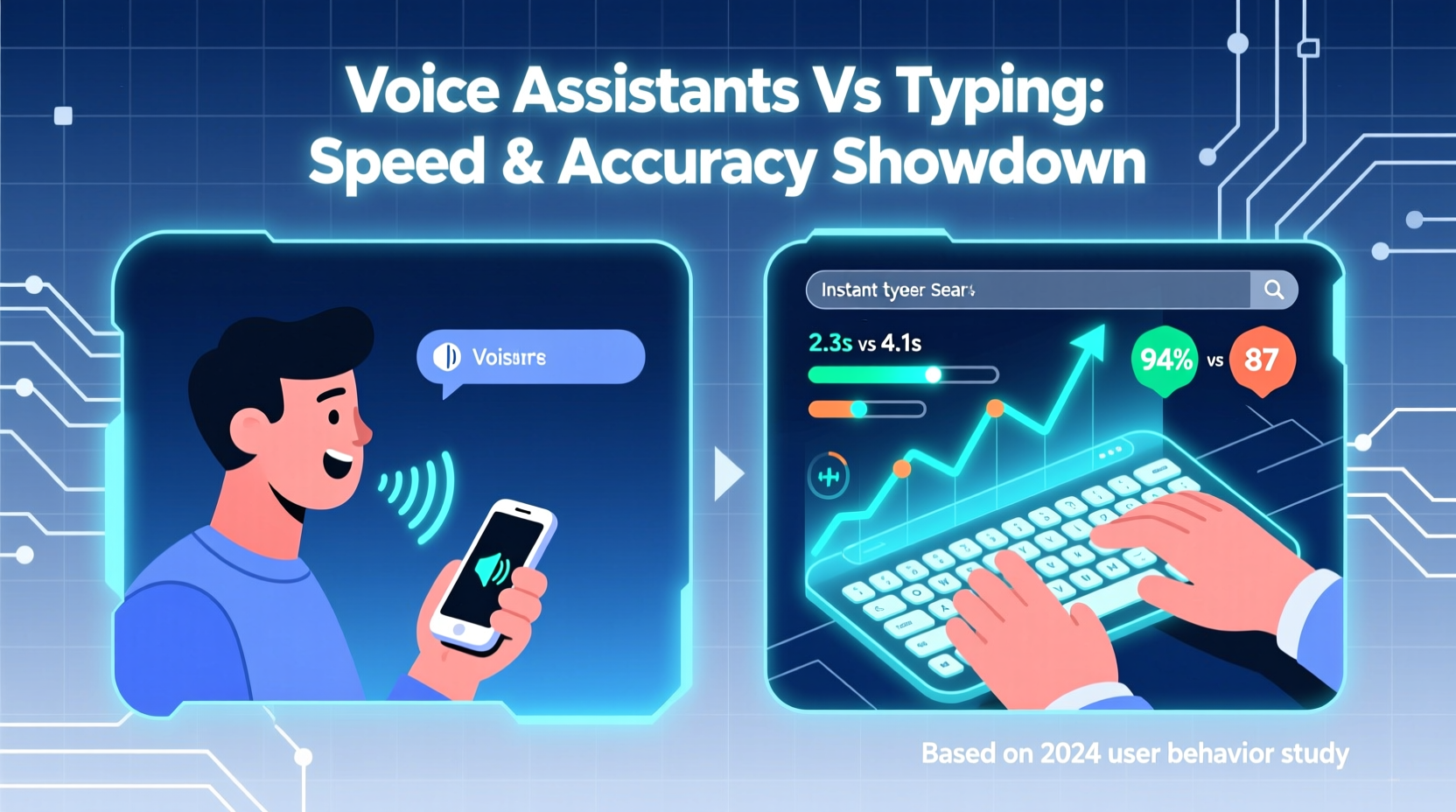
Speed is often the primary reason users turn to voice assistants. Speaking a question feels faster than typing, especially on mobile devices. But does that perception hold up under scrutiny?
A 2022 study by Stanford University found that voice input was, on average, **three times faster** than typing on a smartphone keyboard. For simple commands—like setting alarms or sending messages—this advantage is clear. However, when it comes to complex queries requiring multi-step reasoning or precise phrasing, the gap narrows significantly.
Voice search excels in low-cognitive-load tasks:
- \"What’s the weather today?\"
- \"Call Mom\"
- \"Set a timer for 10 minutes\"
These are processed quickly because they rely on predefined functions or straightforward data retrieval. In contrast, typing allows for editing, backtracking, and refining before submission—something voice doesn’t easily support. If you mispronounce a word or phrase your query awkwardly, the assistant may return irrelevant results, forcing you to repeat the process.
Accuracy: Which Method Delivers Better Results?
Accuracy hinges on how well the system interprets intent and retrieves relevant information. While voice assistants have improved dramatically thanks to advances in natural language processing (NLP), they still struggle with ambiguity, homophones, and complex syntax.
For example, consider the query: “Find flights from Paris to Texas under $400.” Typed into Google, this yields structured results from travel aggregators with filters and options. Spoken aloud, the same request might be misheard as “Paris to Texas” (missing price constraint) or even “Paris to taxis,” leading to irrelevant outcomes.
According to research from Stone Temple Consulting, typed searches achieve **higher result relevance** in 78% of informational and transactional queries compared to voice. This is largely due to:
- Better control over keyword selection
- Ability to use advanced operators (e.g., site:, intitle:)
- Fewer misinterpretations of intent
Voice assistants, meanwhile, prioritize conversational flow over precision. They often return a single best guess rather than a list of options, limiting user choice. This can be efficient for simple needs but risky when accuracy is critical—such as medical advice or technical troubleshooting.
“Voice search trades breadth for convenience. It assumes what you want based on context, which works well until it doesn't.” — Dr. Lena Patel, Human-Computer Interaction Researcher at MIT
Comparative Analysis: When to Use Each Method
The optimal choice between voice and typing depends on the situation. Below is a breakdown of common use cases and recommendations based on speed, accuracy, and practicality.
| Use Case | Voice Assistant | Typing Search | Recommended Method |
|---|---|---|---|
| Quick facts (e.g., “How tall is Mount Everest?”) | Fast, usually accurate | Slightly slower, highly accurate | Voice |
| Research-heavy topics (e.g., “symptoms of vitamin D deficiency”) | Limited results, one-answer focus | Detailed sources, multiple perspectives | Typing |
| Navigational commands (e.g., “Directions to nearest pharmacy”) | Immediate, integrated with maps | Manual entry required | Voice |
| Shopping/product comparisons | Basic info only | Price grids, reviews, filter options | Typing |
| Multistep queries (e.g., “Best Italian restaurants open now with outdoor seating”) | May drop key criteria | Precise filtering possible | Typing |
| Accessibility needs | Essential for visually impaired users | Challenging without assistive tools | Voice |
This table highlights a key insight: voice shines in immediacy and accessibility, while typing dominates in depth and control. Choosing the right method means matching the tool to the task.
Mini Case Study: Emergency Home Repair
Consider Sarah, a homeowner facing a leaking faucet late at night. Her phone battery is low, and her hands are wet from trying to stop the drip. She activates Google Assistant and asks, “How do I fix a leaky kitchen faucet?”
The assistant responds with a generic YouTube video link. It’s helpful, but not specific to her faucet model. Frustrated, she switches to typing: “Fix Moen single-handle kitchen faucet leak.” Within seconds, she finds a step-by-step guide with diagrams and part numbers. She orders the replacement cartridge online and resolves the issue by morning.
In this scenario, voice provided a starting point—but typing delivered the accurate, actionable solution. Context mattered: time pressure favored voice, but specificity demanded text.
Step-by-Step Guide: Optimizing Your Search Strategy
To get the fastest and most accurate results, adopt a hybrid approach. Follow this five-step process to determine the best search method for any given situation:
- Assess the complexity of your query. Is it a simple fact or a multi-layered problem? Simple = voice; complex = typing.
- Evaluate your environment. Driving? Cooking? Use voice. At a desk with full attention? Typing offers better control.
- Check for ambiguity. Does your question include names, numbers, or uncommon terms? Type to avoid mishearing.
- Determine the need for follow-up. Will you need to browse multiple pages or compare results? Typing supports deeper exploration.
- Test both methods if uncertain. Run a quick voice query first, then refine via typing if needed.
This adaptive strategy maximizes efficiency without sacrificing accuracy. Over time, you’ll develop intuition about which method works best in different contexts.
Expert Insights on Future Trends
While typing currently leads in accuracy, experts believe the gap will narrow as AI improves. Next-generation voice assistants are being trained on larger datasets, enabling better disambiguation and contextual awareness.
“We’re moving toward multimodal search—where voice, text, and even gestures combine seamlessly. The future isn’t voice vs. typing; it’s using both intelligently.” — Rajiv Mehta, Senior AI Engineer at DeepMind
Google’s “Multitask Unified Model” (MUM) and OpenAI’s advancements in conversational AI suggest that future assistants will understand layered requests like “Find me a pediatric dentist near my office who accepts Medicaid and has evening hours” with high accuracy—whether spoken or typed.
However, human oversight remains essential. As Dr. Patel notes, “Even the best AI can hallucinate. Users must verify critical information, regardless of input method.”
Tips for Maximizing Accuracy with Voice Assistants
If you rely heavily on voice, these tips can reduce errors and improve outcomes:
FAQ Section
Are voice assistants less accurate than typing?
Generally, yes—for complex or nuanced queries. Voice assistants interpret speech and make assumptions about intent, which can lead to misinterpretations. Typing allows for greater precision and review before submitting the query.
Can I trust voice assistant answers for medical or legal questions?
No. While voice assistants can provide general information, they should never replace professional advice. Always consult a qualified doctor or attorney for health or legal concerns, and verify any automated responses through reputable sources.
Will voice search eventually replace typing?
Unlikely. While voice usage is growing—especially in smart homes and cars—typing offers unmatched precision, privacy, and flexibility. Experts predict coexistence, not replacement, with users choosing the mode that fits their immediate needs.
Final Checklist: Choose the Right Search Method
Before you search, ask yourself these questions:
- Is my environment noisy or distracting? → Prefer typing
- Do I need just one quick answer? → Voice may suffice
- Am I searching for product specs, prices, or reviews? → Type for better detail
- Are there proper nouns or technical terms involved? → Type to avoid misrecognition
- Is my device within reach and charged? → Enables typing; otherwise, voice is safer
- Do I plan to save or share the results? → Typing integrates better with bookmarks and sharing tools
Conclusion: Balance Speed and Accuracy with Smart Choices
Voice assistants offer undeniable convenience, particularly in motion or multitasking scenarios. They’ve transformed how we interact with technology, making everyday tasks faster and more accessible. Yet, when accuracy, detail, and control are paramount, typing remains the superior method.
The key isn’t to choose one over the other permanently, but to understand their strengths and deploy them strategically. By recognizing when to speak and when to type, you gain the best of both worlds: speed when you need it, and precision when it matters most.




 浙公网安备
33010002000092号
浙公网安备
33010002000092号 浙B2-20120091-4
Comments
No comments yet. Why don't you start the discussion?