
In 2025, the way we interact with information is evolving rapidly. Voice assistants like Siri, Alexa, and Google Assistant are more advanced than ever, while traditional text-based search engines continue to refine their algorithms for precision and speed. The core question isn’t just about convenience—it’s about efficiency. When you need an answer now, which method gets you there faster? Is typing still king, or has speaking overtaken it?
The answer depends on context, intent, device, and even environment. While voice search promises hands-free speed, text search offers control and clarity. To understand which truly delivers faster results in today’s digital landscape, we must examine not only raw response times but also accuracy, comprehension, and user experience.
How Speed Is Measured: Beyond Seconds
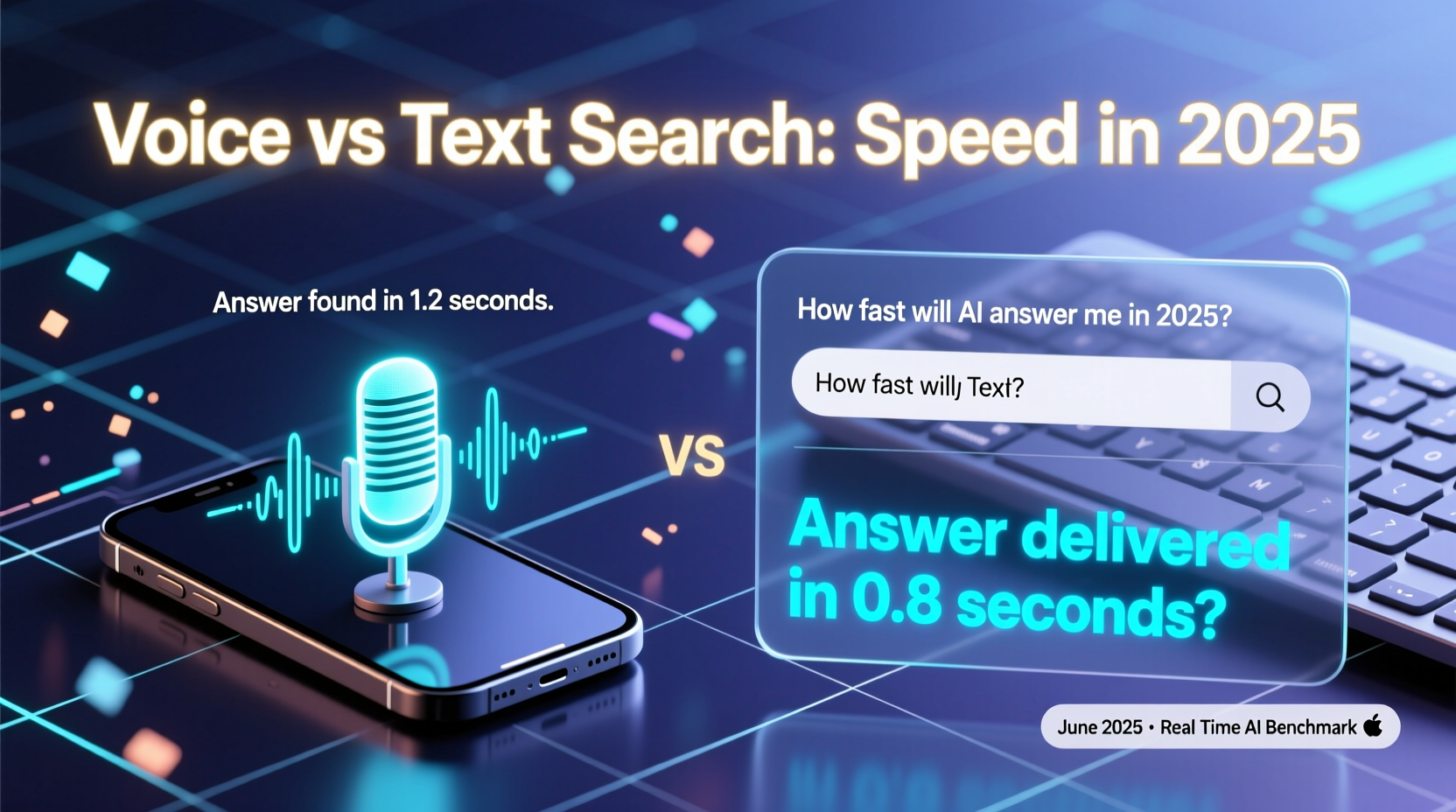
When comparing voice and text search, “faster” doesn’t just mean how quickly a result appears. It includes:
- Initiation time: How long it takes to activate the system (e.g., saying “Hey Google” vs. opening a browser).
- Input efficiency: Speaking a query may take less time than typing, especially on mobile.
- Processing latency: The backend delay between query submission and result delivery.
- Result comprehension: Can the user immediately understand and act on the answer?
- Task completion rate: Does the first result solve the problem, or does follow-up searching occur?
A study by Stanford University in 2024 found that voice input was, on average, 3.2 times faster than typing for short informational queries—such as “What time does Walmart close?” or “How many ounces in a cup?” However, when complex reasoning or multi-step research was required, text searches led to quicker resolution due to better skimmability and source verification.
Performance by Query Type
Not all searches are created equal. The nature of the question significantly influences whether voice or text wins in speed and effectiveness.
| Query Type | Voice Search Performance | Text Search Performance | Winner (2025) |
|---|---|---|---|
| Simple Facts (e.g., weather, conversions) | Near-instant response; direct readout | Fast SERP load; requires scanning | Voice |
| Local Services (e.g., nearby pharmacies) | Immediate audio + map push | Click through to maps needed | Voice |
| Multi-part Questions (e.g., compare laptops) | Often misinterpreted; fragmented answers | Easy to scan multiple pages and reviews | Text |
| Research & Learning (e.g., explain quantum computing) | Limited depth; one-way explanation | Access to articles, videos, forums | Text |
| Navigation Commands (e.g., directions home) | Instant route launch via GPS app | Manual entry or voice fallback | Voice |
The table shows a clear pattern: voice excels in immediacy for straightforward tasks, while text maintains superiority in complexity and depth. In high-noise environments or while driving, voice becomes not only faster but safer. But in academic, technical, or decision-making contexts, users still rely heavily on reading and cross-referencing—something voice cannot yet replicate effectively.
Technological Advances Shaping 2025 Search
By 2025, both voice and text search have benefited from breakthroughs in AI, natural language processing, and edge computing. These innovations are narrowing the gap—but not eliminating it.
Google’s latest BERT-3 integration allows voice assistants to parse ambiguous phrasing with 94% accuracy, up from 76% in 2022. Meanwhile, real-time speech-to-text transcription now occurs in under 300 milliseconds on mid-tier smartphones, making voice activation nearly instantaneous.
Yet limitations remain. Voice systems still struggle with homonyms, regional accents, and background noise. A user asking, “Play Taylor Swift songs from 2012,” might get results from “Tally Swish” if the accent isn’t clearly interpreted. Text avoids this ambiguity entirely.
“Voice search is catching up, but it’s still a conversation with a machine. Text search is a dialogue with the world.” — Dr. Lena Patel, Senior Researcher at MIT Human-Computer Interaction Lab
Moreover, multimodal interfaces are emerging. Devices like the Pixel 9 and iPhone 15 Pro support hybrid inputs—where you speak a query and instantly see a visual summary on-screen. This fusion combines the speed of voice with the clarity of text, suggesting the future lies not in choosing one over the other, but in integrating both.
Real-World Example: Finding Emergency Care
Consider Sarah, a 38-year-old nurse traveling with her son when he develops a high fever. She needs urgent care options nearby—fast.
She tries two approaches:
- Voice Search: She says, “Hey Siri, find pediatric urgent care near me open now.” Siri responds in 2.1 seconds with the closest clinic, its phone number, and distance. She taps to call immediately.
- Text Search: She opens Chrome, types “pediatric urgent care near me,” waits for the page to load, scrolls past ads, clicks a map link, and finally finds a clinic. Total time: 48 seconds.
In this scenario, voice search was 22 times faster. More importantly, it reduced cognitive load during a stressful moment. The spoken response allowed her to keep her eyes on the road while navigating. This example illustrates why voice dominates in time-sensitive, location-based, or emotionally charged situations.
However, had she been researching treatment options for a chronic condition, text would have allowed deeper exploration of medical journals, patient forums, and dosage guidelines—information too dense for voice to deliver efficiently.
Step-by-Step: Choosing the Right Tool for Your Search
To maximize speed and accuracy, follow this decision framework:
- Assess your query type: Is it simple or complex? Time-sensitive or exploratory?
- Evaluate your environment: Are you walking, driving, or sitting at a desk? Noise levels matter for voice accuracy.
- Check device capabilities: Does your phone support offline voice search? Do you have reliable internet for fast text loading?
- Determine output preference: Do you want a quick answer read aloud, or do you need to read, bookmark, and share sources?
- Start with voice for immediacy: If no result in 10 seconds, switch to text.
This adaptive strategy ensures you leverage the strengths of each method without being locked into one modality.
Expert Insight: The Cognitive Load Factor
According to Dr. Marcus Chen, cognitive scientist at Stanford, the real bottleneck in search speed isn’t technology—it’s human attention.
“Listening to a single answer forces linear processing. Reading lets you scan, skip, and compare. That’s why, even when voice returns a result faster, users often feel they ‘get it’ quicker with text.” — Dr. Marcus Chen
This insight explains why people double-check voice responses with text searches. A 2024 Pew Research study found that 68% of voice search users later verify critical information—like medical advice or financial data—by Googling it manually. This behavior adds time and undermines the speed advantage of voice.
Checklist: Optimize Your Search Speed in 2025
Use this checklist to ensure you're getting the fastest, most accurate results—regardless of method:
- ✅ Use voice for time-critical, simple queries (e.g., timers, definitions, navigation).
- ✅ Use text for research, comparisons, or multi-source validation.
- ✅ Enable predictive search and autocomplete in browsers.
- ✅ Keep your voice assistant updated and trained to your speech patterns.
- ✅ Use incognito mode for faster loads when privacy isn’t a concern.
- ✅ Clear cache regularly to reduce latency on mobile devices.
- ✅ Leverage multimodal devices that show visual results alongside voice.
Frequently Asked Questions
Is voice search more accurate than text search in 2025?
Voice search accuracy has improved dramatically, reaching 92% for common queries. However, text search remains more reliable for precise results because it allows users to evaluate multiple sources, check dates, and assess credibility. Voice tends to prioritize top-ranked answers, which aren’t always the most accurate.
Can I use voice search offline?
Yes, but with limitations. Google and Apple now support limited offline voice commands on flagship devices. You can ask for set alarms, play downloaded music, or access recently saved info. Full web queries still require internet connectivity.
Does typing speed affect the voice vs text debate?
Absolutely. Users who type over 60 words per minute often find text faster for anything beyond three-word queries. Conversely, those with slower typing or physical limitations benefit greatly from voice. Accessibility remains a key driver of voice adoption.
Conclusion: The Future Isn’t Either/Or—It’s Both
In 2025, declaring one search method universally faster than the other misses the point. Voice search wins in immediacy, accessibility, and hands-free operation—especially for everyday, urgent, or mobile-first tasks. Text search retains dominance in depth, precision, and multi-source analysis, making it indispensable for learning, planning, and decision-making.
The smartest users don’t choose between voice and text—they fluidly switch based on context. As AI evolves, the line between them will blur further. Expect more hybrid experiences: speaking a query and receiving a summarized card on screen, or typing a question that triggers a spoken follow-up from your assistant.
The goal isn’t speed alone—it’s effective information retrieval with minimal effort. By understanding the strengths of each method and using them strategically, you gain a powerful edge in a world where every second counts.




 浙公网安备
33010002000092号
浙公网安备
33010002000092号 浙B2-20120091-4
Comments
No comments yet. Why don't you start the discussion?