
A personal computer is more than just a tool—it’s an essential part of modern life, used for work, creativity, entertainment, and communication. Yet many users overlook one critical factor: longevity. Instead of replacing systems every few years, smarter investments can significantly extend a PC’s usable life, saving money and reducing electronic waste. The key isn’t necessarily spending more, but spending wisely on components and habits that protect and enhance durability.
The best investments aren't always the flashiest parts. Often, they're the unsung heroes—cooling solutions, power protection, thoughtful case design, and consistent maintenance practices. When combined, these choices create a system that runs reliably for 7–10 years or more, even under regular use.
Choose High-Quality Power Supply Units (PSUs)
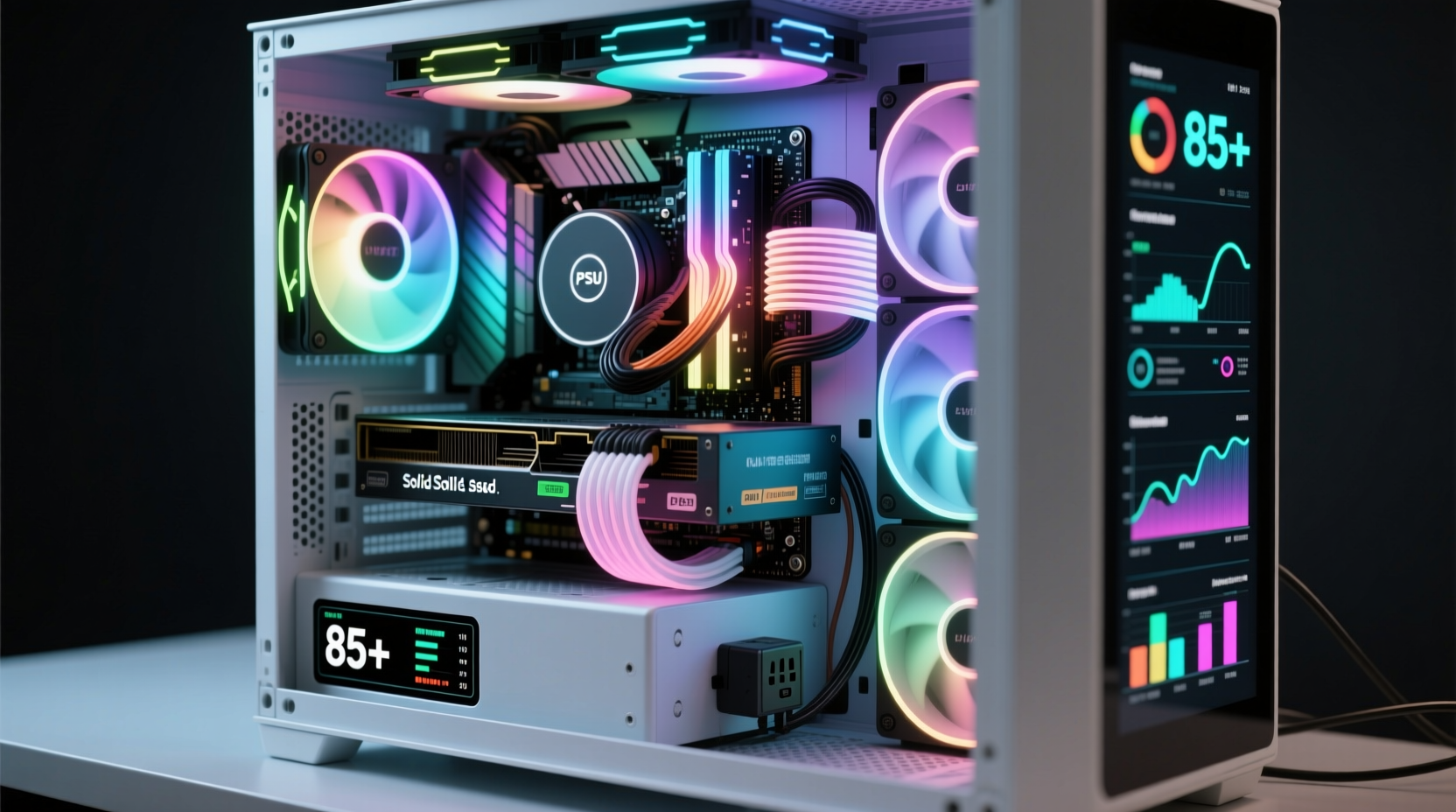
The power supply unit (PSU) is arguably the most overlooked yet vital component in a long-lasting PC. It delivers stable electricity to every other part. A low-quality PSU may seem like a way to save money upfront, but it risks damaging sensitive components through voltage spikes, inconsistent power delivery, or outright failure.
Investing in an 80 Plus Gold or Platinum certified PSU from reputable brands like Corsair, Seasonic, or EVGA ensures efficiency, reliability, and better thermal management. These units generate less heat and maintain cleaner power output, which reduces stress on motherboards, GPUs, and storage drives over time.
Prioritize Cooling Over Raw Performance
Heat is the enemy of electronics. Prolonged exposure to high temperatures accelerates wear on capacitors, degrades solder joints, and shortens the lifespan of CPUs and GPUs. While overclocking might offer temporary speed boosts, sustained thermal stress undermines long-term reliability.
Instead of chasing maximum clock speeds, focus on effective cooling:
- Use high-airflow cases with mesh fronts and ample fan mounts.
- Install quality air coolers or closed-loop liquid coolers for CPUs.
- Add case fans strategically to create positive airflow (intake at front/bottom, exhaust at rear/top).
- Keep dust filters clean and replace them regularly.
“Thermal throttling isn’t just about performance loss—it’s a warning sign of cumulative damage.” — Dr. Lena Patel, Hardware Reliability Engineer at MIT Lincoln Laboratory
Recommended Cooling Investments by Use Case
| Usage Profile | Best Cooling Investment | Expected Lifespan Impact |
|---|---|---|
| General Office Work | Low-noise 120mm case fans + stock cooler | +2–3 years |
| Gaming / Creative Work | Tower air cooler or 240mm AIO liquid cooler | +3–5 years |
| Workstation / Rendering | Custom loop or dual-fan GPU setup + additional intake | +5+ years |
Invest in SSDs with Endurance Ratings
Storage choice directly affects both performance and longevity. Traditional hard disk drives (HDDs) have moving parts that are prone to mechanical failure, especially when subjected to vibration or sudden movement. Solid-state drives (SSDs), while more expensive per gigabyte, offer far greater durability due to lack of moving components.
When selecting an SSD, look beyond capacity. Pay attention to TBW (TeraBytes Written)—a measure of total data the drive can handle before wear sets in. For example:
- Samsung 970 EVO Plus 1TB: 600 TBW
- Crucial MX500 1TB: 360 TBW
- WD Red SA500 (NAS-grade): 825 TBW
NAS- or enterprise-rated SSDs often feature better controllers, higher endurance, and longer warranties—ideal for users running databases, virtual machines, or heavy multitasking environments.
Build with Expandability and Future-Proofing in Mind
A PC built for longevity should allow room for upgrades. Many users end up discarding otherwise functional systems because they can’t support newer software demands. Smart planning avoids this.
Key considerations include:
- Motherboard compatibility: Choose platforms with expected long-term BIOS and driver support (e.g., Intel LGA1700 or AMD AM5).
- RAM slots: Opt for motherboards with four DIMM slots to allow future memory expansion.
- PCIe lanes: Ensure sufficient bandwidth for future GPUs or NVMe drives.
- Case size: Larger cases accommodate bigger coolers and more storage later.
Step-by-Step Guide to Building a Long-Lasting PC
- Evaluate your current and projected workload (gaming, video editing, etc.).
- Select a motherboard platform known for multi-generational CPU support.
- Choose a PSU with at least 20% headroom above your calculated wattage needs.
- Purchase cooling solutions based on thermal benchmarks, not noise ratings alone.
- Install an SSD with high TBW and enable OS-level optimizations (TRIM, disable defrag).
- Assemble with proper cable management to ensure unobstructed airflow.
- Schedule quarterly maintenance checks (dust cleaning, firmware updates).
Real-World Example: The 8-Year Home Office PC
Consider Mark, a freelance accountant who built his desktop in 2016 with modest expectations. He invested in a Seasonic 550W Bronze PSU, a well-ventilated Fractal Design case, and a Samsung 860 EVO SSD. Though he started with an older i5 processor and 8GB RAM, he upgraded the CPU to an i7 and added more memory in 2020.
Because the original build emphasized cooling and quality power delivery, the motherboard and storage survived years of daily use without issue. As of 2024, the machine still handles tax season smoothly. Total cost of ownership? Less than half the price of buying two new prebuilt systems over the same period.
This scenario illustrates how initial investment in foundational components pays dividends in reduced replacement cycles and lower downtime.
Maintenance Habits That Extend System Life
Hardware choices matter, but behavior determines real-world longevity. Regular maintenance prevents gradual degradation.
📋 Monthly Maintenance Checklist- Reboot the system fully (not sleep mode) to clear memory leaks.
- Check task manager for abnormal CPU/GPU usage.
- Vacuum dust from intake grills and fan blades using a soft brush attachment.
- Verify that all fans are spinning freely and quietly.
- Power down and unplug the PC.
- Open the case and remove dust buildup with compressed air.
- Inspect cables for fraying or heat damage near power connectors.
- Update BIOS and drivers from manufacturer websites.
- Run SMART diagnostics on all storage devices.
Frequently Asked Questions
Is liquid cooling worth it for longevity?
Liquid cooling can improve component lifespan by maintaining lower operating temperatures, especially under sustained loads. However, it must be properly maintained. All-in-one (AIO) coolers typically last 5–7 years before pump failure risk increases. Custom loops require more expertise but offer superior thermal control.
Should I leave my PC on or shut it down daily?
Modern PCs handle frequent shutdowns well. If you use your computer multiple times a day, leaving it in sleep mode is fine. For extended idle periods (over 12 hours), shutting down reduces wear and energy use. Avoid constant 24/7 operation unless necessary (e.g., servers).
Can undervolting extend CPU life?
Yes. Undervolting reduces voltage supplied to the CPU while maintaining stability, lowering heat output and electrical stress. This can prolong the life of both the processor and VRMs on the motherboard. Tools like Intel XTU or Ryzen Master make this accessible, though caution is advised to avoid instability.
Final Thoughts: Think Long-Term, Build Smart
The best investment for extending your PC’s lifespan isn’t a single part—it’s a mindset. Prioritizing stability, thermal management, and serviceability creates a foundation that supports years of dependable use. Whether you’re building a new system or maintaining an existing one, focus on quality over specs, prevention over repair, and consistency over shortcuts.




 浙公网安备
33010002000092号
浙公网安备
33010002000092号 浙B2-20120091-4
Comments
No comments yet. Why don't you start the discussion?