
Minecraft has evolved from a niche indie game into a global phenomenon with multiple versions across platforms. While this accessibility is a strength, it also creates confusion: which version should you play? The answer depends on your device, gameplay preferences, multiplayer goals, and whether you value modding or official updates. Understanding the differences between Java Edition, Bedrock Edition, legacy versions, and platform-specific builds is essential for making an informed decision.
Understanding the Two Main Branches: Java vs. Bedrock
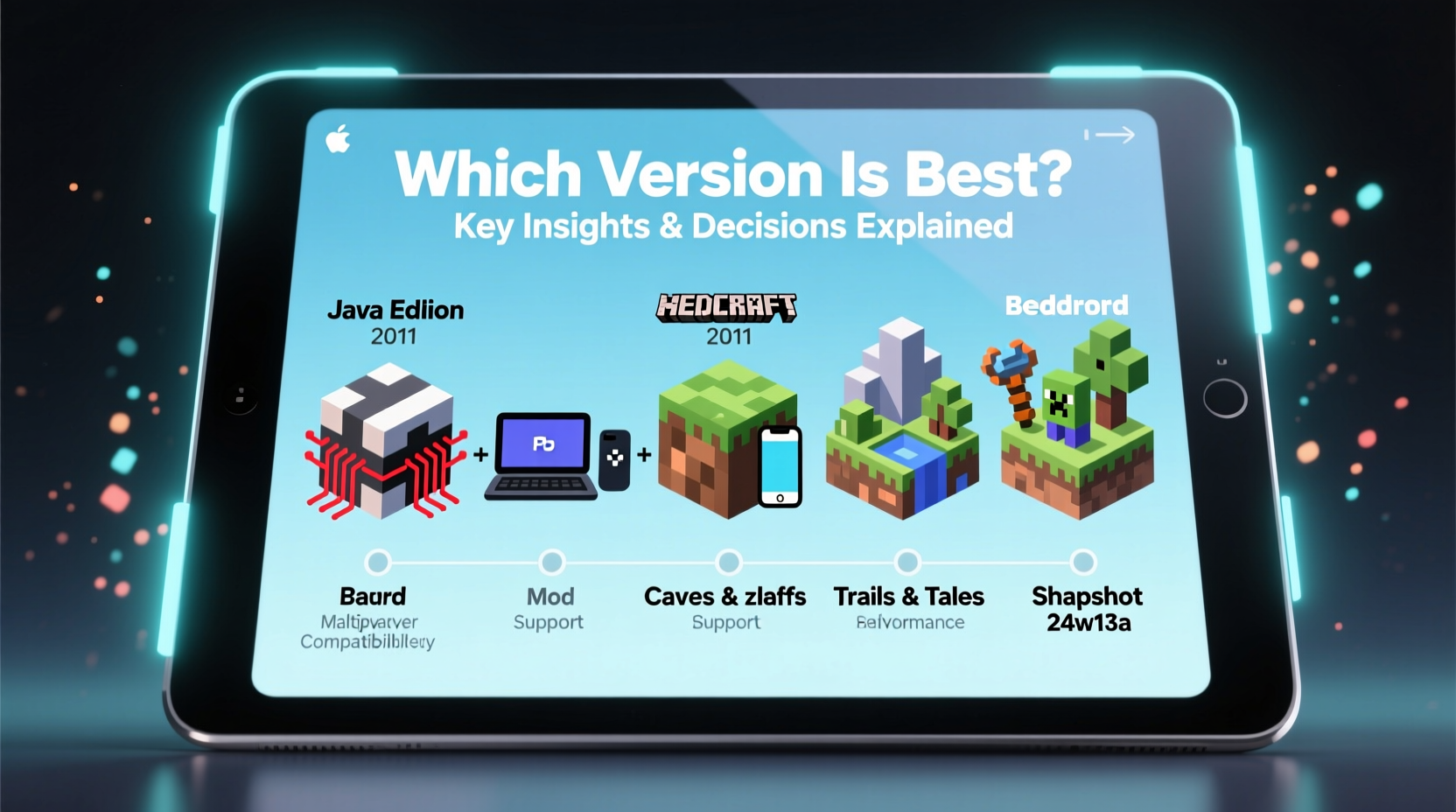
Minecraft now exists primarily in two major forms: Java Edition and Bedrock Edition. These are not just cosmetic variations—they differ fundamentally in codebase, compatibility, mod support, and online functionality.
Java Edition is the original version developed by Markus Persson and later Mojang for PC. It runs on Windows, macOS, and Linux and remains the preferred choice for advanced players, modders, and server communities. Its long history has fostered a vast ecosystem of custom servers, plugins (using Bukkit/Spigot), and mods via tools like Forge and Fabric.
Bedrock Edition, introduced in 2011 as “Pocket Edition,” unifies gameplay across mobile devices, consoles, and Windows 10/11. Built using C++, it’s optimized for lower-end hardware and supports cross-play between Xbox, PlayStation (via Project Link), Nintendo Switch, iOS, Android, and Windows. This makes it ideal for families or casual players who want seamless multiplayer regardless of device.
Feature Comparison: Key Differences at a Glance
| Feature | Java Edition | Bedrock Edition |
|---|---|---|
| Platform Availability | PC (Windows, macOS, Linux) | Xbox, PlayStation, Switch, Mobile, Windows 10/11 |
| Cross-Platform Play | No | Yes (within Bedrock ecosystem) |
| Mod Support | Extensive (Forge, Fabric, mods) | Limited (add-ons only) |
| Redstone Mechanics | More precise, community-tested behavior | Slightly simplified; some bugs differ |
| Server Customization | Plugins, custom software (Paper, Spigot) | Only resource packs and world templates |
| Price (One-Time) | $26.95 | $6.99–$29.99 (varies by platform) |
| Realms Subscription | Available ($7.99/month) | Available ($7.99/month) |
Choosing Based on Your Needs
The \"best\" version isn’t universal—it hinges on how you intend to play. Consider these scenarios when deciding:
- You're a solo builder or enjoy creative design? Either edition works well, but Bedrock’s intuitive interface may suit beginners better.
- You love redstone engineering? Java offers more consistent mechanics and community-vetted tutorials.
- You want to play with kids or across devices? Bedrock enables true cross-play between console, phone, and PC.
- You’re into modding or technical maps? Java is unmatched in flexibility and depth.
- You play on a low-end laptop or tablet? Bedrock is lighter and performs better on modest hardware.
“Java Edition remains the heart of Minecraft’s innovation—most groundbreaking community projects start there.” — Daniel Jimenez, Game Design Instructor at NYU Game Center
Mini Case Study: The Thompson Family's Multiplayer Dilemma
The Thompsons wanted to play together: Dad used a gaming PC, Mom had an iPad, their son played on a Nintendo Switch, and their daughter joined occasionally on a school Chromebook. Initially, they bought Java Edition, but quickly realized no one could connect across devices. After switching to Bedrock on Windows 10 and enabling Xbox Live sync, all four could join the same realm. Though Dad missed some modded adventures, the ability to build together outweighed the trade-offs.
This reflects a common real-world priority: shared experience over technical capability. For many households, Bedrock’s inclusivity makes it the practical winner—even if it lacks certain advanced features.
Step-by-Step Guide: How to Choose the Right Version
- Assess your primary device. Do you have a Windows/Mac/Linux PC? Then both editions are options. On mobile or console? Only Bedrock is available.
- Determine your multiplayer needs. Will you play with friends? What platforms do they use? Cross-play requires Bedrock.
- Evaluate interest in mods or custom content. Want shaders, tech mods, or magic systems? Stick with Java.
- Check system requirements. Older computers may struggle with Java’s performance demands, especially with mods.
- Review budget and ownership. If you already own one edition, note that purchasing another costs extra—there’s no free upgrade path.
- Test before committing. Try the free demo of Bedrock on mobile or Windows, or explore community servers on Java via trial access.
Legacy Versions and Special Cases
Before settling, be aware of discontinued or limited versions:
- Minecraft: Pocket Edition (pre-Bedrock): No longer updated. Replaced by Bedrock on mobile.
- Windows 10 Edition: Now part of Bedrock. Free for Java owners who purchased before October 19, 2018.
- Education Edition: Designed for classrooms, includes lesson plans and non-violent modes. Available via institutional licensing.
- Raspberry Pi Edition: Free but extremely limited. Mostly obsolete for general players.
If you’re considering secondhand purchases or older devices, verify compatibility. Some smart TVs and early tablets had outdated ports that no longer receive updates.
Frequently Asked Questions
Can I switch from Bedrock to Java or vice versa?
Yes, but not automatically. You must purchase each edition separately. Worlds do not transfer directly due to technical differences, though third-party converters exist for basic maps.
Is Bedrock worse than Java?
Not inherently. It’s different. Bedrock is more accessible and stable across devices, while Java excels in customization and depth. Performance-wise, Bedrock often runs smoother on equivalent hardware.
Does either version get updates first?
New features are developed simultaneously and typically released on both editions at the same time since the \"Better Together\" update in 2017. However, bug fixes and experimental features may roll out differently.
Final Recommendations and Checklist
Ultimately, the best version aligns with your lifestyle and goals. Use this checklist to finalize your choice:
- ☐ I know what devices I and my friends use
- ☐ I’ve considered whether cross-play matters
- ☐ I understand the modding limitations of Bedrock
- ☐ My device meets minimum specs for the chosen edition
- ☐ I’ve checked if I’m eligible for a free Bedrock copy (if I own Java pre-2018)
- ☐ I’ve tested gameplay through demos or trials
For most new players and families, Bedrock Edition delivers the smoothest, most inclusive experience. For veterans, creators, and tinkerers, Java Edition continues to offer unparalleled freedom and depth.
Conclusion: Make Your Choice With Confidence
Minecraft’s diversity of versions isn’t a flaw—it’s a testament to its enduring appeal across generations and technologies. Whether you prioritize technical mastery or shared joy, there’s a version designed for your way of playing. By understanding the distinctions between Java and Bedrock, evaluating your needs honestly, and leveraging the tools and insights available, you can step into the blocky world with confidence. Pick the edition that fits your life, and start building something memorable today.




 浙公网安备
33010002000092号
浙公网安备
33010002000092号 浙B2-20120091-4
Comments
No comments yet. Why don't you start the discussion?