
In today’s digital-first business environment, managing user access, network resources, and security policies efficiently is no longer optional—it's essential. At the heart of many enterprise IT infrastructures lies Microsoft Active Directory (AD), a directory service that enables organizations to manage users, computers, permissions, and other network resources in a centralized, secure manner. While simply having Active Directory deployed is a step forward, effective management of this system determines whether it becomes a strategic asset or a liability.
Poorly managed Active Directory environments lead to security vulnerabilities, inefficient workflows, and compliance risks. On the other hand, proactive and structured AD management enhances operational control, strengthens cybersecurity posture, and supports business scalability. Understanding its importance allows businesses to leverage AD not just as a technical tool, but as a foundational element of organizational resilience.
Centralized User and Resource Management
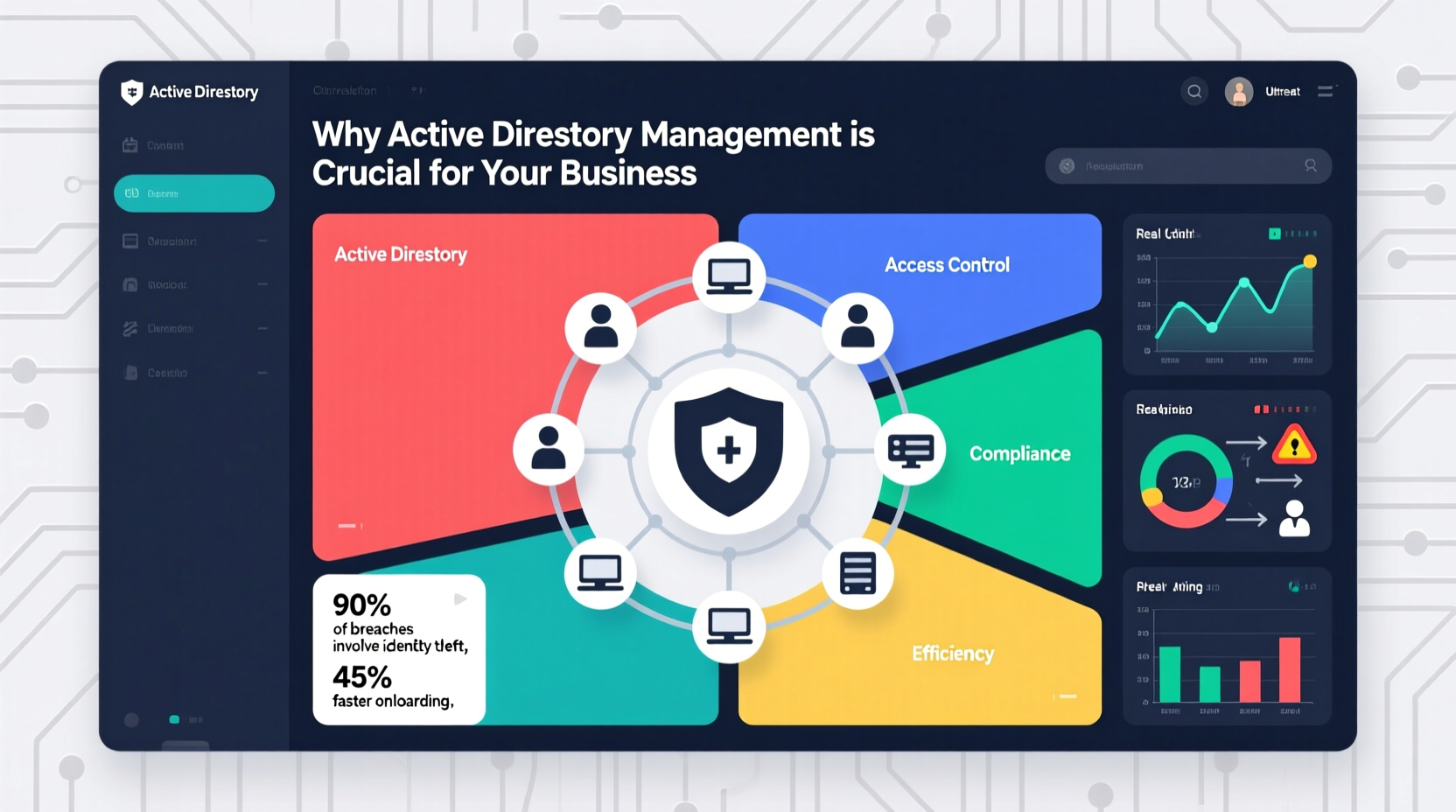
One of the primary advantages of Active Directory is its ability to centralize identity and access management across an entire organization. Instead of managing user accounts on individual machines or applications, administrators can create, modify, and disable user profiles from a single console. This includes assigning group memberships, setting password policies, and granting access to shared folders, printers, and internal applications.
Centralization reduces administrative overhead significantly. For example, when an employee joins the company, their account can be provisioned with role-based access rights instantly. When they leave, their access can be revoked uniformly across all systems linked to AD—minimizing the risk of orphaned accounts being exploited by malicious actors.
Enhanced Security and Access Control
Active Directory plays a critical role in enforcing security policies across the enterprise. Through Group Policy Objects (GPOs), administrators can standardize settings such as password complexity requirements, screen lock timeouts, software restrictions, and firewall configurations—all pushed automatically to domain-joined devices.
Moreover, AD supports hierarchical permission models that allow granular control over who can access what. For instance, finance team members may have read-only access to payroll servers, while HR staff are restricted from accessing accounting databases. These controls help enforce the principle of least privilege—a cornerstone of modern cybersecurity.
Without proper management, however, misconfigurations can undermine these protections. A 2023 report by CyberArk found that over 74% of breaches involved access to privileged accounts—many of which were poorly monitored within directory services like AD.
“Active Directory is often the crown jewel in enterprise networks. If attackers gain domain admin privileges, they essentially own your infrastructure.” — Kevin Beaumont, Senior Security Researcher
Scalability and Business Growth Support
As businesses grow, so does their IT complexity. Adding new employees, offices, or cloud services demands a flexible and scalable identity framework. Active Directory is designed to scale with organizations—from small businesses with dozens of users to multinational corporations with tens of thousands.
With proper planning, AD can support multiple domains, forests, and trust relationships, enabling secure collaboration across subsidiaries or geographically dispersed teams. Integration with Azure AD also allows seamless hybrid environments where on-premises identities extend into the cloud, supporting modern workstyles without sacrificing control.
However, scalability requires foresight. Organizations that fail to plan OU structures, naming conventions, or GPO hierarchies early on often face costly rework later. Clean architecture from the start ensures smoother expansion.
Compliance and Audit Readiness
Regulatory frameworks such as GDPR, HIPAA, SOX, and ISO 27001 require strict oversight of user access and activity logging. Active Directory provides built-in auditing capabilities that track logins, permission changes, and policy modifications—critical data during compliance reviews or forensic investigations.
Effective AD management ensures that audit logs are enabled, retained appropriately, and regularly reviewed. It also helps maintain clean user provisioning records, demonstrating due diligence in access governance.
Consider a healthcare provider subject to HIPAA regulations. They must prove that only authorized personnel access patient records. By using AD to define role-based access and generate monthly access review reports, they not only meet compliance obligations but also reduce internal risk.
| Requirement | How AD Helps | Best Practice |
|---|---|---|
| User Access Logging | Tracks login times, failed attempts, and resource access | Enable audit policies and forward logs to SIEM |
| Role-Based Access | Groups and OUs enable consistent permission assignment | Align groups with job functions, not individuals |
| Account Deactivation | Centralized disablement prevents lingering access | Automate offboarding via HR-IT integration |
Real-World Impact: A Mini Case Study
A mid-sized manufacturing firm with 600 employees experienced repeated phishing attacks leading to unauthorized access. An internal review revealed outdated AD practices: former employees still had active accounts, local admin rights were widely assigned, and password policies allowed weak credentials.
After engaging an IT consultant, they implemented structured AD management: cleaned up stale accounts, enforced multi-factor authentication (MFA) through conditional access policies, segmented OUs by department, and applied stricter GPOs. Within six months, successful phishing compromises dropped by 85%, and the time required to onboard new staff decreased from three days to under two hours.
This transformation wasn’t due to new technology alone—it resulted from disciplined Active Directory governance.
Actionable Checklist for Effective AD Management
- ✅ Regularly review and remove inactive or obsolete user accounts
- ✅ Implement strong password policies and enforce MFA where possible
- ✅ Organize users and devices into logical OUs for targeted policy application
- ✅ Audit and limit membership in high-privilege groups (e.g., Domain Admins)
- ✅ Back up AD regularly and test restoration procedures quarterly
- ✅ Monitor event logs for suspicious activity (e.g., repeated failed logins)
- ✅ Document AD structure, policies, and change management processes
- ✅ Train IT staff on AD best practices and security hygiene
Frequently Asked Questions
What happens if Active Directory goes down?
If AD becomes unavailable, users may be unable to log in, access shared files, or use domain-dependent applications. Redundancy through multiple domain controllers and regular backups minimizes downtime. High-availability configurations ensure continuity even during hardware failures.
Can small businesses benefit from Active Directory?
Yes. Even organizations with 25+ users can gain significant value from centralized management, improved security, and streamlined IT operations. Cloud alternatives like Azure AD offer lighter entry points, but on-premises AD remains viable with proper planning.
Is Active Directory still relevant in a cloud-first world?
Absolutely. While cloud identity solutions are growing, most enterprises operate in hybrid environments. Active Directory integrates seamlessly with Microsoft 365, Azure, and SaaS platforms, making it a persistent backbone of identity management—not a legacy system.
Conclusion: Take Control Before a Crisis Hits
Active Directory is more than a directory service—it’s the foundation of your organization’s digital identity ecosystem. Whether you're defending against cyber threats, ensuring regulatory compliance, or scaling operations, how you manage AD directly impacts your business outcomes.
The cost of neglecting AD management isn't always immediate, but when issues arise—be it a security breach, audit failure, or system outage—the consequences can be severe. Proactive administration turns AD into a powerful enabler of efficiency, security, and growth.




 浙公网安备
33010002000092号
浙公网安备
33010002000092号 浙B2-20120091-4
Comments
No comments yet. Why don't you start the discussion?