
In the digital age, \"cookies\" are a familiar part of browsing the web. They remember your login details, track your preferences, and help websites function smoothly. But have you ever wondered why they’re called *cookies*? The term seems oddly out of place in the context of data storage and internet protocols. Unlike actual chocolate chip treats, browser cookies don’t satisfy hunger—they store information. So how did this quirky name come to define such a crucial piece of web infrastructure?
The answer lies not in dessert menus, but in early computer science, Unix systems, and a bit of playful jargon. Understanding the origin of the term “cookie” reveals more than just etymology—it sheds light on the evolution of the internet and the culture of programming that shaped it.
The Earliest Use of \"Cookie\" in Computing
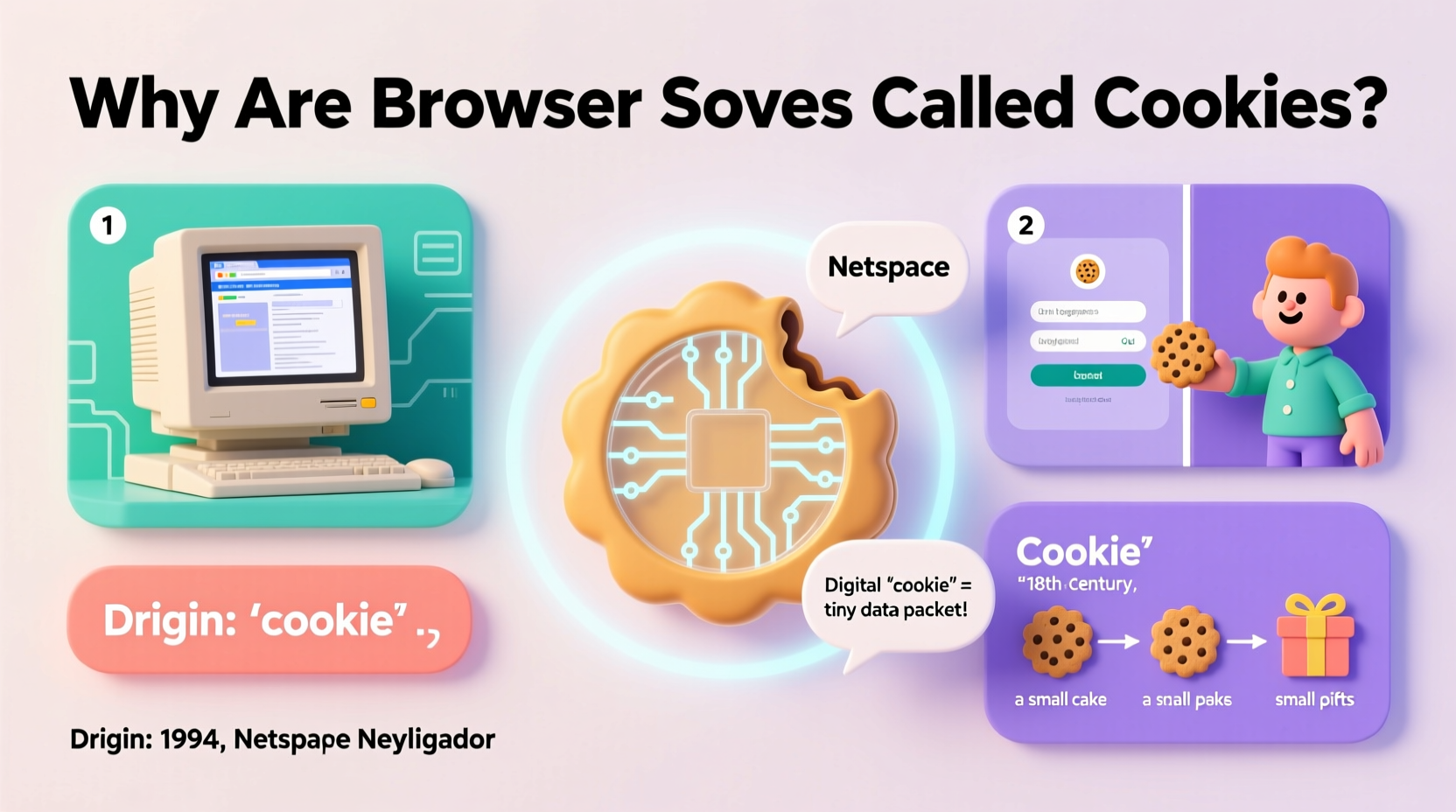
The term “cookie” predates the World Wide Web by decades. In the 1960s and 70s, programmers used “magic cookie” as slang for a token or short piece of data passed between programs. This wasn’t stored on a user’s device like modern browser cookies; instead, it was used internally in operating systems and applications as a way to pass state or identification from one process to another.
A “magic cookie” had no intrinsic meaning on its own—it only worked when received by a system that knew how to interpret it. Think of it like a keycard: meaningless to an outsider, but essential for access when presented to the right reader.
“Magic cookies were part of the folklore of early computing—a kind of inside joke that stuck because it was both memorable and descriptive.” — Dr. Alan Liu, Digital Humanities Researcher
This concept carried over into Unix systems, where programs would exchange small data packets labeled as cookies during inter-process communication. The term was informal but widely understood among developers.
How \"Magic Cookies\" Evolved Into Browser Cookies
When the web began expanding in the early 1990s, a critical challenge emerged: HTTP, the protocol that powers the web, is *stateless*. That means each request a browser makes to a server is treated independently, with no memory of previous interactions. For simple pages, this worked fine. But as websites grew more interactive—offering logins, shopping carts, and personalized content—developers needed a way to maintain continuity across visits.
In 1994, Lou Montulli, a programmer at Netscape Communications, faced this exact problem while working on an online shopping application. He needed a method for websites to remember users without overwhelming servers with session data. Drawing from the older concept of magic cookies, Montulli adapted the idea for the web environment.
His solution involved sending a small piece of data from the server to the user’s browser. The browser would store it and send it back with future requests, allowing the server to recognize the user. He called this mechanism a “cookie,” directly inspired by the computing tradition of magic cookies—but now applied in a new context.
Why \"Cookie\" Stuck (And Why Not Something Else?)
Several other terms could have been used—tokens, tags, flags, identifiers—but “cookie” endured. One reason is its simplicity and memorability. In the fast-moving world of software development, names that are easy to say and remember tend to stick.
Additionally, the analogy works surprisingly well. Like a real cookie left out for Santa, a browser cookie is something a server leaves behind, hoping the browser will return it later. It’s small, self-contained, and carries a message.
There was also resistance initially. Some critics argued the term sounded frivolous for a potentially invasive technology. But as the web matured, so did public understanding. By the time privacy concerns around tracking emerged, “cookie” was already entrenched in technical documentation, browser settings, and legal regulations like GDPR.
Timeline of Cookie Development
The journey from concept to global standard happened quickly. Here’s a concise timeline:
- 1960s–1980s: “Magic cookie” becomes common jargon in Unix and C programming.
- 1994: Lou Montulli implements the first HTTP cookie at Netscape for an e-commerce project.
- 1995: Microsoft reverse-engineers cookie support in Internet Explorer, leading to rapid adoption.
- 1997: RFC 2109 formalizes cookie standards, establishing rules for security and scope.
- 2000s–Present: Cookies become central to advertising, authentication, and analytics. Privacy laws begin requiring user consent.
Types of Browser Cookies and Their Functions
Not all cookies are the same. They vary by lifespan, origin, and purpose. Understanding these differences helps clarify their role—and why some raise privacy concerns.
| Type | Lifespan | Purpose | Example |
|---|---|---|---|
| Session Cookie | Temporary (deleted when browser closes) | Maintains state during a single visit | Keeps items in a shopping cart |
| Persistent Cookie | Days to years (set expiration date) | Remembers user preferences or login status | \"Remember me\" on login forms |
| First-Party Cookie | Varies | Sets by the site you're visiting | Saving language preference on a news site |
| Third-Party Cookie | Often long-term | Used for tracking across sites (ads/analytics) | Ad retargeting after browsing a product |
While first-party cookies generally improve user experience, third-party cookies have drawn scrutiny for enabling cross-site tracking. As a result, browsers like Safari and Firefox now block them by default, and Google plans to phase them out in Chrome by 2024.
Real-World Example: The Online Shopping Journey
Consider Maria, who browses an online electronics store. She views a laptop, adds it to her cart, but doesn’t check out immediately. Later that day, she returns—and the laptop is still in her cart. How?
When Maria first visited, the site sent a persistent cookie to her browser identifying her session. Even after she closed the tab, the cookie remained. Upon returning, her browser sent the cookie back, allowing the server to retrieve her saved cart.
Later, she sees ads for the same laptop on social media. That’s likely due to a third-party tracking cookie placed by an advertising network embedded on the original site. While convenient for marketers, this practice has led to increased demand for transparency and control.
Common Misconceptions About Cookies
- Cookies are viruses: False. Cookies are plain text files, not executable code. They cannot infect your device with malware.
- All cookies track you: No. Session and first-party cookies are primarily functional. Only certain types (especially third-party) are used for tracking.
- Deleting cookies fixes all privacy issues: Overstated. While helpful, cookies are just one part of a larger tracking ecosystem that includes fingerprinting and IP logging.
Frequently Asked Questions
Who invented the browser cookie?
Lou Montulli, a software engineer at Netscape, created the first HTTP cookie in 1994. He was inspired by the earlier concept of “magic cookies” in Unix programming.
Are cookies dangerous?
Not inherently. Most cookies are harmless and improve usability. However, third-party tracking cookies can compromise privacy, which is why many browsers now limit or block them.
Can websites still track me if I block cookies?
Yes, though less effectively. Techniques like browser fingerprinting, IP tracking, and local storage can still collect data even without cookies. Blocking cookies reduces but doesn’t eliminate tracking.
Actionable Checklist: Managing Your Cookie Settings
To stay informed and in control, follow these steps:
- ✅ Review your browser’s cookie settings (usually under Privacy or Security).
- ✅ Enable “block third-party cookies” for better privacy.
- ✅ Use private/incognito mode for sensitive browsing sessions.
- ✅ Clear cookies periodically, especially after using shared devices.
- ✅ Check website cookie banners and decline non-essential trackers when possible.
- ✅ Consider using privacy-focused browsers like Brave or Firefox with enhanced tracking protection.
Conclusion: More Than Just a Name
The term “browser cookie” may sound whimsical, but it represents a foundational innovation in web technology. From its roots in 1960s programming jargon to its role in shaping the modern internet, the cookie’s name is a reminder of how culture and code intersect. It’s also a lesson in how small technical decisions—like what to call a data packet—can have lasting impact.
Understanding the origin and function of cookies empowers users to make smarter choices about privacy and security. Whether you're a casual browser or a developer, knowing what cookies really are—and why they’re called that—helps demystify the digital world.




 浙公网安备
33010002000092号
浙公网安备
33010002000092号 浙B2-20120091-4
Comments
No comments yet. Why don't you start the discussion?