
Text messaging remains one of the most common ways people communicate, whether it’s a quick check-in with a friend or an urgent work update. When messages don’t arrive on time—or worse, not at all—it can cause confusion, frustration, and even missed opportunities. If you’ve noticed delays in your text message delivery, you’re not alone. The causes range from network congestion to device-specific glitches, but most can be diagnosed and resolved with the right approach.
Understanding the root causes behind delayed texts empowers you to take control of your communication reliability. This guide breaks down the technical and practical factors affecting SMS and MMS delivery, offers actionable troubleshooting steps, and includes insights from telecom professionals to help you restore seamless messaging.
Common Causes of Delayed Text Messages
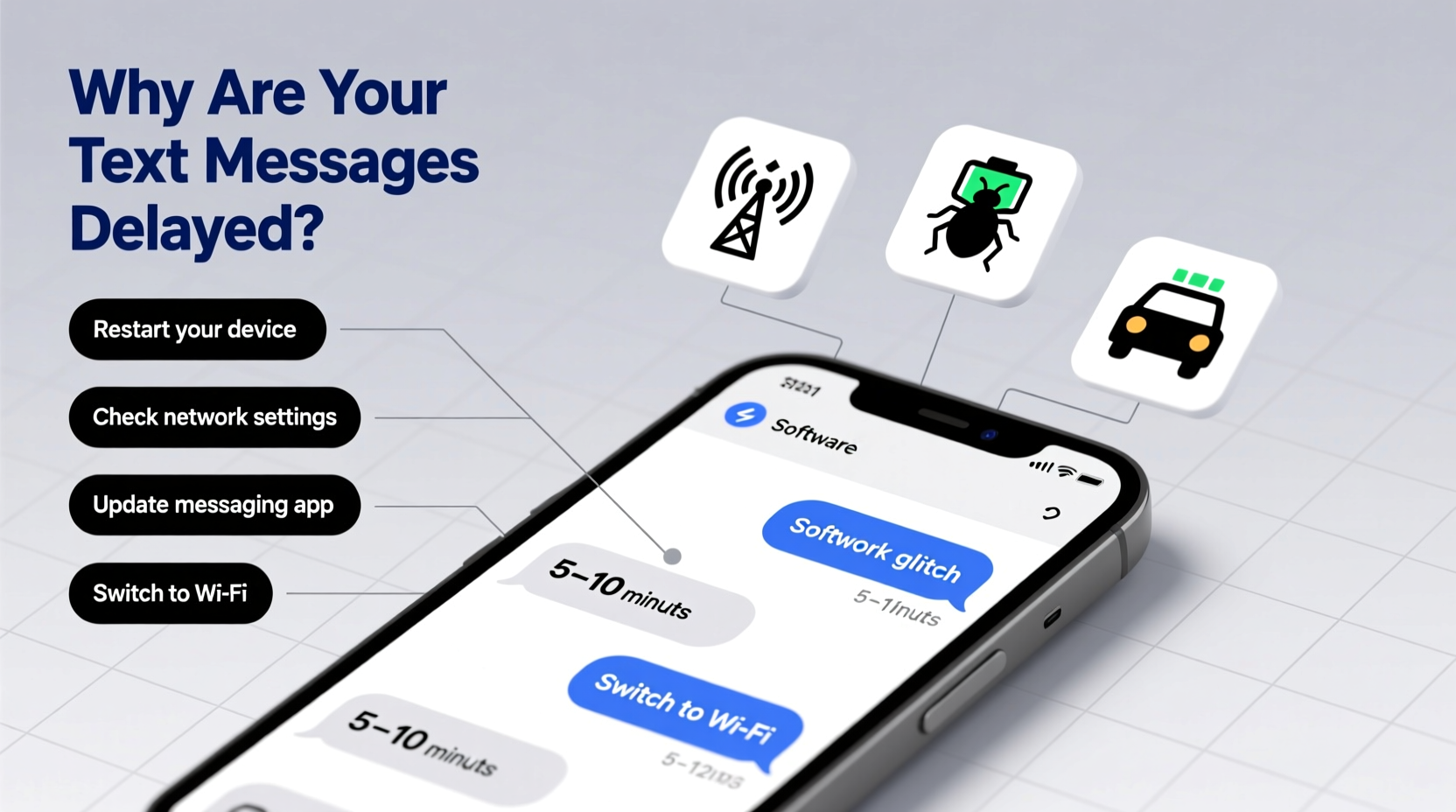
Delays in text message delivery aren't always due to user error. Several interconnected systems must function properly for a message to travel instantly from sender to recipient. Any disruption along this path can slow things down.
- Network Congestion: During peak hours—such as holidays or major events—mobile networks experience heavy traffic, slowing SMS delivery.
- Poor Signal Strength: Weak cellular reception prevents messages from being sent or received promptly.
- Carrier Issues: Some carriers have outdated infrastructure or routing problems that delay cross-network messaging.
- Do Not Disturb or Airplane Mode: Recipient devices set to silent or offline modes may not receive messages until reactivated.
- Software Bugs: Outdated operating systems or messaging app glitches can interrupt normal message flow.
- iMessage vs. SMS Confusion (iPhone): iPhones default to iMessage over cellular data. If data is off or Apple’s servers are down, fallback to SMS may fail silently.
Step-by-Step Guide to Diagnose and Fix Message Delays
Before assuming the worst, follow this systematic approach to identify and resolve the issue.
- Check Your Network Connection
Ensure you have strong cellular or Wi-Fi signal. Move closer to a window or switch between Wi-Fi and mobile data to test stability. - Verify Carrier Settings
On iPhone: Go to Settings > General > About. If prompted, update carrier settings. On Android: Check under Settings > Network & Internet > Mobile Network for APN (Access Point Name) accuracy. - Restart Your Device
A simple reboot clears temporary software glitches that might interfere with messaging services. - Update Your Operating System
Install the latest OS updates, which often include fixes for messaging bugs and improved network compatibility. - Clear Messaging App Cache (Android)
Go to Settings > Apps > Messages > Storage > Clear Cache. Avoid “Clear Data” unless necessary, as it deletes message history. - Toggle iMessage and SMS (iPhone)
Turn off iMessage and MMS Messaging in Settings > Messages, wait 30 seconds, then turn them back on. - Send a Test Message
Text someone using a different carrier to determine if the issue is isolated or widespread.
Do’s and Don’ts When Troubleshooting SMS Delays
| Do’s | Don’ts |
|---|---|
| Restart your phone regularly to clear background processes. | Ignore recurring delays—persistent issues need investigation. |
| Keep your messaging app updated via the App Store or Google Play. | Use third-party SMS apps without checking permissions and reviews. |
| Enable MMS and group messaging if sending photos or group texts. | Assume the recipient got your message—always confirm delivery. |
| Contact your carrier if delays persist across multiple devices. | Factory reset without backing up your data first. |
Real-World Example: Sarah’s Holiday Messaging Problem
Sarah planned a surprise birthday dinner and used group texts to coordinate with friends. Despite sending messages early, replies trickled in hours later—some didn’t arrive until the next day. Confused, she assumed her friends were ignoring her. After checking her phone, she realized her carrier signal dropped to one bar during the evening, coinciding with peak holiday network usage. She switched to Wi-Fi and resent critical updates through WhatsApp instead. The incident taught her to verify both her own connection and preferred communication channels during high-traffic times.
This scenario highlights how external factors like network load and location can disrupt what seems like a simple task. Proactive awareness could have prevented miscommunication.
Expert Insight: What Telecom Professionals Say
“SMS was designed in the 1980s for minimal data transfer. While reliable, it lacks real-time guarantees. Modern users expect instant delivery, but legacy systems still govern much of today’s text infrastructure.” — Raj Patel, Senior Network Engineer at MetroLink Communications
Patel emphasizes that while carriers continue upgrading backend systems, SMS will always be less predictable than data-based messaging apps like WhatsApp, Signal, or iMessage when connected to the internet. For time-sensitive communication, he recommends relying on internet-based platforms whenever possible.
When to Contact Your Carrier
If you've followed troubleshooting steps and still experience delays, contact your provider. Common signs include:
- Messages consistently failing to deliver after several hours.
- Receiving \"Sending...\" status indefinitely.
- Friends report getting messages long after they were sent.
- Issues persist across multiple devices on the same plan.
Ask your carrier to:
- Verify your account’s SMS center number (SMSC).
- Check for service outages in your area.
- Confirm that your line isn’t flagged for spam filtering.
- Test internal routing logs for message timestamps.
FAQ: Frequently Asked Questions About Text Message Delays
Why do some texts take minutes while others take hours?
Variations in delivery speed often stem from network conditions. SMS travels over signaling channels separate from voice or data. During congestion, these channels prioritize system operations over individual messages, causing unpredictable delays.
Does turning off iMessage affect SMS delivery?
Yes. On iPhones, disabling iMessage forces all messages to send as green SMS/MMS. However, if MMS is also disabled or cellular data is off, picture messages won’t send, and group texts may fail entirely.
Can a full inbox cause message delays?
While rare, extremely full message storage can slow down processing on older devices. Deleting old conversations or enabling auto-archive helps maintain performance, especially on phones with limited memory.
Conclusion: Take Control of Your Messaging Experience
Delayed text messages are more than a minor annoyance—they can disrupt personal relationships and professional coordination. The good news is that most causes are fixable with basic troubleshooting and awareness of how SMS works behind the scenes. By maintaining your device, understanding carrier limitations, and knowing when to escalate issues, you can significantly improve message reliability.
Don’t wait for another missed appointment or misunderstood plan. Audit your phone settings today, ensure your OS and apps are up to date, and consider shifting time-sensitive conversations to internet-based messaging platforms. Communication should be seamless—take the steps now to make it happen.




 浙公网安备
33010002000092号
浙公网安备
33010002000092号 浙B2-20120091-4
Comments
No comments yet. Why don't you start the discussion?