
If you've recently checked your WHOOP app and noticed that your daily calorie burn seems surprisingly low—especially compared to other fitness trackers or gym equipment—you're not alone. Many users report confusion when their WHOOP shows significantly lower numbers than expected. But before assuming a malfunction, it’s important to understand how WHOOP calculates calories, what makes its methodology unique, and why “low” doesn’t necessarily mean “inaccurate.”
WHOOP uses a different philosophy in tracking energy expenditure: one rooted in physiological data rather than assumptions about activity type or intensity. This often leads to more conservative—and arguably more accurate—estimates of true caloric burn.
How WHOOP Calculates Calories: The Science Behind the Numbers
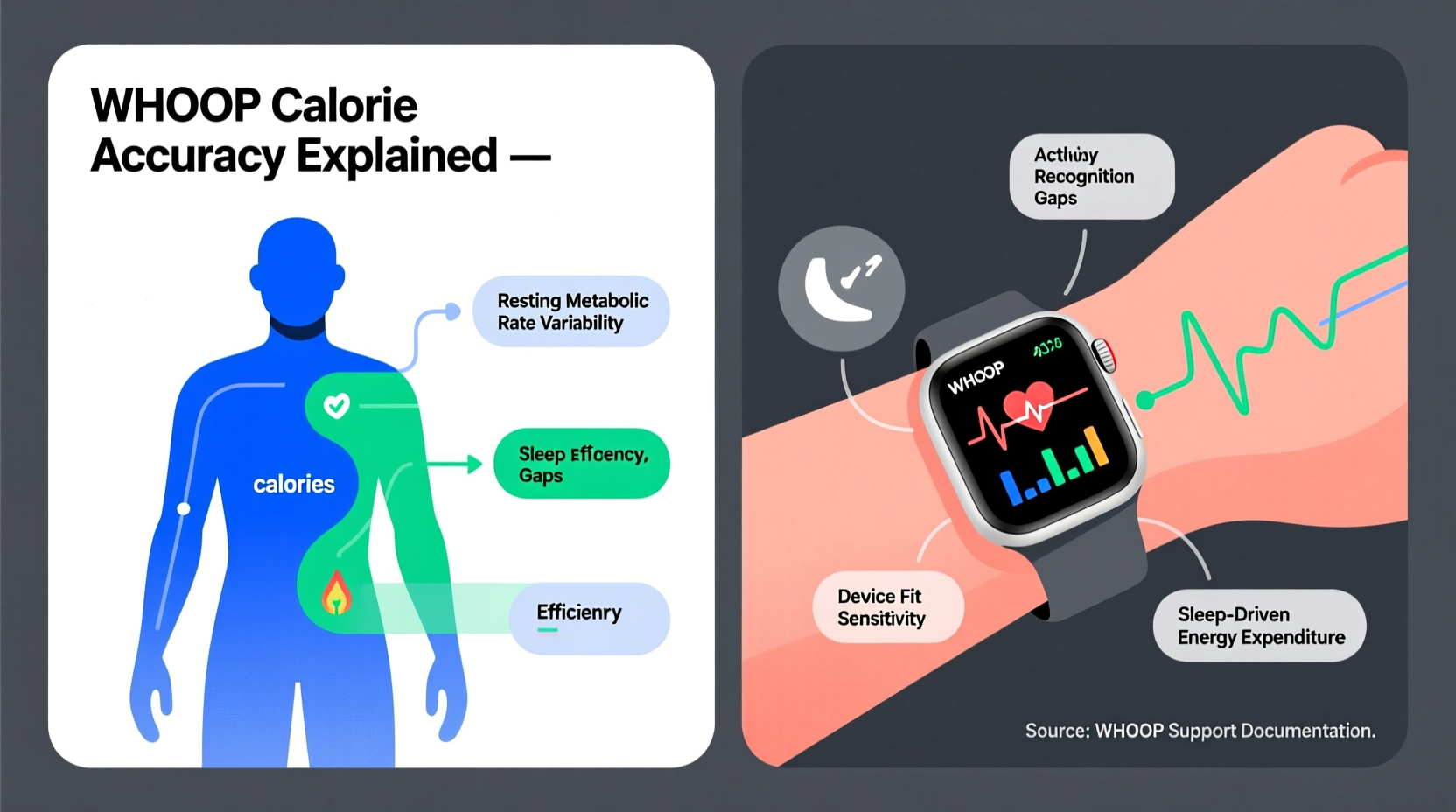
Unlike many consumer wearables that rely heavily on step count, GPS, or user-inputted activities, WHOOP estimates calorie expenditure primarily through heart rate variability (HRV), resting heart rate, respiratory rate, and sleep performance. These biometrics feed into an algorithm designed to model metabolic strain based on autonomic nervous system activity.
The core metric WHOOP emphasizes is Strain, which reflects cardiovascular load over 24 hours on a 0–21 scale. Strain is directly tied to energy output, but WHOOP converts this into calories using proprietary modeling that accounts for:
- Resting metabolic rate (RMR), estimated from age, sex, weight, and height
- Heart rate above resting levels throughout the day
- Sustained elevated heart rate during workouts and recovery periods
- Autonomic response to physical and mental stressors
This means two people doing the same workout may see different calorie burns if their heart rate responses differ—because WHOOP prioritizes individual physiology over generic formulas.
“WHOOP doesn’t assume calorie burn based on activity labels. It measures what your body actually responded to.” — Dr. Andy Galpin, Human Performance Scientist
Why Your WHOOP Calories Might Seem Low: Key Factors
Several factors contribute to perceptions of low calorie counts on WHOOP. Understanding them can help clarify whether the device is underperforming—or simply being more precise.
1. No Step-Based Estimation
Most wrist-based trackers inflate daily totals by adding “non-exercise activity thermogenesis” (NEAT) calories based on steps. WHOOP does not estimate calories from casual walking or standing unless heart rate increases meaningfully. If you’re sedentary with moderate movement, your total burn will naturally be lower.
2. Focus on Cardiovascular Effort, Not Movement Volume
A 45-minute yoga session might register high on a Fitbit due to arm motion, but WHOOP sees minimal heart rate elevation and thus assigns fewer calories. Similarly, resistance training with short bursts of effort followed by rest often results in lower reported burn because average heart rate stays moderate.
3. Calibration Relies on User Inputs
WHOOP’s RMR calculation depends on correct input of weight, height, age, and sex. An outdated profile (e.g., logging at 160 lbs when you now weigh 180) skews all downstream estimates. Double-check your settings regularly.
4. Recovery Periods Reduce Estimated Burn
After intense exercise, parasympathetic activation lowers heart rate faster in well-conditioned individuals. WHOOP interprets rapid recovery as efficient metabolism—not prolonged exertion—which reduces cumulative calorie estimates despite hard effort.
Comparing WHOOP to Other Trackers: A Reality Check
To put things in perspective, here’s how major devices approach calorie estimation:
| Device/Platform | Primary Inputs | Calorie Philosophy | Known Tendencies |
|---|---|---|---|
| WHOOP | HR, HRV, respiration, sleep | Physiology-first, effort-based | Conservative; favors accuracy over optimism |
| Fitbit | Steps, HR, GPS (premium models) | Movement + heart rate hybrid | Overestimates NEAT and light activity |
| Apple Watch | Arm motion, HR, GPS | Activity labeling drives estimates | Inflates calories if workout started manually |
| Polar Vantage | HR, ECG-grade sensors, training history | Balanced scientific approach | Closest to lab-grade measurements |
| Gym Machines | User inputs + duration | Generic formulas (e.g., MET values) | Often overstate by 30–70% |
Studies have shown that gym cardio machines frequently overestimate calorie burn by up to 70%, while wearable optical sensors tend to drift during high-intensity intervals. In contrast, research published in the *Journal of Medical Internet Research* found that WHOOP’s heart rate monitoring is within 2% of chest-strap ECG accuracy—suggesting its inputs are reliable even if outputs feel low.
Mini Case Study: Marathon Training Misalignment
Take Sarah, a 32-year-old runner training for her first marathon. She wore both a WHOOP strap and a Garmin watch during long runs. Post-run, Garmin logged ~1,100 calories; WHOOP showed ~780. Confused, she assumed WHOOP was broken.
Upon review, her average heart rate was only 148 bpm—moderate for her fitness level—and her Strain score was 13.8, indicating solid but not extreme effort. WHOOP also accounted for her efficient running economy and fast post-run recovery. Meanwhile, Garmin used speed, distance, elevation, and generic metabolic equations, inflating the total.
After consulting a sports scientist, Sarah realized WHOOP wasn’t wrong—it was reflecting her body’s actual energetic cost. Over time, she shifted focus from chasing high calorie numbers to managing Strain and Recovery, leading to better race-day performance.
Action Plan: How to Improve Calorie Accuracy on WHOOP
If you want the most accurate picture of your energy expenditure, follow this checklist:
- Verify personal metrics: Confirm your weight, height, age, and sex are current in the WHOOP app.
- Wear the device consistently: Ensure skin contact and proper fit day and night for continuous HR monitoring.
- Log activities accurately: While WHOOP auto-detects some workouts, manual tagging improves context for future algorithms.
- Compare trends, not absolutes: Look at weekly patterns instead of single-day values.
- Use Strain as a proxy: Higher Strain days correlate with greater energy use—even if calorie numbers seem modest.
Frequently Asked Questions
Does WHOOP underestimate calories during strength training?
It may appear so, but this stems from how energy systems work. Resistance training relies on anaerobic pathways that don’t always elevate heart rate proportionally to perceived effort. WHOOP tracks aerobic contribution accurately but cannot measure ATP turnover directly. So yes, it tends to show lower calories—but that reflects limitations in wearable tech, not necessarily error.
Can I adjust the calorie calculation settings on WHOOP?
No. WHOOP does not allow manual adjustment of metabolic formulas. This is intentional—the company avoids user-modifiable variables to maintain scientific integrity. However, updating your weight triggers recalibration of RMR.
Is WHOOP more accurate than Apple Watch for calories?
In terms of heart rate precision and consistent wear, yes. WHOOP’s lack of screen encourages 24/7 wear, improving baseline data. Apple Watch excels in GPS and workout detection but often inflates active calories due to reliance on user-initiated sessions and motion artifacts.
Final Thoughts: Rethinking What \"Accurate\" Means
The real issue behind “Why are my WHOOP calories so low?” isn’t usually inaccuracy—it’s mismatched expectations. Most people expect fitness trackers to validate effort with big numbers. WHOOP chooses scientific rigor over motivational feedback.
Instead of chasing higher calorie counts, consider reframing success around sustainable strain, quality recovery, and long-term progress. When you stop comparing devices and start trusting consistent biometrics, you gain deeper insight into how your body truly responds to stress and adaptation.




 浙公网安备
33010002000092号
浙公网安备
33010002000092号 浙B2-20120091-4
Comments
No comments yet. Why don't you start the discussion?