
Stringing up Christmas lights is one of the most anticipated parts of holiday decorating. But nothing dampens the spirit faster than discovering that your carefully arranged light strands aren’t syncing properly—some blink out of rhythm, others stay dark, and a few flicker unpredictably. When lights fail to connect in sequence, it’s rarely a single cause. More often, it’s a combination of compatibility issues, hardware limitations, or wiring faults. This guide breaks down the technical and practical reasons behind uncooperative light sequences and provides actionable solutions to restore harmony to your display.
Understanding How Light Sequences Work
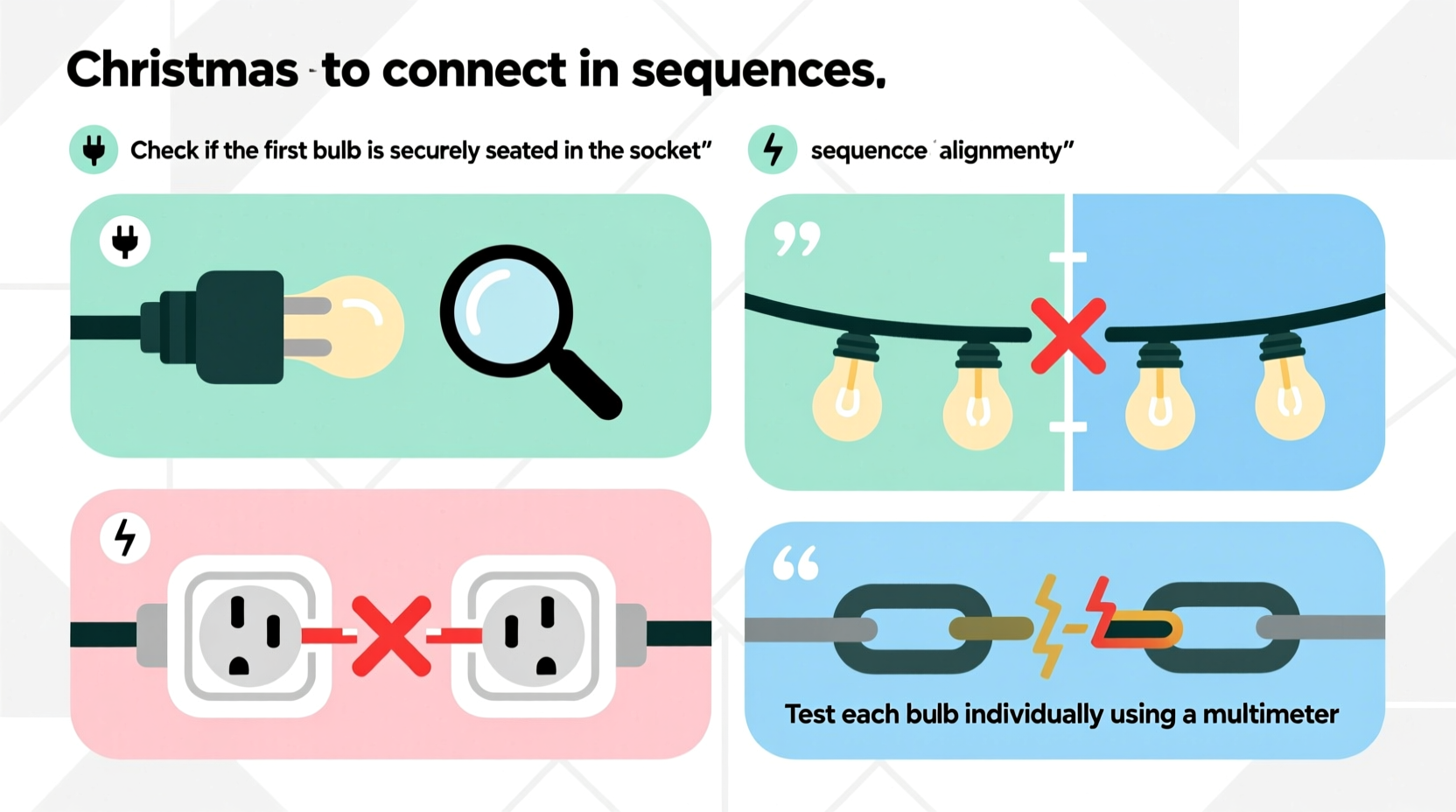
Modern Christmas lights, especially LED varieties, often use digital controllers to manage sequencing patterns like chasing, fading, or wave effects. These sequences rely on synchronized data signals sent from a master controller through connected strands. For multiple strings to operate as one cohesive unit, they must share compatible protocols, voltage requirements, and connection methods.
The issue typically arises when attempting to link different sets that were not designed to communicate with each other. While many manufacturers follow standard plug-and-play designs, subtle differences in circuitry or firmware can disrupt synchronization. Additionally, older incandescent strings may not support sequencing at all, leading to confusion when mixed with programmable LEDs.
Controllers use pulse-width modulation (PWM) or serial data transmission to coordinate timing across bulbs. If one strand interprets the signal differently due to mismatched chipsets or outdated technology, the result is erratic behavior—partial illumination, delayed responses, or complete failure to sync.
“Synchronization isn’t just about plugging lights together—it’s about ensuring they speak the same electrical language.” — David Langston, Holiday Lighting Systems Engineer
Common Causes of Sequence Failure
Before diving into repairs, identify which factor is disrupting your setup. The following are the most frequent culprits behind non-sequencing Christmas lights:
- Incompatible light types: Mixing RGB LED strips with monochrome LEDs or combining different generations of smart lights often leads to communication breakdowns.
- Daisy-chain overload: Exceeding the maximum number of connectable strings trips built-in fuses or overloads the controller’s output capacity.
- Faulty male/female connectors: Corrosion, bent pins, or worn-out sockets prevent reliable data and power transfer between strands.
- Controller limitations: Some base units only support specific modes or cannot extend sequences beyond a certain length.
- Power supply inconsistencies: Voltage drops across long runs cause dimming or erratic sequencing in downstream sections.
- Damaged segments: A single broken bulb or cut wire in an addressable strip can halt signal propagation entirely.
Step-by-Step Troubleshooting Process
Follow this systematic approach to isolate and resolve sequence issues efficiently:
- Unplug all light strands and disconnect them from each other. Begin with a clean slate.
- Test each string individually using its original controller. Confirm that every set operates correctly on its own with the desired pattern.
- Inspect physical connections for dirt, moisture, or deformation. Clean contacts gently with isopropyl alcohol and a cotton swab.
- Reconnect two known-working strands and observe behavior. If sequencing fails immediately, one may not support daisy-chaining.
- Check manufacturer specifications online for maximum run lengths and compatible models. Many brands publish compatibility charts.
- Use a multimeter to verify consistent voltage at both ends of longer chains. A drop below 90% of rated voltage indicates insufficient power delivery.
- Replace suspect controllers with updated versions if firmware updates are available or if newer models promise better multi-string performance.
If problems persist after these steps, consider whether one strand uses a proprietary protocol. For example, certain brand-exclusive systems (like GE Color Effects or Philips Hue Outdoor) require bridge devices or apps to synchronize across extended setups.
Do’s and Don’ts When Connecting Light Sequences
| Do | Don’t |
|---|---|
| Use lights from the same product line and batch number | Mix warm white and cool white LEDs in the same sequence |
| Limit daisy chains to manufacturer-recommended lengths | Plug more than three standard LED strings into one outlet without surge protection |
| Secure outdoor connections off the ground using clips or brackets | Submerge connectors in water or leave them exposed to standing rain |
| Label tested working strands with colored tags | Force connectors together if they don’t align smoothly |
| Update controller firmware via app or USB when available | Assume all “5V” addressable strips work identically regardless of chipset |
Mini Case Study: Restoring a Neighborhood Display
A homeowner in Portland, Oregon spent weeks assembling a 1,200-bulb animated display featuring snowflakes, waves, and twinkling stars. After installation, half the roofline remained out of sync. Each time he powered the system, the left side pulsed slowly while the right blinked rapidly, creating a disjointed effect.
Initial inspection revealed he had combined two purchases made six months apart—both labeled “RGB LED String Lights,” but from different manufacturing batches. Upon closer review, the second batch used a revised WS2812B chipset requiring a slightly different data signal timing. Though physically identical, their internal programming diverged enough to break synchronization.
The solution involved re-flashing the controller firmware to recognize both variants and splitting the display into two zones managed by a central hub. He also added a secondary power injector midway along the longest run to eliminate voltage sag. Within hours, the entire display operated in perfect unison, drawing praise from neighbors and passersby alike.
Expert Tips for Long-Term Sequence Reliability
Maintaining consistent performance year after year requires foresight during setup and storage. Consider these professional recommendations:
- Keep original packaging and manuals—they contain vital model numbers and compatibility notes.
- Create a wiring diagram of your display layout, noting which strands connect where and which controller manages each zone.
- Store connectors in sealed bags with desiccant packs to prevent oxidation during off-seasons.
- Use color-coded zip ties to group matching sequences, making annual reassembly faster and error-free.
- Invest in a power distribution block for large installations to ensure even voltage across all branches.
FAQ
Can I mix different brands of LED Christmas lights in one sequence?
Generally no, unless both brands explicitly state cross-compatibility. Even if voltages match, data protocols and refresh rates often differ, causing sync failures. Stick to one brand per zone or use a universal decoder/controller to translate signals.
Why do my lights work alone but not when chained?
This usually points to exceeding the controller’s load limit or a faulty interconnection. Check the maximum wattage or number of bulbs allowed per chain. Also inspect the female end of the first strand—this is a common failure point due to repeated plugging.
What does it mean if only part of my sequence blinks?
Partial response suggests a break in the data line. In addressable LEDs, each bulb passes the signal to the next. If one fails electrically or physically, everything downstream stops receiving instructions. Test segment by segment to locate the dead bulb or damaged section.
Preventive Checklist for Next Season
- Inventory all light strands and label by type, color, and function.
- Verify controller compatibility using manufacturer resources.
- Test every string individually before installation.
- Use weatherproof enclosures for all outdoor junctions.
- Install inline fuses or surge protectors on main power feeds.
- Document successful configurations digitally or on paper.
- Store components in dry, temperature-stable environments.
Conclusion
Christmas lights that refuse to connect in sequence aren’t necessarily defective—they’re often victims of mismatched design assumptions or overlooked technical limits. By understanding how digital signals travel through light strings, respecting manufacturer guidelines, and applying methodical diagnostics, you can transform a chaotic display into a smooth, mesmerizing spectacle. Whether you're illuminating a single tree or an entire house, precision beats power. Take the time to build your setup on compatibility and consistency, and your holiday lights will shine in perfect rhythm for years to come.




 浙公网安备
33010002000092号
浙公网安备
33010002000092号 浙B2-20120091-4
Comments
No comments yet. Why don't you start the discussion?