
Suddenly unable to download apps from the Google Play Store or Apple App Store? You're not alone. Millions of users encounter frustrating blocks when trying to install new apps—whether it’s a productivity tool, social media platform, or game. While the issue might seem technical or permanent, most app download problems stem from simple, fixable causes. From connectivity glitches to account restrictions, this guide breaks down the root causes and delivers practical, step-by-step solutions to get your downloads back on track.
Common Reasons You Can’t Download Apps
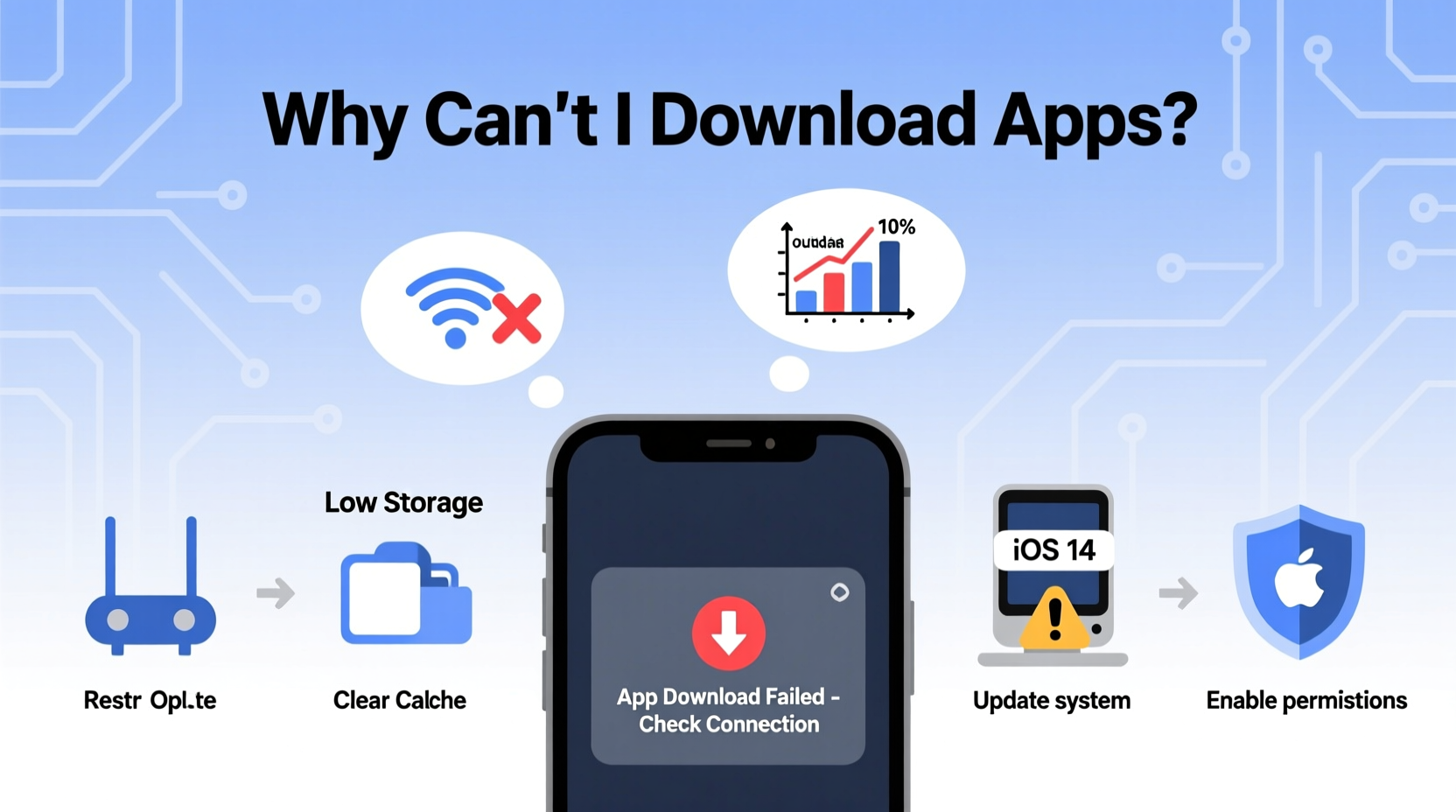
Before diving into fixes, it helps to understand what’s really stopping your downloads. The issue typically falls into one of several categories:
- Network problems: Unstable Wi-Fi or mobile data can interrupt downloads.
- Storage limitations: If your device is full, no new apps can be installed.
- Outdated OS or app store: Older software versions may block new app installations.
- Account issues: Payment method errors, region restrictions, or banned accounts prevent access.
- Permissions or settings: Background restrictions or disabled installation sources (on Android) can halt downloads.
Identifying which category your problem belongs to is the first step toward resolution.
Step-by-Step Troubleshooting Guide
Follow this logical sequence to diagnose and resolve your app download issue efficiently.
- Check your internet connection. Try loading a website in your browser. If it fails, restart your router or switch between Wi-Fi and mobile data.
- Restart your device. A reboot clears temporary glitches affecting the app store.
- Verify available storage. Go to Settings > Storage and ensure you have at least 500MB free for average apps.
- Update your operating system. Outdated firmware can cause compatibility issues with modern apps.
- Clear the cache of your app store. On Android: Settings > Apps > Google Play Store > Storage > Clear Cache. On iOS: Offload and reinstall the App Store if needed via iPhone Storage settings.
- Sign out and back into your account. For Google or Apple ID, this refreshes authentication tokens.
- Check payment method status. Even free apps sometimes require a valid payment method on file.
- Review parental controls or restrictions. These settings may block app installations based on content ratings.
Platform-Specific Fixes
Different platforms have unique quirks. Here’s how to handle each:
For Android Users
- Enable “Install unknown apps” only when necessary. This setting doesn’t affect Play Store downloads but can interfere with permissions.
- Update Google Play Services. This background service is critical for app delivery.
- Remove and re-add your Google Account. Go to Settings > Accounts > Google, remove the account, then sign back in.
For iOS Users
- Check Screen Time restrictions. Go to Settings > Screen Time > Content & Privacy Restrictions > Installing Apps — make sure it’s allowed.
- Reset network settings. Settings > General > Transfer or Reset iPhone > Reset > Reset Network Settings.
- Ensure your Apple ID country matches your current location. Mismatches can block app availability.
“Over 70% of app download failures on iOS are tied to misconfigured Screen Time settings or outdated payment profiles.” — Jordan Lee, Mobile Support Engineer at TechAid Solutions
Do’s and Don’ts When Fixing App Download Issues
| Action | Do | Don’t |
|---|---|---|
| Storage Management | Delete unused apps or move photos to cloud storage | Don’t fill your device beyond 90% capacity |
| Account Handling | Verify your payment method is active and valid | Don’t use fake or expired credit cards, even for free apps |
| Software Updates | Keep your OS and app stores updated regularly | Don’t ignore update notifications for months |
| Security Settings | Temporarily disable battery saver if it restricts background data | Don’t disable security features permanently just to install an app |
Real Example: Maria’s App Store Block
Maria, a freelance designer in Austin, couldn’t download Adobe Express on her iPad. She tapped “Get,” saw a spinning wheel, then nothing. After checking Wi-Fi and restarting, she still had no luck. Then she remembered updating her credit card last month. She opened her Apple ID settings and noticed a yellow warning: “Payment Information Required.” She updated her card details, waited two minutes, and successfully downloaded the app. Her issue wasn’t technical—it was administrative. Always check your account status before assuming hardware failure.
Quick Checklist: Can’t Download Apps?
Run through this list in under five minutes:
- ✅ Is Wi-Fi or data working reliably?
- ✅ Is there enough storage space?
- ✅ Is your device’s OS up to date?
- ✅ Is your Google/Apple account signed in correctly?
- ✅ Are restrictions (Screen Time, Family Sharing) blocking installs?
- ✅ Have you cleared the app store cache (Android) or offloaded the App Store (iOS)?
- ✅ Is your payment method valid and up to date?
Frequently Asked Questions
Why does my phone say “Waiting” when I try to download an app?
This usually means the download is queued due to poor connectivity, low storage, or multiple pending updates. Check your network, free up space, or go to the Downloads section in the app store to resume manually.
Can I download apps without a credit card linked to my account?
Yes. Both Google and Apple allow you to add a “None” option as your payment method, provided no prior balance exists. On Apple, go to Settings > [Your Name] > Media & Purchases > Add Payment Method > None (if available in your region).
What should I do if the app store crashes every time I open it?
Force close the app, restart your phone, then clear the cache (Android) or offload the App Store (iOS). If that fails, uninstall Play Store updates (Android) or contact support.
Conclusion: Regain Control Over Your App Experience
Being unable to download apps disrupts workflows, limits entertainment, and creates unnecessary stress. But in nearly every case, the solution lies in a few targeted actions: verifying connectivity, managing storage, updating software, or correcting account settings. Most fixes take less than ten minutes and don’t require technical expertise. The key is systematic troubleshooting—not random guessing. Now that you know the common pitfalls and how to overcome them, you’re equipped to maintain smooth, uninterrupted access to the apps you need.




 浙公网安备
33010002000092号
浙公网安备
33010002000092号 浙B2-20120091-4
Comments
No comments yet. Why don't you start the discussion?