
Sending a text is often instantaneous—so much so that the regret can hit before the message even reaches the recipient. You tap “Send,” then immediately wish you could take it back. Typos, wrong recipients, or impulsive words can’t always be undone. But why? Despite advances in messaging technology, the ability to unsend a message remains limited and inconsistent across platforms. Understanding the technical, design, and network-related reasons behind this limitation helps clarify when—and if—you can reclaim control over what you’ve sent.
The Reality of Message Delivery
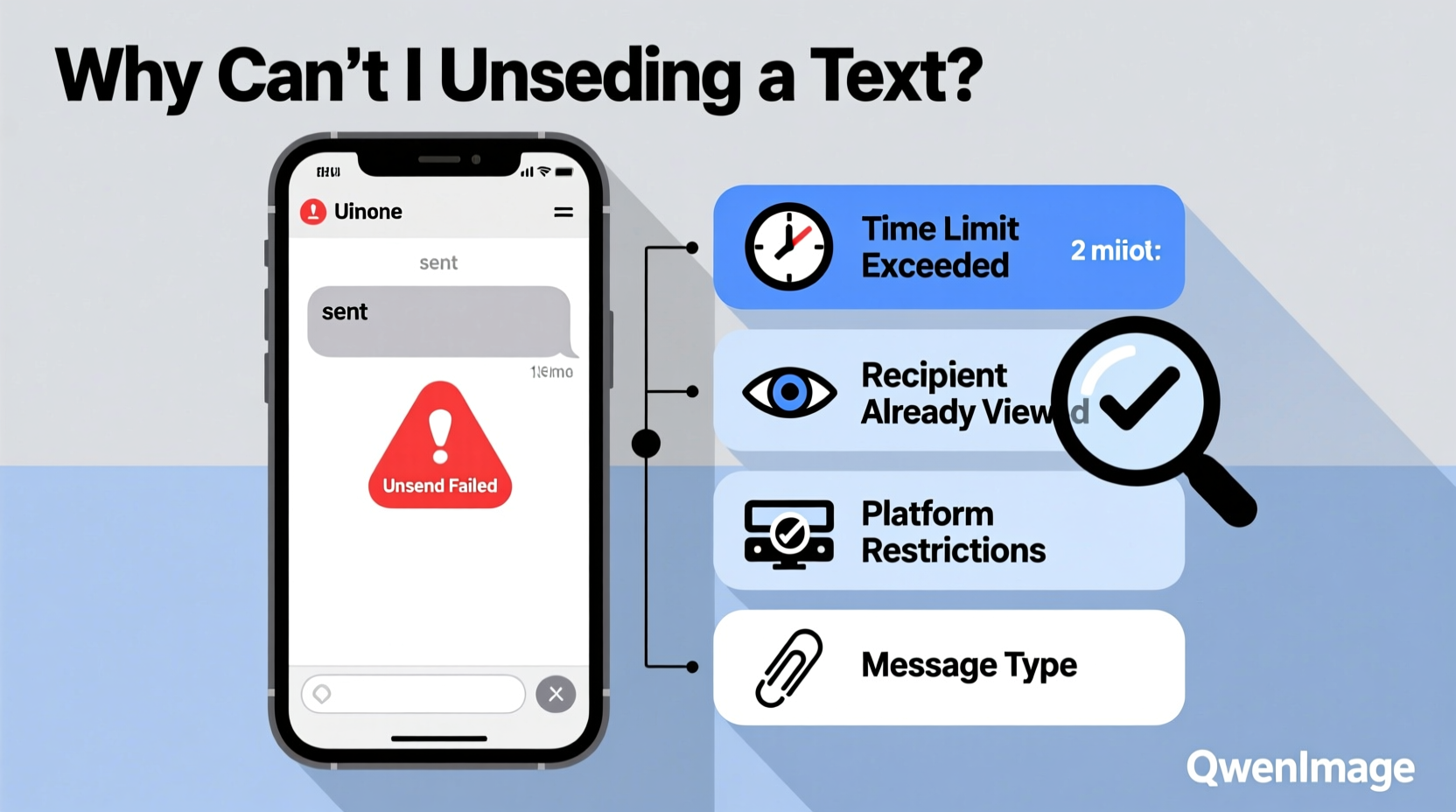
When you send a text, whether via SMS, iMessage, WhatsApp, or another platform, the message begins traveling through a complex digital pipeline. The moment it leaves your device, it’s no longer under your sole control. Most messaging systems are designed for reliability and speed, not reversibility. Once a message is acknowledged by the network or delivered to the recipient’s device, reversing it would require coordination between multiple independent systems—a process that introduces significant technical challenges.
Unlike email, where drafts and recall functions exist (albeit with limitations), texting operates in near real-time. This immediacy is part of its appeal but also its constraint. There's no universal \"undo\" button because messages are treated as events, not editable documents.
Platform-Specific Limitations
Different messaging platforms handle unsending differently—or not at all. Here’s a breakdown of how major services support (or don’t support) message recall:
| Platform | Can Unsend? | Time Limit | Requirements |
|---|---|---|---|
| SMS/MMS (Standard Text) | No | N/A | Messages go directly through carrier networks; no recall function exists. |
| iMessage (Apple) | Yes (iOS 16+) | Up to 2 minutes | Both users must use Apple devices; iOS 16 or later; Wi-Fi or cellular connection required. |
| Yes | Up to 2 days | Message can be deleted for everyone within 48 hours; both devices must be connected. | |
| Facebook Messenger | Yes | Up to 10 minutes | Available only in the mobile app; applies to both sides if done quickly. |
| Signal | Yes | No time limit | “Delete for everyone” works anytime, but recipient may have seen it already. |
| Telegram | Yes | 48 hours (private chats); unlimited (groups/channels) | Full edit/delete flexibility in channels; stricter in private messages. |
This inconsistency means that whether you can unsend a message depends entirely on which app you’re using, the recipient’s device, and timing. Standard SMS, still used widely, offers zero recall capability—it’s final the moment it sends.
Why Technical Constraints Prevent Universal Unsend Features
At the core of the issue are architectural decisions made by telecom providers and app developers. SMS, for example, relies on legacy protocols developed decades ago. These systems were never designed with editing or deletion in mind. Once a carrier routes your message, it’s replicated across switches and towers, possibly stored temporarily on servers, and pushed to the recipient’s phone. Reversing that chain isn’t technically feasible without overhauling the entire infrastructure.
Even modern apps face hurdles. For an “unsend” to work reliably, the recipient’s device must receive a command to delete the message *before* it’s read—or at least confirm receipt of the deletion request. But if their phone is offline, airplane mode, or out of range, the original message remains intact. Some apps try to mitigate this with end-to-end encryption and sync protocols, but success isn’t guaranteed.
“Messaging systems prioritize delivery confirmation over editability. Once a message is accepted by the network, it’s considered immutable.” — Dr. Lena Patel, Network Communications Researcher at MIT
Troubleshooting: What to Do When You Can’t Unsend
If you’ve sent a message you regret and the platform doesn’t allow unsending, here’s a practical step-by-step guide to minimize fallout:
- Assess the severity. Was it a typo, a sensitive detail, or an emotional outburst? Not every message requires damage control.
- Act quickly. If the app supports unsend (like iMessage or WhatsApp), open the chat immediately and long-press the message to reveal the edit/delete option.
- Check your internet connection. A failed unsend attempt might be due to poor connectivity. Switch to Wi-Fi and retry.
- Contact the recipient directly. Send a follow-up message clarifying intent: “Hey, meant to send that to someone else—please ignore!” or “That came out wrong—I’m sorry.” Honesty often defuses tension.
- Disable delivery receipts temporarily. On some platforms, turning off read receipts can delay the other person seeing your message—but this only works if they haven’t already opened the app.
Mini Case Study: The Wrong Group Chat
Jamal was venting to his best friend about work stress and typed a blunt critique of his manager. He meant to send it to a private chat but accidentally dropped it into the company-wide team group. Panicked, he tried to delete it—only to realize they were using standard SMS-based group messaging, which had no unsend feature.
He acted fast: within 90 seconds, he followed up with, “Apologies—wrong chat! Ignore that last message.” Then he called the manager privately, explaining it was intended for a friend and expressing regret. Though awkward, his quick transparency prevented escalation. The incident led his team to switch to WhatsApp for internal communication, where delete-for-everyone is available.
This scenario underscores that while technology limits control, human response strategies can still mitigate harm.
Best Practices to Avoid Message Regret
Prevention is more effective than cure. Incorporate these habits to reduce the need to unsend:
- Double-check the recipient’s name before hitting send, especially in group chats.
- Turn on message previews cautiously—seeing a name flash too briefly can lead to mistakes.
- Use voice-to-text carefully; misheard words can create embarrassing messages.
- Enable “Send with Return” instead of “Send with Enter” to avoid accidental taps.
- Set up contact nicknames or colors to visually distinguish close contacts.
Checklist: Before You Send a Sensitive Message
- ✅ Is this going to the right person?
- ✅ Have I reviewed tone and wording?
- ✅ Am I emotionally calm?
- ✅ Could this be said better in person or via call?
- ✅ Does the platform support unsend/edit if needed?
Frequently Asked Questions
Can carriers unsend my text message?
No. Mobile carriers do not have the capability to retract SMS messages once transmitted. They act as messengers, not editors, and lack the infrastructure to pull back data mid-transmission.
Why does iMessage let me unsend but SMS doesn’t?
iMessage is Apple’s proprietary internet-based service with centralized control over message delivery. It can issue remote delete commands because both sender and recipient use Apple’s ecosystem. SMS runs on decentralized telecom networks with no central authority to enforce deletions.
Does deleting a message on my phone remove it from the recipient’s device?
No. Deleting a message only removes it from your own view unless the app specifically supports “delete for everyone.” In SMS and many older apps, deletion is local only.
Conclusion: Control Starts Before You Hit Send
The inability to unsend a text isn’t just a technological gap—it reflects a broader truth about digital communication: permanence is built into the system. While newer apps are adding recall features, they remain exceptions, not guarantees. Relying on them is risky. Instead, the most reliable strategy is mindful messaging. Pause before sending, verify recipients, and consider the longevity of your words. Once a message leaves your screen, it may be beyond your reach forever.




 浙公网安备
33010002000092号
浙公网安备
33010002000092号 浙B2-20120091-4
Comments
No comments yet. Why don't you start the discussion?