
In an era where nearly every aspect of life—personal, professional, financial, and creative—is digitized, losing access to critical data can be devastating. A single hard drive failure, ransomware attack, or accidental deletion can erase years of work in seconds. Yet, many individuals and businesses still treat data backup as an afterthought. The truth is simple: if your data exists in only one place, it’s at serious risk. Regular, reliable backups aren’t just a technical precaution—they’re a fundamental part of digital survival.
The Real Cost of Data Loss
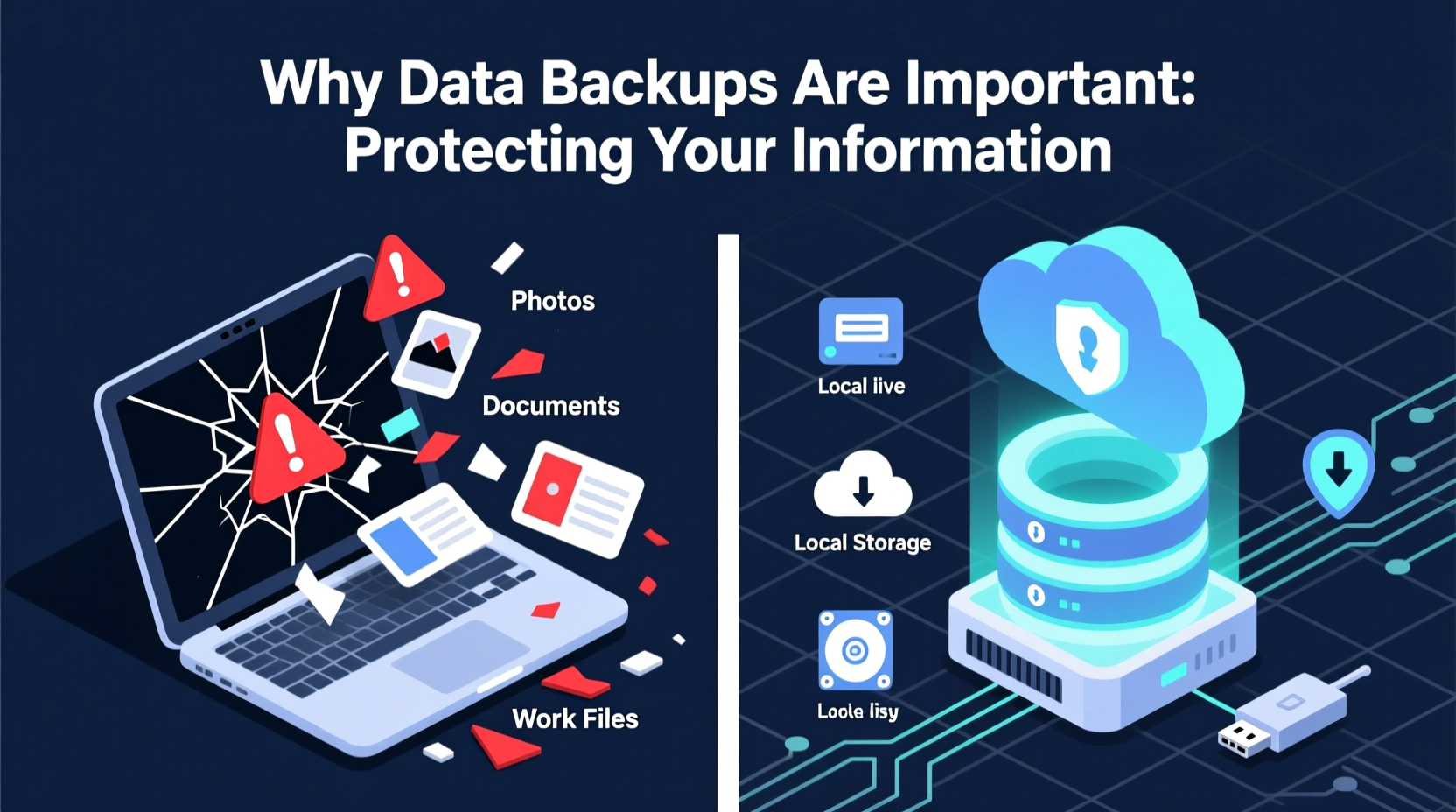
Data loss doesn’t discriminate. It can strike anyone—a freelance photographer losing a client’s wedding gallery, a small business owner whose accounting files vanish overnight, or a student whose thesis disappears before submission. According to the University of California, Berkeley, 60% of small companies that lose their data close within six months. The financial, emotional, and operational toll is often irreversible.
Common causes of data loss include:
- Hardware failure: Hard drives have a finite lifespan. Mechanical wear, overheating, or power surges can render them unreadable.
- Malware and ransomware: Cybercriminals encrypt files and demand payment for restoration—often with no guarantee of recovery.
- Human error: Accidental deletion, formatting the wrong drive, or overwriting files accounts for a significant portion of incidents.
- Natural disasters: Fires, floods, and storms can destroy physical devices along with the data they hold.
- Theft or loss: Laptops, phones, and external drives can be stolen or misplaced, especially when traveling.
Without a backup, each of these scenarios becomes a potential catastrophe.
How Backups Provide Peace of Mind and Resilience
A proper backup acts as a time machine for your data. If something goes wrong, you can restore files to a previous state, minimizing downtime and stress. More than just a safety net, backups enable continuity. For businesses, this means avoiding costly interruptions. For individuals, it means preserving irreplaceable memories like photos, videos, and personal documents.
Backups also play a crucial role in cybersecurity. Ransomware attacks have surged in recent years, targeting everyone from multinational corporations to home users. In such cases, having an isolated, up-to-date backup allows victims to bypass paying ransoms entirely—simply wipe the infected system and restore clean data.
“Organizations without regular backups are playing digital Russian roulette. One bad click or failing drive could end everything.” — Dr. Lena Patel, Cybersecurity Researcher at MIT
The 3-2-1 Backup Rule: A Proven Strategy
To maximize protection, experts recommend following the 3-2-1 backup rule. This framework ensures redundancy and minimizes single points of failure:
- 3 copies of your data: The original plus two backups.
- 2 different media types: For example, an external hard drive and cloud storage.
- 1 offsite copy: Stored in a separate physical location (e.g., cloud or a safe deposit box) to survive local disasters.
This approach guards against multiple failure modes. Even if your laptop is stolen and your external drive fails, the offsite copy remains accessible.
| Backup Type | Pros | Cons |
|---|---|---|
| External Hard Drive | Fast, high capacity, one-time cost | Vulnerable to theft, damage, not automated by default |
| Cloud Storage (e.g., Google Drive, Dropbox) | Accessible anywhere, automatic sync, offsite | Ongoing subscription, slower upload speeds, privacy concerns |
| Network Attached Storage (NAS) | Local control, supports automation, multi-user access | Higher initial cost, requires setup and maintenance |
| Online Backup Services (e.g., Backblaze, Carbonite) | Fully automated, encrypted, unlimited storage options | Monthly fees, dependent on internet speed |
Real-World Example: When Backup Saved a Business
Jamie Rivera runs a boutique graphic design studio with five employees. In early 2023, her office experienced a ransomware attack after an employee clicked a phishing email. All internal servers were encrypted within minutes. However, Jamie had implemented a 3-2-1 backup strategy: daily cloud backups via Backblaze, weekly image backups to encrypted external drives stored offsite, and version history enabled on shared files.
Within hours, the IT consultant wiped the network, reinstalled systems, and restored all files from the most recent uninfected backup. While productivity dipped for two days, no data was lost, no ransom was paid, and clients remained unaware of the incident. “That backup routine saved our reputation—and probably our business,” Jamie said later. “It wasn’t glamorous, but it worked exactly when we needed it.”
Step-by-Step Guide to Setting Up Effective Backups
You don’t need advanced technical skills to protect your data. Follow this practical sequence to build a resilient backup system:
- Inventory your critical data: Identify what needs backing up—documents, photos, emails, databases, project files.
- Choose your primary backup method: Start with an external drive or cloud service based on your budget and comfort level.
- Enable automation: Use built-in tools like Windows File History, macOS Time Machine, or third-party apps like Duplicati or Acronis to schedule regular backups.
- Add an offsite layer: Subscribe to a cloud backup service or manually rotate external drives between home and another secure location.
- Test your restore process: Periodically attempt to recover a file to confirm backups are working. A backup is only as good as its ability to be restored.
- Review and update quarterly: Add new devices, adjust storage needs, and ensure encryption keys are secure.
Common Backup Mistakes to Avoid
Even well-intentioned backup efforts can fall short due to oversights. Watch out for these pitfalls:
- Infrequent backups: Daily changes may be lost if backups run weekly or monthly.
- No verification: Assuming backups succeeded without checking logs or testing restores.
- Single-point dependency: Relying solely on one external drive or cloud account increases risk.
- Ignoring encryption: Unencrypted backups on portable devices can expose sensitive data if lost.
- Forgetting mobile devices: Photos and messages on smartphones are often excluded from backup plans.
FAQ
How often should I back up my data?
For most users, daily automated backups are ideal. If you work with large files or critical projects, consider real-time syncing or hourly snapshots. At minimum, back up weekly—but more frequent backups reduce potential data loss.
Are cloud backups safe from hackers?
Reputable cloud services use strong encryption (both in transit and at rest) and multi-factor authentication. However, no system is 100% immune. Always use strong, unique passwords and enable two-factor authentication. For maximum security, combine cloud backups with local encrypted storage.
Can I back up my smartphone automatically?
Yes. iPhones can use iCloud with automatic photo and app backups enabled. Android devices support Google One for similar functionality. Ensure Wi-Fi-only backups are activated to avoid data charges, and periodically verify that key content is included.
Checklist: Building Your Backup System
Use this checklist to implement a robust data protection strategy:
- ✅ Identify essential data across all devices
- ✅ Select at least two backup methods (e.g., external drive + cloud)
- ✅ Automate backup schedules
- ✅ Store one backup copy offsite
- ✅ Encrypt sensitive backup files
- ✅ Test a file restoration within one week
- ✅ Review and update your system every three months
Conclusion
Data is one of the most valuable assets you own—whether it’s family photos, business records, or creative projects. Yet, it remains astonishingly fragile. The difference between disaster and recovery often comes down to one simple habit: consistent backups. You don’t need expensive tools or technical expertise. What you need is awareness, discipline, and a plan. By adopting the 3-2-1 rule, automating your process, and testing regularly, you take control of your digital resilience. Don’t wait for a crisis to realize how much you stand to lose. Protect your information today—because once it’s gone, it may never come back.




 浙公网安备
33010002000092号
浙公网安备
33010002000092号 浙B2-20120091-4
Comments
No comments yet. Why don't you start the discussion?