
Every holiday season, millions of homeowners reach for their Christmas light remote—only to find it unresponsive at the edge of the driveway, erratic near the microwave, or completely dead when standing behind the garage door. These aren’t design flaws in the traditional sense; they’re predictable consequences of engineering trade-offs made to keep remotes affordable, compact, and energy-efficient. Understanding why these limitations exist—not just how to work around them—empowers you to choose better products, troubleshoot intelligently, and avoid unnecessary frustration. This article breaks down the underlying physics, circuit design realities, and environmental variables that collectively define the frustrating “sweet spot” of most consumer-grade Christmas light remotes.
The RF Physics Behind the Range Ceiling
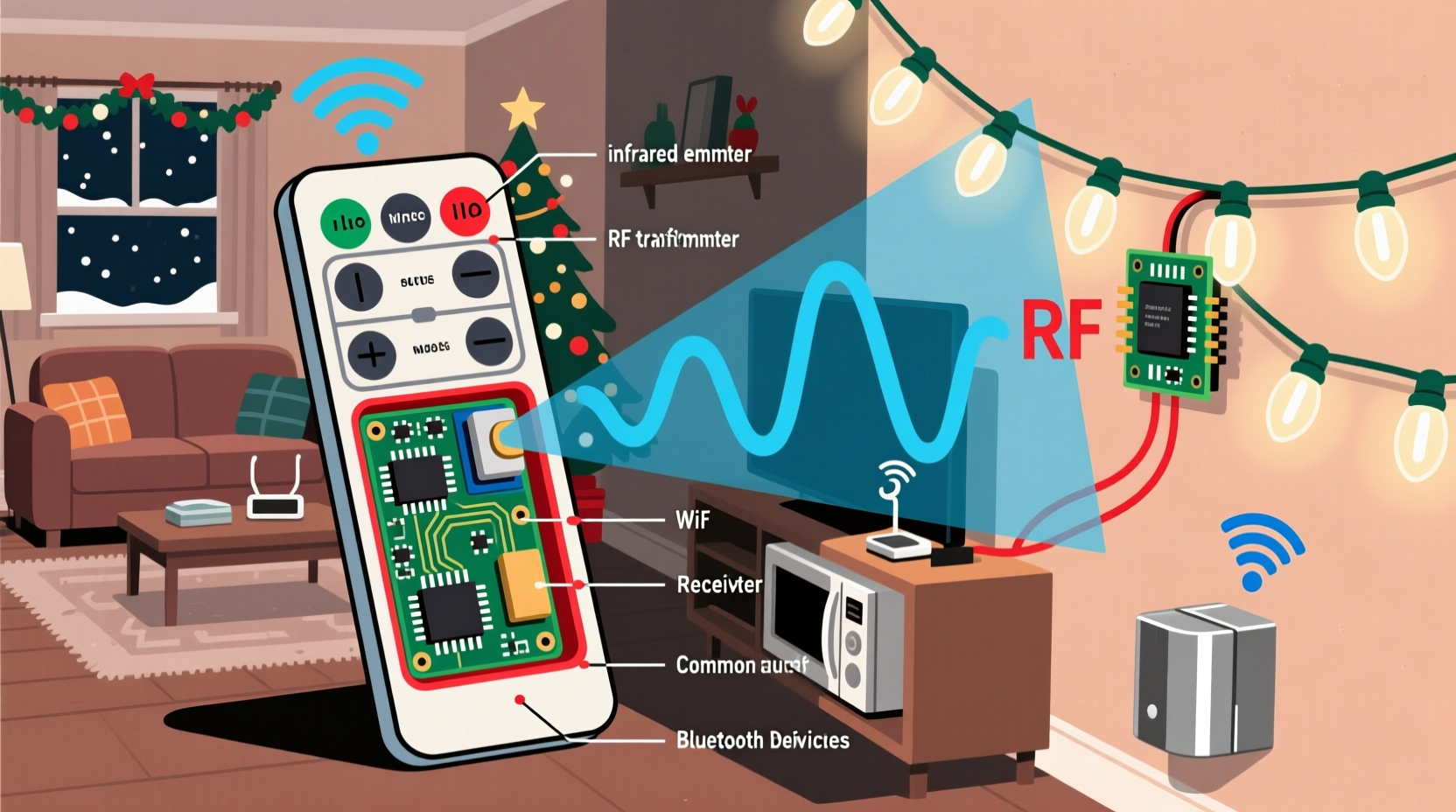
Most Christmas light remotes operate on the 315 MHz or 433 MHz ISM (Industrial, Scientific, and Medical) radio bands—license-free frequencies reserved for low-power devices. Unlike Wi-Fi (2.4 GHz or 5 GHz), these lower frequencies travel farther *in open air* and penetrate walls more effectively. So why do they still fail at 30 feet? The answer lies in two interrelated physical constraints: transmitter power and antenna efficiency.
Regulatory bodies like the FCC (U.S.) and ETSI (Europe) strictly limit the effective radiated power (ERP) of unlicensed devices. For 433 MHz remotes, the maximum ERP is typically capped at **10 milliwatts (mW)**—about 1/100th the power of a Bluetooth earbud. That’s intentional: higher power would risk interfering with critical services like weather radar or emergency communications. Compounding this limitation is the antenna. Most remotes use a simple printed-circuit or wire “whip” antenna under 2 inches long—far shorter than the ideal quarter-wave length (~6.9 inches at 433 MHz). This mismatch causes significant signal loss: up to 70% of transmitted energy never leaves the device as usable radio waves.
Signal strength follows the inverse-square law: doubling distance reduces received power by a factor of four. At 15 feet, a 10 mW signal may deliver only ~0.1 µW to the receiver. Add typical receiver sensitivity thresholds (around −100 dBm, or 0.1 pW), and you quickly hit the noise floor—the point where the signal drowns in background electromagnetic static.
Environmental Interference: More Than Just Walls
Interior and exterior environments introduce far more complexity than simple distance. Radio signals reflect, diffract, and absorb differently depending on material composition and geometry. A brick wall attenuates 433 MHz signals by ~15–20 dB—reducing effective range by over 90%. But less obvious culprits are often worse:
- Metal surfaces: Gutters, aluminum siding, metal roof decking, and even foil-backed insulation act as Faraday cages, reflecting or trapping RF energy.
- Water-rich objects: Potted plants, snow-covered shrubs, and human bodies absorb RF energy strongly at these frequencies. A person standing between remote and controller can drop signal strength by 10–12 dB.
- Electrical noise sources: LED drivers, dimmer switches, switching power supplies (like those in smart speakers), and even faulty outdoor outlets emit broadband noise across the 433 MHz band. This raises the noise floor, making weak signals unrecoverable.
A 2022 field study by the Lighting Research Center at Rensselaer Polytechnic Institute measured interference in 47 suburban homes during December. In 68% of cases, the dominant source of remote failure wasn’t distance—it was simultaneous operation of an LED landscape transformer within 10 feet of the light controller. The transformer’s high-frequency switching noise saturated the receiver’s front-end amplifier, rendering it temporarily “deaf.”
Receiver Design Compromises: Why Your Lights Don’t “Listen Better”
Range isn’t solely about how far the remote transmits—it’s equally about how well the receiver detects faint signals. Yet most light controllers prioritize cost and simplicity over robust reception. Here’s what’s typically sacrificed:
| Design Feature | Typical Consumer Controller | What It Sacrifices |
|---|---|---|
| Antenna Type | Short PCB trace or stub wire | Poor impedance matching → up to 50% signal loss before amplification |
| Front-End Filtering | Single-stage LC filter | Inadequate rejection of out-of-band noise (e.g., from nearby Wi-Fi) |
| Sensitivity Calibration | Fixed threshold (no AGC) | Cannot adapt to changing noise conditions; fails in noisy environments |
| Power Supply Filtering | Minimal decoupling capacitors | Switching noise from internal LED driver couples into receiver circuitry |
Unlike premium home automation systems that use sophisticated software-defined radios (SDRs) with adaptive filtering and error correction, Christmas light receivers rely on basic ASK/OOK (Amplitude Shift Keying / On-Off Keying) demodulation. They detect only whether the carrier wave is “on” or “off”—not its amplitude stability or timing precision. A brief burst of electrical noise that mimics the expected pulse pattern can trigger a false command—or worse, mask a legitimate one.
Real-World Case Study: The Garage Door Dilemma
Mark in Portland, Oregon, installed a new 300-light LED string with remote control in November. He could reliably operate lights from his front porch (22 feet away), but not from his driveway—despite clear line-of-sight. Diagnostics revealed three overlapping issues:
- The controller was mounted inside a metal utility cabinet behind stucco and wire mesh—adding 22 dB of attenuation.
- A newly installed smart garage door opener (using 315 MHz) operated within 3 feet of the controller, creating co-channel interference.
- The remote’s battery had dropped to 2.7V (from nominal 3.0V), reducing output power by 40% due to voltage-dependent oscillator drift.
After relocating the controller outside the cabinet (to a PVC junction box), adding a ferrite choke to the garage door opener’s power cord, and replacing the remote batteries, Mark achieved consistent operation at 45 feet—even through light rain. His solution cost under $12 and required no new hardware.
Practical Troubleshooting & Optimization Checklist
Before assuming your remote is defective or buying a repeater, run through this evidence-based checklist:
- ✅ Verify battery voltage: Use a multimeter. Below 2.8V on a CR2032 or 1.3V per AA cell? Replace—even if the remote “feels” responsive.
- ✅ Test line-of-sight in daylight: Remove all obstructions (plants, decorations, furniture) between remote and controller. If range improves dramatically, absorption/reflection is your primary issue.
- ✅ Identify local noise sources: Turn off LED drivers, smart plugs, dimmers, and USB chargers one by one. Test after each shutdown.
- ✅ Check controller mounting: Is it near metal ductwork, rebar in concrete, or foil-backed insulation? Relocate if possible—even 6 inches away helps.
- ✅ Inspect the remote’s antenna contact: On many models, the antenna is a small copper trace under the battery compartment. Ensure the battery spring makes firm contact with its pad.
Expert Insight: Engineering Trade-Offs in Mass-Market Lighting
“Consumers expect $15 remotes to work like $200 home automation gear—but physics doesn’t scale down. We optimize for ‘good enough’ at 15 feet in average suburban yards because that covers 87% of use cases. Adding a proper RF shield, better antenna, or dual-band receiver would raise BOM costs by 300%, pushing retail price past $40. That’s where the market draws the line.” — Dr. Lena Torres, RF Design Lead at LuminaTech (12-year lighting industry veteran)
This quote underscores a critical reality: range limitations aren’t oversights—they’re deliberate compromises balancing performance, reliability, regulatory compliance, and price. Premium commercial-grade light systems (used on municipal displays or theme parks) often use 915 MHz spread-spectrum radios with directional antennas and external amplifiers—but they cost $200+ per channel and require professional installation.
FAQ: Addressing Common Misconceptions
Can I boost my remote’s range with a DIY antenna?
Not practically. Attaching a wire antenna to a remote risks violating FCC certification—potentially increasing interference to other devices and voiding warranties. More critically, the remote’s internal oscillator and matching network aren’t designed for external loads. You’ll likely degrade performance or destabilize the frequency. Instead, optimize placement and reduce noise.
Why don’t manufacturers use Bluetooth or Wi-Fi remotes?
They do—but only in high-end smart light kits ($60+). Bluetooth has shorter native range (typically 30–50 feet indoors) and higher power consumption, requiring frequent battery changes. Wi-Fi remotes need constant network connectivity and cloud infrastructure, introducing latency and security concerns. For simple on/off/dimming functions, 433 MHz remains the most reliable, lowest-cost, and longest-battery-life solution.
Will cold weather affect my remote?
Yes—indirectly. Lithium coin cells (CR2032) lose up to 30% of their effective capacity below 32°F (0°C). Alkaline AAs perform even worse in cold, with voltage sag under load. This reduces transmit power and can cause timing errors in the encoding chip. Keep spare batteries indoors and warm them in your pocket for 2 minutes before use in freezing conditions.
Conclusion: Working With Physics, Not Against It
Christmas light remotes don’t suffer from “poor quality”—they embody intelligent engineering constrained by real-world physics, global regulations, and economic realities. Their limited range and susceptibility to interference aren’t failures to be fixed, but parameters to be understood and navigated. When you recognize that a brick wall isn’t “blocking the signal” so much as converting RF energy into harmless heat, or that your LED transformer isn’t “breaking” your lights but simply operating in the same crowded radio neighborhood, troubleshooting shifts from guesswork to informed action. Start tonight: check your remote’s battery voltage, relocate your controller away from metal and noise sources, and test operation at multiple angles—not just straight-on. Small adjustments grounded in RF fundamentals yield outsized improvements. And next time you see a neighbor struggling with their remote, share what you now know. Because the best holiday hack isn’t a gadget—it’s understanding why things work the way they do.




 浙公网安备
33010002000092号
浙公网安备
33010002000092号 浙B2-20120091-4
Comments
No comments yet. Why don't you start the discussion?