
Every holiday season, millions of homes glow with synchronized twinkle sequences, cascading chases, or chaotic festive flickers—but few pause to ask why the lights behave the way they do. The blinking isn’t magic; it’s engineered intention. Whether your string pulses like a heartbeat or dances unpredictably across the roofline, the behavior stems from deliberate design choices rooted in electrical engineering, cost constraints, user experience goals, and—increasingly—smart connectivity. Understanding what drives these patterns unlocks real control: not just over “on” and “off,” but over rhythm, color, intensity, and interactivity. This article explains the technical origins of blinking behavior, demystifies legacy vs. modern control systems, and delivers actionable, hardware-agnostic strategies for full customization—even on older light sets.
How Traditional Incandescent Lights Achieve Blinking (Without Microchips)
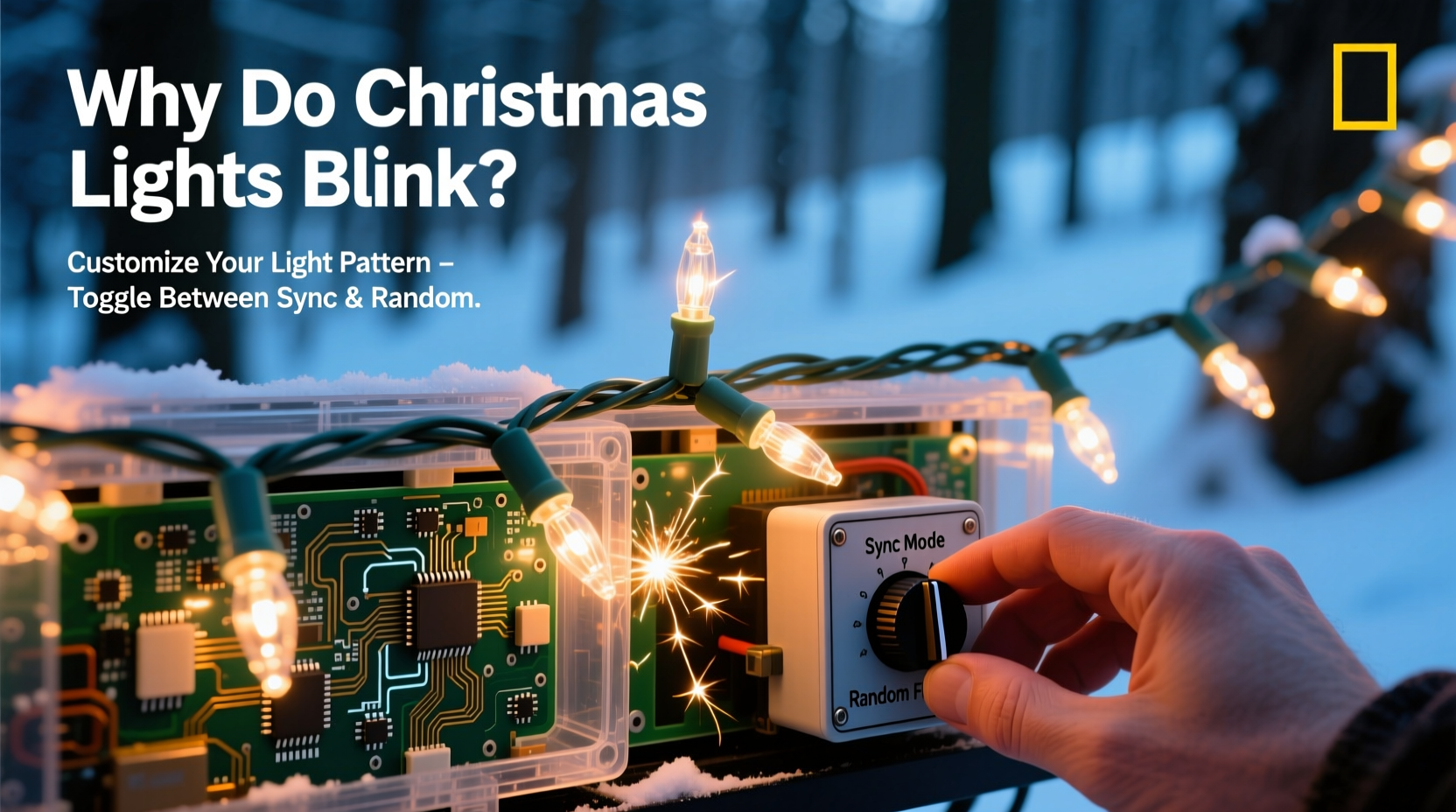
Before LEDs and Wi-Fi, blinking was achieved through passive, analog circuitry. Most vintage incandescent mini-lights used one of two methods: the **flasher bulb** or the **shunt-based interrupter**.
A flasher bulb contains a bimetallic strip inside its glass envelope. When current flows, the strip heats, bends, and breaks the circuit—turning off the entire string. As it cools, it snaps back into contact, restoring power. Because all bulbs share the same series circuit, every bulb blinks simultaneously. This is why classic red-and-green strings often pulse in perfect unison: there’s no independent control—just one thermal switch governing the whole chain.
Shunt-based interrupters work differently. In a series-wired string, if one bulb burns out, the shunt—a tiny conductive coating inside the bulb base—creates a bypass path so the rest stay lit. Some manufacturers added a special “blinking shunt bulb”: when its filament burns out, the shunt doesn’t just bridge—it introduces resistance or capacitance that interacts with the AC waveform, causing rhythmic interruption. Again, because it’s wired in series, the effect propagates to all downstream bulbs.
These methods are inherently limited: they produce only one fixed pattern (usually slow, steady on/off), require precise voltage matching, and cannot support random or multi-pattern behavior. They’re also fragile—vibration, moisture, or voltage spikes easily disrupt timing.
The Rise of LED Controllers: From Fixed Patterns to Programmable Logic
LED technology changed everything—not just because of energy efficiency and longevity, but because LEDs respond instantly to low-voltage digital signals. Unlike incandescent filaments that need time to heat and cool, LEDs switch in microseconds. That speed enabled microcontroller-based controllers, which sit between the power source and the light string and send precise timing instructions.
Early LED controllers used simple integrated circuits (ICs) like the NE555 timer or dedicated lighting ICs (e.g., WS2801, LPD6803). These chips could generate basic waveforms—fade, strobe, chase, twinkle—and cycle through them automatically. Many budget LED strings still use this architecture: a small PCB with a pre-programmed chip, a button to cycle modes, and no external interface. The “random” effect here isn’t truly random; it’s pseudo-random sequence generation based on internal counters and clock dividers—repeating every 3–7 minutes.
True unison blinking in LED strings usually means all LEDs receive the same signal at the same time (common-anode or common-cathode parallel wiring). True random blinking implies individual addressability—where each LED has its own memory register and can be updated independently. That requires serial communication protocols like SPI or DMX, and chips such as the WS2812B (NeoPixel) or APA102 (DotStar).
“The shift from ‘dumb’ blinking to programmable illumination wasn’t just about brightness—it was about granting users narrative control over light. A twinkling star isn’t just decoration; it’s a moment of pause, a breath in the visual rhythm of the season.” — Dr. Lena Torres, Lighting Historian & Senior Designer, Illumination Institute
Customization: What’s Possible Today (And What Requires Hardware Upgrades)
Customization falls along a clear spectrum—from plug-and-play software control to deep hardware modification. Your starting point determines your options.
Level 1: Smart Plug + App-Controlled Strings
Many mid-tier LED strings now include Bluetooth or Wi-Fi controllers built into the plug or inline box. Brands like Twinkly, NOMA Smart, and GE Cync offer apps where you select patterns (e.g., “Gentle Pulse,” “Snowfall,” “Fireplace Glow”), adjust speed, brightness, and color temperature—and save favorites. These devices use preloaded firmware; you can’t write custom code, but you *can* schedule scenes, group multiple strings, and trigger effects via voice assistants.
Level 2: Addressable LED Strips + Microcontroller
For true customization, addressable LEDs (like NeoPixels) connected to an Arduino, Raspberry Pi, or ESP32 open unlimited possibilities. With libraries like FastLED or Adafruit NeoPixel, you write code to define exactly how each LED behaves—down to the millisecond. You can program physics-based simulations (e.g., candle flicker with variable amplitude and decay), audio-reactive pulses synced to music, or generative patterns using Perlin noise for organic randomness.
Level 3: Retrofitting Legacy Strings
You can add intelligence to older non-addressable strings using external controllers like the Falcon F16v3 or SanDevices E68x, which convert DMX or Art-Net signals into timed relay or triac outputs. These let you treat a whole string as a single channel (for on/off/fade) or split it into zones using additional wiring. It’s not pixel-perfect, but it transforms static strings into dynamic elements within a larger synchronized display.
| Customization Method | Max Pattern Control | Hardware Required | Learning Curve |
|---|---|---|---|
| Smart Plug App | Modes, speed, brightness, scheduling | Pre-built smart string + smartphone | Low (15 min setup) |
| Arduino + NeoPixels | Full per-LED timing, color, animation logic | Microcontroller, addressable strip, power supply, soldering tools | Moderate (basic coding + electronics) |
| DMX Relay Controller | Zoned on/off/fade; syncs with professional lighting consoles | DMX controller, relay module, compatible power adapters | High (networking + protocol knowledge) |
| IR Remote Replacement | Mode cycling only—no new patterns | Universal IR remote + compatible receiver module | Low (plug-and-match) |
Step-by-Step: Building Your First Custom Light Sequence (Arduino + NeoPixels)
This guide assumes no prior coding experience and uses widely available, beginner-friendly components.
- Gather parts: Arduino Uno (or Nano), 1-meter WS2812B LED strip (60 LEDs), 5V 4A power supply, breadboard, jumper wires, USB cable.
- Wire safely: Connect LED strip’s VCC to power supply +5V, GND to both power supply ground and Arduino GND, and DIN to Arduino pin 6. Never power the strip solely from Arduino’s 5V pin—this will damage the board.
- Install software: Download Arduino IDE. Install the FastLED library via Sketch → Include Library → Manage Libraries → search “FastLED” → install.
- Upload starter code: Open File → Examples → FastLED → ColorPalette. This sketch cycles smoothly through warm-to-cool hues—no blinking yet, but proves full control.
- Add custom blink logic: Replace the loop() section with this snippet:
This creates authentic, non-repeating randomness—no two LEDs blink identically.void loop() { // Random blink: each LED chooses its own on-time (50–500ms) and off-time (200–1200ms) for(int i = 0; i < NUM_LEDS; i++) { if(millis() - lastBlink[i] > blinkDuration[i]) { leds[i] = (leds[i] == CRGB::Black) ? CRGB::White : CRGB::Black; lastBlink[i] = millis(); blinkDuration[i] = random(50, 500); offDuration[i] = random(200, 1200); } } FastLED.show(); delay(10); } - Deploy: Enclose electronics in a weatherproof box, mount the strip, and power on. You now have lights that blink with lifelike irregularity—no commercial controller required.
Real-World Example: The Maple Street Holiday Display
In Portland, Oregon, homeowner and electrical engineer Maya Chen transformed her modest porch display into a neighborhood landmark—not with more lights, but with smarter behavior. Her original $25 LED icicle string blinked uniformly, feeling flat and dated. She replaced it with a 2-meter NeoPixel strip wired to a solar-charged ESP32. Using a custom web interface, she programmed three daily modes: “Sunset Glow” (slow amber fade), “Evening Twinkle” (asynchronous white flicker mimicking distant stars), and “Midnight Pulse” (a gentle 6-second sine-wave breath centered on the front door). Crucially, she added ambient light sensing: the display dims automatically under streetlights and brightens only after full darkness. Neighbors report the effect feels “alive”—not programmed. Maya didn’t increase wattage or quantity; she increased intentionality. Her total hardware cost: $42. Total development time: 7 hours over two weekends.
FAQ
Can I make my old non-LED lights blink randomly without replacing them?
Yes—but with limitations. Use a mechanical or solid-state AC timer module (e.g., Intermatic ST01C) wired to interrupt power to the entire string. Set it to random on/off intervals (some models offer 1–30 minute variance). This creates macro-level randomness—whole-string blinks at unpredictable times—but no per-bulb variation. Avoid cheap timers with poor isolation; they can cause audible buzzing or premature bulb failure.
Why do some “random” LED strings look repetitive after a few minutes?
Most consumer-grade “random” modes use linear feedback shift registers (LFSRs)—efficient algorithms that generate long-but-finite sequences before repeating. A typical 8-bit LFSR repeats every 255 steps. At 10 updates/second, that’s a 25.5-second loop. To the human eye, that’s indistinguishable from true randomness—unless you watch closely for >30 seconds. True entropy requires hardware noise sources (e.g., radio static, thermal voltage) rarely included in budget controllers.
Do smart lights interfere with Wi-Fi or other holiday electronics?
Rarely—if set up correctly. Most smart lights use Bluetooth LE (short range, low power) or 2.4GHz Wi-Fi. To avoid congestion: assign lights to a separate 2.4GHz SSID (e.g., “Holiday-Lights”), disable auto-channel selection on your router, and place the router away from light controllers and audio equipment. Avoid daisy-chaining more than 10 smart strings on one 2.4GHz network—switch some to Bluetooth mode instead.
Conclusion
Blinking isn’t arbitrary—it’s the visible signature of underlying engineering choices. Whether it’s the thermal sigh of a vintage flasher bulb or the algorithmic precision of a Wi-Fi-connected controller, every flicker tells a story about capability, constraint, and creative intent. You no longer need to accept factory presets as final. With accessible tools and foundational understanding, you can move beyond “on/off” to orchestrate light as expression: calm or energetic, rhythmic or spontaneous, nostalgic or futuristic. Start small—swap one flasher bulb, try a free app, or wire five NeoPixels to an Arduino. Observe how timing alters mood. Notice how a 100-millisecond delay feels urgent, while a 2-second fade feels contemplative. Light is time made visible. This holiday season, don’t just illuminate your space—curate its rhythm.




 浙公网安备
33010002000092号
浙公网安备
33010002000092号 浙B2-20120091-4
Comments
No comments yet. Why don't you start the discussion?