
It starts subtly: a slight heaviness in your head, a sense of imbalance, or a sudden wave of nausea after just a few minutes of scrolling through Instagram, TikTok, or Twitter. You're not alone. Millions report feeling dizzy, disoriented, or even physically ill after prolonged exposure to fast-moving digital content. While it might seem like fatigue or eye strain, the truth is more complex — involving neuroscience, sensory conflict, and the design of modern interfaces. Understanding why this happens isn’t just about comfort; it’s essential for maintaining cognitive well-being in an age where digital consumption is constant.
The Science Behind Digital Dizziness
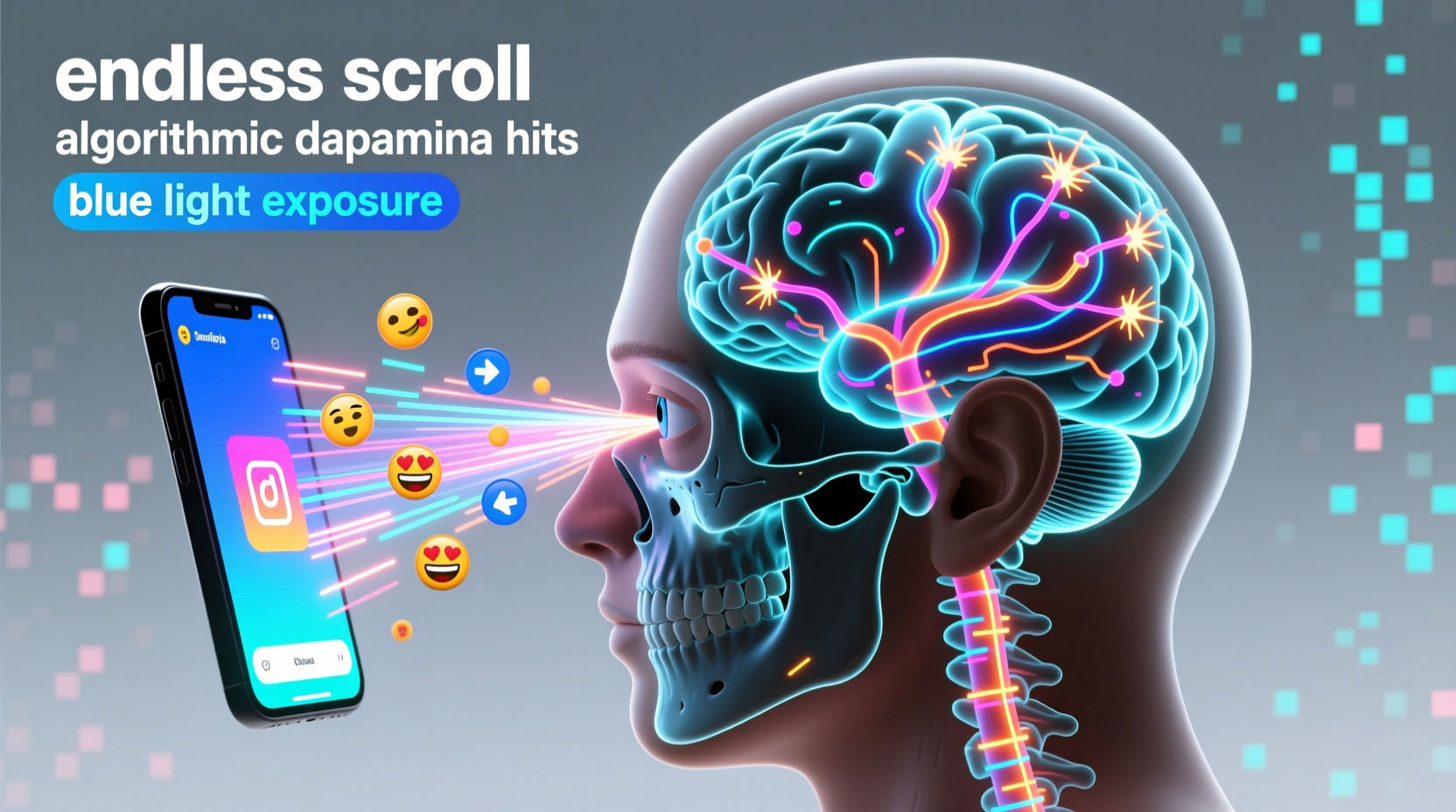
Dizziness after scrolling isn't simply \"screen fatigue.\" It's often a form of **digital motion sickness**, a condition triggered when your brain receives conflicting signals from your eyes and inner ear. Your vestibular system — located in the inner ear — detects physical movement. Meanwhile, your visual system processes what your eyes see. When these two systems don’t align, confusion arises, leading to symptoms like dizziness, nausea, and headaches.
On social media, rapid vertical scrolling mimics downward motion. As content streams past at high speed, your brain interprets the visual flow as actual movement — even though your body remains still. This mismatch between perceived motion (from the screen) and lack of physical motion (your stationary body) creates sensory conflict. The result? A neurological “glitch” that your brain struggles to resolve, manifesting as dizziness.
“Digital motion sickness is real and increasingly common. Our brains evolved to interpret visual motion as physical movement — but today’s screens exploit that reflex without providing the expected bodily feedback.” — Dr. Lena Patel, Neuroscientist at Stanford Center for Cognitive Health
How Social Media Design Amplifies the Effect
Social platforms are engineered to maximize engagement, often at the expense of user comfort. Features designed to keep you scrolling longer inadvertently contribute to dizziness:
- Infinite scroll: Removes natural stopping points, encouraging continuous viewing and increasing visual load.
- Auto-playing videos: Sudden motion triggers startle responses and increases visual processing demand.
- Parallax effects: Backgrounds moving at different speeds than foreground content create artificial depth, confusing spatial perception.
- Bright contrasts and flashing elements: High-contrast transitions and strobing ads can trigger photophobia and vertigo in sensitive individuals.
A 2023 study published in *Nature Human Behaviour* found that users exposed to auto-scrolling feeds with embedded video loops reported dizziness 3.2 times more frequently than those using static text-based platforms. The researchers concluded that interface velocity — the speed at which content moves across the screen — is a critical factor in inducing motion-related discomfort.
Biological Factors That Increase Risk
Not everyone experiences dizziness equally. Several biological and psychological factors influence susceptibility:
- Vestibular sensitivity: Individuals with pre-existing balance disorders (like benign paroxysmal positional vertigo) are more prone to screen-induced dizziness.
- Migraine history: Those who suffer from migraines often have heightened visual sensitivity, making them vulnerable to flicker and motion effects.
- Eye-tracking efficiency: Poor saccadic control — the ability of the eyes to jump smoothly between targets — can cause visual lag and strain during rapid scrolling.
- Age-related changes: Older adults may experience greater disorientation due to declining vestibular function and slower neural processing.
Additionally, mental fatigue and stress lower your threshold for sensory overload. When already cognitively taxed, your brain has fewer resources to reconcile conflicting visual and vestibular inputs, making dizziness more likely after only short periods online.
Common Symptoms and Warning Signs
Digital dizziness doesn’t always present as full-blown vertigo. Often, it begins with subtle cues that escalate if ignored. Recognizing early signs can prevent worsening discomfort:
| Symptom | Description | Action Step |
|---|---|---|
| Light-headedness | Feeling ungrounded or “floaty” after scrolling | Pause usage, close eyes, breathe deeply |
| Eye strain | Soreness, dryness, or blurred vision | Follow the 20-20-20 rule (see below) |
| Nausea | Queasiness similar to car sickness | Stop screen use immediately |
| Head pressure | Tightness or fullness in the head | Hydrate and rest in a quiet space |
| Disorientation | Difficulty focusing or feeling “spaced out” | Engage in grounding activities (e.g., walking) |
Step-by-Step Guide to Reduce Screen-Induced Dizziness
If you frequently feel dizzy after using social media, implement these practical steps to retrain your visual system and reduce sensory conflict:
- Adjust display settings: Lower screen brightness to match ambient light. Enable dark mode to reduce glare and contrast stress.
- Enable reduced motion: On iOS, go to Settings > Accessibility > Motion > Reduce Motion. On Android, enable Developer Options and set Window Animation Scale to “off.”
- Limit autoplay: In app settings (e.g., TikTok, Facebook), disable auto-play for videos to eliminate unexpected motion.
- Use the 20-20-20 rule: Every 20 minutes, look at something 20 feet away for 20 seconds to relax eye muscles.
- Stabilize your posture: Sit upright with your back supported and screen at eye level to minimize neck strain and improve visual alignment.
- Introduce micro-breaks: After 15 minutes of scrolling, stand up, stretch, and walk around to reset your vestibular system.
- Practice grounding techniques: If dizziness occurs, close your eyes, place your feet flat on the floor, and focus on your breath for one minute.
Mini Case Study: Recovering from Daily Dizziness
Sophia, a 28-year-old graphic designer from Portland, began experiencing daily dizziness after switching to remote work. Her job required long hours in front of screens, followed by evening social media use to unwind. Within weeks, she developed persistent lightheadedness, especially after TikTok sessions.
She visited a neuro-otologist who diagnosed her with visually induced vestibular disturbance. The doctor recommended reducing screen motion, using blue-light filters, and incorporating vestibular exercises. Sophia disabled autoplay, switched to grayscale mode after 6 PM, and started doing simple gaze stabilization drills (like focusing on a finger while moving her head side to side).
Within three weeks, her symptoms decreased by 80%. “I didn’t realize how much the endless scroll was messing with my balance,” she said. “Now I treat my screen time like nutrition — mindful and measured.”
Expert-Backed Prevention Checklist
- ✅ Disable auto-play videos in app settings
- ✅ Turn on “Reduce Motion” in device accessibility
- ✅ Use dark mode to minimize visual contrast
- ✅ Position screen at arm’s length and eye level
- ✅ Take a 5-minute break every 30 minutes
- ✅ Practice the 20-20-20 rule hourly
- ✅ Stay hydrated — dehydration worsens dizziness
- ✅ Avoid scrolling in low-light environments
Frequently Asked Questions
Can dizziness from scrolling be a sign of a serious condition?
Occasional dizziness after screen use is usually benign and related to sensory mismatch. However, if symptoms persist beyond screen time, include hearing loss, double vision, or coordination issues, consult a healthcare provider. These could indicate underlying vestibular disorders, migraines, or neurological conditions.
Why do some apps make me feel worse than others?
Apps with high visual velocity — such as TikTok, Instagram Reels, or YouTube Shorts — are more likely to induce dizziness because of their rapid succession of moving images and abrupt transitions. Platforms focused on static text or photos (like Twitter/X or LinkedIn) typically cause less sensory strain.
Is there a difference between eye strain and motion sickness from screens?
Yes. Eye strain primarily affects the ocular muscles and causes soreness, dryness, or blurred vision. Digital motion sickness involves the brain’s interpretation of motion and leads to dizziness, nausea, and imbalance. However, both can occur simultaneously due to prolonged visual processing demands.
Conclusion: Reclaim Control Over Your Digital Experience
Feeling dizzy after scrolling isn’t a personal failing — it’s a physiological response to an environment our brains aren’t evolutionarily equipped to handle. Social media platforms prioritize attention over well-being, leveraging motion, contrast, and unpredictability to keep us engaged. But awareness is the first step toward change.
By adjusting your settings, modifying habits, and listening to your body’s signals, you can significantly reduce or eliminate screen-induced dizziness. Think of your digital hygiene as seriously as your physical health: small, consistent choices compound into lasting wellness. The goal isn’t to abandon technology, but to use it in a way that supports — rather than undermines — your equilibrium.




 浙公网安备
33010002000092号
浙公网安备
33010002000092号 浙B2-20120091-4
Comments
No comments yet. Why don't you start the discussion?