
Dizziness after using a VR headset is a common experience, affecting both newcomers and seasoned users. While virtual reality offers immersive gaming, training, and exploration, the disconnect between what your eyes see and what your body feels can trigger physical discomfort. This phenomenon—often referred to as \"VR motion sickness\"—isn’t just inconvenient; it can discourage continued use of an otherwise powerful technology. Understanding the root causes and learning practical prevention techniques can transform your VR experience from disorienting to enjoyable.
The Science Behind VR-Induced Dizziness
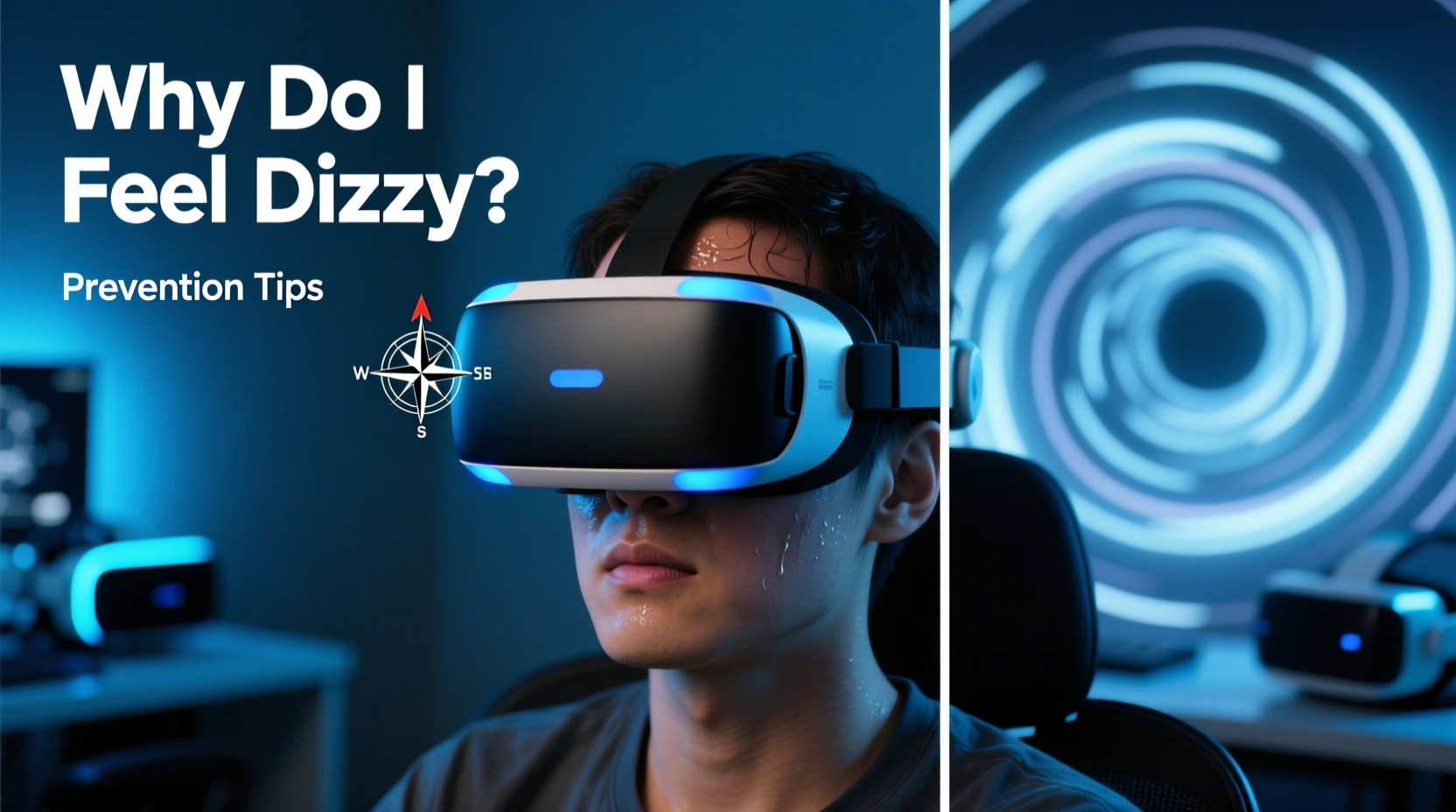
When you wear a VR headset, your visual system receives signals that you are moving through space—walking down a cliffside path, spinning in zero gravity, or dodging obstacles at high speed. However, your inner ear (vestibular system), which controls balance, detects no corresponding physical motion. This mismatch between visual input and vestibular feedback creates sensory conflict, confusing the brain and often leading to dizziness, nausea, sweating, or headaches.
This condition mirrors motion sickness experienced in cars or boats but is uniquely intensified by the immersive nature of VR. The brain struggles to reconcile conflicting data: “I see movement,” it says, “but my body isn’t feeling it.” In response, some people interpret this confusion as a potential sign of poisoning—a primitive survival mechanism—which triggers nausea as a protective reflex.
“VR-induced dizziness occurs because the brain receives motion cues from the eyes that aren't matched by the inner ear. It’s not a flaw in the user—it’s a limitation of current sensory integration.” — Dr. Elena Torres, Neuroscientist & Human-Computer Interaction Researcher
Key Factors That Contribute to VR Dizziness
Not all VR experiences cause discomfort equally. Several technical and physiological factors influence how likely you are to feel dizzy:
- Frame Rate and Latency: If the VR display doesn’t update quickly enough with head movements (high latency) or runs below 72–90 frames per second, the lag creates a sense of disconnection between action and visual feedback.
- Field of View (FOV): Wider FOVs increase immersion but also amplify perceived motion, raising the risk of sensory overload.
- Artificial Locomotion: Teleportation or joystick-based movement in games can simulate motion without real-world inertia, worsening the sensory mismatch.
- User Sensitivity: Some individuals are naturally more prone to motion sickness due to heightened vestibular sensitivity.
- Improper Fit or IPD Settings: If the headset lenses aren’t aligned with your interpupillary distance (IPD), it forces your eyes to strain, contributing to fatigue and dizziness.
Proven Strategies to Prevent VR Dizziness
While VR dizziness is common, it’s not inevitable. With the right adjustments and habits, most users can significantly reduce or eliminate symptoms.
1. Optimize Your Hardware Setup
Ensure your VR system is running at peak performance. Use wired connections where possible, keep software updated, and confirm your PC or console meets recommended specs. A stable frame rate above 90 FPS drastically reduces perceptible lag.
2. Start with Comfortable Content
New users should avoid fast-paced rollercoaster rides or flight simulators. Begin with static or room-scale experiences where your virtual movement matches your physical position—like puzzle rooms or seated meditation apps.
3. Use Comfort Settings in Games
Many VR titles include comfort modes such as:
- Foveated rendering
- Movement smoothing
- Tunneling (reducing peripheral vision during motion)
- Teleport-style locomotion instead of smooth movement
Enable these features until your tolerance improves.
4. Take Frequent Breaks
Follow the 20-20-20 rule adapted for VR: every 20 minutes, remove the headset for 20 seconds and focus on a distant real-world object. This resets visual processing and reduces sensory overload.
5. Improve Ventilation and Posture
Overheating or poor posture can exacerbate dizziness. Sit upright in a well-ventilated room, and avoid using VR while fatigued or on an empty/full stomach.
Step-by-Step Guide to Building VR Tolerance
Like building muscle memory, your brain can adapt to VR over time. Follow this structured approach to gradually increase your comfort level:
- Day 1–3: Use VR for 10–15 minutes daily with static or slow-moving applications (e.g., Tilt Brush, YouTube VR).
- Day 4–7: Increase to 20–25 minutes. Introduce gentle movement via teleportation mechanics (e.g., Moss, Pistol Whip).
- Week 2: Try smooth locomotion in short bursts (under 5 minutes), followed by breaks.
- Week 3+: Gradually extend session length and complexity. Monitor symptoms closely.
By week four, many users report significant improvement in dizziness and increased immersion tolerance. Consistency is key—the brain learns to reinterpret VR motion as non-threatening with repeated, controlled exposure.
Do’s and Don’ts: Quick Reference Table
| Do | Don’t |
|---|---|
| Calibrate IPD and headset fit | Use blurry or misaligned visuals |
| Start with short, stationary sessions | Jump into intense rollercoaster sims |
| Use built-in comfort settings | Ignore nausea warning signs |
| Take regular breaks | Play for hours without pause |
| Stay hydrated and cool | Use VR when tired or unwell |
Real-World Example: Overcoming VR Dizziness
Samantha, a 34-year-old graphic designer, purchased a high-end VR headset to explore immersive art tools. Her first attempt at using Tilt Brush left her nauseous within five minutes. Discouraged, she almost returned the device. Instead, she researched VR comfort strategies and implemented a gradual adaptation plan.
She began with 10-minute sessions in a calm, seated environment, ensuring perfect IPD alignment. She disabled smooth locomotion entirely and used only hand-tracked brushes that didn’t require movement. Over two weeks, she slowly increased her time and introduced mild navigation. By day 18, she completed a full 45-minute creative session without dizziness. Today, she uses VR weekly for professional concept sketching—proof that patience and proper technique make a dramatic difference.
Expert Tips and Advanced Prevention Methods
Beyond basic adjustments, several advanced tactics can further reduce dizziness:
- Use a Fan: Direct airflow across your face helps signal to your body that you’re not moving, reducing sensory conflict.
- Anchor Points: Focus on a fixed point in the virtual environment (like a cockpit dashboard) to stabilize your visual reference.
- Neck Exercises: Gentle neck stretches before VR improve proprioception, helping your body better interpret spatial cues.
- Supplements: Some users report benefit from ginger supplements or anti-nausea wristbands, though scientific evidence remains limited.
Frequently Asked Questions
Can children use VR safely without getting dizzy?
Children may be more susceptible to VR-induced dizziness due to developing vestibular systems. Most manufacturers recommend VR use for ages 12 and up. Limit sessions to 10–15 minutes and supervise closely for signs of discomfort.
Is there a permanent cure for VR dizziness?
There’s no universal “cure,” but most users develop tolerance over time. For a small percentage with chronic sensitivity, dizziness may persist despite precautions. In such cases, limiting VR use or choosing less motion-intensive apps is advisable.
Does screen resolution affect dizziness?
Indirectly, yes. Higher resolution reduces pixelation and screen-door effect, making visuals appear smoother and more realistic. This decreases eye strain and contributes to a more natural viewing experience, lowering the chance of discomfort.
Conclusion: Reclaim Your VR Experience
Feeling dizzy after using a VR headset is a common but manageable challenge. Rooted in sensory mismatch rather than personal weakness, it responds well to informed strategies and gradual acclimatization. By optimizing your setup, respecting your body’s limits, and following a structured tolerance-building routine, you can enjoy the full potential of virtual reality without discomfort.
Technology continues to evolve—with foveated rendering, better haptics, and predictive tracking reducing latency—but user awareness remains the most powerful tool. Whether you're exploring virtual worlds, training for real-life skills, or creating digital art, a few smart habits can make all the difference.




 浙公网安备
33010002000092号
浙公网安备
33010002000092号 浙B2-20120091-4
Comments
No comments yet. Why don't you start the discussion?