
Dizziness after using a virtual reality (VR) headset is a surprisingly common experience—so common that it has a formal name: cybersickness. Unlike motion sickness caused by physical movement, cybersickness arises when your brain receives conflicting signals from your eyes and inner ear. As VR technology becomes more accessible, understanding why this happens and how to prevent it is essential for comfort, safety, and long-term enjoyment of immersive digital environments.
This article explores the physiological mechanisms behind VR-induced dizziness, identifies key risk factors, and provides actionable strategies to minimize or eliminate discomfort. Whether you're a casual user trying out a new game or a professional using VR for training or therapy, these insights can help you use VR confidently and comfortably.
The Science Behind VR Dizziness
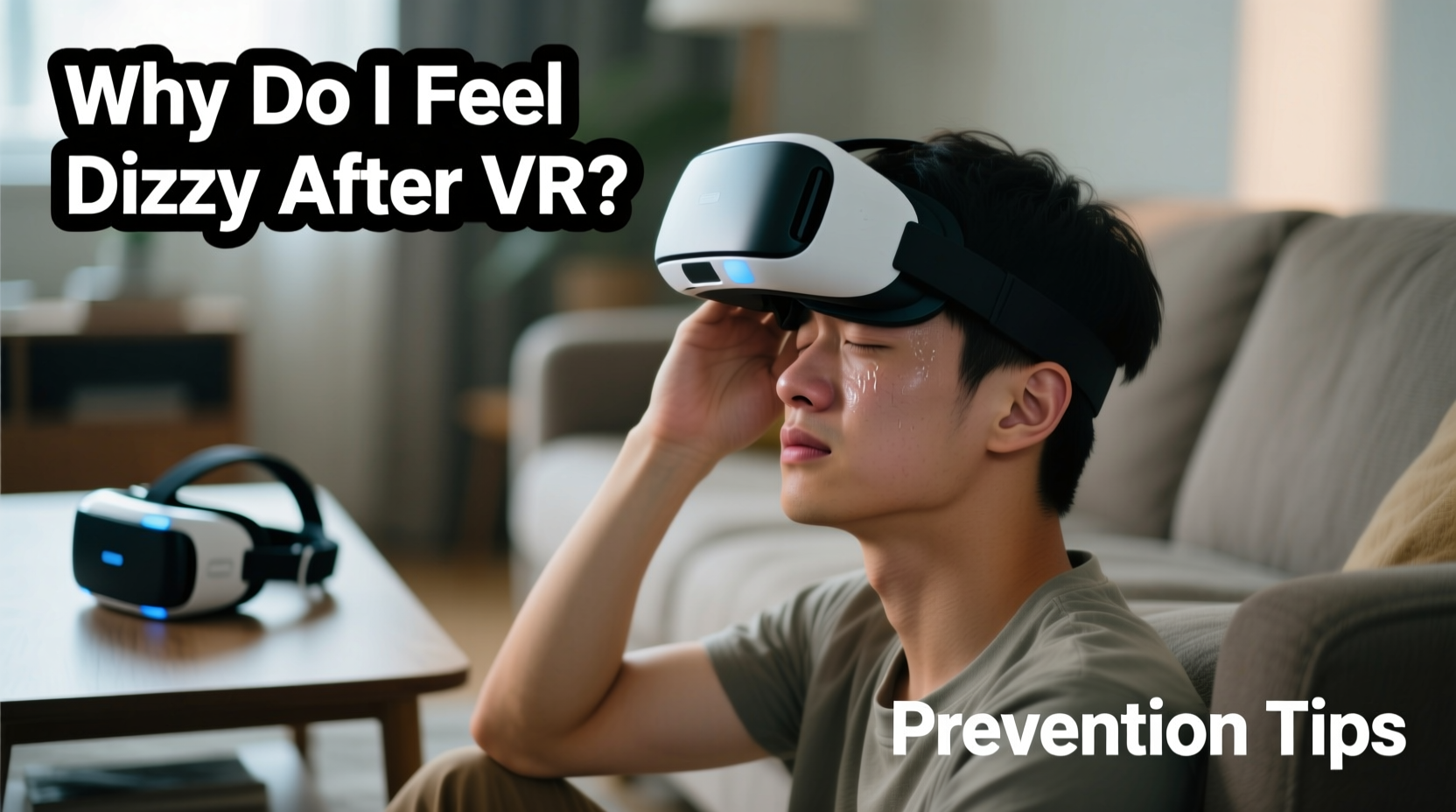
When you wear a VR headset, your visual system perceives motion—such as flying through space, turning corners, or walking across a virtual room—even if your body remains stationary. Your inner ear, which governs balance and spatial orientation, detects no actual movement. This sensory mismatch confuses the brain, triggering symptoms similar to motion sickness: dizziness, nausea, sweating, fatigue, and sometimes headaches.
This phenomenon is known as vection—the illusion of self-motion caused by visual stimuli. In real-world scenarios, such as riding in a car or on a boat, your senses typically align. But in VR, the disconnect between what you see and what your vestibular system feels creates neurological confusion.
“Virtual reality challenges the brain’s ability to reconcile sensory inputs. When vision says ‘moving’ but the inner ear says ‘still,’ the result is often disorientation.” — Dr. Lena Torres, Neurovestibular Research Specialist, Stanford Medicine
Additionally, technical limitations like low frame rates, screen lag, or poor tracking can worsen the effect. Even small delays between head movement and visual response increase cognitive load and contribute to discomfort.
Common Causes of VR-Induced Dizziness
Not all VR experiences cause dizziness equally. Several factors influence how likely you are to feel unwell during or after use:
- Low refresh rate: Headsets with refresh rates below 90Hz may produce perceptible flicker or motion blur, increasing strain.
- Poor fit or misalignment: If the headset doesn’t sit properly on your face, images may appear distorted or out of focus.
- Artificial locomotion: Teleporting or smooth movement not tied to physical input often triggers stronger cybersickness than natural walking-in-place systems.
- Visual complexity: Overly busy scenes with rapid movement or flashing lights can overwhelm the visual cortex.
- User fatigue: Prolonged sessions, especially without breaks, compound sensory stress.
- Individual sensitivity: Some people are naturally more prone to motion-related discomfort due to heightened vestibular sensitivity.
Prevention Tips to Reduce Dizziness
While you can't completely eliminate the risk of VR dizziness, especially during initial use, several evidence-based practices significantly reduce its likelihood and severity.
1. Optimize Your Hardware Settings
Ensure your headset operates at peak performance. Adjust interpupillary distance (IPD) to match your eye spacing—this reduces eye strain and improves image clarity. Enable the highest possible refresh rate available on your device (e.g., 90Hz, 120Hz). Use wired connections where applicable to avoid latency issues inherent in wireless streaming.
2. Choose the Right Content
Begin with static or slow-moving applications. Avoid rollercoaster rides, fast-paced shooters, or flight simulators until your tolerance improves. Apps designed with “comfort modes” (like vignetting during turns or snap-turning instead of smooth rotation) are safer starting points.
3. Limit Session Duration
New users should limit sessions to 15–20 minutes. Gradually increase time as your body adapts. Taking a 10-minute break every 20–30 minutes allows your nervous system to reset and prevents cumulative fatigue.
4. Stay Hydrated and Well-Rested
Dehydration, lack of sleep, or low blood sugar lowers your threshold for dizziness. Avoid VR use when tired, hungry, or after consuming alcohol. A light snack and water before use can improve resilience.
5. Use Grounding Techniques
Incorporate physical cues that anchor your sense of stillness. Rest your hands on a real table or armrest while using VR. Some users report success holding a cold drink or placing their feet flat on the floor to reinforce the sensation of stability.
6. Improve Ventilation
Wearing a sealed headset can raise facial temperature and induce lightheadedness. Ensure good airflow in the room and consider using a fan. Some third-party accessories add passive cooling vents to popular headsets.
Step-by-Step Guide to Safer VR Use
Follow this six-step routine before and during each VR session to minimize dizziness risks:
- Prepare your environment: Clear enough space to move safely. Keep a chair nearby for seated use.
- Calibrate your headset: Adjust IPD, lens distance, and straps so the image is sharp and centered.
- Select a low-intensity app: Choose a calm, stationary experience for the first 10–15 minutes.
- Warm up gradually: Begin with minimal movement. Let your brain acclimate to the virtual world.
- Monitor your body: If you feel warmth, sweating, eye strain, or mild nausea, pause immediately.
- Cool down post-session: Remove the headset slowly. Sit quietly for 1–2 minutes. Focus on a distant real-world object to reorient your balance.
Do’s and Don’ts of VR Use
| Do | Don’t |
|---|---|
| Start with short, seated sessions | Jump into high-motion games immediately |
| Adjust IPD and headset fit carefully | Use blurry or double-vision displays |
| Take breaks every 20–30 minutes | Play for hours without stopping |
| Stay hydrated and well-rested | Use VR when fatigued or on an empty stomach |
| Use built-in comfort settings (snap turning, reduced motion) | Ignore early signs of discomfort |
Real-World Example: Sarah’s First VR Experience
Sarah, a 34-year-old teacher, purchased a VR headset to try meditation apps recommended by a friend. Excited, she launched a nature exploration program featuring floating camera movement through a forest. Within seven minutes, she felt queasy, her forehead broke into a sweat, and she had to remove the headset abruptly.
After researching her symptoms, Sarah learned about cybersickness. She returned to VR the next day with a new plan: she chose a seated breathing exercise app, adjusted her headset’s IPD, set a 10-minute timer, and kept a glass of water nearby. This time, she completed the session with no discomfort. Over two weeks, she gradually increased her usage, eventually enjoying 25-minute mindfulness sessions without issue.
Her experience underscores a crucial point: dizziness isn’t a flaw in the user—it’s a normal physiological response that can be managed with proper technique.
Checklist: How to Use VR Without Dizziness
Before each VR session, run through this checklist to ensure optimal conditions:
- ✅ Calibrated IPD and snug (but comfortable) headset fit
- ✅ Chosen a low-motion, beginner-friendly application
- ✅ Set a session timer (start with 15–20 minutes)
- ✅ Room is cool, well-lit, and free of tripping hazards
- ✅ Hydrated and not overly tired or full
- ✅ Nearby chair or surface for support during use
- ✅ Break plan scheduled (e.g., 5 minutes every 20 minutes)
“Like learning to ride a bike, VR tolerance develops over time. Most users see significant improvement within five to ten sessions.” — Dr. Rajiv Mehta, Human-Computer Interaction Lab, University of Michigan
Frequently Asked Questions
Can children use VR safely without getting dizzy?
Children under 12 are generally more susceptible to dizziness and visual strain due to developing visual systems. Most manufacturers recommend age restrictions (often 13+). If younger users do try VR, sessions should be extremely short (5–10 minutes), closely supervised, and limited to calm content.
Is VR dizziness a sign of a medical problem?
Occasional dizziness after VR is normal and not harmful. However, persistent symptoms—such as prolonged imbalance, vertigo, or headaches lasting hours after use—may indicate underlying vestibular issues. Consult a neurologist or ENT specialist if symptoms recur despite preventive measures.
Will better technology eliminate VR dizziness?
Advances in display resolution, refresh rates, foveated rendering, and inside-out tracking are reducing cybersickness. Future headsets may include biometric feedback to auto-adjust settings based on user stress levels. However, because the root cause is neurological, some level of individual variability will always exist.
Conclusion: Enjoy VR Safely and Sustainably
Feeling dizzy after using a VR headset is a common, temporary reaction—not a reason to abandon the technology. By understanding the causes and applying simple, science-backed strategies, most users can significantly reduce or eliminate discomfort. The key lies in gradual exposure, smart setup, and listening to your body.
As VR continues to evolve—from fitness and education to remote collaboration and mental health therapy—learning to use it comfortably becomes an increasingly valuable skill. With the right approach, you can harness the power of immersive experiences without paying the price of dizziness.




 浙公网安备
33010002000092号
浙公网安备
33010002000092号 浙B2-20120091-4
Comments
No comments yet. Why don't you start the discussion?