
Spending hours in front of a computer, tablet, or smartphone has become unavoidable for most people—whether for work, education, or leisure. But if you’ve noticed a recurring headache after prolonged screen use, you’re not alone. Millions experience discomfort ranging from mild eye fatigue to full-blown migraines triggered by digital devices. The root cause? Digital eye strain, also known as computer vision syndrome. This condition affects up to 90% of people who spend more than two hours daily on screens, according to the American Optometric Association.
Digital eye strain isn’t just about tired eyes. It’s a cluster of symptoms including dryness, blurred vision, neck pain, and yes—frequent headaches. Understanding why this happens is the first step toward relief. More importantly, knowing how to mitigate its effects can transform your screen time from a source of discomfort into a manageable part of modern life.
The Science Behind Screen-Induced Headaches
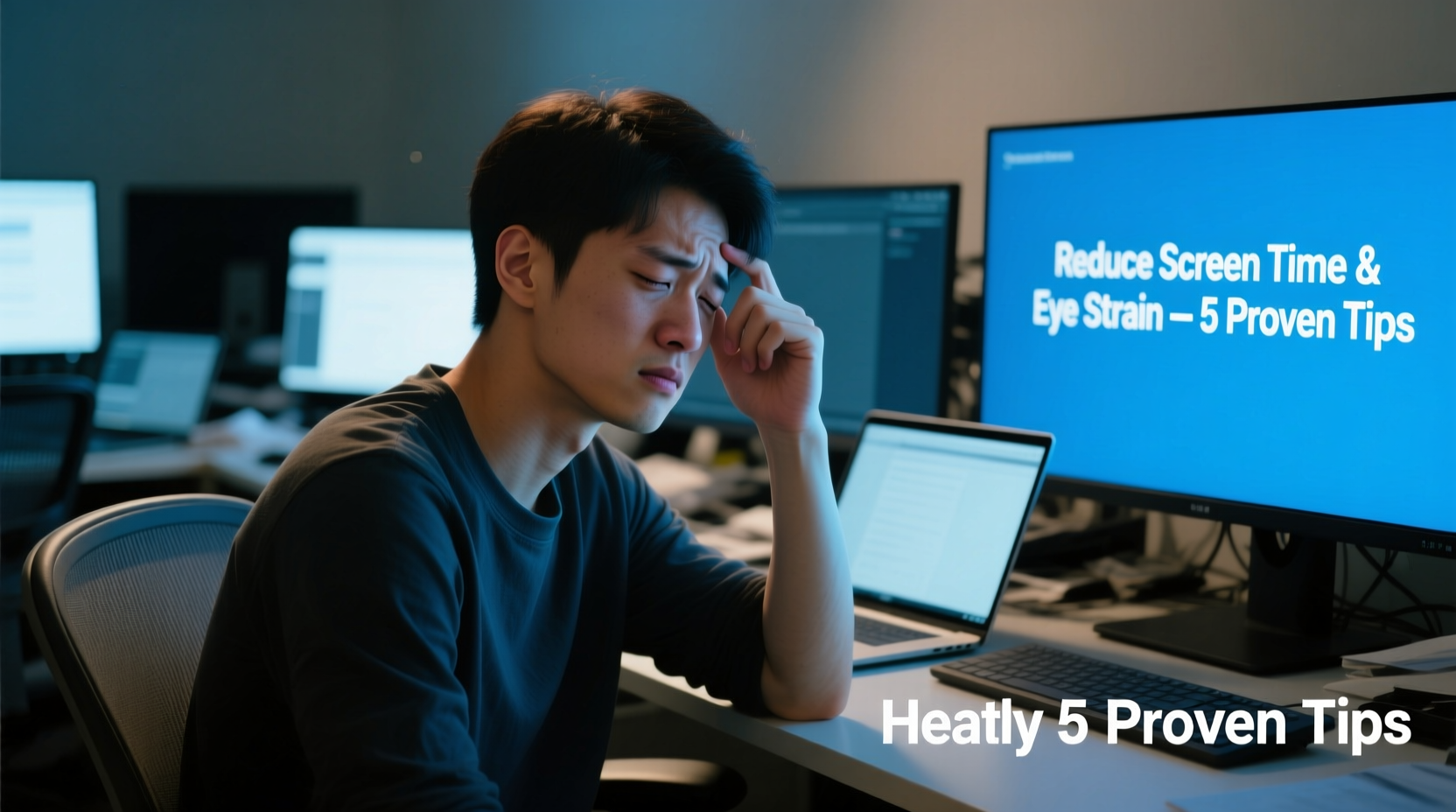
When you stare at a screen, your eyes work harder than they do during most other visual tasks. Unlike reading printed text, digital displays emit blue light, have glare, flicker subtly, and often require sustained focus at close range. These factors force your eye muscles to remain tense for long periods, leading to muscle fatigue that radiates into the forehead, temples, and behind the eyes.
One key contributor is reduced blinking. Studies show that people blink about half as often when looking at screens—dropping from 15–20 times per minute to just 6–8. Less blinking means less tear film replenishment, resulting in dry, irritated eyes. Dryness triggers inflammation and discomfort, which the brain may interpret as pain, contributing to tension-type headaches.
Additionally, blue light exposure—especially in the evening—can disrupt circadian rhythms. Poor sleep quality is closely linked to increased headache frequency. Even during the day, high-energy visible (HEV) blue light scatters more easily than other wavelengths, making it harder for your eyes to focus. This \"visual noise\" increases cognitive load and eye strain, setting the stage for headaches.
“Prolonged near-focus tasks without breaks lead to accommodative spasm—a temporary inability of the eye to relax its focusing mechanism. That’s a common precursor to screen-related headaches.” — Dr. Lena Torres, Optometrist and Vision Health Specialist
How Digital Eye Strain Develops: A Timeline
Digital eye strain doesn’t appear overnight. It builds gradually due to repeated stress on the visual system. Here’s what typically happens over time:
- 0–30 minutes: Eyes adjust to screen brightness and distance. Blink rate begins to drop.
- 30–90 minutes: Ciliary muscles (responsible for focusing) remain contracted. Minor dryness and fatigue set in.
- 90–120 minutes: Tear film evaporates faster than it’s replenished. Visual clarity decreases slightly; squinting may begin.
- 2+ hours: Muscle fatigue intensifies. Symptoms like blurred vision, eye twitching, and frontal headaches emerge.
- Chronic exposure: Without intervention, symptoms become frequent, affecting productivity and well-being.
Effective Strategies to Reduce Digital Eye Strain
Preventing and managing digital eye strain requires both environmental adjustments and behavioral changes. The good news: small, consistent actions yield significant results.
1. Follow the 20-20-20 Rule
Every 20 minutes, look at something 20 feet away for at least 20 seconds. This simple habit allows your focusing muscles to relax and resets your visual system. It’s one of the most widely recommended practices by eye care professionals.
2. Optimize Your Workspace Lighting
Glare and contrast are major contributors to eye strain. Position your screen perpendicular to windows to avoid direct sunlight reflection. Use soft, ambient lighting instead of harsh overhead lights. Consider a matte screen filter to reduce glare.
3. Adjust Screen Settings
Modern devices offer settings that significantly reduce eye stress:
- Lower brightness to match surrounding light levels.
- Increase text size to reduce squinting.
- Enable “night mode” or blue light filters, especially after sunset.
- Set refresh rate to 75 Hz or higher if available (reduces flicker).
4. Improve Ergonomics
Your posture directly impacts eye comfort. The top of your screen should be at or slightly below eye level, about 20–28 inches from your face. This reduces neck strain and encourages natural blinking. Use an external keyboard and mouse if using a laptop to maintain proper alignment.
5. Stay Hydrated and Use Artificial Tears
Dehydration worsens dry eye symptoms. Drink water regularly throughout the day. If your eyes feel gritty or burning, use preservative-free artificial tears once or twice daily. Avoid redness-reducing drops—they can cause rebound irritation.
“Many patients don’t realize their workspace setup is the real culprit. Small ergonomic tweaks often resolve headaches within days.” — Dr. Rajiv Mehta, Neuro-Ophthalmologist
Checklist: Daily Habits to Prevent Eye Strain
Use this checklist each workday to minimize risk:
- ✅ Apply the 20-20-20 rule hourly
- ✅ Position screen at arm’s length and slightly below eye level
- ✅ Turn on blue light filter after 6 PM
- ✅ Blink consciously during focused tasks
- ✅ Close eyes for 20 seconds during short breaks
- ✅ Keep a bottle of water at your desk
- ✅ Use artificial tears if eyes feel dry
- ✅ Shut down screens at least 60 minutes before bed
Do’s and Don’ts: Screen Use Best Practices
| Do | Don't |
|---|---|
| Do: Take a 5-minute break every hour | Don’t: Work through eye discomfort |
| Do: Use task lighting to reduce screen contrast | Don’t: Sit in a dark room with a bright screen |
| Do: Get annual eye exams, even if you don’t wear glasses | Don’t: Assume your prescription hasn’t changed |
| Do: Invest in anti-reflective or blue-light-blocking lenses | Don’t: Rely solely on software filters without physical protection |
| Do: Practice palming—rub hands together, cup over closed eyes for 30 seconds | Don’t: Rub eyes aggressively when tired |
A Real-Life Example: How Sarah Reduced Her Afternoon Headaches
Sarah, a 34-year-old project manager, used to suffer from daily headaches around 3 PM. She worked remotely, spending seven hours a day on Zoom calls and document editing. At first, she assumed it was stress or caffeine withdrawal. But after her optometrist diagnosed her with digital eye strain, she made targeted changes.
She started by adjusting her monitor height and adding a desk lamp to balance ambient light. She downloaded a free app that reminded her to follow the 20-20-20 rule. Within a week, she noticed fewer instances of blurry vision. Then, she switched to computer glasses with a mild prescription and blue-light coating. Two weeks later, her headaches had decreased from five days a week to just one—and that occurred after a marathon deadline with poor breaks.
Sarah’s case illustrates how cumulative small changes can reverse chronic symptoms. No single fix cured her—consistency across multiple areas did.
When to See a Professional
While most cases of digital eye strain improve with lifestyle adjustments, persistent symptoms may indicate an underlying issue. Seek professional help if you experience:
- Frequent migraines unrelated to screen use
- Double vision or sudden loss of clarity
- Light sensitivity beyond typical discomfort
- Pain that persists despite taking breaks
An optometrist can test for uncorrected vision problems such as astigmatism, presbyopia, or binocular vision dysfunction—all of which exacerbate eye strain. In some cases, vision therapy or specialized lenses may be recommended.
Frequently Asked Questions
Can blue light blocking glasses really prevent headaches?
Yes, for many people. While research is ongoing, clinical studies suggest that blue light filtering lenses reduce eye fatigue and improve sleep quality, both of which contribute to fewer headaches. They are most effective when combined with good screen habits.
Is digital eye strain permanent?
No. Digital eye strain is reversible. However, chronic neglect can lead to long-term issues like chronic dry eye or habitual poor posture. Early intervention prevents complications.
Are children more vulnerable to screen-related headaches?
Yes. Children’s visual systems are still developing, and they often don’t recognize or report early symptoms. Parents should enforce screen breaks and limit recreational device use, especially before bedtime.
Conclusion: Reclaim Comfortable Screen Time
Headaches after screen use aren’t inevitable—they’re a signal from your body that your visual system is under stress. By understanding the causes of digital eye strain and implementing practical solutions, you can continue using technology without sacrificing comfort or health. From adjusting your workstation to adopting the 20-20-20 rule and considering protective eyewear, the tools are accessible and effective.
Start today. Pick one change—like setting a timer for micro-breaks or lowering your screen brightness—and build from there. Over time, these habits will protect your eyes, reduce headaches, and improve your overall well-being in a digitally dominated world.




 浙公网安备
33010002000092号
浙公网安备
33010002000092号 浙B2-20120091-4
Comments
No comments yet. Why don't you start the discussion?