
Spending time on your phone has become second nature—checking messages, reading articles, scrolling through social media. But if you’ve noticed a recurring headache after just a few minutes of screen reading, you’re not alone. Millions experience this type of discomfort, often without realizing the underlying causes or how simple adjustments can make a dramatic difference. These headaches aren’t inevitable. They are typically symptoms of digital eye strain, poor posture, or excessive blue light exposure—all of which are manageable with informed habits and small lifestyle changes.
The Science Behind Screen-Induced Headaches
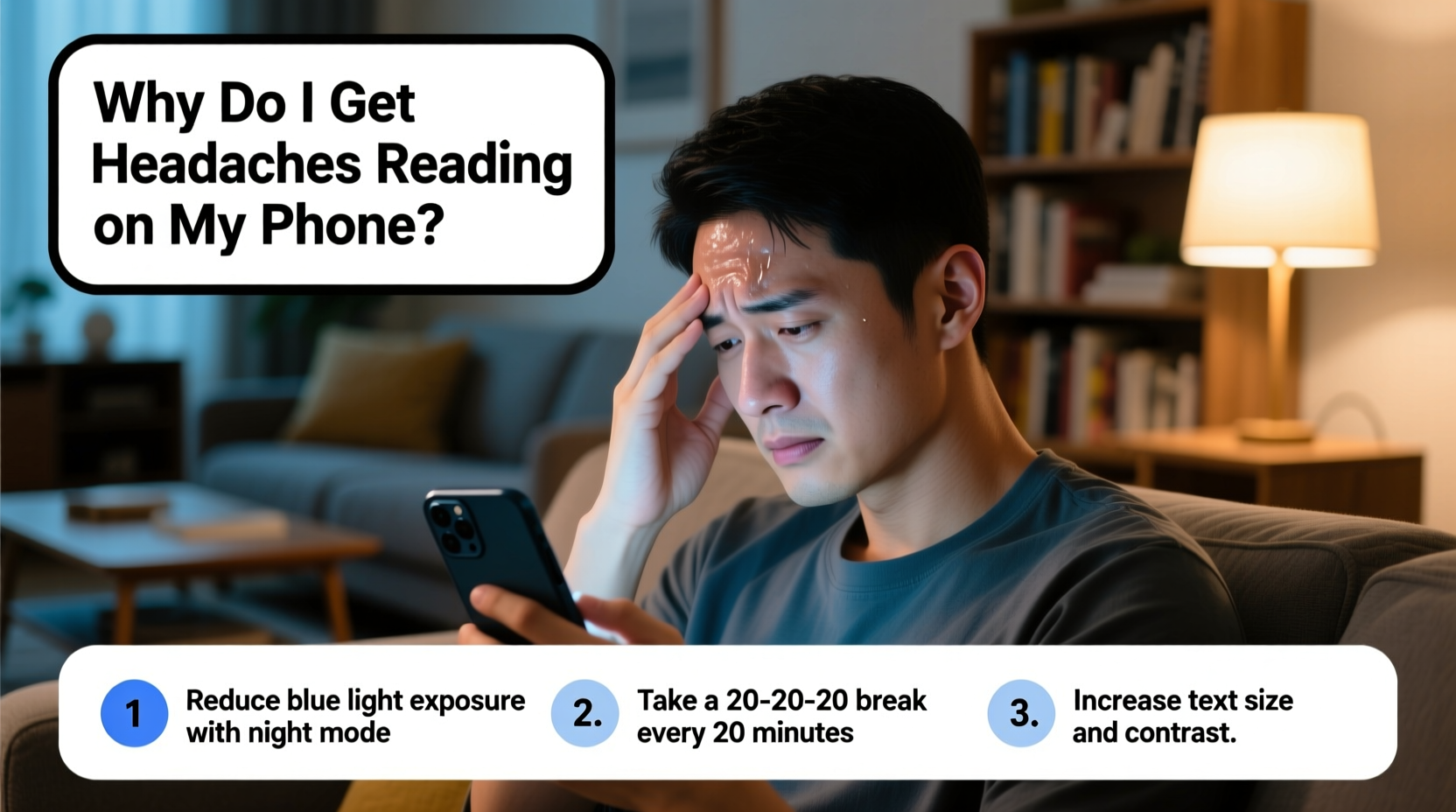
When you read on a phone, your eyes work harder than they do when reading printed text. The screen emits bright, flickering light—especially in low-light environments—and forces your visual system to constantly refocus. This leads to a condition known as digital eye strain (also called computer vision syndrome), which affects up to 90% of people who spend more than two hours daily on digital devices, according to the American Optometric Association.
Digital screens don't have the same contrast and definition as ink on paper. Pixels emit light directly into your eyes, and tiny movements or glare can cause micro-adjustments in focus. Over time, these constant efforts fatigue the ciliary muscles in your eyes, leading to tension that radiates into the forehead, temples, and even the neck and shoulders.
Additionally, the blue light emitted by smartphone screens suppresses melatonin production—the hormone responsible for sleep regulation. While this is most disruptive at night, even daytime exposure contributes to mental fatigue, which lowers your threshold for headaches.
“Prolonged near-focus tasks on digital screens create sustained muscle contraction in the eyes and surrounding areas, increasing the risk of tension-type headaches.” — Dr. Lena Park, Neuro-Ophthalmologist at Boston Vision Institute
Common Causes of Phone Reading Headaches
Understanding what triggers your headaches is the first step toward prevention. Below are the primary culprits:
- Poor lighting conditions: Reading in dim light or under harsh overhead lighting increases screen glare and forces your eyes to strain.
- Excessive screen brightness: A screen set too bright—even slightly above ambient light levels—can overwhelm your retina.
- Holding the phone too close: Most people hold phones within 12–14 inches of their face, well below the recommended 16–18 inches for comfortable reading.
- Uninterrupted screen time: Focusing continuously without breaks prevents eye muscles from relaxing.
- Small font sizes: Tiny text demands intense concentration and magnifies visual fatigue.
- Neck and shoulder strain: Looking down at your phone for long periods creates “text neck,” a postural issue that contributes to cervicogenic headaches.
- Blue light exposure: High-energy visible (HEV) blue light disrupts circadian rhythms and increases phototoxic stress on retinal cells.
Effective Solutions to Prevent Headaches
Headaches from phone reading are largely preventable. The key is addressing both environmental factors and personal habits. Here are seven evidence-based strategies to reduce or eliminate discomfort:
1. Follow the 20-20-20 Rule
Every 20 minutes, look at something 20 feet away for at least 20 seconds. This gives your focusing muscles a break and reduces cumulative strain. Set a silent timer or use a wellness app to remind you.
2. Adjust Screen Settings
Modern smartphones offer extensive display customization. Use them wisely:
- Reduce brightness to match ambient lighting—never brighter than your surroundings.
- Enable “Warm Color” or “Night Shift” mode, especially during evening hours.
- Increase font size to at least 16pt equivalent to minimize squinting.
- Turn on dark mode when reading in low-light environments to reduce luminance contrast.
3. Optimize Your Reading Posture
Hold your phone at eye level to avoid tilting your head downward. This reduces strain on cervical vertebrae and prevents referred pain that mimics migraines. Consider using a stand or propping your phone against a book to maintain proper alignment.
4. Improve Lighting Conditions
Avoid reading in total darkness. Instead, use soft, indirect lighting—such as a floor lamp behind you—to illuminate the room without reflecting off the screen. Never read with a bright ceiling light directly above.
5. Limit Session Duration
Break long reading sessions into 25-minute blocks with 5-minute breaks. During breaks, close your eyes, stretch your neck, or walk around. This improves circulation and resets visual focus.
6. Use Blue Light Filters
While built-in software filters help, they don’t block all blue light. Consider applying a physical anti-glare, blue-light-blocking screen protector. Some users report up to a 60% reduction in eye fatigue after installation.
7. Blink More Often
People blink about half as much when staring at screens—roughly 7 times per minute instead of 15. This leads to dry eyes, irritation, and secondary headaches. Make a conscious effort to blink fully every few seconds, especially during intense reading.
| Solution | How It Helps | Implementation Time |
|---|---|---|
| 20-20-20 Rule | Relaxes eye muscles, prevents fatigue buildup | Immediate |
| Adjust Font Size | Reduces need for visual strain | 1 minute |
| Night Mode / Warm Tones | Lowers blue light exposure, eases retinal load | Instant |
| Elevate Phone Position | Prevents neck strain and referred headaches | Requires habit change |
| Use Screen Filter | Blocks glare and HEV light | One-time purchase + setup |
Step-by-Step Guide to Headache-Free Phone Reading
Follow this daily routine to create a sustainable, comfortable reading environment:
- Before You Start: Turn on warm color filter and adjust brightness to ambient level.
- Set Up Ergonomics: Sit upright, place phone at eye level using a stand or hand support.
- Choose Font & Background: Select large font and dark-on-light or light-on-dark theme based on lighting.
- Start Timer: Enable a 20-minute countdown with a 20-second reminder for distant focus.
- Read Actively: Consciously blink every 10–15 seconds; pause briefly between paragraphs.
- After 25 Minutes: Stand up, stretch neck and shoulders, look out a window.
- After Reading: Close eyes for 1–2 minutes and apply gentle palm pressure to relax ocular nerves.
Real Example: How Sarah Reduced Her Daily Headaches
Sarah, a 34-year-old editor, used to read manuscripts on her phone during commutes and lunch breaks. Within 15 minutes, she’d develop a dull ache behind her left eye, worsening by mid-afternoon. She assumed it was stress-related until an optometrist diagnosed her with digital eye strain.
She implemented three changes: enabled dark mode with increased font size, started using a foldable phone stand to keep her device at eye level, and set a silent alarm for the 20-20-20 rule. Within a week, her headaches decreased in frequency. By the third week, they had stopped entirely. “I didn’t realize how much posture and screen settings mattered,” she said. “Now I read longer and feel better.”
Checklist: Headache Prevention Before Phone Reading
- ☑ Adjust screen brightness to match room lighting
- ☑ Enable warm color or night mode
- ☑ Increase font size to comfortable level
- ☑ Position phone at or slightly below eye level
- ☑ Ensure ambient room lighting is soft and even
- ☑ Set a 20-minute timer for eye breaks
- ☑ Have artificial tears or hydrating eye drops available (if prone to dry eyes)
- ☑ Take deep breaths and relax shoulders before starting
Frequently Asked Questions
Can phone reading cause permanent eye damage?
No conclusive evidence shows that phone reading causes permanent vision loss. However, chronic digital eye strain may accelerate age-related eye issues like dry eye syndrome or contribute to long-term visual discomfort. Prevention is key to maintaining ocular health.
Is dark mode really better for preventing headaches?
Yes—for most people. Dark mode reduces overall screen luminance, which decreases glare and retinal stimulation, especially in low-light environments. However, some individuals with astigmatism may find light text on dark backgrounds causes halation (blurring), so personal testing is recommended.
Should I see a doctor if I keep getting headaches from phone use?
If headaches persist despite implementing ergonomic and screen adjustments, consult an optometrist or neurologist. Persistent symptoms could indicate uncorrected vision problems (like astigmatism or presbyopia), migraine disorders, or binocular vision dysfunction requiring professional diagnosis.
Conclusion: Read Smarter, Feel Better
Headaches from reading on your phone are not a normal part of modern life—they’re signals from your body asking for better care. With thoughtful adjustments to how, where, and how long you read, you can enjoy digital content without pain. The solutions aren’t complicated: optimize lighting, respect your eyes’ limits, and align your posture with natural biomechanics. Small changes compound into lasting relief.
You don’t have to give up your phone to protect your head. You just need to use it more intentionally. Start tonight: tweak one setting, try the 20-20-20 rule, or simply hold your phone a little higher. Your eyes—and your brain—will thank you tomorrow.




 浙公网安备
33010002000092号
浙公网安备
33010002000092号 浙B2-20120091-4
Comments
No comments yet. Why don't you start the discussion?