
Virtual reality offers an exhilarating escape into digital worlds, whether for gaming, fitness, or virtual travel. Yet, many users report a common side effect: headaches. If you’ve ever removed your headset with a dull ache behind the eyes or a throbbing temple, you’re not alone. These symptoms are more than just inconvenient—they can disrupt immersion and discourage continued use. The good news is that most VR-induced headaches are preventable. Understanding their root causes and applying targeted strategies can transform your VR experience from painful to pleasurable.
Understanding the Causes of VR Headaches
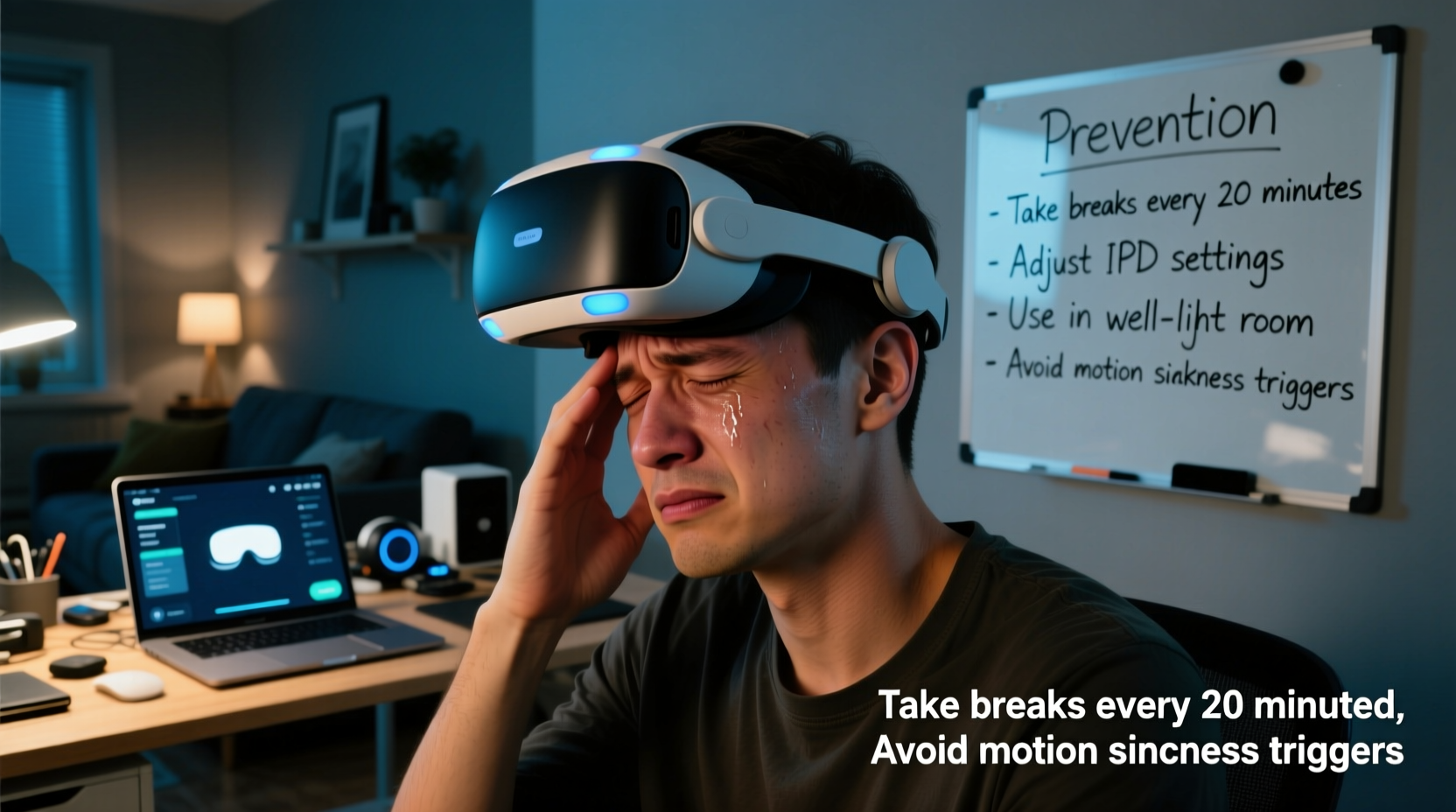
Headaches during or after VR use stem from a mix of physiological, technical, and behavioral factors. Unlike traditional screen use, VR demands intense sensory coordination between what your eyes see and what your body feels. When these signals conflict, discomfort follows.
Eye strain is one of the most frequent culprits. VR headsets place screens extremely close to the eyes, forcing them to focus on near-field visuals for extended periods. This constant accommodation can fatigue the ciliary muscles responsible for lens adjustment, leading to tension and pain.
Visual-vestibular mismatch, also known as VR motion sickness, occurs when your inner ear senses stillness while your eyes perceive movement—like walking through a virtual forest while sitting on your couch. This disconnect confuses the brain, often resulting in nausea, dizziness, and headaches.
Improper headset fit contributes significantly. A strap that’s too tight compresses nerves across the forehead and temples, while a loose fit forces you to squint or tilt your head unnaturally to maintain alignment. Over time, this leads to muscle strain and referred pain.
Other contributing factors include poor lighting in your physical environment, low refresh rates, screen flicker, and prolonged session durations without breaks.
“Up to 40% of new VR users experience some form of discomfort within the first few sessions, but proper setup and usage habits reduce incidence dramatically.” — Dr. Lena Torres, Neuro-Ophthalmologist and Human Factors Researcher
Prevention Tips to Avoid VR Headaches
Most VR headaches aren’t inevitable—they’re the result of correctable issues. By adjusting how you use your device, you can eliminate or drastically reduce discomfort.
Optimize Your Headset Fit and Position
A well-fitted headset should feel secure but not constricting. Pressure on the brow ridge or temples can trigger tension headaches. Adjust the head strap gradually until the display remains stable without slipping, but doesn’t press into sensitive areas. Consider adding a padded facial interface if your model allows upgrades.
Ensure the lenses align with your pupils. Misalignment forces your eyes to converge unnaturally, increasing strain. Most modern headsets offer IPD (interpupillary distance) adjustment—measure your IPD using a ruler or app and set it correctly.
Calibrate Display Settings for Comfort
Brightness and contrast settings matter. A screen that’s too bright in a dark room causes glare and pupil stress; one that’s too dim forces squinting. Match your headset’s brightness to your room lighting. Use warm color profiles if available, as blue-heavy displays increase eye fatigue.
Choose the highest refresh rate your hardware supports (ideally 90Hz or higher). Lower refresh rates produce perceptible flicker and motion judder, both linked to headaches. Ensure your PC or console can consistently deliver frame rates matching the headset’s capabilities.
Control Your Environment
Your physical space plays a surprising role. Use VR in a well-lit room with minimal glare on windows or reflective surfaces. Harsh shadows or blinking lights in your peripheral vision can subconsciously distract and strain your visual processing.
Maintain a clutter-free play area. Constantly dodging furniture disrupts immersion and increases cognitive load, which may contribute to mental fatigue and secondary headaches.
Step-by-Step Guide to a Headache-Free VR Session
Follow this sequence before every VR session to minimize risk:
- Measure and set your IPD – Use a millimeter ruler or smartphone app to determine your interpupillary distance, then adjust your headset accordingly.
- Adjust straps for comfort – Tighten evenly until snug, then test by gently shaking your head. The headset should stay in place without pressure points.
- Set optimal brightness and contrast – Start with default settings, then tweak based on ambient light. Avoid maximum brightness.
- Warm up with a static experience – Begin with a calm, non-moving app (e.g., a virtual art gallery) for 5–10 minutes to ease your visual system into VR.
- Limits session length – Keep initial sessions under 30 minutes. Gradually increase as tolerance builds.
- Take scheduled breaks – Follow the 20-10 rule: every 20 minutes, pause for at least 10 minutes. Look at distant real-world objects to relax eye muscles.
- Cool down post-session – Spend a few minutes in natural light or with eyes closed to reorient your balance system.
Do’s and Don’ts: Quick Reference Table
| Do | Don't |
|---|---|
| Adjust IPD to match your measurement | Use default IPD settings without checking |
| Play in a well-lit, glare-free room | Use VR in complete darkness or direct sunlight |
| Take 10-minute breaks every 30 minutes | Play for over an hour without stopping |
| Start with slow-paced, stationary apps | Dive straight into fast-action rollercoaster games |
| Keep your neck aligned; avoid craning forward | Hunch over or tilt your head for long periods |
| Update firmware and software regularly | Ignore system updates affecting display performance |
Real User Example: Recovering VR Enjoyment After Chronic Headaches
Jamal, a 32-year-old graphic designer, purchased a high-end VR headset for creative modeling and relaxation. Within weeks, he developed daily headaches after short sessions. He assumed VR wasn’t for him and nearly returned the device.
After consulting a VR wellness forum, he realized his headset was misaligned. His IPD had been set to “medium” instead of his actual 64mm. He also played in a dim basement with flickering overhead lights and routinely used the headset for 90-minute stretches.
He recalibrated his IPD, upgraded to LED lighting, limited sessions to 25 minutes with breaks, and started with meditation apps before moving to active tasks. Within a week, his headaches vanished. Today, he uses VR four times a week without issue.
His turnaround underscores a key truth: small adjustments yield major improvements in comfort.
Checklist: Prevent VR Headaches Before You Play
- ✅ Measure and set correct IPD
- ✅ Adjust head strap for comfort (no pressure on forehead)
- ✅ Check room lighting (avoid glare and deep shadows)
- ✅ Set refresh rate to highest stable option (90Hz+)
- ✅ Choose appropriate starting content (calm, static environments)
- ✅ Hydrate before putting on the headset
- ✅ Plan breaks using a timer or smartwatch alert
- ✅ Clear physical space to avoid awkward movements
- ✅ Update all software and drivers
- ✅ Monitor for early signs of discomfort (eye strain, dizziness)
Frequently Asked Questions
Can wearing glasses worsen VR headaches?
Yes, if your glasses press against the headset’s facial cushion or create gaps that let in light. Some headsets have enough clearance for most frames, but others require prescription lens inserts. Ensure your glasses aren’t tilting the headset or forcing you to lean forward.
Are certain people more prone to VR headaches?
Individuals with pre-existing conditions like migraines, binocular vision disorders (e.g., convergence insufficiency), or vestibular sensitivity may be more susceptible. However, proper setup often allows even sensitive users to enjoy VR safely. Consult an eye care professional if discomfort persists despite adjustments.
Does screen resolution affect headache risk?
Indirectly. Higher resolutions reduce screen-door effect (seeing gaps between pixels), which decreases visual noise and cognitive effort. While resolution itself isn’t a direct cause, sharper images support smoother perception and lower strain over time.
Expert Insight: The Role of Visual Ergonomics
“VR is the ultimate test of visual ergonomics. It’s not just about technology—it’s about how well the system adapts to human biology. Users must treat VR like any other tool: configure it properly, use it mindfully, and respect biological limits.” — Dr. Arun Patel, Director of Vision Science at the Institute for Digital Wellbeing
This perspective shifts responsibility from blaming the user or the device to emphasizing informed usage. Just as poor posture at a desk leads to back pain, poor VR habits lead to headaches. The solution lies in education and consistency.
Conclusion: Reclaim Your Virtual Experience
Headaches shouldn’t define your VR journey. With awareness and simple preventive steps, most users can enjoy immersive experiences free from pain. The key is proactive management—adjusting fit, respecting biological limits, and creating a supportive environment. Whether you're a casual explorer or a dedicated enthusiast, your comfort directly impacts your enjoyment and long-term engagement.




 浙公网安备
33010002000092号
浙公网安备
33010002000092号 浙B2-20120091-4
Comments
No comments yet. Why don't you start the discussion?