
If your AirPods seem to die faster than they used to—barely lasting through a single commute or workout—you're not alone. Many users report declining battery performance within months of ownership. While lithium-ion batteries naturally degrade over time, certain daily habits dramatically accelerate this process. The truth is, it’s not just age or usage; it’s *how* you use and care for your AirPods that determines how long they’ll hold a charge. Understanding these hidden culprits can help you extend battery life, avoid premature replacements, and get the most out of your investment.
The Science Behind AirPods Battery Degradation
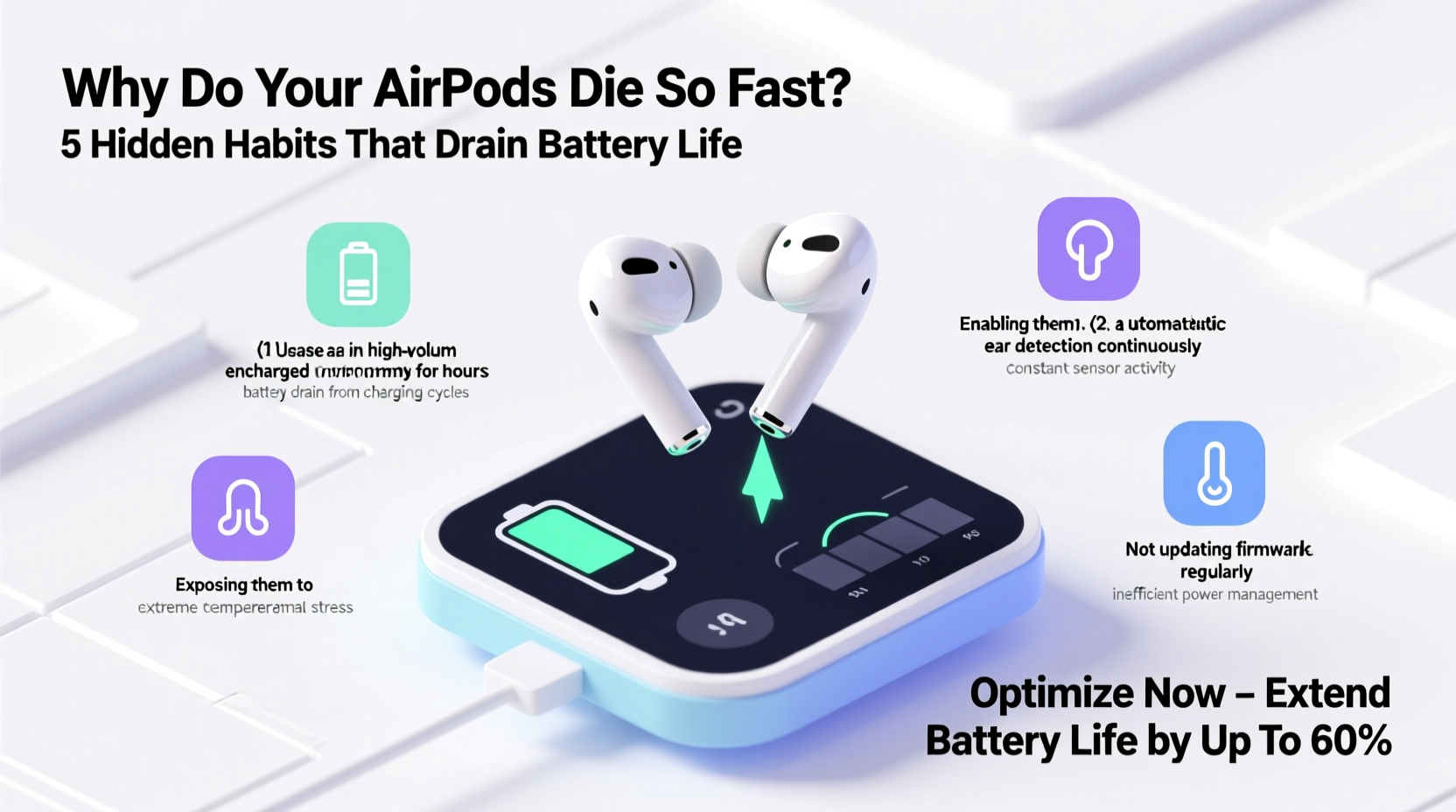
AirPods rely on compact lithium-ion batteries, which are efficient but sensitive to environmental and behavioral stressors. These batteries have a finite number of charge cycles—typically around 500 full cycles before capacity drops to about 80% of original levels. A \"full cycle\" means charging from 0% to 100%, but partial charges (like from 30% to 80%) also accumulate toward this total.
Battery degradation isn’t linear. It accelerates when exposed to extreme temperatures, deep discharges, or constant high charge levels. Apple designs its devices with battery management systems to mitigate damage, but user behavior often overrides these protections. For example, leaving your AirPods in a hot car or charging them overnight every night may seem harmless, but over time, each instance contributes to irreversible chemical wear inside the battery cells.
“Lithium-ion batteries thrive on balance—not fully drained, not constantly topped off. Consistent extremes shorten lifespan significantly.” — Dr. Alan Zhou, Battery Technology Researcher at MIT
5 Common Habits That Are Killing Your AirPods Battery
Most people unknowingly engage in behaviors that degrade battery health. Here are the top five offenders:
1. Charging to 100% Every Time
While it feels satisfying to see a full battery icon, keeping your AirPods (and their case) plugged in after reaching 100% stresses the battery. Lithium-ion cells degrade faster when held at high voltage for extended periods. This is especially true if you leave them charging overnight or all day at your desk.
2. Letting Them Die Completely
Frequently letting your AirPods drop to 0% before recharging causes deep discharge cycles, which strain the battery chemistry. Unlike older battery types, lithium-ion doesn’t benefit from being “drained” regularly. In fact, doing so increases internal resistance and reduces overall capacity over time.
3. Exposure to Heat
Heat is one of the biggest enemies of battery longevity. Leaving your AirPods in direct sunlight, in a hot car, or even in your pocket during intense workouts raises internal temperatures. At sustained temperatures above 95°F (35°C), battery degradation speeds up exponentially. Even storing them near a radiator or in a poorly ventilated bag can cause cumulative damage.
4. Using Third-Party Chargers Without Certification
Using non-MFi (Made for iPhone/iPad) certified chargers or power banks can lead to inconsistent voltage delivery. Some cheap chargers deliver surges or unstable current, which stresses the charging circuit and battery. Over time, this can reduce efficiency and trigger early failure.
5. Keeping the Case Plugged In Constantly
Many users leave their AirPods case connected to a charger on their nightstand or desk, thinking it's convenient. But if the case stays powered 24/7, it keeps topping off the internal battery—even when unnecessary. This constant micro-charging wears down the battery faster than regular use would.
Do’s and Don’ts: AirPods Battery Care Table
| Do | Don’t |
|---|---|
| Charge between 20% and 80% whenever possible | Wait until battery hits 0% before charging |
| Use MFi-certified cables and chargers | Use unknown or unbranded charging accessories |
| Store in cool, dry environments away from heat | Leave in direct sunlight or hot vehicles |
| Unplug the case once charged | Keep the case on a charger all day |
| Enable Optimized Battery Charging (iOS 16+) | Ignore software updates that improve battery management |
Step-by-Step Guide to Preserving AirPods Battery Life
Improving battery longevity doesn’t require drastic changes. Small, consistent adjustments make a big difference. Follow this six-step routine:
- Enable Optimized Battery Charging: Go to Settings > Bluetooth > AirPods > Battery > Optimized Battery Charging. This feature learns your routine and delays charging past 80% until you need them.
- Charge Mid-Range When Possible: Instead of waiting for low battery alerts, plug in when power drops to 30–40%. Unplug around 80–90% to avoid full saturation.
- Use Original or Certified Accessories: Stick to Apple-branded or MFi-certified chargers and cables. Avoid wireless charging pads with poor regulation unless they’re reputable brands.
- Avoid Extreme Temperatures: Remove AirPods from your ears during intense workouts if they feel hot. Store them in shaded areas and never in glove compartments.
- Power Down When Not in Use: If you won’t use them for several days, charge to about 50%, turn them off by placing them in the case without opening the lid, and store in a drawer.
- Monitor Battery Health Monthly: Check battery percentage via the Batteries widget on iPhone. Notice trends—if 50% now lasts half as long as it did three months ago, degradation is accelerating.
Real-World Example: How One User Doubled Battery Longevity
Jamal, a remote worker in Austin, noticed his AirPods Pro barely lasted two hours by midday within eight months of purchase. He charged them nightly, kept the case on a wireless charger constantly, and often left them in his car during Texas summers. After reading about battery preservation, he made key changes: he started unplugging the case after charging, began using Optimized Charging, and stored them indoors during peak heat. Within two months, battery performance stabilized. Now, at 18 months of use, his AirPods still deliver 75% of their original runtime—far exceeding the typical decline curve.
This wasn’t due to luck or hardware differences—it was behavioral change. By avoiding temperature spikes and reducing charge stress, Jamal effectively slowed chemical aging inside the battery.
Checklist: AirPods Battery Preservation Plan
- ✅ Enable Optimized Battery Charging in iOS settings
- ✅ Charge between 30% and 80% instead of 0% to 100%
- ✅ Use only MFi-certified charging cables and adapters
- ✅ Keep AirPods and case out of direct sun and hot environments
- ✅ Unplug the case immediately after charging completes
- ✅ Clean charging ports monthly with a dry, soft brush
- ✅ Store at ~50% charge if unused for over a week
- ✅ Update firmware regularly (happens automatically when charging near iPhone)
FAQ: Common Questions About AirPods Battery Life
Why do my AirPods lose charge even when not in use?
All batteries self-discharge over time, but rapid drain when idle may indicate a firmware issue, background processes (like Find My pings), or degraded battery health. If more than 10% is lost per day while off, consider a battery service check at Apple Support.
Can I replace the AirPods battery?
Yes. Apple offers out-of-warranty battery service for both AirPods and their charging case. As of 2024, the cost is $49 per earbud or $59 for the case. Third-party options exist but may compromise safety or water resistance.
Does turning off noise cancellation save battery?
Yes. Active Noise Cancellation (ANC) consumes significant power. On AirPods Pro, switching to Transparency or Off mode can extend listening time by up to 1.5 hours. For calls or music in quiet spaces, disabling ANC is an easy way to conserve energy.
Conclusion: Small Changes, Lasting Results
Your AirPods don’t have to die young. The speed at which their battery degrades depends largely on habits you can control. Avoiding full charges, minimizing heat exposure, and using smart charging practices can preserve capacity for years. You don’t need expensive tools or technical skills—just awareness and consistency. Think of your AirPods’ battery like a high-performance engine: it performs best with balanced use, not constant extremes.




 浙公网安备
33010002000092号
浙公网安备
33010002000092号 浙B2-20120091-4
Comments
No comments yet. Why don't you start the discussion?