
Receiving a message that your calls are going straight to voicemail—without ringing—can be frustrating, especially when you're expecting an important call. This issue affects both iPhone and Android users and can stem from a variety of causes, ranging from simple settings misconfigurations to network problems or even third-party app interference. The good news is that most of these issues are fixable with a few targeted steps. Understanding the root cause is key to restoring normal call functionality.
Check Your Network and Signal Strength
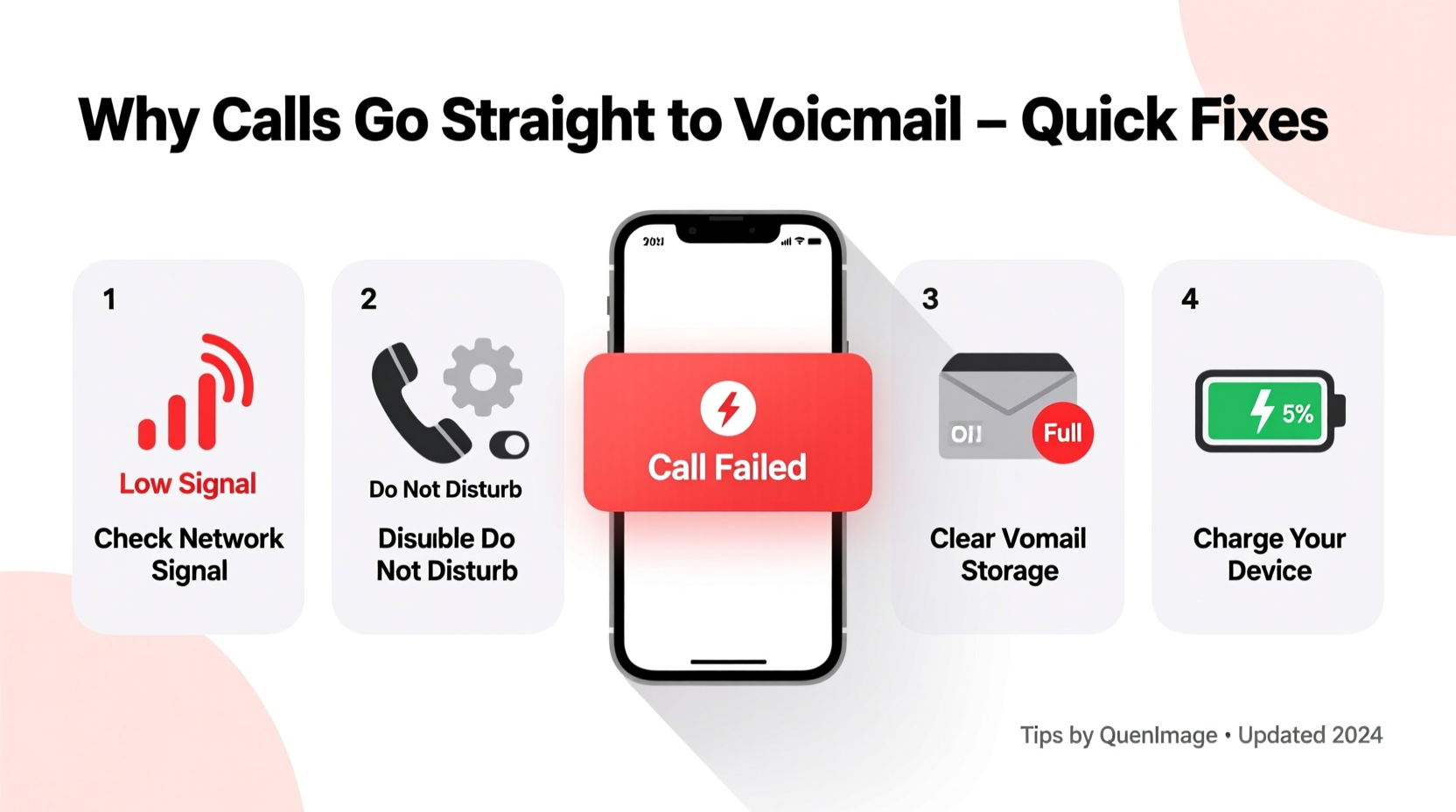
The most basic yet often overlooked reason for calls going directly to voicemail is poor cellular reception. If your device has little or no signal, incoming calls may not connect properly and will automatically divert to voicemail after a few seconds.
Begin by checking the signal bars at the top of your screen. If they’re low or absent, try moving to a different location—near a window, outside, or closer to a known strong coverage area. You can also toggle Airplane Mode on for 15 seconds and then off again to force your phone to reconnect to the nearest cell tower.
In areas with consistently weak signals, consider using Wi-Fi calling. Most modern smartphones support this feature, allowing calls to route through your internet connection instead of relying solely on cellular networks.
Review Call Forwarding and Do Not Disturb Settings
Two common software settings that silently redirect calls to voicemail are Call Forwarding and Do Not Disturb (DND). These features are designed to give users control over when and how they receive calls, but if enabled accidentally, they can cause confusion.
For iPhone Users:
- Navigate to Settings > Phone > Call Forwarding.
- If the toggle is green, it’s active. Disable it to restore normal call behavior.
For Android Users:
- Open the Phone app > More (three dots) > Settings > Call settings > Call forwarding.
- Ensure all options (Always forward, When busy, etc.) are turned off.
Similarly, check your Do Not Disturb mode:
- iOS: Settings > Focus > Do Not Disturb. Turn it off if active.
- Android: Settings > Sound > Do Not Disturb. Review active rules and disable if necessary.
“Many users don’t realize that scheduled Focus modes or automated DND rules based on location or calendar events can interfere with incoming calls.” — Sarah Lin, Mobile Support Specialist at TechCare Solutions
Verify Carrier Voicemail Configuration
Sometimes, the problem isn't with your phone—it's with how your carrier has set up your voicemail service. Incorrect voicemail settings can cause calls to bypass ringing and jump straight to voicemail.
To verify:
- Dial your own number from another phone. If it goes straight to voicemail without ringing, the issue is likely on the receiving end.
- Contact your carrier’s customer service to confirm your voicemail box is active and properly configured.
- Ask them to reset your voicemail profile if needed.
Some carriers require you to set up voicemail for the first time by calling a specific number or following activation prompts. Skipping this step during a new device setup can result in silent call drops.
Step-by-Step Troubleshooting Guide
Follow this logical sequence to identify and resolve the issue efficiently:
- Restart your phone – Clears temporary software glitches.
- Check signal strength – Move to a better reception area or enable Wi-Fi calling.
- Disable Call Forwarding – Ensure no forwarding rules are active.
- Turn off Do Not Disturb or Focus modes – Prevent unintentional silencing.
- Update your OS and carrier settings – Install pending updates under Settings > General > Software Update (iOS) or Settings > System > Updates (Android).
- Remove and reinsert SIM card – Power off, eject the tray, clean the SIM, and reinsert.
- Contact your carrier – Verify account status, voicemail setup, and network health.
Common Mistakes That Cause Silent Call Drops
Avoid these pitfalls that commonly lead to missed calls:
| Mistake | Consequence | Solution |
|---|---|---|
| Leaving Call Forwarding enabled after travel | Calls diverted abroad or to old number | Manually disable in phone settings |
| Using third-party call-blocking apps | Legitimate numbers mistakenly blocked | Review app filters or uninstall temporarily |
| Ignoring carrier updates | Outdated network profiles affect call routing | Check for carrier settings updates monthly |
| Storing phone in metal cases or pockets | Signal interference reduces reception | Use non-metallic cases and carry phone openly |
Mini Case Study: Resolving Persistent Voicemail Issues
Jamie, a freelance designer in Denver, reported that her clients’ calls were going straight to voicemail despite her phone appearing fully charged and connected. She tested multiple locations and confirmed she had full signal. After disabling Do Not Disturb and restarting her iPhone, the issue persisted.
Upon reviewing her settings more closely, she discovered that “Call Forwarding” was enabled with a number she didn’t recognize. Jamie recalled setting up call forwarding months ago during a trip but forgot to turn it off. Once disabled, her calls resumed normally within minutes. A quick call to her carrier confirmed her voicemail was active and properly linked.
This case highlights how easily forgotten settings can disrupt communication—especially when switching devices or traveling.
Frequently Asked Questions
Can a full voicemail inbox cause incoming calls to go straight to voicemail?
No. A full voicemail inbox does not prevent incoming calls from ringing. However, callers may hear a message indicating the mailbox is full when they leave a message. The ringing behavior remains unaffected. Still, it’s good practice to clear old messages regularly.
Does airplane mode send calls to voicemail?
Yes. When Airplane Mode is enabled, all wireless communications—including cellular—are turned off. Incoming calls cannot reach your phone and will go directly to voicemail. Always ensure Airplane Mode is off unless intentionally used.
Why do only certain people’s calls go to voicemail?
This usually indicates selective blocking or filtering. Check if specific contacts are blocked (Settings > Phone > Blocked Contacts). Also, some spam protection apps automatically silence unknown or flagged numbers. Review your call filter settings to ensure legitimate callers aren’t being suppressed.
Final Checklist Before Contacting Support
Before reaching out to your carrier or visiting a service center, run through this checklist:
- ✅ Phone is powered on and not in Airplane Mode
- ✅ Strong signal or connected to Wi-Fi with Wi-Fi calling enabled
- ✅ Call Forwarding is disabled
- ✅ Do Not Disturb or Focus modes are turned off
- ✅ No blocked contacts or active call filters
- ✅ SIM card is properly seated and undamaged
- ✅ Operating system and carrier settings are up to date
Conclusion
Calls going straight to voicemail are rarely due to a single cause—they’re often the result of overlapping factors like settings, network conditions, or carrier configurations. By methodically eliminating possibilities, most users can restore normal call function without professional help. The key is staying calm, testing each potential cause, and documenting changes. Don’t hesitate to contact your carrier if internal troubleshooting fails; they have backend tools to diagnose account-level issues you can’t see.




 浙公网安备
33010002000092号
浙公网安备
33010002000092号 浙B2-20120091-4
Comments
No comments yet. Why don't you start the discussion?