
Christmas lights shouldn’t dance on their own—unless you’ve wired them to a strobe controller. When strands blink erratically, dim unpredictably, or cut out mid-display, it’s more than a holiday nuisance. It’s a signal: something in the circuit isn’t stable. And while many assume faulty bulbs are the sole culprit, the truth is more nuanced. Voltage fluctuations, incompatible controllers, degraded wiring, and even seasonal temperature shifts all play roles. This isn’t just about aesthetics—it’s about safety, longevity, and avoiding last-minute scrambles before guests arrive. Below, we break down the most common causes—not as abstract theory, but as observable, testable conditions—with clear diagnostics and field-tested solutions.
1. The 5 Most Common Causes (and How to Spot Each)
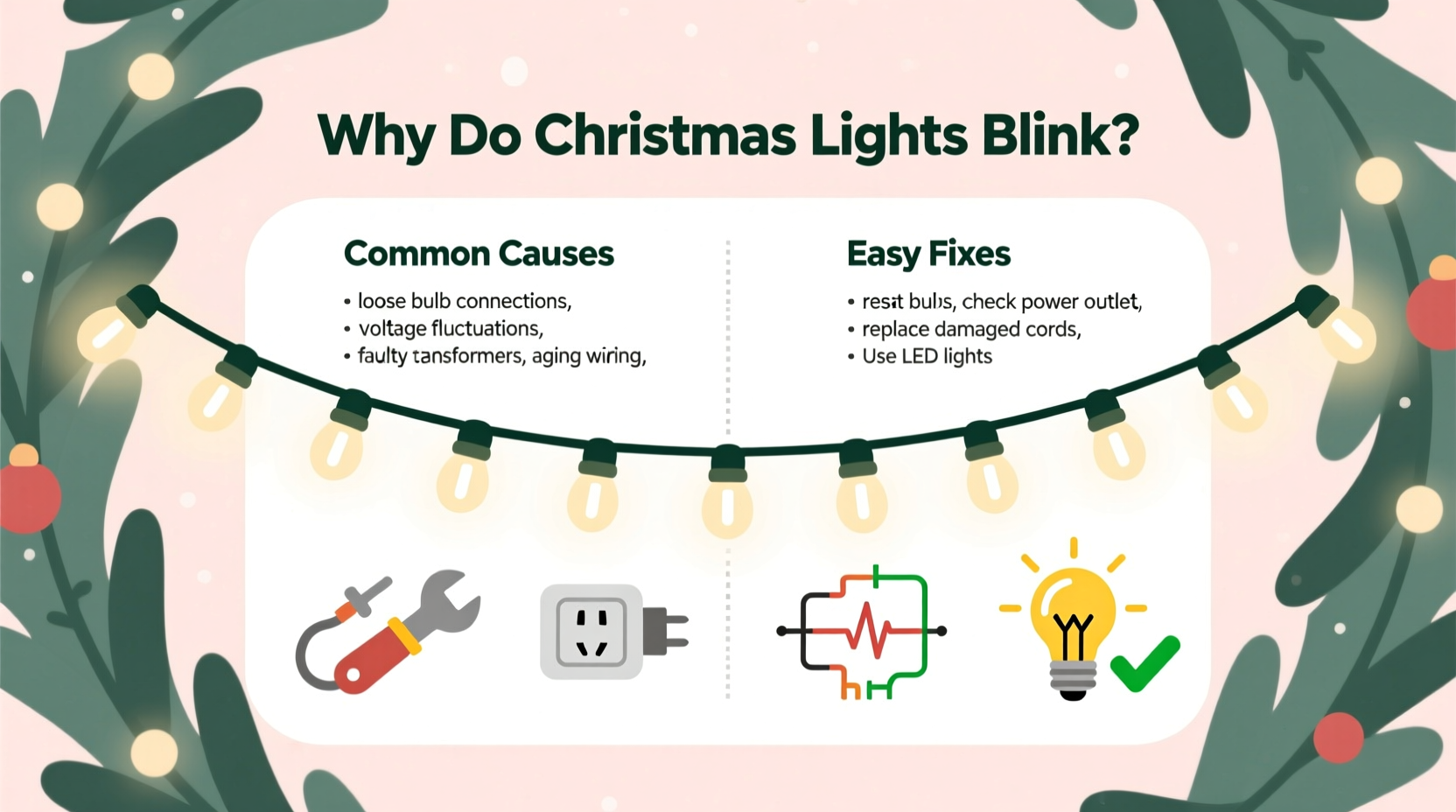
Flickering rarely has a single origin. More often, it’s a cascade—where one issue enables another. Here’s how to isolate what’s really happening:
- Loose or corroded bulb connections: Especially in older incandescent strands, bulbs that aren’t fully seated—or whose metal bases have oxidized—create intermittent contact. You’ll notice blinking localized to one section, or bulbs that glow dimly then go dark when jostled.
- Faulty or mismatched fuses: Mini-light strands use small, replaceable fuses inside the plug housing. A blown fuse cuts power entirely; a weak or degraded fuse causes voltage sags that trigger blinking in LED strands with built-in rectifiers.
- Overloaded circuits or daisy-chaining too many strands: Most manufacturers specify a maximum number of strands per outlet (e.g., “max 3 sets in series”). Exceeding this overloads the internal shunt wires, causing thermal cycling—lights blink as the shunt heats up, opens, cools, and re-closes.
- Controller or timer incompatibility: Many modern LED strands include built-in microcontrollers for chasing or fading effects. Plugging these into mechanical timers (especially older ones with relay “clicks”) introduces micro-interruptions that register as rapid blinking—not steady patterns.
- Moisture ingress and cold-temperature brittleness: Outdoor strands exposed to rain, fog, or freezing temps develop micro-cracks in insulation or condensation inside sockets. As temperatures drop overnight, plastic housings contract, loosening contacts. Blinking worsens at dusk or during early-morning frost.
2. The Diagnostic Flowchart: What to Check First (and Why Order Matters)
Jumping straight to bulb replacement wastes time. Start where failure is most likely—and easiest to verify. Follow this sequence:
- Unplug everything. Safety first—no testing under load.
- Inspect the plug and cord end. Look for cracked insulation, bent prongs, or discoloration (a sign of arcing). Smell for burnt plastic near the plug housing.
- Check the fuse(s). Open the fuse door on the plug. Use a multimeter on continuity mode—or swap in a known-good fuse from an identical strand. Never substitute with higher-amp fuses.
- Test outlet voltage. Plug in a lamp or phone charger. If it dims or flickers, the issue is upstream—in your home’s circuit, not the lights.
- Isolate the strand. Unplug all other decorations from the same outlet or power strip. Reconnect only the blinking strand. If blinking stops, the problem is circuit overload or ground-loop interference.
- Section-test with a known-good adapter. If you have a spare 12V DC adapter (for low-voltage LED sets), try powering the strand directly—bypassing timers and extension cords. Stable operation here confirms a control-device issue.
3. Bulb-Level Troubleshooting: Incandescent vs. LED Realities
The repair logic diverges sharply between technologies—and misunderstanding this causes repeated frustration.
| Issue | Incandescent Strands | LED Strands |
|---|---|---|
| One bulb out kills entire section | Yes—open circuit breaks series path. Replace bulb or bypass with shunt. | Rare—most use parallel-wired segments or shunted sockets. One dead LED rarely affects neighbors. |
| Blinking caused by a single bad bulb | No—only causes full outage unless socket is shorting. | Yes—faulty LED can leak current, confusing the driver IC and triggering protective blinking. |
| Best diagnostic tool | Visual inspection + bulb twister tool | LED tester pen (detects forward voltage drop) or multimeter diode mode |
| Replacement compatibility | Must match voltage/wattage (e.g., 2.5V/0.3A) | Must match color temp, forward voltage, and pin configuration—even “mini” LEDs vary across brands |
A key insight: LED strands don’t “burn out” like incandescents. Instead, their driver circuits fail silently—often due to capacitor aging. If a strand blinks only after warming up for 10–15 minutes, suspect electrolytic capacitors in the rectifier board. These degrade faster in humid garages or attics where lights are stored.
4. Real-World Case Study: The Porch Light That Wouldn’t Settle
Janice in Portland strung 12 identical 100-light LED icicle lights along her front porch eaves. From November 15 onward, the rightmost three strands blinked rapidly every 47 seconds—always in sync. She replaced bulbs, checked fuses, and swapped outlets. Nothing changed.
Her breakthrough came when she noticed the blinking coincided with her neighbor’s security light cycling on. Using a $25 RF detector, she found strong 2.4 GHz interference near the porch—emanating from a newly installed smart doorbell. The doorbell’s motion sensor pulsed its Wi-Fi radio at intervals matching the blink pattern. Janice moved the light controller 6 feet away from the doorbell’s mounting bracket and added a ferrite choke to the controller’s power cord. Blinking stopped immediately.
This illustrates a growing cause: electromagnetic interference (EMI) from IoT devices. LED drivers, especially budget models, lack robust EMI filtering. When placed near routers, smart speakers, or motion sensors, they misinterpret radio noise as control signals—triggering erratic behavior indistinguishable from hardware failure.
5. Proven Fixes—Ranked by Effectiveness and Effort
Not all solutions are equal. Some require tools; others take 30 seconds. Prioritize based on your confidence and tools available:
- Re-seat all bulbs (2 minutes): Grip each bulb base firmly and rotate clockwise until snug. Don’t force—if resistance increases sharply, stop. Over-tightening cracks solder joints.
- Replace the fuse with OEM-spec (3 minutes): Match both amperage (e.g., 3A) and physical size (AGC vs. 3AG). Generic fuses often have looser thermal tolerances.
- Shorten the daisy chain (1 minute): If using more than the manufacturer’s max (e.g., >3 for 120V mini-lights), unplug the last 1–2 strands. Add a second outlet or use a heavy-duty power strip with individual switches.
- Swap mechanical timers for digital ones (5 minutes): Mechanical timers introduce 10–30ms power gaps during switching. Digital timers with zero-crossing switching eliminate these micro-outages.
- Add a line conditioner (10 minutes): For whole-house sensitivity (e.g., blinking across multiple displays), plug lights into a basic 600-joule surge protector with EMI filtering—not just a power strip.
“Intermittent blinking in holiday lighting is rarely ‘random.’ It’s almost always a signature—of thermal stress, voltage ripple, or electromagnetic noise. Treat it like a diagnostic code, not a quirk.” — Carlos Mendez, Lighting Systems Engineer, UL Certified Product Safety Lab
6. Prevention: Extending Strand Life Beyond the Season
Fixing blinking is reactive. Preventing it is strategic. These habits reduce failure rates by over 70% year over year:
- Wind, don’t wrap: Coil strands loosely around a flat cardboard rectangle (12\"x12\")—never around your hand or a spool. Tight winding stresses wire bonds and accelerates insulation cracking.
- Store in climate-controlled spaces: Avoid attics (summer heat >120°F degrades LED phosphors) and garages (winter humidity >70% promotes socket corrosion). Ideal storage: 40–70°F, <50% RH.
- Label controllers and adapters: Use masking tape to mark voltage/output specs on each controller. Mismatched 12V drivers on 24V strands cause chronic overvoltage blinking.
- Test before decorating: Plug in each strand for 15 minutes indoors before hanging. Heat reveals latent capacitor or solder joint issues.
7. FAQ: Quick Answers to Pressing Questions
Why do my new LED lights blink only when plugged into a timer—but work fine directly in the outlet?
Mechanical timers interrupt power at non-zero voltage points, creating electrical noise that confuses LED driver ICs. Switch to a digital timer with “zero-crossing” switching or use a smart plug rated for LED loads (look for “non-dimming” or “resistive load” certification).
Can I mix incandescent and LED strands on the same circuit?
You can—but shouldn’t. Incandescents draw high inrush current (up to 10x rated wattage at startup), causing voltage dips that make sensitive LED drivers blink or reset. Use separate circuits or dedicated outlets.
Is flickering dangerous? When should I throw lights away?
Occasional blinking isn’t inherently hazardous—but persistent blinking accompanied by warmth near the plug, buzzing sounds, or visible melting indicates failing components. Discard immediately. Also retire any strand with cracked insulation, exposed copper, or sockets that feel loose when bulbs are inserted.
Conclusion
Christmas lights blinking isn’t magic—it’s physics, chemistry, and engineering speaking plainly. Every flicker tells a story: of a corroded contact, a stressed capacitor, a saturated circuit, or invisible radio waves. You don’t need to be an electrician to listen. With systematic observation, the right tools (a multimeter, spare fuses, and 10 minutes of focused attention), and knowledge of how your specific lights operate, you can restore reliability—without replacing a single strand. This season, treat blinking not as an annoyance to endure, but as data to decode. Your displays will shine brighter, last longer, and carry less stress. And when friends ask why your lights stay perfectly steady while theirs pulse like disco balls, you’ll know exactly what to tell them.




 浙公网安备
33010002000092号
浙公网安备
33010002000092号 浙B2-20120091-4
Comments
No comments yet. Why don't you start the discussion?