
Programmable LED lights offer stunning visual effects for homes, events, and seasonal displays. From synchronized holiday shows to ambient room lighting, their flexibility is unmatched. But nothing disrupts the experience like turning on your display only to find that all custom sequences have vanished—reset to factory defaults or a basic pattern after a simple power cycle. This behavior is both frustrating and avoidable. The root cause lies in how the controller manages memory and power, and understanding this unlocks long-term stability.
This issue affects countless users of addressable LEDs such as WS2812B (NeoPixels), SK6812, and similar strips when used with microcontroller-based systems like Arduino, ESP32, or commercial smart lighting controllers. Whether you're running a DIY project or using off-the-shelf smart lighting kits, the problem stems from the same core limitation: volatile memory and lack of persistent storage mechanisms.
How Programmable Light Controllers Store Sequences
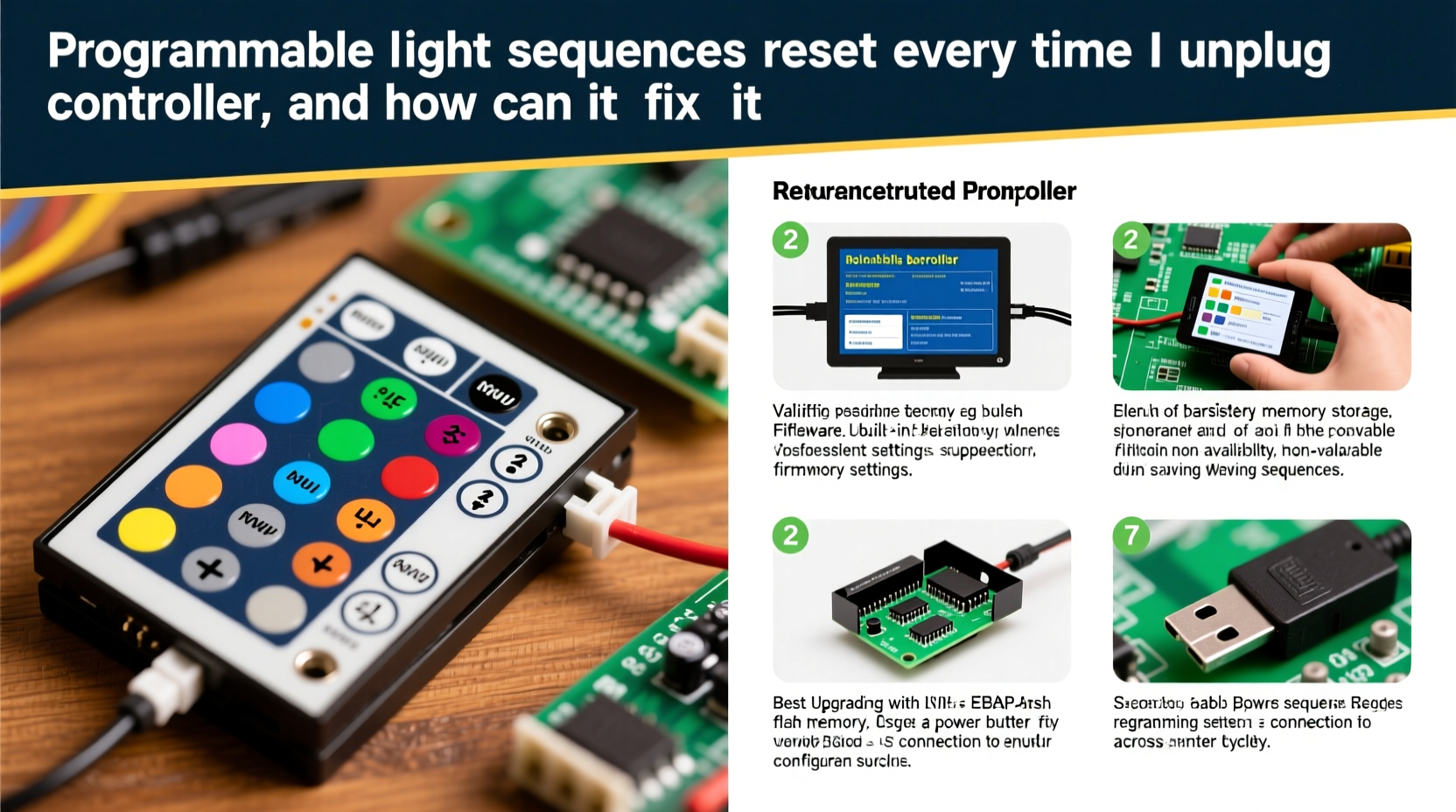
At the heart of every programmable lighting system is a microcontroller—an embedded computer that runs firmware and executes instructions. When you upload a sequence via software or an app, the data must be stored somewhere so it can be recalled upon startup. However, not all memory behaves the same way.
Microcontrollers typically use two types of memory:
- RAM (Random Access Memory): Fast but volatile. It loses all data when power is removed. Most real-time operations happen here.
- Flash Memory / EEPROM: Non-volatile storage that retains data without power. Used for storing firmware, settings, and user preferences.
If your light sequence runs directly from RAM and isn’t saved to non-volatile memory, unplugging the device will erase everything. Many entry-level controllers either don’t support persistent storage or require explicit configuration to enable it.
“The biggest oversight in DIY lighting projects is assuming that uploaded patterns are automatically saved. Unless programmed otherwise, most microcontrollers treat sequences as temporary runtime data.” — Daniel Ruiz, Embedded Systems Engineer
Common Causes of Sequence Reset After Power Loss
The reset issue doesn't stem from faulty hardware alone—it's often a design or configuration gap. Below are the most frequent culprits:
- No Persistent Storage Implementation: The code uploads the animation to RAM but never writes it to flash or EEPROM.
- Improper Boot Routine: On restart, the controller runs default code instead of checking for saved sequences.
- Firmware Limitations: Some pre-flashed commercial controllers lack save functionality unless updated.
- Capacitor Drain Time Too Short: Even if saving occurs during shutdown, insufficient hold-up time prevents completion.
- User Error in Configuration: Failure to press 'Save' in apps or web interfaces means changes exist only in session memory.
In many cases, especially with budget-friendly controllers, manufacturers prioritize low cost over robust memory management. As a result, what seems like a defect is actually expected behavior under the current setup.
Solutions to Prevent Sequence Reset
Fixing this issue requires addressing both hardware and software layers. The solution path depends on your setup: DIY microcontroller, open-source firmware, or closed commercial unit.
For DIY or Open-Source Setups (e.g., Arduino, ESP32)
If you're coding your own controller using platforms like Arduino IDE or PlatformIO, implementing persistent storage is straightforward with proper libraries.
To save sequences permanently:
- Use the
EEPROM.write()function (for small data) orPreferences.hlibrary (ESP32) to store animation parameters. - Modify the boot sequence to check for saved values before loading defaults.
- Store key variables like effect type, speed, color, and brightness—not entire frame-by-frame data, which may exceed capacity.
Example logic flow:
void setup() {
  loadSettingsFromStorage(); // Tries to read saved state
  if (noValidDataFound) {
    applyDefaultSequence();  // Falls back safely
  }
}
This ensures continuity across reboots. For larger configurations, consider using SPIFFS or LittleFS on ESP devices to store JSON-encoded profiles.
For Commercial Smart Controllers
Many plug-and-play units come with companion apps. While convenient, they often mislead users into thinking sequences are “saved” once set. In reality, unless explicitly stored to device memory, these settings live only in the app’s cache.
To ensure persistence:
- Look for a physical or virtual \"Save to Device\" button in the app interface.
- Check product documentation for terms like “power-loss recovery mode” or “startup profile.”
- Update firmware—manufacturers sometimes add persistent storage in later versions.
If no such option exists, the device likely lacks the necessary memory architecture. In such cases, upgrading to a more capable controller may be the only permanent fix.
Step-by-Step Fix Guide
Follow this process to diagnose and resolve sequence resets based on your system type.
- Identify Your Controller Type
Check labels, model numbers, or packaging. Determine if it's open-source (like WLED-enabled) or proprietary. - Review Documentation
Search for keywords: “non-volatile,” “save settings,” “startup effect,” “memory retention.” - Test Save Functionality
Set a unique sequence (e.g., red chase at high speed), unplug for 30 seconds, then replug. Does it return? - Enable Persistent Mode (if available)
On WLED, go to Settings > Boot & Signal > “Apply preset on boot.” Select desired preset ID. - Reprogram for Retention (DIY)
Add EEPROM or Preferences storage routines to your sketch. Test thoroughly. - Add Backup Power (Advanced)
Solder a 1000µF capacitor across the power input to extend drain time, allowing safe write operations during sudden outages.
Do’s and Don’ts: Managing Light Sequence Persistence
| Do | Don’t |
|---|---|
| Use controllers with documented non-volatile memory support | Assume all smart lights remember settings after reboot |
| Press “Save to Device” in apps before disconnecting | Rely solely on cloud or app-based storage for local control |
| Implement fallback defaults in custom code | Write large animation data directly to EEPROM (wear out risk) |
| Update firmware regularly for new features | Ignore capacitor warnings near power circuits |
| Document your setup and saved states | Power-cycle frequently without testing retention |
Mini Case Study: Fixing a Holiday Display That Wouldn’t Remember Its Show
Tom, a homeowner in Ohio, built an elaborate Christmas light show using five separate RGB LED strips controlled by ESP8266 modules. Each year, he spent hours syncing music and effects through a mobile app. But every November, after storing the system over summer, he found all sequences gone—forced to rebuild each one manually.
After researching, Tom discovered his app allowed real-time adjustments but didn’t push them to device memory. He switched to WLED firmware, configured his preferred chase pattern as Preset 1, and enabled “Apply preset on boot.” He also labeled each controller with its preset number for future reference.
The next season, he plugged in the system—and the lights came on exactly as programmed. No app needed. No reconfiguration. Just reliable performance.
“It took me one afternoon to fix a problem I’d lived with for three years,” Tom said. “Now my kids know the lights will turn on the first night of December, just like always.”
FAQ
Can I make any controller remember its sequence?
Not universally. Hardware determines capability. If a controller lacks non-volatile memory or firmware support, you cannot add true persistence without replacing the board. However, some workarounds exist—like using a Raspberry Pi or home automation hub to resend the sequence on boot via network commands.
Why does my light strip flash white briefly on startup?
This is common with addressable LEDs due to residual charge or initialization glitches. It doesn’t indicate a reset but can be minimized with a “clear strip before start” command in code or by enabling signal latch features in advanced drivers.
Is there a way to auto-reload sequences without manual saving?
Yes—on network-connected controllers (like those running WLED or MQTT-enabled firmware), you can use a home automation platform (e.g., Home Assistant) to send the correct effect command whenever power is restored. This creates pseudo-persistence even on limited hardware.
Checklist: Ensure Your Light Sequences Survive Power Cycles
- ✅ Confirm your controller supports non-volatile memory
- ✅ Use “Save to Device” function in apps or web UIs
- ✅ Set a default/initial effect in firmware settings
- ✅ Upgrade to WLED or other advanced firmware if needed
- ✅ Test power-loss behavior before final installation
- ✅ Add a hold-up capacitor for graceful shutdowns
- ✅ Document your saved presets and configurations
- ✅ Consider automation triggers for network-based reloads
Final Thoughts: Stability Through Design
Reliable lighting shouldn’t depend on luck. The frustration of resetting sequences is entirely preventable with the right knowledge and tools. Whether you’re managing a single accent strip or a multi-zone architectural display, treating memory persistence as a core requirement—not an afterthought—makes all the difference.
The technology exists to create truly autonomous, self-restoring light systems. From better firmware choices to smarter wiring practices, every step toward stability improves user experience and reduces maintenance. Don’t settle for temporary fixes when permanent solutions are within reach.




 浙公网安备
33010002000092号
浙公网安备
33010002000092号 浙B2-20120091-4
Comments
No comments yet. Why don't you start the discussion?