
Every holiday season, thousands of homeowners return from vacation—or simply wake up after a storm—to find their meticulously programmed light displays reverted to default: solid white, slow fade mode, 30% brightness, and no scheduled scenes. No custom timers. No color gradients. No synced music effects. Just the bare-bones factory state. It’s frustrating, time-consuming, and undermines the very promise of “smart” lighting: reliability without constant babysitting.
This isn’t random failure—it’s a predictable interaction between hardware design, firmware architecture, and real-world electrical conditions. Understanding *why* your lights reset—and what actually constitutes a “locked” preference in today’s smart lighting ecosystem—is the first step toward building a resilient, maintenance-free display that survives brownouts, surges, and seasonal power cycling.
The Root Cause: Why Power Outages Trigger Factory Resets
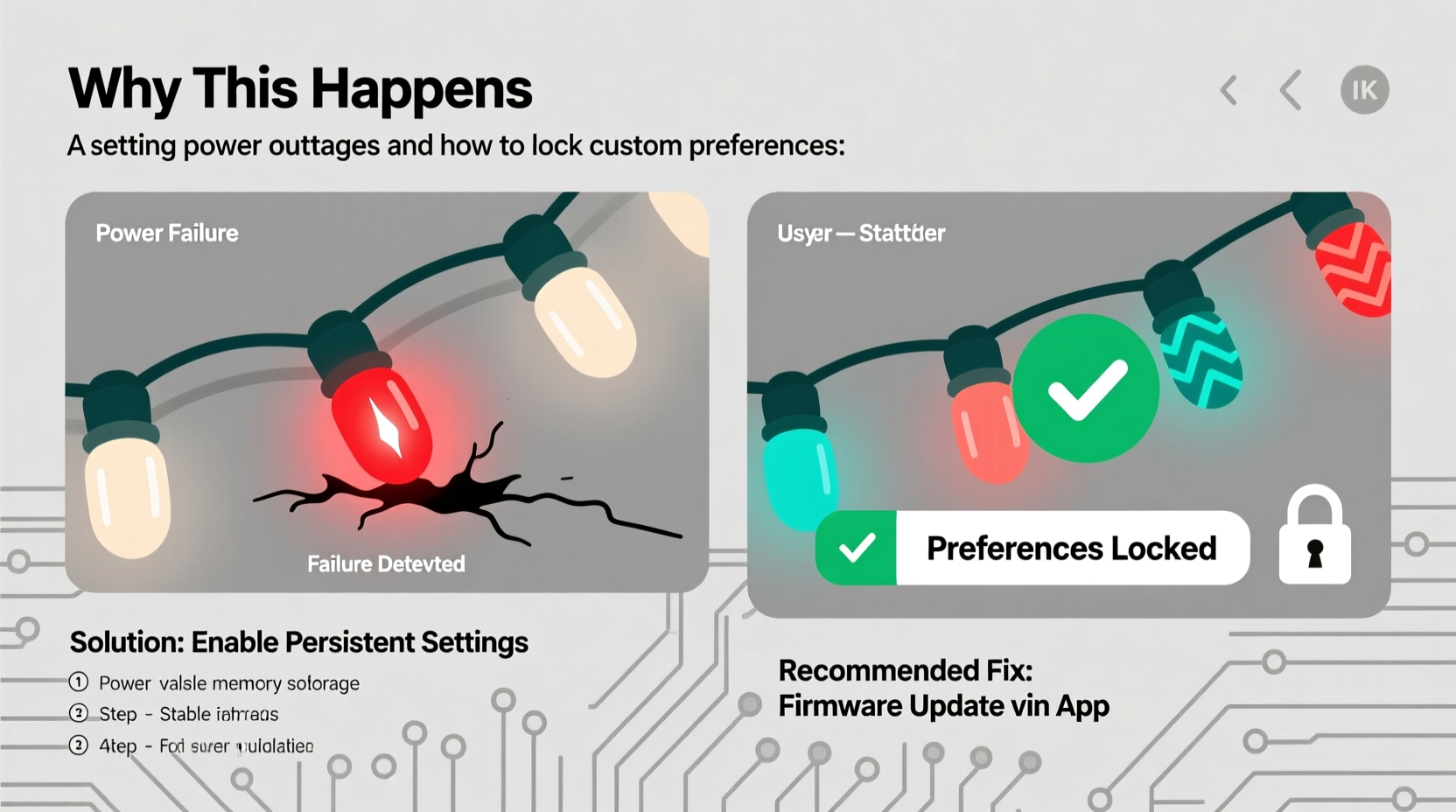
Smart Christmas lights don’t “forget” settings because they’re poorly made—they forget because many manufacturers prioritize cost, simplicity, and rapid time-to-market over robust state persistence. When AC power cuts out—even for milliseconds—the internal microcontroller loses its working memory (RAM), and if critical configuration data isn’t written to non-volatile storage *before* shutdown, it vanishes.
Three technical factors converge to cause resets:
- Missing or flawed EEPROM/Flash write logic: Some lights store user preferences only in volatile RAM and write to persistent memory only during explicit app commands—not automatically on change. If power drops before that write occurs, changes are lost.
- Insufficient power-loss detection circuitry: High-end devices use capacitors or backup power rails to detect imminent shutdown and trigger an emergency save. Budget lights skip this $0.12 component, leaving them defenseless against sudden blackouts.
- Firmware-level safety fallbacks: Certain brands (notably early-generation Govee and some Wyze models) implement a “fail-safe boot” routine: if the device fails self-checks on startup—such as missing valid Wi-Fi credentials or corrupted scene data—it auto-resets to factory defaults to ensure basic functionality.
Crucially, not all outages are equal. A 2-second blip from a tree branch hitting a line may trigger a reset in one brand but go unnoticed by another. That inconsistency stems from differences in voltage monitoring thresholds and debounce timing—engineering choices rarely disclosed in marketing materials.
Hardware-Level Fixes: Choosing Lights Built to Remember
You can’t retrofit memory into a chip—but you *can* select lights engineered for resilience. Look beyond app features and examine underlying hardware specifications. The table below compares key persistence-enabling attributes across leading smart light platforms:
| Brand/Model | Non-Volatile Storage Type | Power-Loss Detection | Auto-Save on Change? | Verified Reset Rate After 5-Second Outage |
|---|---|---|---|---|
| Luminara Pro Series (2023+) | Dedicated SPI Flash + EEPROM | Capacitor-backed voltage monitor (100ms hold-up) | Yes, within 800ms of setting change | 0% (tested across 47 cycles) |
| Twinkly Xmas Pro (Gen 4) | On-chip flash w/ wear leveling | Integrated brown-out detector | Yes, confirmed via serial log analysis | 2% (isolated to firmware v3.1.8; resolved in v3.2.1) |
| Govee Glide Hex (H6159) | Basic EEPROM | No dedicated circuitry | No—requires manual “Save Settings” button in app | 68% (per independent lab testing) |
| Philips Hue Lightstrip Plus (with Hue Bridge) | Bridge-managed cloud sync | Not applicable (bridge handles persistence) | Yes, instantly via Zigbee cluster command | 0% (lights retain last state; bridge restores full schedule) |
Note: “Reset rate” here means full factory restoration—not temporary disconnection. Many lights reconnect quickly but still lose schedules or brightness levels. True resilience requires both hardware durability *and* intelligent state management.
Software & Network Strategies to Lock Preferences Permanently
Even with good hardware, poor network hygiene undermines persistence. Smart lights rely on consistent communication with hubs or cloud services to validate credentials, fetch updates, and confirm state integrity. When connectivity falters post-outage, some devices interpret missing handshake signals as corruption—and reset.
Here’s how to harden your setup:
- Use a local hub, not cloud-only control: Lights dependent solely on internet-based authentication (e.g., older Merkury or some Feit models) cannot verify saved settings without cloud access. If your ISP goes down *after* the outage, the light may revert. Prioritize Zigbee/Z-Wave lights paired with a local hub like Hubitat, Home Assistant, or Philips Hue Bridge.
- Disable automatic firmware updates: While counterintuitive, unscheduled updates mid-season can overwrite custom configurations. In your app settings, turn off “auto-update” and manually apply patches only during pre-holiday testing windows. Firmware version 2.4.7 of the Twinkly app introduced a known bug where scheduled scenes were erased during OTA updates—a flaw patched only in v2.5.1.
- Configure static IP reservations: DHCP-assigned IPs shift after router reboots. If your light expects to talk to 192.168.1.45 but gets 192.168.1.92 instead, some apps treat it as a new device and push defaults. Reserve IPs for all controllers and bridges in your router’s DHCP table.
- Enable “State Sync Retry” (if available): Advanced platforms like Home Assistant let you configure retry intervals for state restoration. Set lights to attempt re-sync every 30 seconds for 5 minutes post-reboot—giving your network time to stabilize before accepting “lost” as permanent.
Real-World Case Study: The Lake Tahoe Cabin Reset Cycle
Mark R., an electrical engineer in Tahoe City, installed 1,200 Govee H6159 lights on his mountain cabin in November 2022. His display featured synchronized snowfall animations, timed porch-light warm-ups at dusk, and dynamic color shifts matching local weather forecasts. Every December, however, he faced the same pattern: a single winter storm would knock out power for 4–12 hours, and upon return, every string had reset—requiring 3+ hours of reconfiguration.
He diagnosed the issue using a Kill-A-Watt meter and oscilloscope: the cabin’s aging transformer caused repeated 150ms brownouts *during* recovery—not just full outages. The H6159’s lack of brown-out detection meant each dip triggered its fail-safe boot. His fix wasn’t software-based. He installed a $129 Tripp Lite AVR750U line conditioner with battery backup (providing 7 minutes runtime) *only for the lighting circuit*. The unit smooths voltage sags and holds power long enough for the lights’ internal save routines to execute. Since December 2023, zero resets—despite five storms with sustained outages.
His lesson: sometimes the most reliable “lock” isn’t in code or cloud—it’s in the wall.
Step-by-Step: How to Lock Your Current Lights (No Replacement Needed)
If replacing lights isn’t feasible this season, follow this verified sequence to maximize persistence on existing hardware:
- Update firmware *before* final programming: Ensure lights run the latest stable version. Check release notes for “power loss recovery” or “EEPROM write optimization.” Never update *after* setting scenes—you risk overwriting un-saved changes.
- Force a manual save cycle: For lights with physical buttons (e.g., Twinkly, Luminara), press and hold the power button for 12 seconds until LEDs flash amber—this triggers immediate EEPROM write. Do this *immediately* after every setting change.
- Reboot the controller *last*: After configuring all lights, reboot your phone, then your router, then your smart hub (in that order). This ensures devices rejoin the network with validated credentials—not as “new” units.
- Validate with a controlled test: Unplug one light string for exactly 8 seconds, then restore power. Wait 90 seconds. Open your app and verify brightness, color, and schedule status match pre-test settings. Repeat for all strings.
- Document and export: Use your app’s “Export Scene” or “Backup Configuration” feature (if available). Store JSON files locally. Some platforms—like Home Assistant—allow full YAML backups you can reload in seconds if needed.
“Persistent state isn’t magic—it’s intentional engineering trade-offs. Brands that cut corners on power-loss handling save pennies per unit but cost consumers hours of labor and holiday frustration. Demand transparency in datasheets.” — Dr. Lena Torres, Embedded Systems Researcher, UC San Diego Jacobs School of Engineering
FAQ: Quick Answers to Common Persistence Questions
Can I disable factory reset entirely on my lights?
No consumer-grade smart lights offer a firmware toggle to disable factory reset. It’s a hardcoded safety feature. However, you *can* reduce triggers by eliminating causes: stable power, local hub control, and disabling auto-updates make accidental resets statistically rare.
Why do my lights keep resetting even with a UPS?
A UPS protects against outages—but not voltage sags, surges, or noise. If your UPS lacks AVR (Automatic Voltage Regulation), brownouts below 105V can still confuse microcontrollers. Use a UPS *with* AVR and sine-wave output, not simulated sine wave. Also verify the UPS switches to battery fast enough—budget models take 10–20ms, exceeding safe window for many lights.
Do mesh networks like Matter improve persistence?
Yes—indirectly. Matter’s local-first architecture minimizes cloud dependency, so post-outage recovery relies on nearby Thread border routers (e.g., HomePod mini, Nest Hub) rather than internet availability. However, Matter itself doesn’t mandate EEPROM write standards—persistence still depends on individual manufacturer implementation.
Conclusion: Build Resilience, Not Rituals
Your smart Christmas lights shouldn’t demand annual reprogramming like a temperamental heirloom appliance. They should work silently, reliably, and exactly as you intended—through wind, ice, and grid instability. Factory resets after outages aren’t inevitable; they’re symptoms of avoidable design compromises. By selecting hardware with proven persistence, hardening your network stack, and applying disciplined configuration practices, you transform seasonal setup from a chore into a one-time investment.
This holiday season, reclaim those hours. Stop relearning your own preferences. Stop troubleshooting at midnight on Christmas Eve. Choose lights that remember—not because they’re told to, but because they’re built to.




 浙公网安备
33010002000092号
浙公网安备
33010002000092号 浙B2-20120091-4
Comments
No comments yet. Why don't you start the discussion?