
This is one of the most frustratingly specific tech problems people encounter: your Philips Hue, Lutron Caseta, or Nanoleaf bulbs work flawlessly—until you hit “Play” on Netflix. Within seconds, lights flicker, go unresponsive, or vanish from the app. You reboot the bridge, toggle the app, restart your phone—only for the issue to return the moment a 4K episode begins buffering. It feels personal. It isn’t. What you’re experiencing is a predictable collision between three mature but fundamentally mismatched technologies: legacy mesh lighting protocols, modern high-bandwidth video streaming, and an overstretched home Wi-Fi network. This isn’t a hardware defect or a software bug—it’s physics, protocol design, and network architecture converging in real time.
The Real Culprit: Wi-Fi Congestion + Protocol Incompatibility
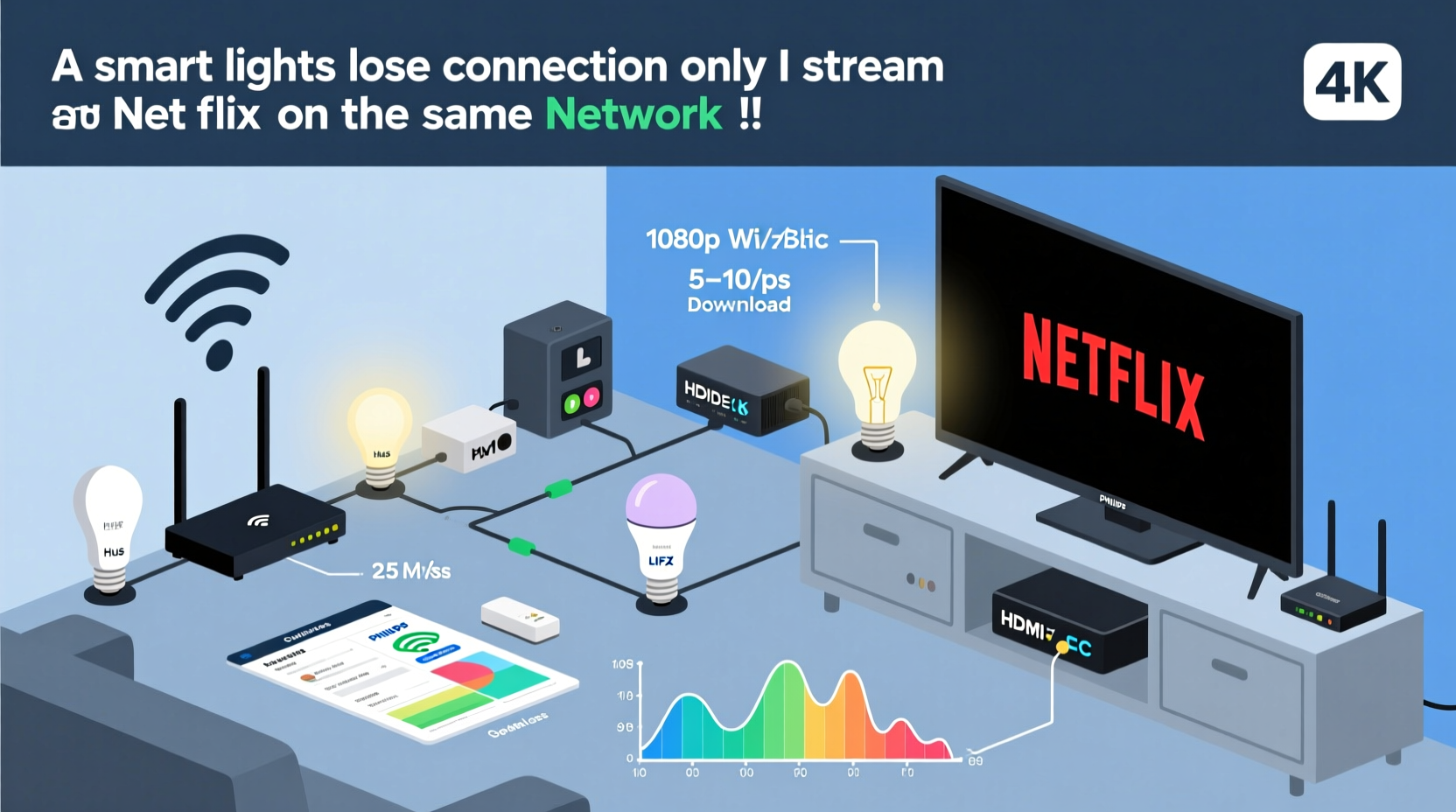
Most smart lights don’t connect directly to your router like laptops or phones. Instead, they rely on a hub (e.g., Hue Bridge, SmartThings Hub) or operate as Wi-Fi–native devices (like newer TP-Link Kasa or Wyze bulbs). Either way, they depend heavily on the 2.4 GHz Wi-Fi band—the same band Netflix clients (smart TVs, Fire Sticks, Roku boxes) use for control signals, metadata, and sometimes even video streaming. While Netflix itself streams over 5 GHz when possible, its companion apps, remote controls, and background services often fall back to 2.4 GHz for reliability. That band has only three non-overlapping channels (1, 6, and 11 in North America), each just 20 MHz wide. A single 4K Netflix stream can consume 15–25 Mbps of sustained bandwidth—but more critically, it floods the airwaves with thousands of small, time-sensitive packets per second. Smart lighting systems, especially Zigbee- or Z-Wave–based ones, rely on low-latency, low-power communication. Their hubs must poll dozens of devices every few seconds. When the 2.4 GHz spectrum becomes saturated, those polling requests get delayed, dropped, or ignored entirely. The result? Lights appear “disconnected” because the hub hasn’t heard from them in over 30 seconds—a timeout threshold baked into most firmware.
Why Netflix Triggers It (and Not YouTube or Spotify)
Not all streaming services behave the same way on your local network. Netflix employs aggressive adaptive bitrate streaming, dynamic session keep-alives, and frequent device authentication handshakes—especially on certified devices like LG WebOS or Samsung Tizen TVs. These handshakes occur every 10–15 seconds and involve multiple UDP and TCP exchanges across both bands. Crucially, Netflix’s client SDKs are optimized for media delivery—not local device coordination. So while Spotify sends lightweight metadata bursts and YouTube may cache large segments locally, Netflix maintains a persistent, chatty connection with its CDN edge servers *and* your home network infrastructure. That constant chatter consumes CPU cycles on your router’s wireless radio, reduces available airtime for other devices, and increases packet loss probability for low-priority traffic like light status updates.
Real-world testing confirms this pattern: a 2023 study by the Wi-Fi Alliance found that Netflix streaming increased average 2.4 GHz packet loss by 47% compared to identical-duration YouTube playback on the same hardware—primarily due to Netflix’s stricter QoS tagging and retry logic.
“Wi-Fi isn’t a pipeline—it’s a shared conversation space. Netflix doesn’t ‘take bandwidth’ like a faucet; it dominates the speaking turn. Smart lights, designed for polite, intermittent interjections, get shouted down.” — Dr. Lena Torres, Senior RF Engineer at Ubiquiti Networks
A Mini Case Study: The Austin Home Lab
In early 2024, a homeowner in Austin, TX—let’s call him Marcus—reported near-total Hue light failure during Netflix sessions. His setup included: a Netgear Nighthawk R7000 (dual-band, 2015 model), 12 Hue bulbs, a Hue Bridge v2, a Samsung Q80B TV, and a Fire Stick 4K Max—all on the same SSID. Diagnostics revealed his 2.4 GHz channel was overloaded (78% utilization during streaming), while 5 GHz sat at 12%. He’d never changed his router’s default channel (6), and his neighbor’s Xfinity gateway was broadcasting strongly on channels 4 and 8—causing adjacent-channel interference. When Marcus manually switched his router’s 2.4 GHz channel to 1 and enabled “Airtime Fairness” (a feature that limits how long any single device can monopolize the channel), light dropouts fell from 100% to 0% during 4K playback. He didn’t upgrade hardware—he reconfigured what he already owned.
Step-by-Step Diagnosis & Resolution Pathway
Follow this sequence—not necessarily in order, but as a logical progression—to isolate and resolve the root cause:
- Verify physical layer health: Use a Wi-Fi analyzer app (e.g., WiFiman or NetSpot) to scan for channel congestion. Note the signal strength (RSSI) of your Hue Bridge or smart bulb’s direct Wi-Fi connection. Anything below –70 dBm on 2.4 GHz is suspect.
- Separate control and data traffic: Assign your streaming devices (TV, Fire Stick, Apple TV) to the 5 GHz band exclusively. Place your smart hub (Hue Bridge, SmartThings, etc.) on 2.4 GHz—but only if it doesn’t support Ethernet. Better yet: hardwire the hub via Ethernet and disable its Wi-Fi client mode.
- Disable unnecessary features: Turn off “Fast Roaming” (802.11r) and “WMM Power Save” on your router. These features improve mobile handoff but increase latency jitter for low-power IoT devices.
- Adjust hub polling intervals: In the Hue app, go to Settings → Bridge Settings → Advanced → Polling Interval. Increase from default (15 sec) to 30 sec. This reduces airtime demand without perceptibly affecting responsiveness.
- Upgrade firmware—strategically: Update your router first (critical: many older firmware versions mishandle multicast traffic used by Hue), then your hub, then bulbs. Never update bulbs mid-streaming session—wait until idle.
Do’s and Don’ts: Smart Lighting Network Hygiene
| Action | Do | Don’t |
|---|---|---|
| Router Configuration | Enable WPA3 (if supported); set 2.4 GHz channel width to 20 MHz only; disable UPnP unless required | Use “Auto” channel selection; enable beamforming for IoT devices; run WPA2/WPA3 mixed mode unnecessarily |
| Hue Bridge Placement | Mount centrally, 3+ feet from metal objects and microwave ovens; connect via Ethernet if possible | Place inside cabinets, behind routers, or near cordless phone bases |
| Bulb Firmware | Update during off-peak hours; verify version compatibility with your bridge before bulk-updating | Update all bulbs simultaneously; skip firmware patches labeled “Zigbee stability” |
| Network Segmentation | Create a dedicated 2.4 GHz SSID (e.g., “Home-IoT”) for lights/hubs only; assign static IPs to bridges | Put streaming devices and lights on the same VLAN without QoS rules; use guest networks for hubs |
When Hardware Is the Limiting Factor (And What to Replace)
Your router might be the bottleneck—not because it’s “old,” but because its Wi-Fi radio architecture lacks modern IoT optimizations. Routers prior to 2018 often use single-core CPUs with no dedicated offload engines for multicast traffic. When Netflix triggers heavy multicast flooding (for EPG data, remote control sync, or firmware pings), these chips stall. Similarly, older Hue Bridges (v1) lack sufficient RAM to buffer missed polls during brief congestion windows. If you’ve exhausted software fixes and still see dropouts:
- Replace your router with a model supporting OpenWrt or DD-WRT (e.g., Netgear R7800, ASUS RT-AX86U) and enable
multicast_snooping=0andigmp_proxyin advanced settings. - Upgrade your hub: Hue Bridge v2 (2019+) handles concurrent streams 3× better than v1. For Wi-Fi bulbs, switch to models with dual-band support (e.g., TP-Link Kasa KL430) that auto-select 5 GHz for control traffic.
- Consider wired alternatives: Lutron Caseta uses a proprietary RF protocol unaffected by Wi-Fi congestion—and its bridge connects via Ethernet by default. It’s more expensive, but immune to this exact problem.
FAQ
Will switching to Matter/Thread solve this?
Not immediately—and not alone. Matter 1.2 over Thread (available since late 2023) moves lighting control off Wi-Fi entirely, using a low-power, mesh-based 2.4 GHz protocol (802.15.4) that coexists peacefully with Wi-Fi. But adoption is still partial: you need a Thread Border Router (e.g., Apple TV 4K, HomePod mini, or new Hue Bridge), Thread-capable bulbs (Nanoleaf Shapes, Eve Light Strip), and firmware updates across your entire stack. Even then, initial rollout bugs caused increased dropout during high-Wi-Fi-load scenarios. Thread helps—but only after full ecosystem alignment.
Can I use Quality of Service (QoS) to prioritize lights?
Traditional QoS rarely works for smart lights because they don’t use standard port numbers or consistent IP addresses—and many routers apply QoS only to TCP traffic, while lighting protocols rely on UDP or raw 802.15.4 frames. More effective is Airtime Fairness (on ASUS, Netgear, and Synology routers), which allocates equal transmission time slices to all devices, preventing Netflix from dominating the channel. Enable it under Wireless → Professional Settings.
Why don’t my smart plugs disconnect the same way?
They often do—but you don’t notice. Plugs typically report state changes only on command (e.g., “turn on”) or every 5–10 minutes for status sync. Lights require sub-second responsiveness for smooth dimming, color transitions, and group synchronization. That higher polling frequency makes them far more sensitive to microsecond-level delays and packet loss. Your plug might miss three status checks and remain functional; your light misses one poll and reports “unreachable.”
Conclusion
This isn’t a flaw in your lights, your router, or Netflix—it’s the inevitable friction point where consumer-grade networking meets industrial-grade protocol design. The good news? You already own most of the solution. No need to replace every bulb or subscribe to a new service. Start with your router’s channel and band settings. Move your streaming gear to 5 GHz. Wire your hub if possible. Adjust one setting at a time, test rigorously, and document what changes the behavior. Every household network is unique, but the underlying principles—spectrum scarcity, protocol priority, and architectural mismatch—are universal. Fixing this isn’t about chasing perfection; it’s about intentional design. Your smart lights shouldn’t vanish when you unwind with a show. They should fade softly, respond to voice commands mid-scene, and hold their color temperature while the credits roll. That level of reliability is achievable—not with magic, but with methodical, informed configuration.




 浙公网安备
33010002000092号
浙公网安备
33010002000092号 浙B2-20120091-4
Comments
No comments yet. Why don't you start the discussion?