
Laptops have evolved from mere productivity tools into extensions of personal identity. Today, it’s common to see sleek devices adorned with an array of stickers—ranging from brand logos and pop culture references to political slogans and developer badges. While these decals serve as powerful tools for self-expression, they also raise subtle yet significant questions about privacy, security, and professional perception. Understanding the balance between personalization and risk is essential in both public and digital spaces.
The Psychology Behind Laptop Stickers
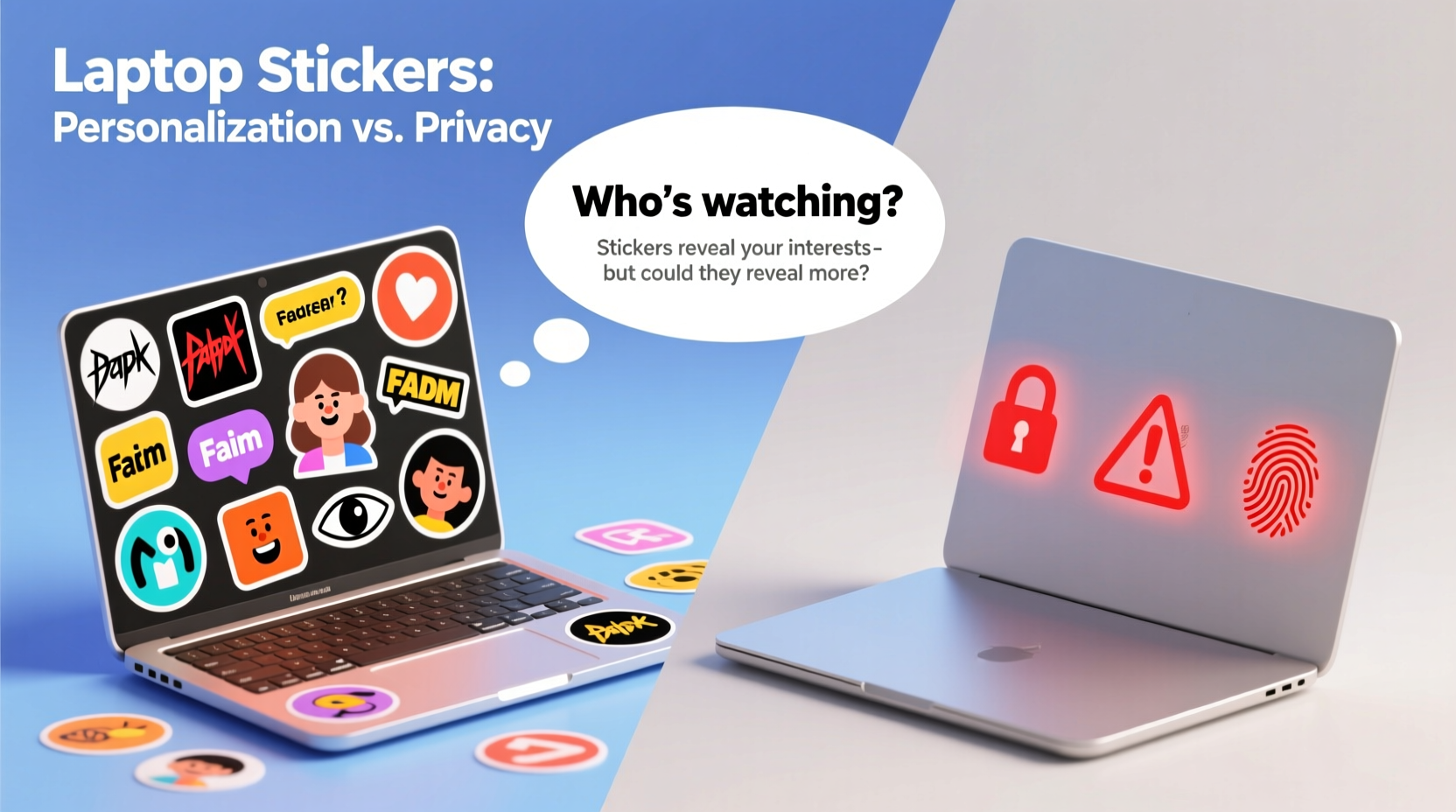
Stickers on laptops are more than decorative accessories—they’re visual narratives. For many users, especially in creative industries, tech communities, or academic environments, laptop stickers act as conversation starters, markers of affiliation, or declarations of expertise. A sticker from a coding bootcamp, open-source conference, or favorite software tool signals not just interest but often competence and community membership.
Psychologically, this form of customization taps into the human need for identity expression. According to Dr. Karen Pine, a behavioral psychologist specializing in consumer behavior, “Personalizing objects we use daily reinforces ownership and emotional connection. It transforms a generic device into something uniquely ours.”
In environments like co-working spaces, hackathons, or university campuses, stickers function as social currency. They can indicate shared values (e.g., environmental activism), technical preferences (e.g., Linux over Windows), or even humor (“I’m not lazy, I’m in low-power mode”). This visibility fosters camaraderie and helps individuals find like-minded peers in large groups.
“We don’t just use technology—we personalize it to reflect who we are. A sticker-covered laptop is a curated identity board.” — Dr. Alan Liu, Digital Culture Researcher, University of California
Benefits of Personalizing Your Laptop
Beyond aesthetics, personalization offers tangible psychological and practical benefits:
- Increased attachment and care: Users who personalize their devices tend to take better care of them, reducing accidental damage.
- Easier identification: In shared workspaces or classrooms, a uniquely decorated laptop stands out, minimizing mix-ups.
- Professional signaling: Developers often display stickers from GitHub, AWS, or programming languages (like Python or React) to subtly showcase their skill set during meetings or remote collaborations.
- Mental well-being: Customization can reduce stress by making work environments feel more familiar and comfortable.
Privacy and Security Risks of Visible Stickers
While expressive, laptop stickers can inadvertently expose sensitive information. What seems like harmless branding may reveal data that malicious actors can exploit—especially in physical or social engineering attacks.
Consider these real-world risks:
- Company-specific stickers: Badges from internal IT training, proprietary software, or cloud platforms (e.g., “Certified AWS Architect”) can signal corporate affiliations, making users targets for phishing attempts tailored to their organization.
- Conference or event stickers: These often include dates and locations, potentially revealing travel patterns or periods when the user was away from home or office.
- Political or controversial messages: While protected speech, such stickers might draw unwanted attention in certain regions or lead to profiling by surveillance systems or adversaries.
- Brand loyalty stickers: Apple, Microsoft, or Google logos combined with niche developer tools can help attackers infer operating systems, software versions, and attack surfaces.
A 2022 report by cybersecurity firm Kaspersky noted that social engineers frequently analyze social media photos of workspaces—including visible laptop stickers—to build targeted phishing campaigns. One case involved a hacker identifying a victim’s use of outdated WordPress plugins via a CMS-themed sticker, then exploiting known vulnerabilities in those tools.
Mini Case Study: The Hacker Conference Attendee
During DEF CON 2021, a security researcher named Jamie attended multiple sessions with a laptop covered in stickers from her employer, past conferences, and penetration testing tools (including Metasploit and Burp Suite). Unbeknownst to her, another attendee photographed her setup and used the visible company logo and internal training badge to craft a convincing spear-phishing email impersonating her IT department. Although she detected the scam, two colleagues using similar setups fell victim to credential theft.
This incident illustrates how even experts can underestimate the intelligence-gathering value of seemingly benign decorations.
Do’s and Don’ts: Balancing Expression and Safety
| Do | Don't |
|---|---|
| Use generic or humorous stickers unrelated to your job or tools | Avoid displaying internal certifications, employee IDs, or project codenames |
| Apply stickers on the lid only—not near webcam or ports | Don’t cover ventilation grills or sensors (can cause overheating) |
| Rotate stickers based on context (work vs. personal events) | Never use stickers that reveal passwords, PINs, or recovery codes |
| Opt for matte finishes to reduce glare and fingerprint retention | Don’t place location-specific stickers (e.g., “I survived Black Hat Las Vegas”) on devices used abroad |
| Use temporary decals for travel or high-risk environments | Avoid political, religious, or polarizing messages in international or corporate settings |
Step-by-Step Guide to Secure Personalization
If you want to express yourself without compromising security, follow this five-step process:
- Inventory existing stickers: Remove any that display company names, internal programs, software versions, or certifications.
- Categorize by context: Group stickers into “Work,” “Travel,” “Home,” and “Event-Only” sets.
- Assess visibility: Ensure no sticker obstructs the camera, microphone, or cooling vents. Never block biometric sensors.
- Test removal: Use a hairdryer and plastic card to gently peel off old stickers. Clean residue with isopropyl alcohol (70%) and a microfiber cloth.
- Reapply strategically: Place non-sensitive stickers (e.g., abstract art, puns, city skylines) on the back panel only when traveling or in public.
Corporate Policies and Professional Perception
Workplace norms around laptop decoration vary widely. Tech startups and design agencies often encourage creativity, viewing personalized devices as signs of engagement and culture fit. In contrast, financial institutions, government agencies, and defense contractors typically enforce strict policies against external modifications.
Some organizations prohibit stickers entirely, citing operational security (OPSEC) concerns. For example, employees at major banks or intelligence units are often required to keep devices clean to prevent inadvertent disclosure during video calls, site visits, or device inspections.
Even in permissive environments, over-decoration can affect professional image. A survey by LinkedIn found that 43% of hiring managers perceived candidates with highly cluttered or meme-heavy laptop designs as less serious during virtual interviews—though this bias was significantly lower among tech-focused roles.
Expert Insight: The Employer’s Perspective
“In high-security sectors, every surface is a potential data vector. A sticker might seem trivial, but combined with other clues, it can compromise operational integrity.” — Mark Rios, Chief Information Security Officer, FinTrust Global
Frequently Asked Questions
Can stickers damage my laptop?
Yes, if applied improperly. Low-quality stickers may leave permanent adhesive residue, especially in hot environments. Over time, trapped heat under thick vinyl can contribute to component stress. Always avoid placing stickers over ventilation zones, hinges, or sensor arrays.
Are there legal issues with certain stickers?
Potentially. While freedom of expression protects most stickers in democratic countries, displaying hate symbols, copyrighted characters, or defamatory content may violate workplace conduct policies or local laws—particularly when used in professional settings or government facilities.
Should I remove stickers before selling my laptop?
Yes. Residual stickers can reduce resale value and expose prior affiliations. Removing them ensures buyer confidence and protects your digital footprint. Clean the surface thoroughly and consider using a neutral skin to restore a factory-like appearance.
Conclusion: Express Yourself—But Stay Aware
Putting stickers on laptops is a modern ritual of identity and belonging. It reflects passions, achievements, and personality in a world where technology mediates so much of our interaction. But like any public expression, it comes with responsibility. The same sticker that sparks a meaningful conversation at a tech meetup could also provide leverage to a determined attacker.
The key is intentionality. Choose what you display based on context, audience, and risk. Whether you embrace minimalism or maximalist flair, do so with awareness. Customize thoughtfully, update regularly, and remember: your laptop isn’t just a machine—it’s a mirror of your digital life.




 浙公网安备
33010002000092号
浙公网安备
33010002000092号 浙B2-20120091-4
Comments
No comments yet. Why don't you start the discussion?