
It’s the most wonderful time of the year—your home is decked out in festive lights, the playlist is queued, and guests are arriving. You tap your phone to activate “Holiday Party Mode,” only to be greeted with a spinning wheel, an unresponsive app, or worse—a full crash. It’s not magic that failed you; it’s your network struggling under pressure.
Smart lighting systems have transformed holiday decor into dynamic, synchronized experiences. But when dozens of devices, users, and commands converge at once, even the most advanced setups can falter. Understanding why these crashes happen—and how to prevent them—is essential for anyone relying on smart tech to elevate their celebrations.
Why Smart Light Apps Crash During High-Traffic Events
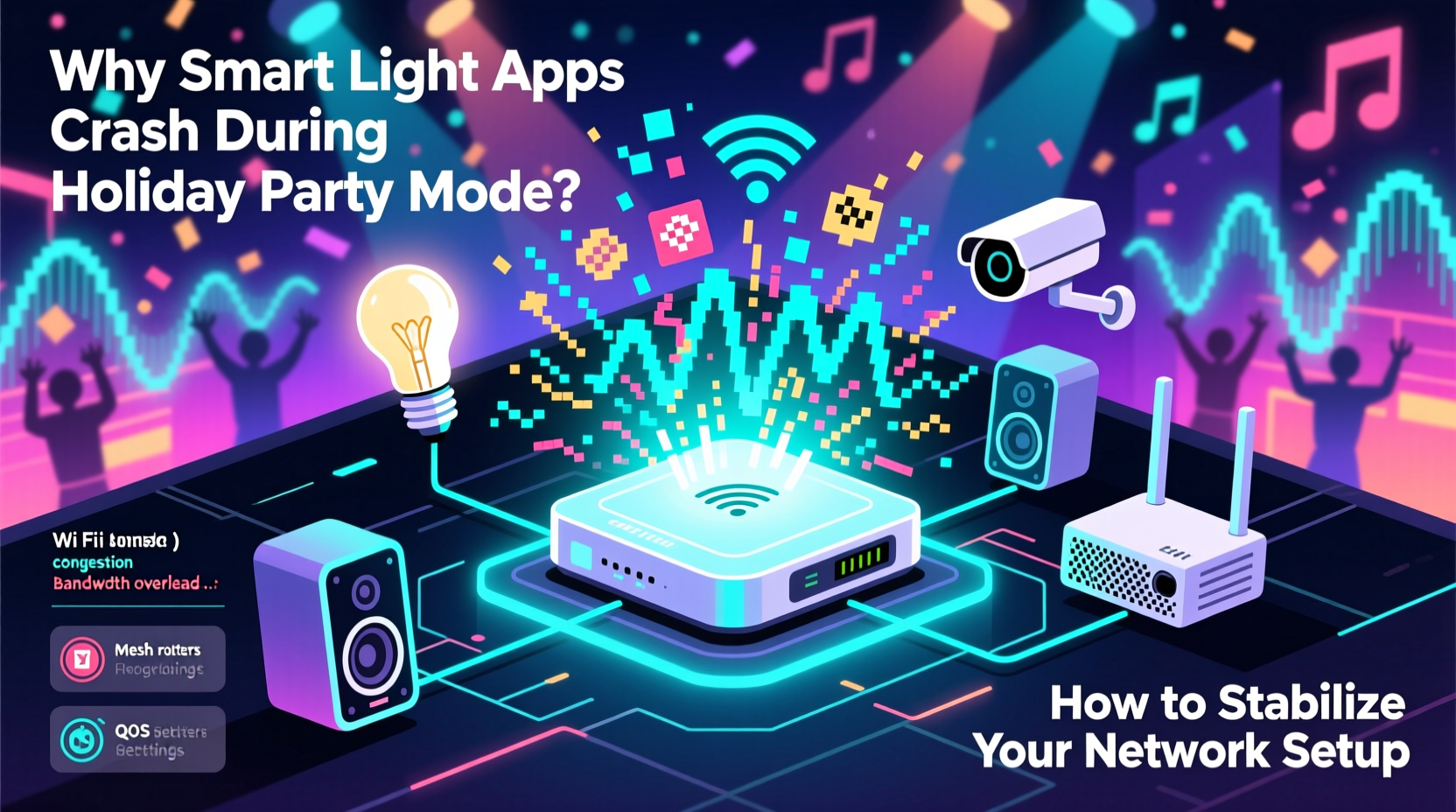
The root cause of app instability during holiday parties isn’t usually the app itself—it’s the ecosystem supporting it. When \"Party Mode\" triggers multiple commands across numerous devices simultaneously, the system faces stress on three fronts: device load, network congestion, and command routing inefficiencies.
Smart lights rely on wireless protocols like Wi-Fi, Zigbee, or Z-Wave to communicate with hubs and mobile apps. During a holiday scene activation, your smartphone sends one command that cascades into hundreds of individual signals. Each bulb, strip, or controller must receive, interpret, and act on its instruction—all within milliseconds. If any part of this chain buckles, delays occur, timeouts trigger, and apps freeze or crash.
“During peak usage, smart home networks behave like miniature data centers. Without proper architecture, they collapse under their own ambition.” — Dr. Lena Park, IoT Network Engineer at MIT Media Lab
Common Triggers of App Failure
- Sudden bandwidth spikes: Activating dozens of lights at once floods your Wi-Fi with UDP and HTTP traffic.
- Overloaded routers: Consumer-grade routers often lack the processing power to handle concurrent smart device requests.
- App-level bottlenecks: Some apps batch-process commands inefficiently, creating internal lag.
- Device firmware issues: Outdated bulbs or controllers may fail to respond correctly under stress.
- Signal interference: Bluetooth speakers, microwaves, and other 2.4 GHz devices disrupt Wi-Fi signals.
How Network Congestion Impacts Smart Lighting Performance
Your home network wasn’t designed for the same demands as a commercial IoT deployment. Yet during holiday events, it’s expected to perform like one. Most households operate on a single-band or dual-band router, serving smartphones, laptops, TVs, security cameras, voice assistants—and now, a growing array of smart lights.
Each smart bulb connected via Wi-Fi consumes a small but measurable amount of bandwidth and IP resources. A typical RGB LED strip might use around 5–10 kbps when static, but during color transitions or music sync, that can spike tenfold. Multiply that by 30+ devices, and you’re looking at sustained traffic exceeding 1 Mbps—enough to strain older routers.
More critically, many smart lighting systems depend on cloud-based processing. That means every command from your phone travels to a remote server, which then relays instructions back to your home. This round-trip introduces latency. Under normal conditions, it’s imperceptible. But during high network load, packet loss increases, responses slow down, and apps time out.
The Hidden Cost of Cloud Dependency
Local control—where commands are processed within your home network—offers faster response times and greater reliability. Unfortunately, many popular brands (e.g., certain Philips Hue modes, LIFX scenes, or TP-Link Kasa routines) still route through the cloud unless specifically configured otherwise.
When 20 guests connect to your Wi-Fi, stream music, post videos, and check social media, your upload bandwidth becomes saturated. Cloud-dependent lighting systems suffer first because they require consistent two-way communication. The result? Delayed effects, partial activations, or total app failure.
Building a Resilient Smart Lighting Network: A Step-by-Step Guide
Stability doesn’t happen by accident. It requires intentional design. Follow this sequence to future-proof your holiday lighting setup.
- Assess your current network capacity. Check your router’s specs: Does it support 5 GHz? MU-MIMO? Quality of Service (QoS)? How many devices are currently connected?
- Segregate smart devices onto a dedicated network. Use a guest network or VLAN to isolate lighting and IoT gear from guest traffic.
- Upgrade to a mesh Wi-Fi system or tri-band router. Systems like Google Nest Wifi Pro, Eero 6, or ASUS RT-AX86U provide better handling of multiple streams.
- Switch to local-control protocols where possible. Prefer Zigbee or Thread-based systems (e.g., Philips Hue Bridge, Nanoleaf Controllers) over pure Wi-Fi bulbs.
- Update all firmware. Ensure bulbs, bridges, and hubs are running the latest versions to benefit from performance patches.
- Optimize placement of access points. Position routers centrally and avoid obstructions like metal furniture or thick walls near light clusters.
- Pre-program scenes locally. Store frequently used modes (like “Festive Pulse” or “Snowfall Glow”) directly on the hub so they don’t require internet access.
- Limit concurrent triggers. Instead of activating all lights at once, stagger startup by zones (e.g., porch → living room → kitchen).
Do’s and Don’ts: Smart Lighting Network Best Practices
| Do | Don’t |
|---|---|
| Use a separate SSID for IoT devices | Connect all devices—including lights—to your primary network |
| Enable QoS settings to prioritize smart lighting traffic | Leave QoS disabled on routers that support it |
| Test automation sequences weekly during the season | Wait until the day of the party to test complex scenes |
| Choose bulbs with local API support (e.g., Home Assistant compatibility) | Rely solely on proprietary apps without local fallback options |
| Reboot your router monthly to clear memory leaks | Run your router continuously for months without restarts |
Real-World Example: The Overloaded Suburban Holiday Display
Consider Mark from Portland, who installed 78 smart bulbs across his home’s interior and exterior for his annual Christmas open house. His setup included Wi-Fi strips on the roofline, color-changing bulbs in the tree, and motion-triggered path lights—all controlled via a single-brand app.
Last year, as 35 guests joined and connected to his Wi-Fi, the app froze during the main light show. Only half the house responded. After troubleshooting, he discovered his 5-year-old router couldn’t handle more than 25 simultaneous connections efficiently. The influx of mobile devices choked available bandwidth, delaying critical commands.
This year, Mark upgraded to a tri-band mesh system, created a dedicated IoT network, and moved his outdoor lights to a Zigbee hub. He also pre-loaded all scenes locally and limited initial activation to three zones. The result? Smooth, synchronized lighting—even as guests streamed video and posted live updates.
Expert Checklist: Pre-Party Network Readiness
Run through this checklist at least 48 hours before your event to ensure reliability:
- ✅ Reboot all networking equipment (router, modem, switches)
- ✅ Confirm all smart bulbs and controllers are online and responsive
- ✅ Disable unused devices or pause large downloads/backups
- ✅ Test “Party Mode” with all lights active and no other major traffic
- ✅ Enable band steering and set 5 GHz as preferred for smart devices
- ✅ Verify local control is enabled (if supported by your system)
- ✅ Share a guest Wi-Fi password instead of your main network
- ✅ Have a manual override plan (e.g., physical switch or backup controller)
“Reliability in smart homes comes from redundancy and simplicity—not just more gadgets.” — Rajiv Mehta, Senior Architect at SmartHome Labs
Frequently Asked Questions
Can I use a Wi-Fi extender to fix smart light connectivity issues?
Basic Wi-Fi extenders often worsen the problem by repeating signals inefficiently. Instead, use a mesh node with dedicated backhaul or add a second access point connected via Ethernet. Extenders can introduce latency and reduce throughput, especially on the 2.4 GHz band where most smart devices operate.
Are Zigbee or Z-Wave better than Wi-Fi for holiday lighting?
Yes, in most cases. Zigbee and Z-Wave operate on different frequencies (868/915 MHz), avoiding Wi-Fi congestion. They also form mesh networks among themselves, improving signal resilience. However, they require a central hub. For large displays, combining a Zigbee backbone with Wi-Fi accents offers the best balance of range and ease of setup.
What should I do if my app crashes mid-party?
First, avoid repeatedly reopening the app—it compounds the issue. Instead, try restarting your phone or switching to a secondary device. If possible, use a voice assistant (“Alexa, turn on Holiday Mode”) or a physical remote. As a last resort, reboot the router and reconnect selectively. Always have a simple fallback scene (e.g., “All On”) that’s easy to restore.
Final Thoughts: Stability Through Smart Design
Holiday lighting should delight, not disappoint. The difference between a flawless display and a frustrating outage often comes down to preparation. By treating your smart lighting system not as a novelty but as a mission-critical network, you gain control over performance and reliability.
Modern smart homes demand modern infrastructure. Investing in a robust network pays dividends far beyond the holidays—improving security, comfort, and daily convenience. But during the festive season, that investment shines brightest. Literally.




 浙公网安备
33010002000092号
浙公网安备
33010002000092号 浙B2-20120091-4
Comments
No comments yet. Why don't you start the discussion?