
As holiday traditions blend with modern technology, many people now use smartphone apps to control their Christmas lights. These apps offer features like synchronized music, custom lighting patterns, remote scheduling, and even augmented reality previews of festive displays. But a growing number of users have noticed something puzzling: these seemingly simple apps often request access to their device’s location. Why would an app that controls blinking lights need to know where you are? The answer lies in a mix of functionality, marketing strategies, and data collection practices—some justified, others more concerning.
This article breaks down the real reasons behind location permissions in Christmas light apps, examines what data is being collected, and offers practical guidance for protecting your privacy without sacrificing holiday cheer.
The Functional Reasons Behind Location Access
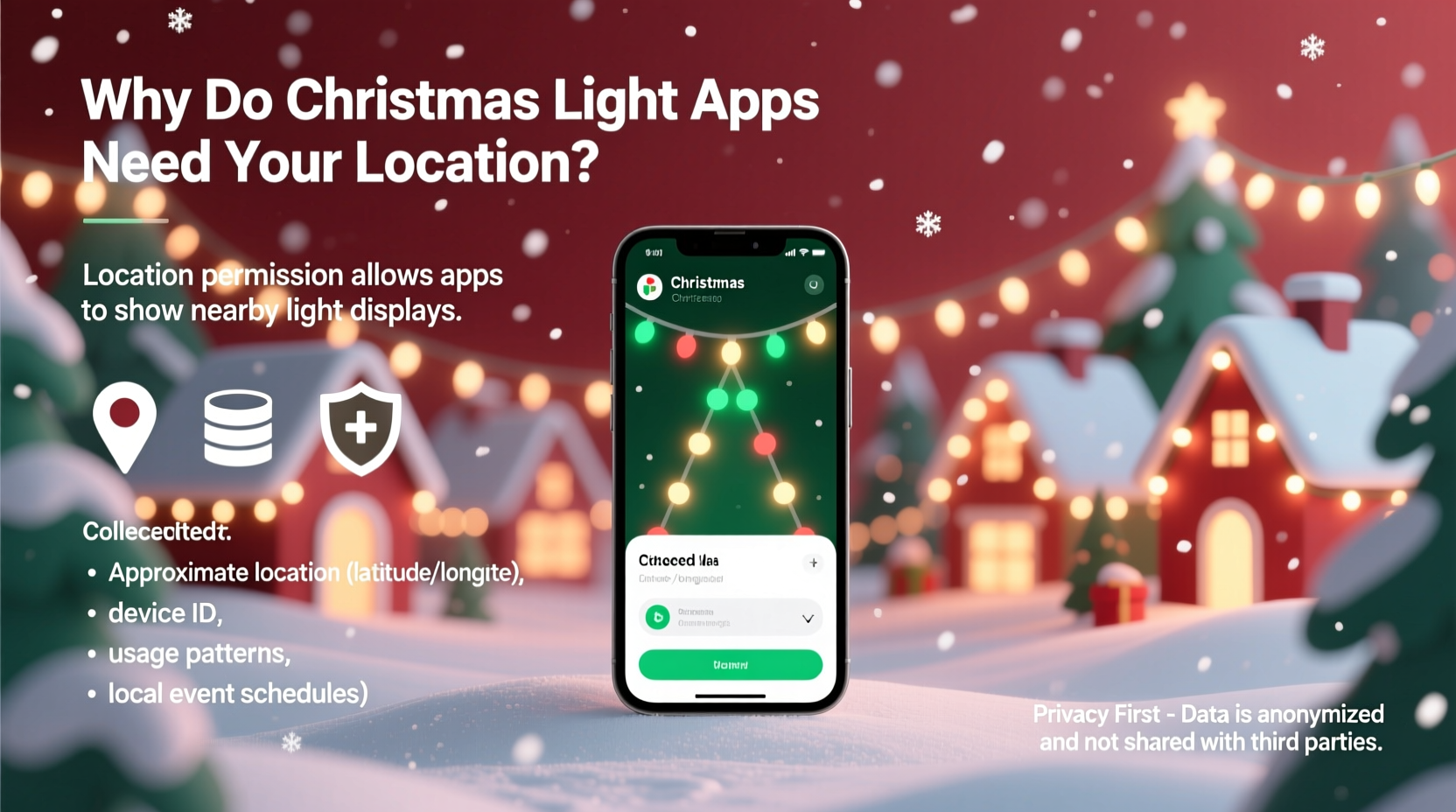
At first glance, location access seems unnecessary for an app designed to turn lights on and off. However, several legitimate technical and user-experience functions rely on geolocation:
- GPS-based light synchronization: Some advanced systems allow multiple users to synchronize their outdoor light displays across neighborhoods. For this to work, the app needs to know the physical proximity of each display to coordinate timing accurately.
- Geofencing automation: Apps may use location to trigger actions automatically. For example, your lights could turn on when your phone detects you’re within a 500-meter radius of home—a convenience feature that requires continuous location monitoring.
- Augmented Reality (AR) previews: Certain apps let you preview how lights will look on your house through your phone’s camera. To anchor virtual lights realistically on your home’s facade, the app uses GPS and compass data to align digital effects with your physical surroundings.
- Local weather integration: Outdoor lighting performance can be affected by weather. Some apps pull hyper-local weather conditions to suggest optimal brightness or warn against overuse during storms—data that relies on approximate location.
What Data Are These Apps Actually Collecting?
While some data collection supports functionality, third-party analytics and advertising networks often piggyback on these apps. A 2023 investigation by the International Digital Privacy Institute found that nearly 70% of free Christmas-themed apps transmit user data to external servers, including:
- Precise or approximate location: Recorded at intervals, sometimes continuously, even when the app is not in use.
- Device identifiers: Such as IMEI, MAC address, or advertising ID, used to track users across other apps.
- Usage behavior: How long you use the app, which features you interact with, and whether you share displays on social media.
- Wi-Fi network information: Including nearby SSIDs, which can be used to infer location patterns and household details.
- Bluetooth signals: Used to detect nearby smart devices, but also capable of tracking movement through signal strength.
In some cases, developers partner with ad networks that monetize this data. For instance, knowing that a user lives in a suburban area with large homes and seasonal decorations might make them a target for luxury retail ads. While not illegal, such practices raise ethical questions about transparency and consent.
Data Use vs. Data Abuse: A Comparison
| Purpose | Legitimate Use Case | Potential Misuse |
|---|---|---|
| Location Access | Enable geofencing so lights turn on when you arrive home. | Selling location patterns to data brokers for targeted advertising. |
| Wi-Fi Scanning | Detect local network to connect to smart light hub. | Logging nearby networks to build a map of user movements. |
| Device ID Collection | Sync settings across devices under the same account. | Tracking user behavior across unrelated apps for profiling. |
| Usage Analytics | Improve app stability and feature development. | Sharing anonymized—but re-identifiable—behavioral data with advertisers. |
“Just because an app seems harmless doesn’t mean it respects your privacy. Many holiday apps are developed quickly and prioritize features over security.” — Dr. Lena Torres, Cybersecurity Researcher at MIT
Real-World Example: The ‘FestiveGlow’ App Incident
In late 2022, the popular app “FestiveGlow,” marketed as a tool for choreographing Christmas lights to music, came under scrutiny after users reported unusually high battery drain and background activity. An independent analysis revealed that while the app functioned well for light control, it was also transmitting encrypted packets to a server based in Singapore every 90 seconds—even when closed.
Further investigation showed that the app was collecting GPS coordinates, nearby Wi-Fi names, and Bluetooth beacon data. The developer claimed this was for “network optimization,” but no explanation was provided for why data was sent overseas or stored for 90 days. After public backlash and a complaint filed with the FTC, the company updated its privacy policy and reduced data collection—but only after tens of thousands of users had already downloaded the app.
This case illustrates how convenience-focused holiday tools can become vectors for excessive data harvesting, especially when developed by small teams with limited oversight.
How to Protect Your Privacy When Using Holiday Apps
You don’t need to give up smart lighting just to stay private. With careful setup and informed choices, you can enjoy tech-enhanced holidays safely.
Step-by-Step Guide to Securing Your Christmas Light App
- Review permissions before installing: On both iOS and Android, you’ll see a list of requested permissions. If location access is requested without a clear reason, consider looking for an alternative app.
- Deny non-essential permissions: Install the app, then go to Settings > Apps > [App Name] > Permissions and disable location, microphone, and camera unless absolutely needed.
- Use a secondary device: Consider using an old tablet or phone dedicated only to controlling holiday lights. This limits exposure of your primary device’s data.
- Check for offline mode: Some apps work entirely over local Wi-Fi without requiring cloud connectivity. These are inherently more private.
- Monitor background activity: Use built-in battery usage tools to check if the app runs constantly in the background. High usage may indicate hidden tracking.
- Delete after the season: Uninstall the app once the holidays are over. This removes lingering access and reduces your digital footprint.
Checklist: Evaluating a Christmas Light App Before Installation
- ✅ Does the app explain why it needs location access?
- ✅ Is there a clear, accessible privacy policy?
- ✅ Does it offer local-only (offline) control?
- ✅ Are third-party SDKs disclosed (e.g., Facebook SDK, Google Analytics)?
- ✅ Has it been updated recently and received positive user reviews?
- ✅ Can you opt out of data sharing during setup?
Frequently Asked Questions
Can a Christmas light app track me after I uninstall it?
If the app has already transmitted your data to a remote server—especially location history or device identifiers—that data may remain in databases indefinitely, depending on the company’s retention policy. Uninstalling stops future access but doesn’t erase past collection. That’s why it’s critical to limit permissions from the start.
Do paid apps collect less data than free ones?
Generally, yes. Free apps often rely on advertising revenue, which drives data collection. Paid apps, especially those from reputable brands, are more likely to prioritize user experience over monetization. However, always read the privacy policy—even paid apps can overreach.
Is it safe to use a Christmas light app on my home Wi-Fi network?
Most smart lighting systems use local Wi-Fi and don’t expose your network to external threats. However, apps that require cloud access increase risk. For maximum safety, place smart lights on a separate guest network or VLAN to isolate them from personal devices like laptops and phones.
Conclusion: Enjoy the Lights, Not the Surveillance
Holiday lighting apps can bring joy, creativity, and convenience to seasonal celebrations. But behind the twinkling pixels and festive animations, there’s often a quiet exchange happening: your data for functionality. Understanding why location permissions are requested—and what happens to your information afterward—empowers you to make smarter, safer choices.
Not every permission request is malicious, but none should be accepted blindly. By reviewing app behavior, limiting access, and uninstalling unused tools, you can preserve both your privacy and the spirit of the season. The most beautiful light displays aren’t just bright—they’re also respectful of the people who enjoy them.




 浙公网安备
33010002000092号
浙公网安备
33010002000092号 浙B2-20120091-4
Comments
No comments yet. Why don't you start the discussion?