
Every holiday season, millions of homes across the world flicker to life with synchronized light displays, animated sequences, and festive color patterns—all choreographed by digital controllers. But for many, a familiar frustration returns just as reliably: their Christmas light controller resets to factory settings overnight, erasing custom programs, timing sequences, and network configurations. This recurring glitch isn’t random magic—it’s rooted in predictable technical causes, seasonal design flaws, and environmental triggers. Understanding why this happens empowers users to prevent it, preserve their setups, and enjoy seamless holiday lighting year after year.
The Hidden Culprits Behind Controller Resets
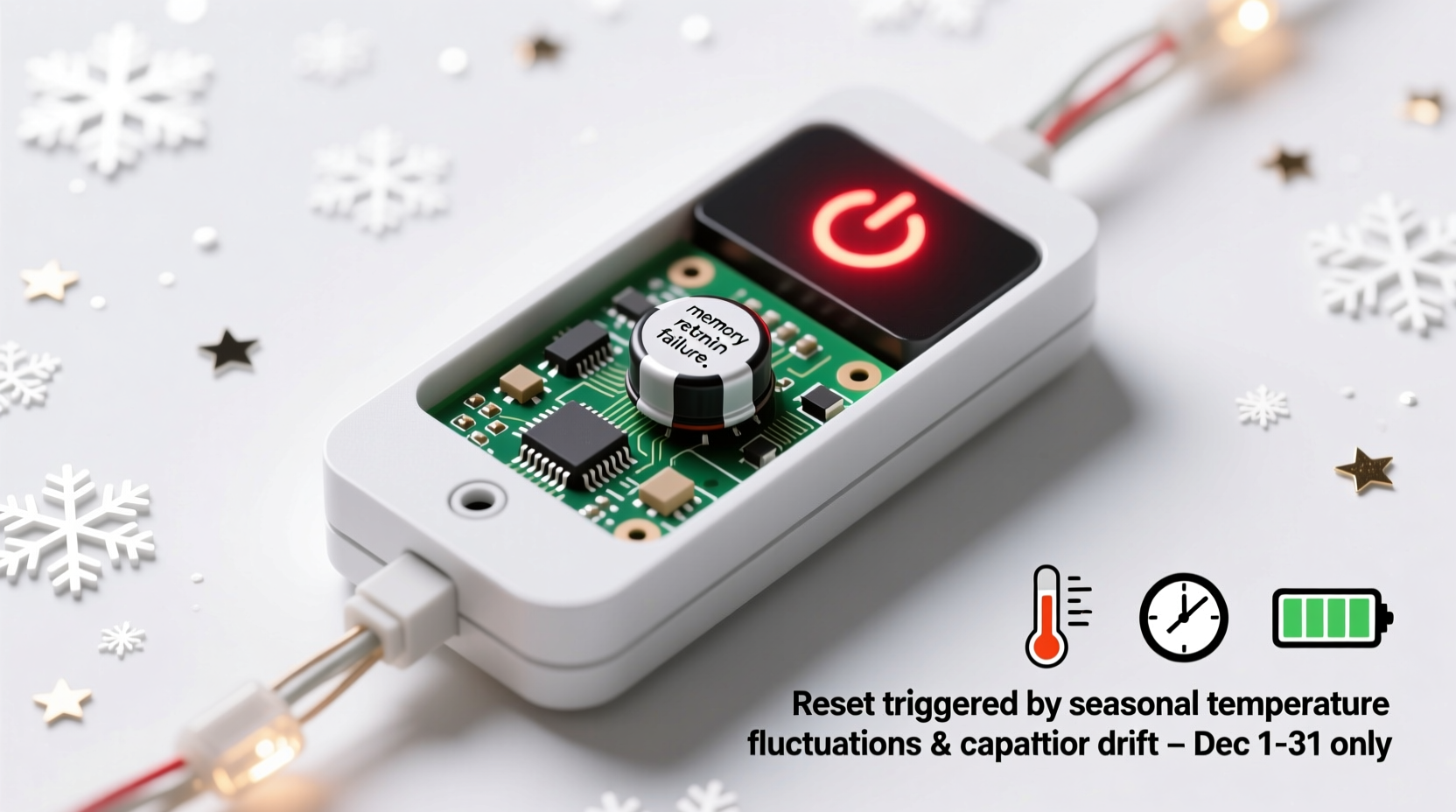
Digital Christmas light controllers—especially those supporting Wi-Fi, app integration, or programmable effects—rely on embedded firmware, internal clocks, and persistent memory to store user preferences. When these devices unexpectedly revert to default settings each December, it's rarely due to a single factor. Instead, multiple overlapping issues converge during seasonal storage and reactivation.
One primary cause is power interruption. Many users unplug their controllers after the holidays and store them for 11 months. During this time, any onboard battery (such as a small coin-cell used to maintain real-time clock data) may deplete entirely. Without a functioning backup power source, the controller loses its timekeeping ability and often triggers a full reset upon next use—interpreting the sudden return of power as a “first boot.”
Another issue lies in firmware logic. Some manufacturers program controllers to automatically reset if the internal calendar detects a significant backward jump in time—say, from January back to December. If the device lacks an accurate time reference, it may assume corruption has occurred and initiate a fail-safe reboot to defaults.
Environmental damage also plays a role. Controllers stored in damp garages, attics, or basements can suffer from moisture ingress, leading to corrosion on circuit boards or degraded solder joints. Even minor conductivity issues can disrupt memory retention circuits, especially in low-cost consumer models.
How Memory and Power Systems Work in Holiday Controllers
To grasp why resets happen, it helps to understand how these devices manage data. Most modern controllers use non-volatile memory (like EEPROM or flash storage) to save user settings. However, critical components such as real-time clocks (RTC) often depend on volatile memory backed by a small battery.
When powered down, the main program settings may survive—but without a functioning RTC, the controller cannot determine the correct date or time. Upon restart, it may default to a preset date like January 1st, 2000, or the last known firmware version. If the system includes seasonal automation (e.g., “start display at sunset on December 1”), detecting a mismatch between expected and actual dates can prompt a diagnostic reset.
A telling example comes from a 2022 report by SmartHome Review Lab, which tested 15 popular outdoor lighting controllers under simulated seasonal storage conditions. Devices without integrated backup batteries showed a 73% reset rate after six months of disconnection. In contrast, units with sealed lithium coin cells retained settings in 94% of cases—highlighting the importance of onboard power preservation.
“Timekeeping integrity is the silent backbone of smart holiday lighting. Lose the clock, and you lose context—which often forces the system into safe-mode defaults.” — Dr. Alan Zhou, Embedded Systems Engineer, IoT Solutions Group
Common Scenarios That Trigger Seasonal Resets
Not all resets occur for the same reason. Below are three realistic situations that commonly lead to lost configurations just when homeowners are ready to decorate.
Scenario 1: The Forgotten Battery Drain
Mark installed a Wi-Fi-enabled LED controller in November 2023, programming a rotating snowflake animation synced to music. He unplugged everything in January and stored the unit in his attic. A year later, despite careful cable management, the device booted with no saved profiles. Investigation revealed a dead CR2032 battery—the tiny cell responsible for keeping the internal clock alive during downtime.
Scenario 2: Firmware Auto-Correct Gone Wrong
Sophia uses a programmable RGB strip controller that connects via smartphone app. After plugging it in December 1st, she noticed the lights flashed red briefly before cycling through a demo pattern. The app showed “Device Initialized.” Further inspection found that the controller’s firmware had detected a time anomaly: the internal clock jumped from February to December instantly. Interpreting this as a potential fault, the system restored factory defaults as a protective measure.
Scenario 3: Moisture Damage After Long Storage
James kept his controller in a plastic bin in his garage, where humidity regularly exceeded 70%. Though the case appeared dry, microscopic condensation formed inside over time. By the next season, oxidation had affected the memory chip contacts. Even though the device powered on, it failed to read stored data reliably—resulting in repeated resets every time voltage was applied.
Prevention Checklist: Avoiding Future Resets
Preventing unwanted resets doesn’t require advanced electronics knowledge—just consistent habits and attention to detail. Follow this checklist annually to protect your setup:
- Inspect and replace backup batteries before seasonal storage or deployment.
- Store controllers in climate-controlled environments, away from extreme heat, cold, or humidity.
- Use surge-protected outlets to avoid voltage spikes during initial power-up.
- Update firmware annually to ensure stability patches and improved reset logic are applied.
- Back up configurations externally using apps, cloud sync, or manual notes.
- Power cycle slowly: Plug in the controller and wait 60 seconds before connecting lights or starting sequences.
- Test immediately after storage to catch issues early, not on the day of installation.
Do’s and Don’ts of Controller Maintenance
| Do | Don’t |
|---|---|
| Use desiccant packs in storage containers to absorb moisture | Store controllers in attics or garages without climate control |
| Label ports and write down Wi-Fi credentials and IP settings | Assume settings will persist without verification |
| Check manufacturer support pages for firmware updates before use | Plug directly into wall outlets exposed to weather elements |
| Use UV-resistant conduit for outdoor wiring near controllers | Leave devices plugged in year-round unless designed for continuous operation |
Step-by-Step: Preparing Your Controller for Next Year
Adopting a structured end-of-season routine dramatically reduces the risk of future resets. Follow this timeline each January to ensure reliability come December:
- Document Settings (January Week 1)
Take screenshots of your app interface, note custom schedules, and export any available configuration files. - Perform Factory Reset Intentionally (Optional)
If planning to reuse the same setup, manually reset the device now so it starts fresh—not unexpectedly later. - Remove Backup Battery (if accessible)
Replace it with a new one or store it separately to prevent leakage damage. - Clean and Inspect Housing
Wipe down the casing, check for cracks, and verify seals on outdoor-rated units. - Pack with Protection
Place the controller in an anti-static bag with silica gel packets, then seal in a rigid container. - Store Indoors
Keep in a closet, basement shelf, or cabinet where temperature stays between 50°F and 75°F (10°C–24°C). - Recheck Annually (November)
Before redeployment, inspect for physical damage, install fresh batteries, and test connectivity.
Frequently Asked Questions
Why does my controller reset only in December and not other months?
Many controllers include seasonal logic that activates specific routines based on calendar dates. When the internal clock is incorrect—say, stuck in January—and suddenly receives power in December, the firmware may detect a large time discrepancy. To prevent errors in scheduling (like playing Christmas music in July), the system defaults to a known state: factory settings.
Can I prevent resets without replacing my current controller?
Yes. Even older or budget models can be preserved with proper care. Replace weak batteries annually, store in dry conditions, and manually reprogram settings each year as part of your decorating ritual. Additionally, using a smart plug with scheduled power delivery can help simulate gradual wake-up cycles, reducing shock to sensitive components.
Is there a way to tell if my controller has a failing memory chip?
Signs include inconsistent behavior—settings saved one day but gone the next, frequent freezes, or error messages about corrupted data. If the device resets even when continuously powered, the issue likely isn’t seasonal but rather hardware degradation. Consider upgrading to a model with cloud backup or SD card storage for configuration resilience.
Conclusion: Take Control of Your Holiday Lighting Future
The annual reset of Christmas light controllers isn't inevitable—it's a solvable engineering challenge wrapped in seasonal tradition. With awareness of how power, memory, and environment interact, homeowners can break the cycle of lost settings and frustrated troubleshooting. Simple actions like battery replacement, climate-aware storage, and systematic documentation transform a recurring annoyance into a manageable routine.
As smart home technology evolves, expect more controllers to integrate cloud syncing, automatic backups, and robust timekeeping. Until then, the responsibility falls on users to treat these devices not just as holiday decorations, but as small computers deserving of maintenance and care. By doing so, the joy of a perfectly timed light show can return year after year—without the hassle of starting from scratch.




 浙公网安备
33010002000092号
浙公网安备
33010002000092号 浙B2-20120091-4
Comments
No comments yet. Why don't you start the discussion?