
As the holiday season rolls around, twinkling lights transform homes into festive wonderlands. But when those cheerful strings of bulbs start flickering unpredictably, it can be more frustrating than magical. Flickering Christmas lights are common — especially with older incandescent sets — but they don’t have to ruin your decor. Understanding the root causes and knowing how to address them quickly can save time, reduce fire risks, and keep your display glowing steadily through December.
Flickering isn't always a sign of failure. In some cases, it's intentional — part of a built-in effect. But when the blinking is erratic, inconsistent, or affects only part of a strand, it’s usually a symptom of an underlying issue. From loose bulbs to voltage fluctuations, several factors contribute to this problem. The good news: most can be resolved in minutes without special tools.
Why Do Some Christmas Light Strands Flicker?
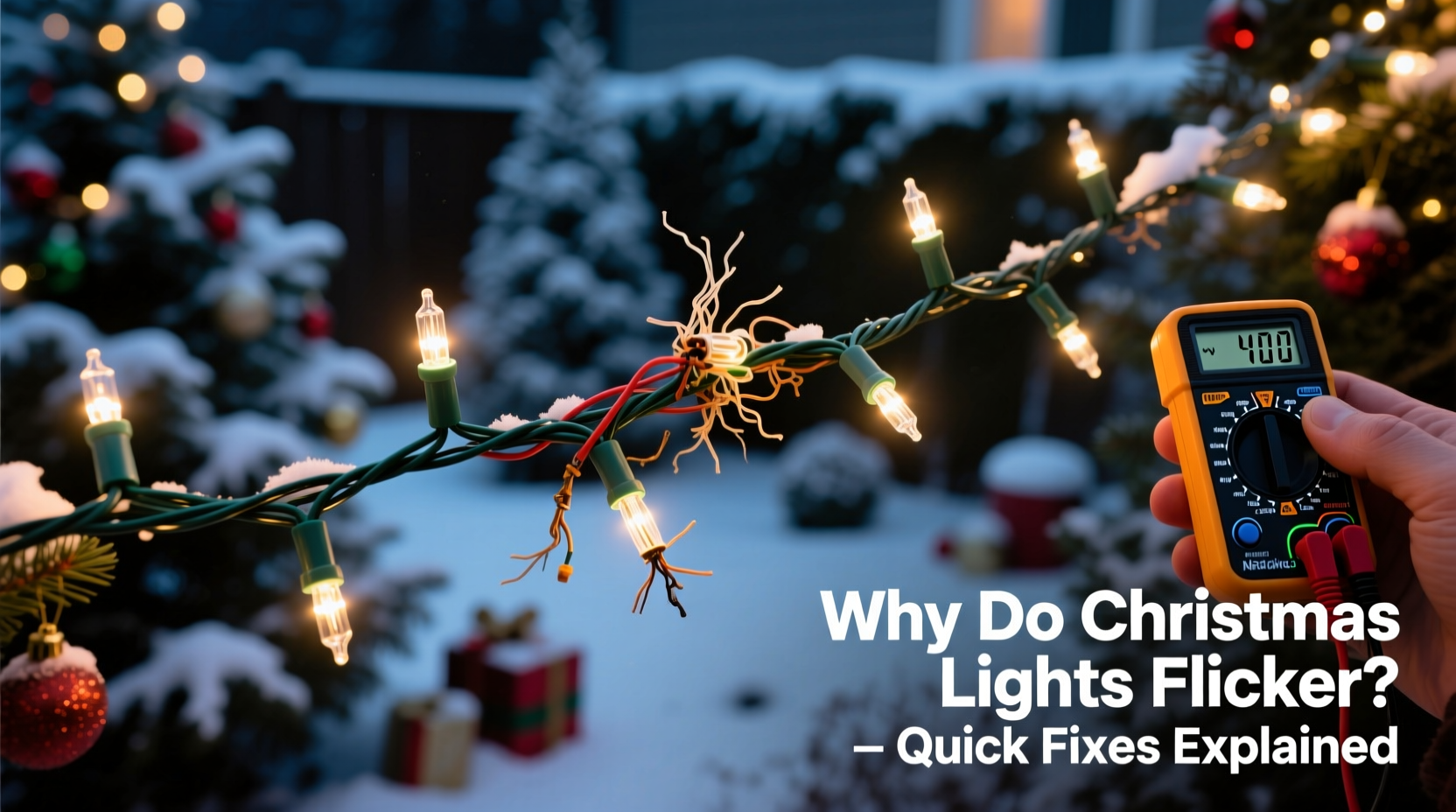
Not all flickering is created equal. To fix the issue efficiently, first determine whether the flicker is by design or a malfunction.
Traditional incandescent mini-light sets often include one or more \"shunt\" bulbs designed to create a twinkling effect. These bulbs have a small wire inside that intermittently breaks and reconnects the circuit, causing the entire strand to blink. This is normal and expected behavior.
However, random or partial flickering — where only certain bulbs flash or dim inconsistently — points to problems such as:
- Loose or improperly seated bulbs
- Damaged sockets or wires
- Overloaded circuits or daisy-chained strands beyond capacity
- Corroded or dirty plug contacts
- Voltage fluctuations from household electrical systems
- Failing shunt mechanisms in individual bulbs
- Moisture exposure (especially in outdoor setups)
LED strands can also flicker, though for slightly different reasons. Because LEDs operate on low voltage and use internal drivers to regulate current, issues often stem from incompatible controllers, poor power supplies, or signal interference in smart lighting systems.
“Flickering isn’t just annoying — it can indicate a safety hazard. A loose connection generates heat, which increases fire risk, especially in older wiring.” — Daniel Ruiz, Electrical Safety Inspector, NFPA-Certified
Fast Fixes to Stop Flickering Lights
The best approach combines quick troubleshooting with targeted repairs. Most flickering issues can be corrected in under 15 minutes using basic observation and simple tools like gloves, a bulb tester, or even a spare bulb.
Step-by-Step: Diagnose and Repair Flickering Strands
- Unplug the strand immediately. Never handle lights while powered. Safety first.
- Inspect each bulb visually. Look for darkened glass, broken filaments, or loose placement. Gently press each bulb to ensure it’s fully seated.
- Check for damaged sockets or wires. Cracks, discoloration, or melted plastic near sockets suggest overheating and require replacement.
- Test suspect bulbs with a known working set. Swap questionable bulbs into a functioning strand to see if they cause flickering there.
- Clean the plug contacts. Use a dry cloth or cotton swab with a drop of isopropyl alcohol to wipe metal prongs and receptacles.
- Verify circuit load. If multiple strands are daisy-chained, ensure you’re not exceeding the manufacturer’s limit (usually 3–5 sets per chain).
- Try a different outlet. Plug the strand into another circuit to rule out household voltage issues.
- Replace faulty bulbs with correct wattage and type. Mismatched bulbs can disrupt current flow.
Special Case: Shunt Failure in Incandescent Bulbs
Many users don’t realize that incandescent mini-lights rely on tiny shunts — conductive wires inside the bulb base — to maintain continuity when a filament burns out. If the shunt fails to activate, the entire circuit breaks, causing sections of the strand to go dark or flicker erratically.
To test for shunt failure:
- Use a non-contact voltage tester along the strand while plugged in (with caution).
- If voltage stops at a particular bulb, that’s likely the culprit.
- Replace that bulb and retest.
Alternatively, use a multimeter to check continuity across the bulb base. No continuity means the shunt didn’t engage — replace the bulb.
Common Mistakes That Make Flickering Worse
Sometimes, well-intentioned efforts backfire. Avoid these pitfalls when repairing Christmas lights:
| Mistake | Why It’s Problematic | Better Alternative |
|---|---|---|
| Forcing bulbs too hard into sockets | Can crack the socket or damage internal contacts | Insert gently until snug; no need to over-tighten |
| Using LED replacements in incandescent-only circuits | Impedance mismatch causes flicker or burnout | Only mix types if labeled compatible |
| Daisy-chaining more than 3–5 strands | Overloads circuit, drops voltage, causes dimming/flicker | Use a power splitter or separate outlets |
| Ignoring moisture in outdoor setups | Water corrodes contacts and creates shorts | Use weatherproof covers and elevate plugs off ground |
| Leaving flickering lights unattended | Prolonged arcing increases fire risk | Repair or replace before reuse |
When to Replace vs. Repair
Some strands are worth saving; others should be retired. Here’s how to decide:
If your lights are more than 5–7 years old, show multiple signs of wear (brittle wires, cracked insulation, frequent bulb failures), or use outdated fuses, replacement is safer and more cost-effective long-term. Modern LED strands consume up to 90% less energy, last 25,000+ hours, and rarely flicker unless controller-based.
Newer strands with isolated issues — one bad bulb, a dirty plug — are ideal candidates for repair.
Mini Case Study: The Living Room Display That Wouldn’t Stay On
Sarah in Denver strung six light strands across her mantel every year. Last December, two of them flickered violently after five minutes. She unplugged everything and checked each bulb — all seemed fine. Then she noticed the third strand was warm near the plug.
She tested the outlet with a lamp — stable power. Next, she separated the daisy chain: instead of linking all six, she plugged three into one outlet, three into another via a surge protector. The flickering stopped.
Root cause? Overloading. The combined draw exceeded 210 watts, pushing the circuit beyond safe limits. By redistributing the load, Sarah restored consistent brightness — and avoided a potential overheating hazard.
Prevent Flickering Before It Starts: Pro Tips
Prevention beats repair. Follow these habits to minimize flickering next season:
- Store lights properly. Wrap them around a cardboard reel or use a light keeper spool to prevent tangles and socket stress.
- Keep connections dry. For outdoor use, position plugs upward and cover with a waterproof cap.
- Use a surge-protected power strip. Protects against voltage spikes and allows easy shutdown.
- Inspect before hanging. Test all strands indoors before installation.
- Limit daisy chains. Stick to manufacturer guidelines — typically 3–5 sets max.
- Upgrade to commercial-grade or LED. Higher durability, better consistency, longer lifespan.
“Properly maintained holiday lighting should perform reliably for years. The key is regular inspection and avoiding overloading.” — Linda Cho, Home Lighting Systems Engineer
Checklist: Quick-Fix Routine for Flickering Lights
✅ Fast Troubleshooting Checklist:
- Unplug the strand
- Visually inspect all bulbs and sockets
- Reseat any loose bulbs firmly
- Check for frayed wires or burn marks
- Clean plug contacts with alcohol
- Test in a different outlet
- Reduce daisy-chain length if applicable
- Replace any dark or damaged bulbs
- Reconnect and test for 5–10 minutes
- If still flickering, retire or replace the strand
FAQ: Common Questions About Flickering Christmas Lights
Why do only half my lights flicker?
This usually means a break in the circuit — often caused by a single faulty bulb or loose connection. Since many strands are wired in series, one bad bulb can interrupt current to the rest of the section. Reseat or replace bulbs sequentially starting from the dark end.
Can LED Christmas lights flicker too?
Yes. While LEDs don’t use shunts, flickering can occur due to incompatible dimmers, low-quality power adapters, wireless signal interference (in smart lights), or mixing different LED models on the same controller. Ensure all LEDs are from the same batch and rated for the same voltage.
Is it safe to leave flickering lights on overnight?
No. Flickering caused by loose connections can generate heat at the contact point, increasing fire risk. Always resolve flickering before leaving lights unattended or on during sleep/hours away from home.
Conclusion: Keep Your Lights Steady and Safe This Holiday Season
Flickering Christmas lights aren’t just a nuisance — they’re a signal. Whether it’s a loose bulb, overloaded circuit, or aging strand, the fix is usually within reach. With systematic inspection and a few practical steps, most flickering issues can be resolved in minutes.
Don’t let erratic blinking dim your holiday spirit. Apply these proven methods to diagnose, repair, and prevent flickering — and consider upgrading to modern LED options for longer-lasting, energy-efficient displays. A little care goes a long way in keeping your home bright, safe, and beautifully lit.




 浙公网安备
33010002000092号
浙公网安备
33010002000092号 浙B2-20120091-4
Comments
No comments yet. Why don't you start the discussion?