
As the holiday season approaches, few things are more frustrating than stringing up your favorite Christmas lights only to find them flickering unpredictably. One moment they glow warmly; the next, they’re blinking like a faulty strobe light. Beyond being an eyesore, erratic flickering can signal deeper electrical issues or simply a minor fault that’s easy to miss. Whether you're dealing with vintage incandescent strands or modern LED sets, understanding the root causes—and knowing how to resolve them quickly—can save time, prevent hazards, and keep your display looking festive.
Understanding Why Christmas Lights Flicker
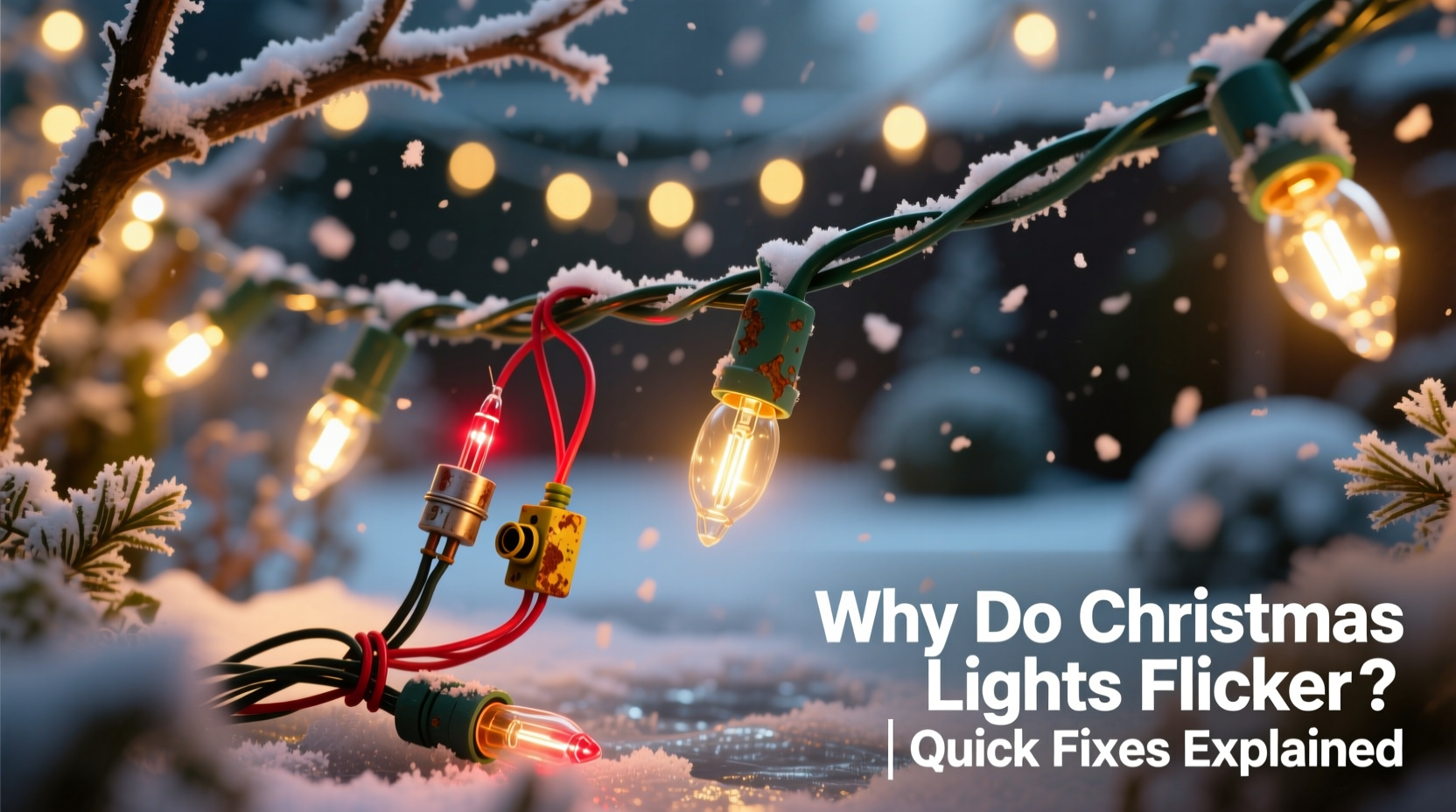
Flickering isn’t always random—even if it seems that way. Most flickering stems from identifiable technical or environmental factors. The behavior varies depending on the type of bulb, wiring configuration, power source, and age of the lights. Recognizing the difference between normal operation (like twinkling modes) and abnormal flickering is the first step toward diagnosis.
In older incandescent strings, flickering often results from loose bulbs or failing shunts. In LED sets, voltage fluctuations or incompatible dimmers may be the culprit. Environmental conditions such as moisture, temperature shifts, or physical stress on cords can also contribute. Even something as simple as overloading a single circuit can cause intermittent performance across multiple strands.
Common Causes of Random Flickering
Not all flickering is created equal. Some patterns point to specific problems. Below are the most frequent causes behind erratic behavior in holiday lighting:
- Loose or improperly seated bulbs: A bulb that isn’t fully twisted into its socket disrupts the circuit, especially in series-wired incandescent strings.
- Failing shunt connections: In traditional mini-lights, each bulb has a tiny backup wire (a shunt) that activates when the filament breaks. If the shunt fails, the entire section may go dark or flicker.
- Damaged wires or connectors: Frayed insulation, pinched cords, or corroded plug prongs interrupt current flow and cause instability.
- Power supply issues: Voltage drops due to long extension cords, overloaded outlets, or weak wall circuits can lead to inconsistent brightness.
- LED-specific problems: LEDs are sensitive to low voltage and may flicker if used with non-compatible transformers, timers, or smart plugs designed for higher loads.
- Moisture intrusion: Outdoor lights exposed to rain or snow may develop internal condensation, leading to short circuits or intermittent contact.
- Aging components: Over time, plastic sockets degrade, metal contacts oxidize, and solder joints weaken—especially in lights stored improperly between seasons.
“Many flickering issues stem not from the lights themselves, but from the power delivery chain. A stable outlet and clean connections make all the difference.” — Daniel Reyes, Electrical Safety Consultant at Holiday Lighting Institute
How to Fix Flickering Lights Fast: Step-by-Step Guide
When faced with flickering lights, a systematic approach ensures you don’t waste time replacing entire strings unnecessarily. Follow this timeline-tested method to identify and resolve the issue within 15–30 minutes.
- Unplug the lights immediately. Safety comes first. Never handle electrical fixtures while powered.
- Inspect the entire strand visually. Look for cracked bulbs, melted sockets, frayed wires, or signs of rodent damage. Pay close attention to where the cord enters the plug and connectors.
- Check each bulb seating. Gently twist every bulb to ensure it’s snug. Replace any that appear darkened, cracked, or discolored.
- Test individual bulbs (for incandescents). Use a bulb tester or multimeter to check continuity. Alternatively, swap suspect bulbs with known-working ones.
- Clean socket contacts. With a cotton swab dipped in rubbing alcohol, wipe the metal base inside each socket to remove oxidation or debris.
- Examine the fuse compartment (if applicable). Many light strings have small fuses near the plug. Use a spare fuse from the end cap or test with a multimeter for continuity.
- Plug into a different outlet. Test the strand on a dedicated circuit, ideally one without other high-draw devices running.
- Bypass timers, remotes, or smart controllers temporarily. These accessories sometimes modulate voltage in ways that confuse LED drivers.
- Try a shorter extension cord. Long cords increase resistance and reduce voltage at the far end of the string.
- Group and retest. If using multiple strands, disconnect all but one and add them back one by one to isolate problematic sections.
If the flickering stops after one of these steps, you’ve likely found the source. For persistent issues, replacement may be safer and more cost-effective than continued troubleshooting.
Do’s and Don’ts When Troubleshooting Flickering Lights
| Do’s | Don’ts |
|---|---|
| Use gloves and safety glasses when handling broken glass or corroded parts. | Never force a bulb into a socket—if it doesn’t turn easily, stop. |
| Label working vs. faulty strands during testing. | Don’t daisy-chain more than three standard light sets unless rated for it. |
| Store lights on reels or cardboard spools to prevent tangles and wire stress. | Don’t use indoor lights outdoors—they aren’t sealed against moisture. |
| Invest in LED lights with built-in rectifiers to reduce flicker risk. | |
| Replace missing end caps to protect internal fuses from dust and moisture. | Don’t splice or solder holiday light wires unless you’re qualified. |
Real-World Example: The Case of the Backyard Twinkle Fail
Sarah in Portland strung 150 feet of warm-white LED net lights across her backyard fence each December. One year, half the grid began pulsing erratically after five minutes of operation. She checked every bulb and found none visibly damaged. After unplugging and reseating all connections, the problem returned.
She followed the step-by-step guide above and discovered the issue wasn’t the lights—but the outdoor timer she’d connected them to. The timer was designed for incandescent loads and couldn’t properly regulate the low-wattage LEDs. Switching to a “smart” outdoor-rated timer compatible with LED loads resolved the flickering instantly. Her display stayed bright and steady through January.
This case highlights how external devices—not just the lights themselves—can introduce instability. Always consider the full system when diagnosing flicker.
Tips for Preventing Flicker Next Season
Prevention is faster than repair. A few habits can drastically reduce the chances of flickering in future years:
- Invest in quality lights. Name-brand LEDs with surge protection and consistent drivers perform better over time.
- Use surge-protected power strips outdoors. They absorb voltage spikes from weather-related fluctuations.
- Label and store by condition. Keep known-good strands separate from those needing repair.
- Avoid extreme coiling. Tightly wound cords create kinks that break internal wires over time.
- Inspect before storing. Fix or retire malfunctioning sets before packing them away.
FAQ: Common Questions About Flickering Christmas Lights
Is it safe to leave flickering Christmas lights plugged in?
No. Persistent flickering can indicate arcing, overheating, or insulation failure. These pose fire risks, especially in older sets. Unplug and inspect immediately. If the cause isn’t obvious or fixable, replace the strand.
Why do my LED Christmas lights flicker even when new?
New LEDs may flicker if paired with incompatible dimmers, timers, or extension cords with poor regulation. Some budget LEDs lack proper internal drivers. Try plugging directly into a wall outlet—if the flicker stops, the issue is upstream. Consider upgrading to UL-listed, transformer-driven LED strings.
Can cold weather cause Christmas lights to flicker?
Yes, indirectly. Extreme cold makes wires brittle and can worsen existing cracks or weak connections. Thermal contraction may loosen fittings. Additionally, outdoor circuits may experience voltage drops in winter due to increased household load (heaters, etc.). Ensure connections are tight and protected from the elements.
Conclusion: Restore Your Glow Quickly and Safely
Flickering Christmas lights don’t have to ruin your holiday setup. With a clear understanding of common causes—from loose bulbs to incompatible electronics—you can diagnose and fix most issues in under half an hour. Prioritize safety, work methodically, and don’t hesitate to retire old or damaged strands. Modern LED technology offers longer life and greater reliability, but only when used correctly and maintained with care.
Take action tonight: pull out your problem lights, follow the troubleshooting steps, and reclaim your perfect holiday glow. A little attention now means brighter, safer displays for years to come.




 浙公网安备
33010002000092号
浙公网安备
33010002000092号 浙B2-20120091-4
Comments
No comments yet. Why don't you start the discussion?