
As the holiday season approaches, twinkling Christmas lights bring warmth and cheer to homes around the world. But nothing disrupts the festive mood quite like a string of lights that flickers unpredictably—some bulbs glowing brightly, others dimming or blinking out entirely. While flickering might seem like a minor annoyance, it can signal deeper electrical issues, reduce the lifespan of your lights, or even pose safety risks if left unaddressed. Understanding the root causes behind random flickering and knowing how to fix them quickly ensures your holiday display remains bright, safe, and reliable.
Understanding How Christmas Lights Work
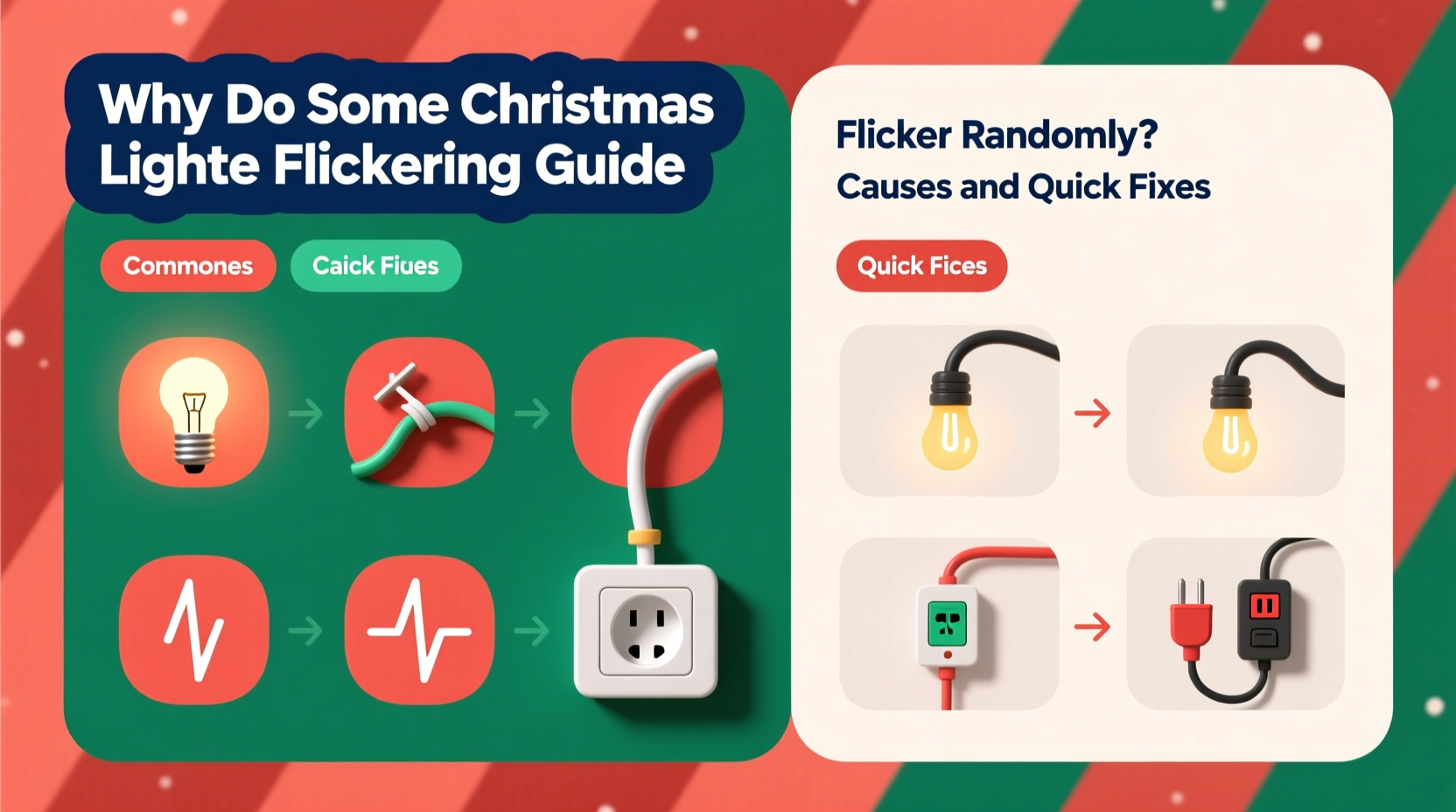
Before diagnosing flickering problems, it helps to understand the basic design of most traditional Christmas light strings. Many older and budget-friendly sets are wired in series, meaning electricity flows from one bulb to the next in a continuous loop. If one bulb fails or becomes loose, the entire circuit can be disrupted, causing partial or full failure of the string. Newer models often use parallel wiring or include shunt wires within each bulb to bypass dead filaments, allowing the rest of the string to stay lit even if a single bulb burns out.
LED Christmas lights operate differently than incandescent ones. They run on low voltage and often include built-in rectifiers and resistors to regulate current. However, their sensitivity to power fluctuations makes them prone to flickering under certain conditions. Whether you're using LED or incandescent lights, both types can exhibit erratic behavior due to a range of factors—from simple contact issues to more complex electrical problems.
Common Causes of Random Flickering
Flickering isn’t always random; it’s usually a symptom of an underlying issue. Identifying the cause is the first step toward a lasting solution. Below are the most frequent culprits:
- Loose or improperly seated bulbs: In series-wired strings, a bulb that isn’t fully screwed in can break the circuit intermittently, especially when the string is moved or exposed to wind.
- Corroded or dirty bulb sockets: Moisture, dust, or oxidation can interfere with electrical conductivity, leading to inconsistent current flow.
- Faulty or aging bulbs: Incandescent filaments degrade over time, and LEDs may develop internal solder cracks, both causing intermittent failures.
- Overloaded circuits: Plugging too many light strings into a single outlet or power strip can cause voltage drops, resulting in flickering, especially when other appliances cycle on.
- Power supply fluctuations: Household voltage variations—common during peak energy usage times—can affect sensitive LED systems.
- Damaged wires or insulation: Frayed, pinched, or chewed wires (often by pets or outdoor elements) create unstable connections.
- Incompatible dimmer switches: If your lights are connected to a dimmer not rated for LEDs or low-load lighting, flickering is likely.
- Temperature changes: Outdoor lights exposed to freezing temperatures may contract and expand, loosening connections temporarily.
Step-by-Step Guide to Diagnose and Fix Flickering Lights
Resolving flickering doesn’t have to be complicated. Follow this systematic approach to identify and correct the problem efficiently.
- Unplug the light string from the power source. Safety comes first—never work on energized lights.
- Inspect the entire length of the strand for visible damage: frayed wires, cracked insulation, crushed sections, or signs of animal chewing.
- Check each bulb by gently pressing it into its socket. Remove and reseat any that feel loose. Look for darkened glass (a sign of burnout in incandescents) or broken filaments.
- Clean corroded sockets using a cotton swab dipped in rubbing alcohol. Let the area dry completely before reinserting the bulb.
- Test individual bulbs with a known working socket or use a multimeter to check continuity. Replace any defective bulbs with the correct voltage and base type.
- Verify your power source. Plug the lights into a different outlet—preferably on a separate circuit—to rule out voltage instability.
- Limit daisy-chained strings. Most manufacturers recommend no more than 3–5 light sets connected end-to-end. Exceeding this can overload transformers or household circuits.
- Bypass dimmer switches if applicable. Temporarily connect the lights directly to a standard wall outlet to see if flickering stops.
- Use a surge-protected power strip for added stability, especially for outdoor displays vulnerable to weather-related surges.
- Consider upgrading to commercial-grade or shunt-equipped lights, which are designed to maintain illumination even if one bulb fails.
Do’s and Don’ts When Handling Flickering Lights
| Action | Recommendation |
|---|---|
| Do use gloves when handling outdoor lights | Protects against dirt, moisture, and minor abrasions |
| Do label repaired sections | Mark fixed areas with colored tape to track maintenance |
| Don’t force bulbs into sockets | This can damage the base or socket contacts |
| Don’t mix old and new bulbs | Varying resistance levels can cause uneven brightness or flickering |
| Don’t ignore persistent flickering after repairs | May indicate deeper wiring or transformer issues |
| Do store lights properly off-season | Use reels or containers to prevent tangling and wire stress |
Mini Case Study: The Persistent Porch Lights
A homeowner in Minnesota installed a new set of LED Christmas lights along their front porch railing. Within a week, several sections began flickering at random—sometimes only at night, other times during the day. Initial checks revealed all bulbs were secure and no visible wire damage existed. The owner replaced a few suspect bulbs, but the problem persisted.
After consulting an electrician, they discovered the issue was not with the lights themselves, but with the outdoor GFCI outlet being used. The outlet, located under the eaves, had developed minor moisture intrusion despite its cover. This caused intermittent tripping at the circuit level, leading to voltage fluctuations that affected the sensitive LED drivers. Replacing the outlet with a newer weather-resistant model and adding a protective canopy resolved the flickering immediately.
This case illustrates how external electrical components—not just the lights—can be the real source of flickering. Environmental exposure and aging infrastructure often play a bigger role than expected.
Expert Insight: What Professionals Say About Light Stability
“Flickering is rarely truly random. It's usually a clear indicator of either a failing component or an incompatible setup. With LED strings, we often see issues arise from cheap drivers or mismatched transformers. Invest in quality-rated products—they pay for themselves in reliability.” — Daniel Reyes, Residential Electrician & Holiday Lighting Specialist
“When troubleshooting, start simple: check the bulb seating and power source. Over 60% of flickering calls I respond to are solved with a five-minute inspection. The rest usually involve circuit loading or environmental wear.” — Lena Pruitt, Certified Home Inspector
Tips for Preventing Future Flickering
Prevention is far easier than repair. Incorporate these habits to keep your Christmas lights functioning smoothly year after year.
- Invest in high-quality light strings from reputable brands that include shunt technology or constant-current drivers for LEDs.
- Use timers or smart plugs to reduce operating hours and minimize heat buildup and electrical stress.
- Keep connections elevated and dry outdoors—use waterproof connectors and place junctions above ground level.
- Avoid extreme bending or stapling wires, which can damage internal conductors over time.
- Label indoor vs. outdoor sets to prevent misuse and exposure beyond their design limits.
Quick Fix Checklist
Use this checklist the next time you encounter flickering lights:
- ✅ Unplug the light string
- ✅ Visually inspect for damaged wires or sockets
- ✅ Reseat all bulbs firmly
- ✅ Clean corroded contacts with isopropyl alcohol
- ✅ Replace any darkened or broken bulbs
- ✅ Test on a different outlet or circuit
- ✅ Disconnect from dimmer switches temporarily
- ✅ Limit the number of daisy-chained strings
- ✅ Use a surge-protected power strip
- ✅ Monitor for 15 minutes after reconnection
FAQ
Why do my LED Christmas lights flicker even when they’re new?
New LED lights can flicker due to incompatible transformers, poor internal drivers, or connection to a dimmer switch not designed for low-wattage loads. Some budget LEDs lack proper rectification, causing them to pulse with AC current. Try plugging them into a non-dimmer outlet to test.
Can cold weather cause Christmas lights to flicker?
Yes. Extreme cold can cause materials to contract, loosening bulb-to-socket connections. Additionally, outdoor outlets may experience condensation or ice buildup, affecting conductivity. Using weather-sealed connectors and checking seals annually helps prevent this.
Is it safe to leave flickering Christmas lights up?
Persistent flickering can indicate overheating, short circuits, or degraded insulation—potential fire hazards. While occasional flickering from a loose bulb may be harmless, ongoing or widespread instability should be addressed immediately. When in doubt, replace the string.
Conclusion: Shine Bright Without the Flicker
Randomly flickering Christmas lights are more than just a nuisance—they’re a signal that something in your lighting system needs attention. Whether it’s a simple loose bulb, a corroded socket, or an overloaded circuit, most issues can be diagnosed and corrected with careful inspection and basic tools. By understanding the common causes and applying proven fixes, you can enjoy a steady, radiant display that enhances your holiday spirit without worry.
Maintaining your lights isn’t just about aesthetics; it’s about safety, efficiency, and longevity. A few minutes of troubleshooting now can save hours of frustration later—and prevent potential hazards down the line. As you prepare your home for the season, treat your lights with care, invest in quality where it matters, and never underestimate the power of a solid electrical foundation.




 浙公网安备
33010002000092号
浙公网安备
33010002000092号 浙B2-20120091-4
Comments
No comments yet. Why don't you start the discussion?