
There’s nothing more frustrating than capturing a cozy holiday moment—children laughing by the tree, family gathered around twinkling lights—only to play back the footage and see an unnatural, strobing flicker across the lights. This effect isn’t a glitch in your camera or a defect in the lights; it’s a well-documented phenomenon rooted in physics and electronics. Understanding why this happens—and how to fix it—is essential for anyone who wants to preserve their festive memories without visual distractions.
The flickering of Christmas lights under video recording is not just aesthetic noise—it's a mismatch between artificial light behavior and digital capture mechanics. Whether you're filming a home movie, creating social media content, or live-streaming a holiday event, controlling this issue can dramatically improve your production quality. The good news: once you understand the causes, prevention becomes straightforward.
The Science Behind the Flicker
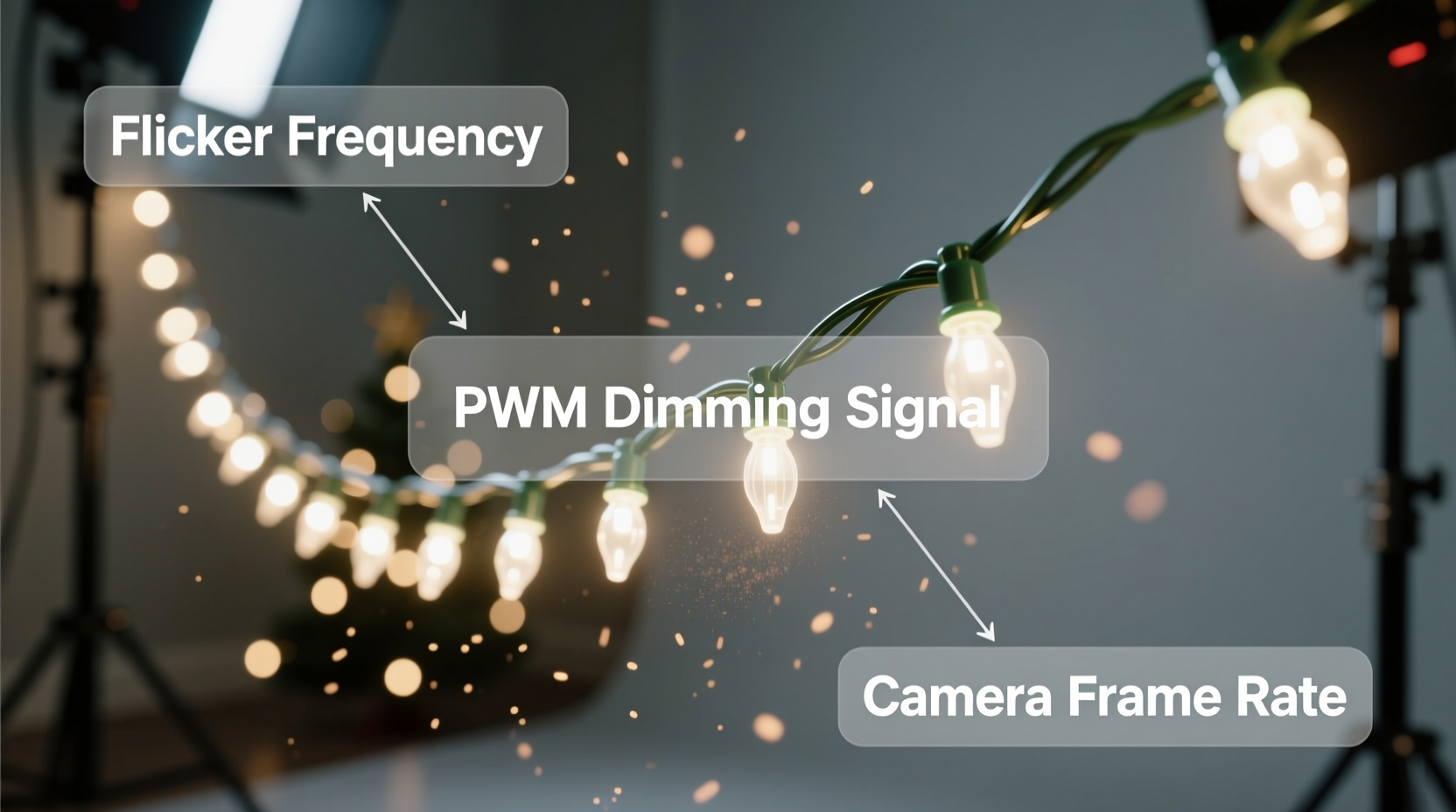
Most modern Christmas lights, especially LED varieties, are powered by alternating current (AC), which cycles on and off rapidly—typically 50 or 60 times per second depending on your country’s electrical grid frequency. In regions like North America, AC power operates at 60 Hz, meaning the current changes direction 60 times per second. As a result, the brightness of many lights fluctuates at that same rate, even if imperceptible to the human eye.
Human vision has a persistence threshold—roughly 50–60 frames per second—beyond which flicker becomes invisible. However, cameras don’t perceive light the same way. Digital sensors capture discrete frames at set intervals, often using rolling shutters that scan the scene line by line. When the frame rate or shutter speed doesn’t align with the light’s oscillation, the sensor records inconsistent brightness levels across frames, resulting in visible flicker.
This mismatch is known as a temporal aliasing effect—a sampling problem where the camera captures periodic fluctuations at too low a rate to represent them accurately. It’s similar to the “wagon wheel” illusion in old Western films, where spinning wheels appear to move backward due to frame rate limitations.
“Flicker in video isn’t about the lights being faulty—it’s about synchronization between illumination and capture.” — Dr. Lena Torres, Imaging Scientist at MIT Media Lab
Why Some Lights Flicker More Than Others
Not all Christmas lights behave the same way under video. Several factors determine whether flicker will be noticeable:
- LED vs. Incandescent: Traditional incandescent bulbs retain heat between AC cycles, producing a more consistent glow. LEDs, being solid-state devices, respond instantly to voltage changes and thus flicker more readily unless designed otherwise.
- PWM Dimming: Many LED strings use Pulse Width Modulation (PWM) to control brightness. This technique rapidly switches the LED on and off to simulate dimming. While efficient, it introduces additional flicker that may sync poorly with camera settings.
- Driver Quality: Cheap LED sets often use basic rectifiers without smoothing capacitors, leading to pronounced brightness dips during zero-crossings in the AC waveform. Higher-end lights include constant-current drivers that minimize this variation.
- Power Source: Battery-powered LED strings typically run on direct current (DC) and flicker far less—or not at all—because there’s no oscillating voltage.
Matching Camera Settings to Lighting Conditions
The most effective way to eliminate flicker is to synchronize your camera’s frame rate and shutter speed with the frequency of the power supply. Here’s how:
In countries with a 60 Hz power grid (e.g., USA, Canada, Japan), set your camera to:
- Frame rate: 30 fps, 60 fps, or multiples thereof (e.g., 120 fps)
- Shutter speed: 1/60, 1/120, or 1/30 sec
In 50 Hz regions (most of Europe, Asia, Africa, Australia):
- Frame rate: 25 fps, 50 fps
- Shutter speed: 1/50, 1/100, or 1/25 sec
Using a shutter speed that matches or is a multiple of the mains frequency ensures each frame captures a complete cycle of light output, averaging out any flicker.
For example, shooting at 1/60 sec in a 60 Hz environment means the sensor integrates light over exactly one full AC cycle, smoothing out brightness variations. A faster shutter like 1/120 sec still works because it captures half-cycles consistently.
| Region | Grid Frequency | Recommended Frame Rates | Best Shutter Speeds |
|---|---|---|---|
| North America | 60 Hz | 30, 60, 120 fps | 1/60, 1/120, 1/30 sec |
| Europe, UK, Australia | 50 Hz | 25, 50 fps | 1/50, 1/100, 1/25 sec |
| Japan (partial) | 50 Hz & 60 Hz | Check local supply | Adjust accordingly |
“Always check your location’s mains frequency before a shoot. A mismatch of just 10 Hz can introduce severe flicker—even with high-end gear.” — Mark Renolds, Cinematographer & Lighting Consultant
Step-by-Step Guide to Eliminate Flicker in Holiday Videos
Follow this sequence when setting up to film Christmas lights:
- Determine your local power frequency. Use a quick online search (e.g., “mains frequency in Germany”) or consult travel guides if filming abroad.
- Select the appropriate frame rate. Choose 30/60 fps for 60 Hz areas, 25/50 fps for 50 Hz. Avoid 24 fps in lit environments unless using flicker-suppression tools.
- Set shutter speed accordingly. Use 1/(2×frame rate) as a starting point. For 30 fps → 1/60 sec; for 25 fps → 1/50 sec.
- Test with a short clip. Record a few seconds and review on a larger screen. Zoom in on the lights to detect subtle flicker.
- Adjust lighting if needed. Switch to DC-powered or battery-operated lights, or supplement with continuous artificial light (e.g., LED panels).
- Use manual white balance. Auto white balance can shift with flicker, causing color instability. Lock it to avoid pulsing tints.
- Enable anti-flicker features if available. Some cameras (e.g., Sony, Canon) have built-in anti-flicker modes that auto-detect and adjust timing.
Alternative Lighting Solutions for Flicker-Free Footage
If adjusting camera settings isn’t enough—or if you’re working with mixed lighting sources—consider modifying the light setup itself.
Battery-Powered LED Strings
These operate on steady DC current, eliminating AC-induced flicker entirely. They’re ideal for close-up shots, interviews near trees, or controlled scenes. Modern versions offer warm white tones and realistic twinkle effects without video interference.
Flicker-Free AC LED Lights
Higher-quality LED strings incorporate full-wave rectification and smoothing circuits that maintain near-constant current. Look for specifications like “low ripple current” or “constant current driver.” These are common in stage and studio applications but increasingly available in consumer holiday lines.
Supplemental Continuous Lighting
Add soft, continuous LED panels or ring lights to overpower the flicker from background decorations. By making the primary subject well-lit with stable sources, minor flicker in ambient lights becomes less noticeable. Use diffusers to blend the artificial fill light naturally with the scene.
Avoid PWM-Dimmable Sets
If possible, bypass remotes or dimmers that use PWM. Instead, choose lights with resistive dimming or mechanical switches. Alternatively, power the string at full brightness and control exposure via camera settings or neutral density filters.
Real-World Example: Filming a Holiday Commercial
A small production team in Toronto was hired to film a family-oriented holiday ad centered around a beautifully decorated living room. Initial test footage showed severe flickering in the garland lights wrapped around the mantel—despite using a high-end mirrorless camera.
After investigation, they discovered two issues: the camera was set to 24 fps (common for cinematic work), and the lights used a low-cost PWM dimmer. Even though the house ran on 60 Hz power, the combination created erratic sampling.
The solution involved three steps:
- Switched the camera to 30 fps with a 1/60 sec shutter.
- Replaced the dimmable string with a non-dimmable, high-frequency LED version.
- Added two small LED panels at 3200K to ensure consistent subject lighting.
The final footage was smooth, warm, and free of distracting strobes. The client praised the “natural glow” of the scene, unaware of the technical adjustments behind the magic.
Quick Checklist for Flicker-Free Holiday Recording
- ✅ Know your local power frequency (50 Hz or 60 Hz)
- Research ahead of time, especially when traveling.
- ✅ Match frame rate and shutter speed to mains frequency
- Use 1/50 or 1/60 sec shutter appropriately.
- ✅ Test recordings before the main shoot
- Review clips on a monitor, not just the camera screen.
- ✅ Prefer battery-powered or flicker-free LED lights
- Especially for close-ups or key visual elements.
- ✅ Disable dimmers or remote controls that use PWM
- Run lights at full brightness and control exposure elsewhere.
- ✅ Use camera anti-flicker modes if available
- Found in many DSLRs and mirrorless models under “Anti-Flicker Shoot” settings.
- ✅ Add continuous supplemental lighting
- To reduce reliance on potentially flickering decorative sources.
Frequently Asked Questions
Can I fix flickering in post-production?
Yes, but with limitations. Software like Adobe After Effects offers flicker removal plugins (e.g., DeFlicker) that analyze brightness fluctuations and smooth them. However, results vary—severe flicker may leave artifacts or reduce dynamic range. Prevention during filming is always better than correction after.
Do all LED Christmas lights flicker on camera?
No. Only those powered by unsmoothed AC or using PWM dimming tend to flicker. High-quality LEDs with proper drivers, and all DC-powered sets, are generally safe. Always test before relying on a particular string for video.
Is flicker harmful to eyes or health?
The flicker seen in video is usually imperceptible to humans and not harmful. However, prolonged exposure to actual flickering light (not just camera artifacts) can cause eye strain or headaches in sensitive individuals. True physiological flicker occurs below 100 Hz and should be minimized in living spaces.
Final Thoughts: Capture the Magic Without the Glitch
Holiday lighting should evoke warmth, nostalgia, and joy—not technical frustration. The flicker you see in recordings isn’t a flaw in your memory; it’s a solvable interaction between electricity and optics. With a bit of preparation, the right equipment choices, and attention to synchronization, you can preserve every sparkling moment exactly as it felt in real life.
Whether you're a parent documenting childhood traditions or a content creator building seasonal reels, taking control of flicker elevates your storytelling. The holidays come once a year, but great video lasts forever. Don’t let avoidable technical quirks dim the brightness of your moments.




 浙公网安备
33010002000092号
浙公网安备
33010002000092号 浙B2-20120091-4
Comments
No comments yet. Why don't you start the discussion?