
Synchronized holiday light displays—where dozens or hundreds of lights pulse, fade, chase, and dance in perfect unison to music—are no longer exclusive to theme parks or municipal festivals. They’re appearing on suburban driveways, cul-de-sac lawns, and even apartment balconies. What once required a team of engineers and industrial-grade equipment can now be orchestrated from a laptop in a garage. But behind the sparkle lies a precise fusion of hardware, software, networking, and creative engineering. This isn’t just decoration—it’s distributed computing for the front yard.
The Core Motivation: More Than Just Holiday Cheer
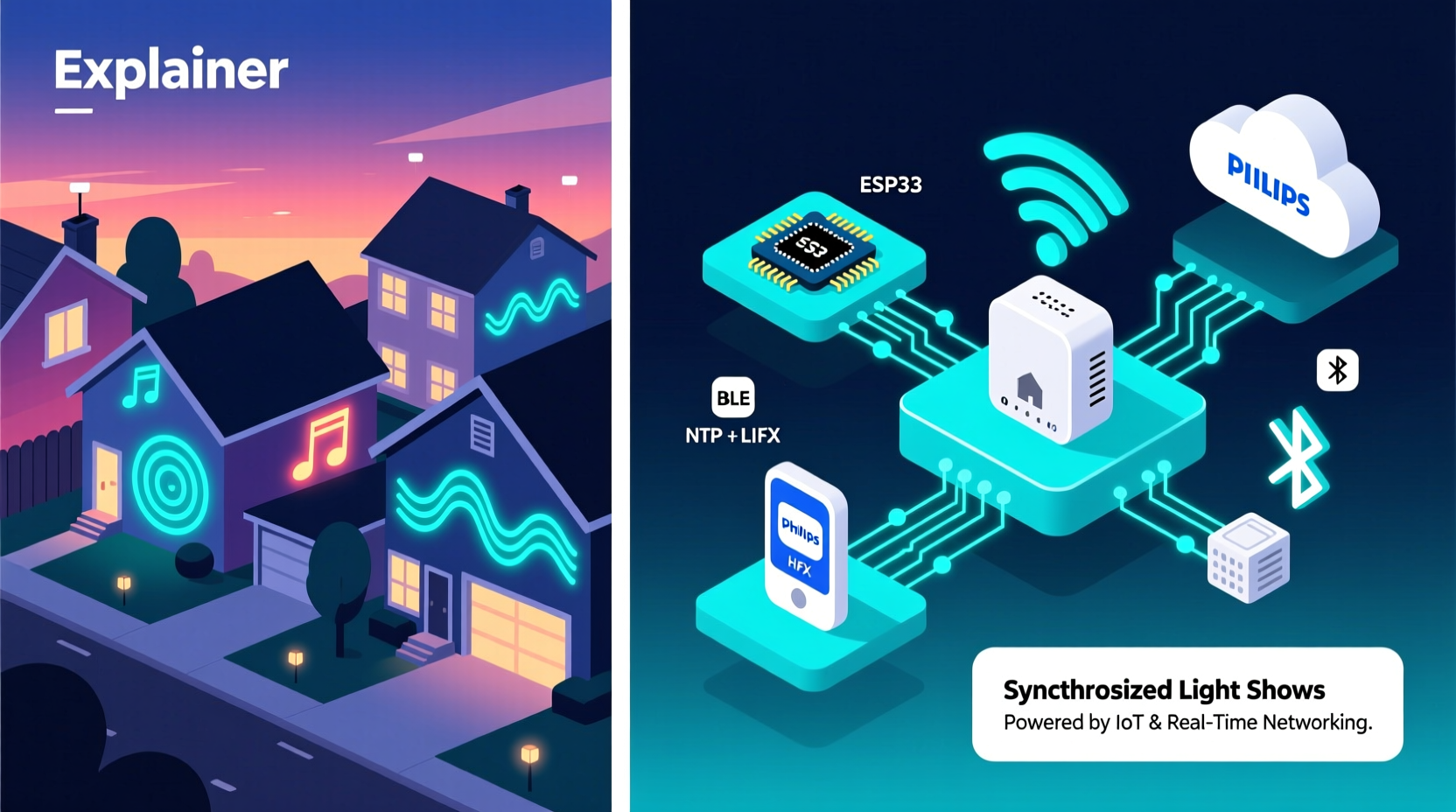
Homeowners invest significant time and money—often $2,000 to $15,000—into synchronized light shows for reasons that extend beyond tradition. Many cite community engagement: neighbors gather weekly; local news crews film “light tours”; children wait for the 7:00 p.m. show like it’s a neighborhood broadcast. Others pursue technical mastery—a tangible way to apply programming, electronics, and audio engineering skills in a visible, joyful context. Still others respond to the growing culture of “light tourism,” where families drive routes mapped by apps like Lightopia or Google Maps’ seasonal light filters.
Crucially, synchronization solves a fundamental problem: human perception. A string of blinking LEDs feels random unless timed to rhythm, melody, or narrative arc. When lights align with a drum hit or swell with a violin phrase, the brain interprets coherence—not chaos. That perceptual alignment is what transforms decoration into storytelling.
The Hardware Stack: From Controllers to Pixels
A synchronized light show relies on layered hardware, each component serving a distinct role:
- Lighting fixtures: LED bulbs (C9, C7, mini-lights), RGB pixel strings (WS2811, WS2812B, SK6812), and commercial-grade floodlights or spotlights.
- Controllers: The central nervous system. These range from entry-level USB-connected units (e.g., SanDevices E68x) to high-channel Ethernet-based systems (Falcon F16v3, xLights-compatible Raspberry Pi clusters).
- Power infrastructure: Dedicated circuits, GFCI-protected outlets, weatherproof power distribution boxes, and sometimes whole-house surge suppression.
- Audio playback: Amplified outdoor speakers (often paired with subwoofers for bass impact) or FM transmitters for car radio listening.
Modern setups rarely use traditional AC-dimming controllers. Instead, they rely on digital pixel controllers, which send data packets—not voltage—to individual LEDs or segments. Each pixel receives its own red/green/blue brightness value, updated up to 400 times per second. That granularity enables smooth fades, gradients, and motion effects impossible with analog dimming.
The Software Ecosystem: Where Creativity Meets Code
Hardware alone does nothing without software. The modern synchronized light ecosystem rests on three interlocking layers:
- Sequencing software—used to map musical beats, notes, and phrases to specific lights and effects (e.g., xLights, Vixen Lights, Light-O-Rama Sequence Editor).
- Playback and scheduling software—handles real-time execution, triggering, and multi-show rotation (e.g., xLights Companion, Falcon Player, or custom Python scripts).
- Network management tools—monitor controller health, push firmware updates, and diagnose packet loss across Wi-Fi or wired networks.
Sequencing is the most labor-intensive phase. Users import an MP3 or WAV file, then manually or algorithmically detect beats, tempo, and instrument layers. In xLights, for example, a user might assign “bass hits” to ground-level warm-white floods, “vocal peaks” to roofline RGB pixels, and “cymbal swells” to tree-top strobes. The software generates frame-by-frame intensity values—up to 30,000 frames per minute for a five-minute show.
What makes this accessible is open-source collaboration. xLights, the dominant free platform, boasts over 2 million downloads and a volunteer-run forum with 120,000+ posts. Its plugin architecture supports Arduino, ESP32, and Raspberry Pi integrations—and its XML-based sequence format ensures long-term compatibility.
Communication Protocols: How Data Travels Through the Yard
For lights to move together, controllers must receive instructions simultaneously. That requires robust, low-latency communication. Three protocols dominate residential setups:
| Protocol | Max Distance | Channels Supported | Key Strengths | Common Use Case |
|---|---|---|---|---|
| E1.31 (sACN) | 100m (Ethernet) | 63,999 universes (≈1.3M channels) | Standardized, multicast-capable, widely supported | Mid-to-large displays using Ethernet backbone |
| DMX512-A | 15m (RS-485) | 512 channels per universe | Industry standard, deterministic timing, simple wiring | Small setups, legacy controllers, non-pixel fixtures |
| ESP-NOW / MQTT | 50–100m (Wi-Fi) | Variable (lightweight, but less precise) | Low power, mesh-friendly, ideal for battery-powered accents | Portable props, driveway markers, temporary installations |
Most professional-grade home shows use E1.31 over wired Ethernet. Why? Because sACN (Streaming ACN) guarantees microsecond-level timing accuracy and tolerates network jitter far better than Wi-Fi-based alternatives. A single Raspberry Pi running xLights can broadcast to 20+ Falcon F16v3 controllers—all receiving identical frame data within 2ms of each other. That precision is why a row of 30 trees can all “bloom” at the exact same millisecond during a crescendo.
Mini Case Study: The Henderson Family, Portland, OR
In 2019, Mark Henderson, a retired network engineer, built his first synchronized display: 1200 LEDs on his garage and two maple trees, synced to a 4-minute version of “Carol of the Bells.” He used a $40 Arduino Mega, hand-wired DMX cables, and Vixen Lights. Latency was inconsistent; lights occasionally missed cues during fast passages.
By 2023, his setup had evolved: a fiber-optic Ethernet backbone linking six Falcon F16v3 controllers, 8,400 individually addressable pixels, and a custom-built 12-zone speaker array. He added weatherproof enclosures, remote monitoring via Grafana dashboards, and a failover script that switches to a backup audio track if the primary SD card corrupts. His show now runs autonomously for 62 nights—from Thanksgiving through New Year’s Day—with zero manual intervention. Local schools book field trips to study his setup; the city added his street to its official “Holiday Light Route.”
Mark’s evolution mirrors the industry’s: from hobbyist tinkering to engineered reliability. His biggest insight? “It’s not about more lights. It’s about tighter timing, cleaner signal paths, and designing for failure—because rain, squirrels, and power surges don’t care about your light schedule.”
Expert Insight: The Engineering Mindset Behind the Magic
“Synchronized lighting is applied real-time systems engineering. You’re managing clock synchronization across distributed nodes, handling network congestion, mitigating electromagnetic interference from holiday transformers—and doing it all outdoors, at -10°C. The fact that it works as reliably as it does is a quiet triumph of open standards and community rigor.” — Dr. Lena Torres, Embedded Systems Professor, Oregon State University & Lead Developer, xLights Core Team
Step-by-Step: Building Your First Synchronized Show (Realistic Timeline)
- Week 1: Audit & Plan — Map your property, identify power sources, sketch fixture placement, and define your musical theme (e.g., cinematic orchestral, synth-pop, jazz standards).
- Week 2: Procure & Test — Buy one controller, one 50-pixel string, and a 12V power supply. Flash firmware, confirm pixel addressing, and verify communication with xLights.
- Week 3: Sequence Basics — Import a 90-second song. Use xLights’ Auto Beat Detection, then manually refine 3–5 key moments (intro, chorus, bridge). Export and test.
- Week 4: Scale & Harden — Add one more controller and string. Run stress tests: play for 8 hours straight, simulate rain with mist spray near connections, check thermal buildup on controllers.
- Week 5: Deploy & Document — Mount fixtures securely, label every cable and controller, create a troubleshooting checklist, and share your first 2-minute show with three neighbors.
FAQ
Do I need a powerful computer to run a synchronized light show?
No—modern playback is offloaded. Your sequencing PC only needs to generate the show file. Playback runs on dedicated hardware: Raspberry Pi ($35), ESP32 modules ($8), or Falcon controllers ($120–$300). Once sequenced, the show plays independently—even if your laptop is powered off.
Can I sync lights to live music or voice commands?
Yes—but with caveats. Real-time audio analysis (e.g., using Web Audio API or Raspberry Pi + microphone) introduces 100–300ms latency, making tight synchronization impractical for complex shows. Most professionals pre-record and tightly edit audio to eliminate ambient noise, breath sounds, and dynamic range spikes—ensuring predictable, repeatable triggers.
How do neighbors handle light bleed or sound complaints?
Proactive mitigation is standard practice. Top performers use directional speakers angled downward, schedule shows between 5:00–10:00 p.m., install motion-sensing “quiet mode” for late-night pedestrians, and provide printed QR codes linking to show schedules and audio streaming options. Communities with coordinated light tours often adopt shared guidelines—reducing friction and increasing collective appeal.
Conclusion
Synchronized home light shows are a rare convergence: artistry meets embedded systems, community spirit meets network engineering, and holiday tradition meets open-source innovation. They reveal how deeply accessible advanced technology has become—not as black-box consumer products, but as legible, modifiable, and collaborative tools. You don’t need a degree in electrical engineering to begin. You need curiosity, patience with timing diagrams, respect for power safety, and willingness to learn from others’ GitHub repos and forum posts.
Every pixel you program, every beat you map, every neighbor who pauses mid-walk to watch—that’s not just light in the dark. It’s proof that technical fluency, when rooted in generosity and joy, becomes something luminous and shared.




 浙公网安备
33010002000092号
浙公网安备
33010002000092号 浙B2-20120091-4
Comments
No comments yet. Why don't you start the discussion?