
As holiday seasons approach, homes come alive with the warm twinkle of Christmas lights. But nothing disrupts the festive mood faster than a string of LED lights that flicker unpredictably. While LED technology is known for its energy efficiency and long lifespan, flickering remains a common frustration for homeowners and decorators alike. Unlike incandescent bulbs, LEDs operate on low voltage and require precise electrical conditions. When those conditions aren’t met, flickering occurs — sometimes subtly, sometimes aggressively.
Flickering isn't just annoying; it can also indicate underlying issues such as poor connections, incompatible dimmers, or power supply fluctuations. Left unchecked, these problems can shorten the life of your lights or even pose safety risks. The good news is that most causes of LED flickering are both diagnosable and fixable with simple tools and a bit of knowledge.
Understanding Why LED Lights Flicker
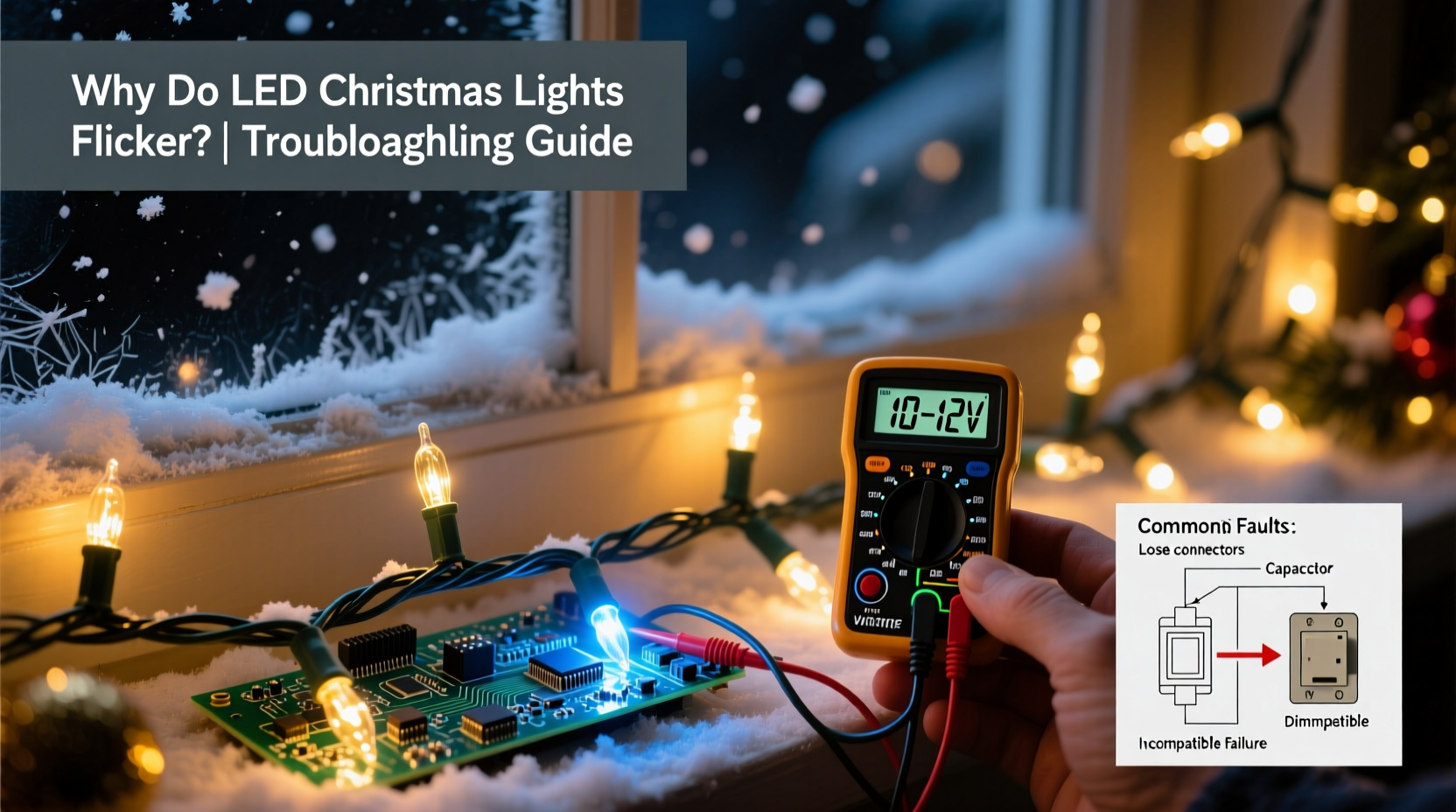
LEDs (Light Emitting Diodes) convert electrical energy into light far more efficiently than traditional bulbs. However, their sensitivity to voltage changes makes them prone to flickering under certain conditions. Flickering in LED Christmas lights typically stems from one or more of the following factors:
- Voltage fluctuations: LEDs require a stable current. Small variations in voltage—common in older wiring or overloaded circuits—can cause visible flicker.
- Poor connections: Loose bulb sockets, damaged wires, or corroded connectors interrupt the flow of electricity, leading to intermittent lighting.
- Incompatible controllers or dimmers: Many LED strings use built-in controllers for blinking or fading effects. If these are faulty or mismatched with wall dimmers, flickering results.
- End-of-string degradation: In series-wired light strands, a single failing LED can disrupt the entire circuit, causing ripple effects down the line.
- Temperature sensitivity: Cold outdoor temperatures can affect driver performance, especially in cheaper LED sets not rated for winter use.
Unlike incandescent bulbs, which have a filament that glows steadily even with minor voltage dips, LEDs respond instantly to changes. This responsiveness is efficient but makes them more susceptible to flicker when electrical stability falters.
Step-by-Step Troubleshooting Guide
Resolving flickering doesn’t always require technical expertise. Most issues can be addressed through systematic inspection and testing. Follow this timeline-based process to identify and correct the root cause:
- Unplug the lights immediately. Safety first. Never inspect live electrical components.
- Inspect each bulb visually. Look for darkened, cracked, or loose bulbs. Gently press each one into its socket to ensure a snug fit.
- Check for wire damage. Run your fingers along the length of the cord. Signs of fraying, kinks, or chew marks (especially from pets) indicate a break in continuity.
- Test with a different outlet. Plug the strand into a known working outlet on a separate circuit to rule out power source issues.
- Bypass any external dimmer switches. If your lights are controlled by a wall dimmer, temporarily disconnect it or switch to full brightness. Many legacy dimmers aren’t designed for low-wattage LEDs.
- Use a multimeter to test voltage output. Set the multimeter to AC voltage and measure at the plug end and mid-strand connector. A drop of more than 5% suggests resistance due to corrosion or thin wiring.
- Try a new controller or replacement section. If the strand has removable end connectors, test with a known-good segment to isolate the fault.
If the flickering stops after replacing a single component, you’ve likely found the culprit. For permanent installations, consider upgrading to parallel-wired LED strands, which prevent one failed bulb from affecting the whole string.
Common Causes and Fixes in Practice
Not all flickering is created equal. Some patterns reveal specific underlying issues. Recognizing these can save time and effort during troubleshooting.
| Flicker Pattern | Possible Cause | Solution |
|---|---|---|
| All lights pulse slowly together | Faulty built-in timer or controller | Replace controller module or switch to steady mode |
| One section flickers intermittently | Loose bulb or broken wire | Reseat bulbs; splice or replace damaged wire |
| Lights strobe rapidly | Incompatible dimmer switch | Remove dimmer or install LED-compatible model |
| Flickering worsens outdoors in cold | Low-temperature driver failure | Use lights rated for outdoor/cold weather (-20°C or lower) |
| Only happens when other appliances turn on | Circuit overload or voltage sag | Dedicate a circuit or reduce load on shared outlets |
One often-overlooked factor is the cumulative effect of daisy-chaining multiple light strands. Most manufacturers specify a maximum number of connectable sets (e.g., “connect up to 3 sets”). Exceeding this limit increases resistance and reduces voltage delivery, especially at the end of the chain.
“Many customers assume their lights are defective when they flicker, but over 70% of cases we see stem from using non-dimmable LEDs with standard triac dimmers.” — Mark Reynolds, Electrical Technician at Holiday Lighting Systems Inc.
Mini Case Study: The Persistent Porch Lights
Jessica from Minneapolis installed a new set of LED icicle lights on her front porch in early December. By mid-month, she noticed that the bottom half of the strand would flicker erratically, especially during evening hours. She replaced the bulbs, checked the outlet, and even bought a surge protector—all with no improvement.
After consulting an electrician, she discovered the issue wasn’t with the lights themselves but with the outdoor circuit sharing power with her garage refrigerator. Every time the compressor kicked in, it caused a momentary voltage dip. Since LEDs react instantly to such changes, the flickering became noticeable.
The solution? The electrician rerouted the porch outlet to a dedicated indoor circuit. Once isolated, the lights operated smoothly. Jessica also upgraded to a commercial-grade LED string labeled “voltage-stable,” which included an internal buffer to absorb minor surges and sags.
This case illustrates how environmental and electrical context matter. What works on a bedroom circuit may fail on an overloaded kitchen line.
Tips for Preventing Future Flickering
Prevention is always better than repair. With a few proactive measures, you can enjoy reliable, flicker-free lighting year after year.
- Buy high-quality LED strings. Look for brands with UL certification and built-in surge protection. Cheaper sets often skimp on drivers and insulation.
- Avoid mixing old and new strands. Even within the same brand, manufacturing variances can cause inconsistent current draw.
- Use LED-rated dimmers. If you want dimmable lights, choose trailing-edge (ELV) dimmers specifically designed for low-wattage loads.
- Store properly. Coil lights loosely around a cardboard reel and keep them in a dry, temperature-controlled space to prevent wire fatigue and corrosion.
- Test before full installation. Plug in each strand indoors before hanging it outside. Catch issues early while access is easy.
Troubleshooting Checklist
Keep this checklist handy when diagnosing flickering LED Christmas lights:
- ✅ Unplugged the lights before inspection
- ✅ Visually inspected all bulbs for damage or looseness
- ✅ Checked cords for cuts, kinks, or exposed wires
- ✅ Tested on a different, known-working outlet
- ✅ Verified compatibility with dimmer switches (if used)
- ✅ Ensured not exceeding manufacturer’s max connection length
- ✅ Confirmed lights are rated for indoor/outdoor use as needed
- ✅ Cleaned plug contacts and socket terminals with isopropyl alcohol
- ✅ Considered replacing the entire strand if over 3 years old and frequently repaired
Following this list systematically ensures no potential cause is overlooked. For recurring issues, consider investing in smart LED strings with app-based controls and self-diagnostic features.
Frequently Asked Questions
Can I fix a flickering LED light by replacing just one bulb?
Sometimes. In series-wired strands, a single dead or poorly seated LED can interrupt the circuit and cause downstream flickering. Replacing or reseating that bulb may restore function. However, modern LEDs are often sealed and non-replaceable. In such cases, you may need to bypass or cut out the faulty section.
Why do my LED lights flicker only when it’s cold outside?
Cold temperatures increase electrical resistance and can affect the performance of the LED driver—the small circuit that converts AC to DC power. Low-quality drivers may struggle to maintain constant current in freezing conditions. Use lights explicitly rated for outdoor and cold-weather use (typically -20°C to -30°C) to avoid this issue.
Is flickering dangerous?
Occasional, minor flickering is usually harmless. However, persistent or worsening flicker can indicate arcing, loose wiring, or overheating components—potential fire hazards. If flickering is accompanied by buzzing, burning smells, or discoloration of the plug or housing, discontinue use immediately and replace the strand.
Final Thoughts: Enjoy a Steady, Sparkling Display
LED Christmas lights offer brilliance, efficiency, and longevity—but only when properly matched to their electrical environment. Flickering is rarely random; it’s a signal. Whether it’s a loose bulb, incompatible dimmer, or circuit strain, each flicker tells a story about the health of your setup.
By understanding the causes and applying methodical troubleshooting, you can transform erratic twinkles into a smooth, radiant display. Take the time to inspect, test, and upgrade where necessary. Your holiday décor deserves reliability as much as beauty.




 浙公网安备
33010002000092号
浙公网安备
33010002000092号 浙B2-20120091-4
Comments
No comments yet. Why don't you start the discussion?