
LED Christmas lights are energy-efficient, long-lasting, and widely adopted—but they often betray their modernity the moment you point a camera at them. That rapid, disorienting flicker in your holiday video isn’t a glitch in your phone or a flaw in your editing software. It’s a predictable collision between physics, electronics, and digital imaging. Understanding why this happens—and how to prevent it—empowers you to capture crisp, festive footage without post-production headaches or last-minute reshoots.
The issue affects everything from smartphone vlogs and TikTok reels to professional real estate walkthroughs and family documentaries. And while many assume it’s “just how LEDs are,” the reality is more nuanced: flicker arises from specific design choices in power delivery, driver circuitry, and timing synchronization—not inherent LED limitations. This article explains the science behind the shimmer, debunks common myths, and delivers field-tested strategies for clean, flicker-free recordings—whether you’re filming with an iPhone 15 or a Blackmagic Pocket Cinema Camera.
The Physics Behind the Flicker: PWM, AC Mains, and Frame Rates
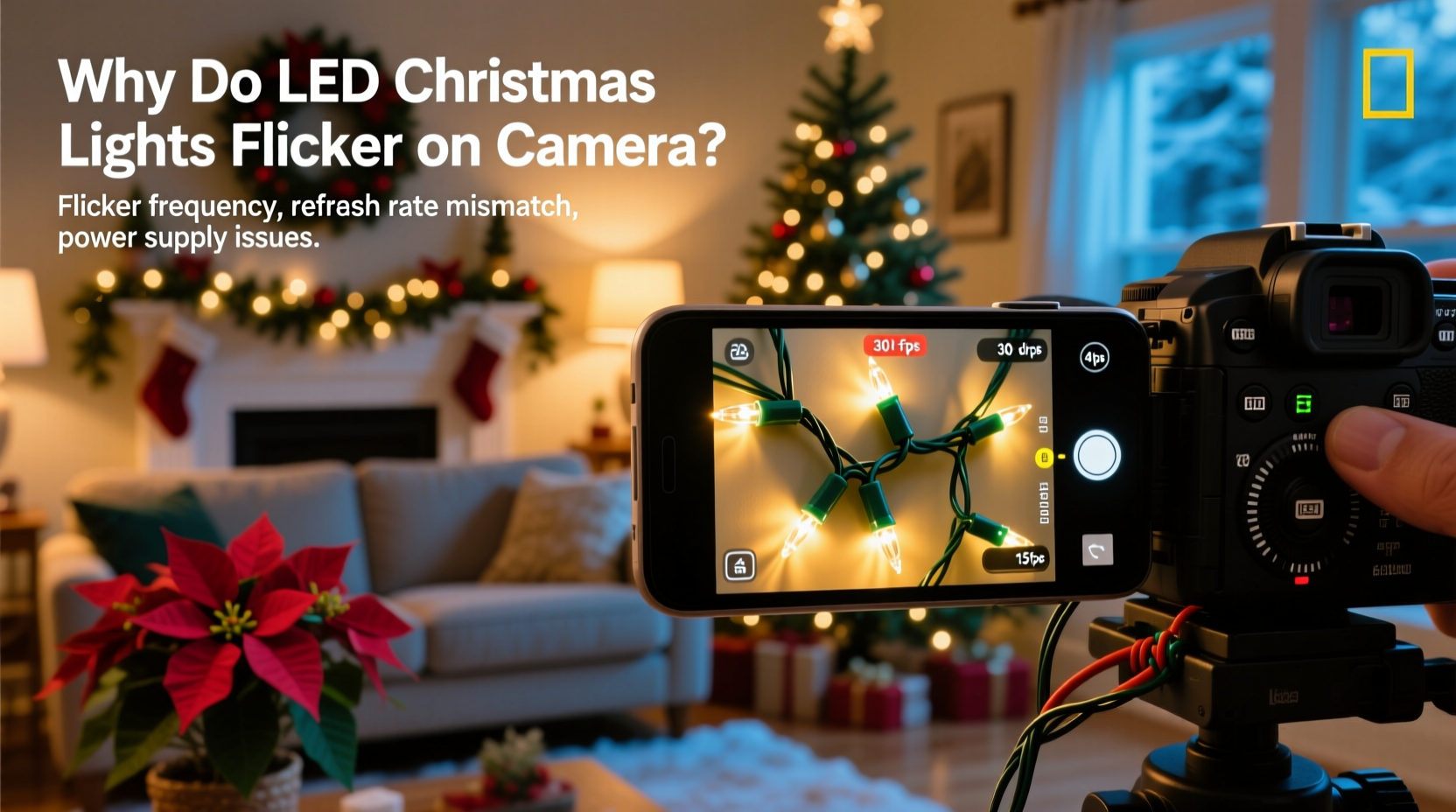
LEDs themselves don’t flicker when powered by steady direct current (DC). But most plug-in LED string lights use inexpensive, non-isolated switching power supplies that convert household alternating current (AC) into low-voltage DC. In North America, AC alternates at 60 Hz; in Europe and much of Asia, it’s 50 Hz. Many budget LED strings rely on basic rectification and smoothing, leaving residual ripple—voltage fluctuations that cause light output to pulse at 100 Hz (twice the AC frequency) or 120 Hz.
Even more prevalent is Pulse Width Modulation (PWM), a technique used to control brightness without changing voltage. Instead of dimming by reducing power, PWM rapidly switches the LED on and off—hundreds or thousands of times per second. Human vision averages these pulses, so we perceive steady light. Cameras, however, sample light in discrete frames. If the camera’s shutter speed, frame rate, or rolling shutter scan timing doesn’t align with the LED’s PWM frequency or AC ripple, the sensor captures inconsistent illumination across frames—resulting in visible banding, strobing, or vertical wave-like flicker.
This misalignment is especially pronounced with rolling shutter sensors (used in nearly all smartphones and consumer cameras), where each frame is scanned line-by-line rather than captured all at once. A mismatch between scan time and LED pulsation creates moving dark bands that drift up or down the screen—a hallmark of LED flicker in video.
Why Some Strings Flicker and Others Don’t: The Driver Matters
Not all LED Christmas lights behave the same way. The key differentiator lies in the quality and design of the internal driver circuit. Here’s how drivers shape performance:
- Capacitor-filtered drivers: Use larger electrolytic capacitors to smooth out AC ripple. These produce minimal 100/120 Hz variation and are less prone to flicker—but add cost and bulk.
- PWM-based dimmers: Common in multi-color or remote-controlled strings. Cheap implementations use low-frequency PWM (often 200–500 Hz), increasing flicker risk. High-end versions use frequencies above 20 kHz—beyond human perception and safe for most cameras.
- Constant-current drivers: Deliver stable current regardless of input fluctuation. Found in commercial-grade or architectural LED products, these virtually eliminate flicker but are rare in seasonal decor due to cost.
- TRIAC-dimmable strings: Designed to work with wall dimmers, they often introduce phase-cutting artifacts that amplify flicker on camera—even when not actively dimmed.
Crucially, flicker isn’t always visible to the naked eye. A string may appear perfectly steady in person yet produce severe banding in video. That’s because human critical flicker fusion (CFF) threshold tops out around 60–90 Hz for most people, while cameras detect inconsistencies at far higher temporal resolutions.
Camera Settings That Make or Break Your Footage
You can’t control the lights—but you *can* optimize your camera settings to minimize or eliminate flicker. The goal is synchronization: matching your camera’s timing to the light’s pulsation cycle. Below is a practical decision framework:
| Setting | Recommended Value (60 Hz regions) | Recommended Value (50 Hz regions) | Why It Works |
|---|---|---|---|
| Frame Rate | 24 fps, 30 fps, or 60 fps | 25 fps or 50 fps | Aligns with AC harmonics; avoids fractional mismatches that cause drifting bands |
| Shutter Speed | 1/60 s, 1/120 s, or 1/240 s | 1/50 s, 1/100 s, or 1/200 s | Matches or doubles AC frequency—capturing full on/off cycles |
| Shutter Angle (if adjustable) | 180° at 30 fps = 1/60 s | 180° at 25 fps = 1/50 s | Maintains natural motion blur while syncing exposure windows |
| Anti-Flicker Mode | Enable (if available) | Enable (if available) | Automatically detects and compensates for ambient flicker frequency |
Smartphone users should avoid auto mode entirely. In iOS, use Camera app → tap “Settings” icon → enable “Lock Exposure & Focus,” then manually adjust exposure until flicker diminishes. On Android, open Pro or Manual mode and set shutter speed first—exposure compensation alone won’t resolve timing issues.
Rolling shutter remains a challenge with fast-moving subjects or panning shots. For those scenarios, increasing shutter speed narrows the time window during which flicker can manifest—but be cautious: too fast a shutter (e.g., 1/1000 s) may freeze individual PWM pulses, making flicker *more* apparent. Stick to the table above as your baseline, then fine-tune.
Real-World Fix: How Maya Captured Her Family’s First Holiday Video Without a Single Flicker Band
Maya, a freelance videographer and mother of two in Portland, Oregon, spent three years trying—and failing—to record her annual tree-lighting tradition. Every December, her iPhone footage showed distracting horizontal bands crawling up the screen, ruining otherwise heartfelt moments. She tried stabilizers, filters, and even repositioning lights—nothing worked consistently.
In 2023, she tested a systematic approach: First, she replaced her old $12 multi-color string (with no specs online) with a certified “video-safe” warm-white string using constant-current drivers. Next, she set her iPhone 14 Pro to 30 fps and locked shutter speed at 1/60 s using the Filmic Pro app. She also unplugged nearby dimmable lamps and avoided shooting near fluorescent ceiling fixtures. The result? A 7-minute, uninterrupted clip of her children laughing under steady, glowing lights—no post-processing needed.
“It wasn’t magic—it was timing and transparency,” Maya shared in a forum post. “Once I understood that my camera wasn’t broken and the lights weren’t ‘defective,’ just mismatched, I stopped fighting the problem and started engineering the solution.”
Step-by-Step: Eliminating Flicker in Under 10 Minutes
Follow this actionable sequence before hitting record. It works for smartphones, DSLRs, mirrorless, and action cams.
- Identify your region’s AC frequency. North America, Japan, South Korea, parts of Latin America: 60 Hz. Most of Europe, Africa, Asia, Australia: 50 Hz. (When in doubt, check your country’s national grid standard.)
- Set your camera’s frame rate. Choose 30 fps (60 Hz) or 25 fps (50 Hz). Avoid 24 fps unless you’re committed to manual shutter tuning—it’s more sensitive to mismatch.
- Fix shutter speed. Set to 1/60 s (60 Hz) or 1/50 s (50 Hz). If flicker persists, try 1/120 s or 1/100 s—these capture two full AC cycles.
- Disable auto-exposure and auto-white balance. These systems constantly adjust, often worsening flicker. Lock both manually.
- Test and observe. Record a 5-second clip while slowly panning across the lights. Play back at full size. If bands move vertically, adjust shutter speed in small increments (±1/3 stop). If bands are static, your timing is likely correct.
- Confirm with a second light source. Turn off all other lights except your Christmas string. If flicker disappears, ambient lighting (e.g., overhead LEDs or fluorescents) is contributing—and must be controlled or removed.
Expert Insight: What Lighting Engineers Say
“The biggest misconception is that ‘LED’ equals ‘flicker-prone.’ In reality, well-engineered LED lighting has lower flicker than legacy incandescent or magnetic-ballast fluorescents. The problem lies in cost-driven compromises in consumer-grade holiday products—particularly undersized capacitors and low-frequency PWM. Any manufacturer claiming ‘flicker-free’ should publish IEEE 1789-compliant metrics, not just marketing copy.” — Dr. Lena Torres, Senior Optoelectronics Engineer, Illumination Engineering Society (IES)
Dr. Torres emphasizes that flicker isn’t binary—it’s measurable. Metrics like Percent Flicker (%F) and Flicker Index quantify severity. A %F under 5% and Flicker Index below 0.05 are considered imperceptible to humans and safe for video. Unfortunately, most Christmas light packaging omits these values entirely.
Frequently Asked Questions
Can I fix flicker in editing software after recording?
Yes—but with significant trade-offs. Tools like DaVinci Resolve’s “Deflicker” plugin or Adobe Premiere’s “Remove Flicker” effect analyze frame-by-frame luminance and apply temporal smoothing. However, they often soften detail, reduce contrast, and struggle with dynamic scenes. Prevention is faster, higher-quality, and preserves original resolution.
Do battery-powered LED lights flicker less on camera?
Generally, yes—but not universally. Battery strings using linear regulators or high-frequency PWM drivers perform well. However, many cheap USB-powered or AA-battery sets use low-cost oscillators that drift with battery voltage, causing *increased* flicker as power depletes. Look for “regulated output” or “constant-brightness” labels—not just “battery-operated.”
Will upgrading to a better camera solve the problem?
Only partially. Higher-end cameras offer more precise shutter control, global shutters (which eliminate rolling shutter artifacts), and built-in anti-flicker detection—but they cannot compensate for extreme PWM frequencies or chaotic ripple. A $10,000 cinema camera will still show banding with a $8 string light using 120 Hz PWM. The chain is only as strong as its weakest link: the light source.
Conclusion: Light With Intention, Film With Precision
Flickering LED Christmas lights on camera aren’t a sign of failure—they’re feedback. They reveal a gap between how light is engineered and how it’s captured. By understanding the interplay of AC mains, PWM, and digital sensors, you shift from passive frustration to active control. You choose lights not just for color or price, but for temporal integrity. You adjust your camera not on instinct, but on alignment. You turn a technical obstacle into a creative advantage—because once you master timing, you gain precision over mood, motion, and memory.
This holiday season, don’t settle for compromised footage. Audit your strings. Calibrate your settings. Test early. Share what works. Because the warmth of light on film shouldn’t flicker—it should hold.




 浙公网安备
33010002000092号
浙公网安备
33010002000092号 浙B2-20120091-4
Comments
No comments yet. Why don't you start the discussion?