
Camera flicker in video recordings—those subtle or sometimes glaring flashes of brightness that pulse across the frame—is a persistent issue for filmmakers, vloggers, and photographers using artificial lighting. While modern LED lights are energy-efficient and versatile, not all are created equal when it comes to compatibility with cameras. The root of this problem lies in the way LEDs are powered and controlled, combined with how digital sensors capture motion. Understanding this interaction is essential for producing clean, professional-looking footage.
The Science Behind LED Flicker
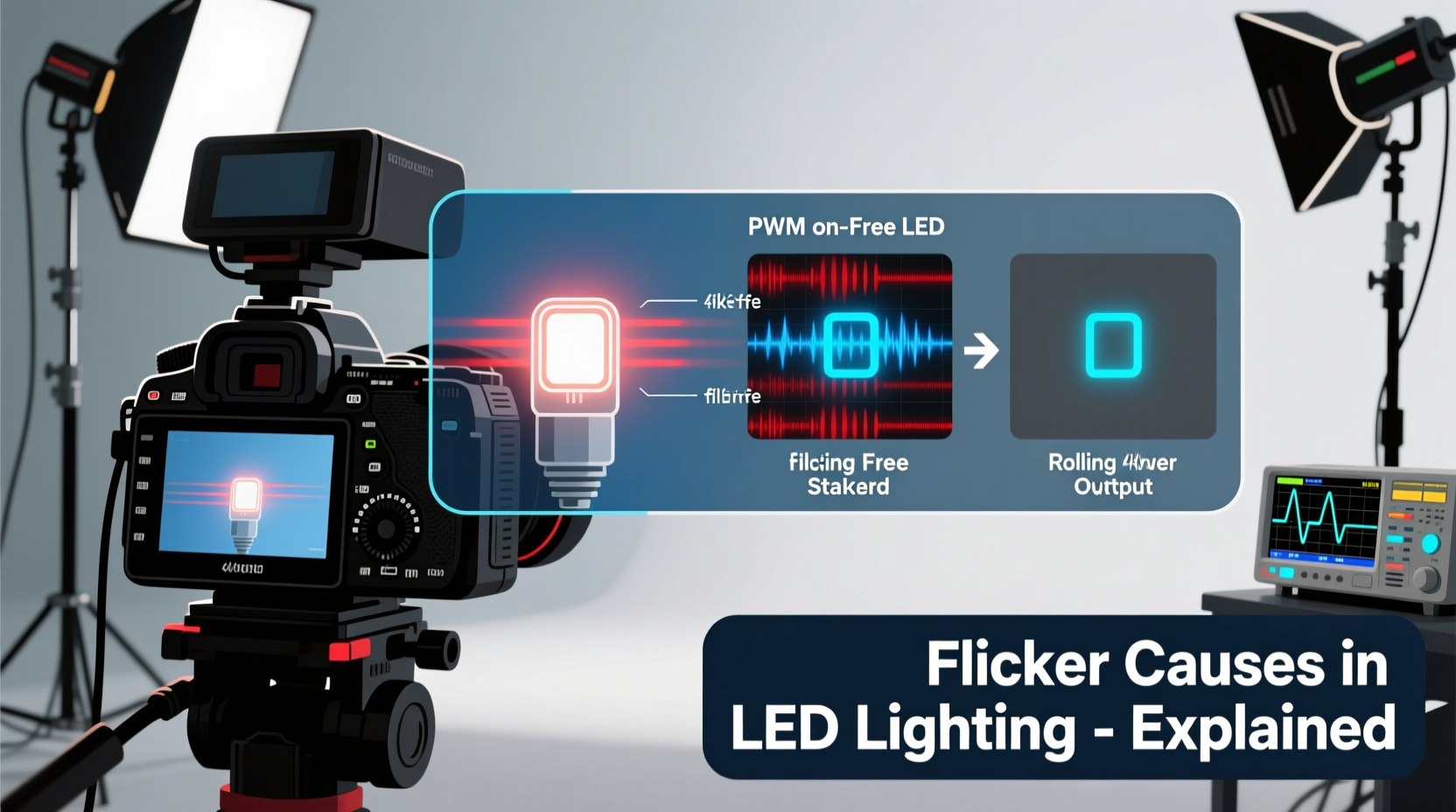
LEDs (Light Emitting Diodes) require direct current (DC) to operate, but most household and studio power sources supply alternating current (AC). To convert AC to usable DC, LED drivers use electronic circuits that regulate voltage and current. However, many budget or poorly designed LED fixtures don’t fully smooth out the incoming power, resulting in periodic fluctuations in light output. This phenomenon is known as flicker.
Flicker occurs because the LED turns on and off rapidly—often hundreds or thousands of times per second—as the driver struggles to maintain consistent current. Human eyes typically can't perceive flicker above 60–100 Hz due to persistence of vision, but digital camera sensors operate differently. They capture discrete frames at specific intervals, and if those intervals align poorly with the LED’s fluctuation cycle, the sensor records inconsistent exposure levels across frames—resulting in visible banding or pulsing.
This mismatch is especially common in environments with dimmed LED lights, where pulse-width modulation (PWM) is used to reduce brightness. PWM works by rapidly switching the LED on and off at varying duty cycles; lower brightness means longer “off” periods. While effective for dimming, this method introduces pronounced flicker that cameras readily detect.
“Flicker isn’t just an aesthetic flaw—it can compromise the technical quality of a production and lead to costly reshoots.” — Dr. Lena Torres, Imaging Systems Engineer at MIT Media Lab
How Camera Frame Rates Interact with LED Lighting
The visibility of LED flicker depends heavily on the relationship between the camera’s frame rate (frames per second, or fps), shutter speed (exposure time per frame), and the frequency of the LED’s power cycle.
In regions with 50 Hz AC power (like Europe), mains electricity cycles 100 times per second (due to full-wave rectification), meaning light intensity peaks twice per cycle. In 60 Hz regions (like North America), this occurs 120 times per second. If a camera shoots at 30 fps with a 1/60-second shutter speed, each frame captures exactly one full cycle of light variation—potentially avoiding flicker. But slight mismatches, such as shooting at 24 fps under 50 Hz lighting, create interference patterns.
For example:
- A camera recording at 24 fps with a 1/50-second shutter under 100 Hz flickering light will likely show rolling dark bands.
- Shooting at 60 fps under a 120 Hz flickering source may appear stable, but reducing shutter speed to 1/30 can reintroduce visible pulsing.
High-speed cameras exacerbate the issue. At 120 fps or higher, even minor timing discrepancies become apparent. Additionally, global vs. rolling shutters affect how flicker manifests. Rolling shutters scan the sensor line by line, which can produce moving horizontal bands when exposed to flickering light, while global shutters capture the entire frame simultaneously and are less prone—but not immune—to such artifacts.
Types of LED Drivers and Their Impact on Flicker
Not all LED lights flicker equally. The design of the internal driver circuit plays a decisive role. There are two primary types of LED drivers relevant to flicker performance:
- Non-dimmable Constant Voltage Drivers: These provide steady DC output and generally exhibit minimal flicker when operated at full brightness. They’re common in basic architectural lighting.
- Dimmable Drivers Using PWM: These modulate brightness by cycling power rapidly. Low-frequency PWM (<1000 Hz) is highly problematic for video. High-frequency PWM (>20 kHz) reduces perceptibility but may still affect sensitive sensors.
More advanced systems use constant current reduction (CCR), also known as analog dimming, which lowers current without switching the LED off. This method avoids flicker entirely but is less efficient at very low brightness levels.
Professional-grade LED panels often incorporate flicker-free drivers with high-frequency switching and robust filtering capacitors to smooth out ripple current. Brands like Aputure, Litegear, and ARRI invest heavily in driver technology to ensure cinematic reliability.
Practical Solutions to Eliminate Camera Flicker
Eliminating flicker doesn’t always require expensive gear—awareness and adjustment go a long way. Here are proven strategies:
1. Match Shutter Speed to Power Frequency
Set your camera’s shutter angle or speed based on local AC frequency. For 50 Hz regions, use 1/50, 1/100, or 1/200 sec. For 60 Hz, use 1/60, 1/120, or 1/240 sec. Avoid fractional speeds like 1/48 or 1/180 unless you’ve tested for stability.
2. Use Flicker-Free Certified Lights
Look for LEDs labeled “flicker-free,” “film-grade,” or compliant with IEEE 1789 standards. These meet strict thresholds for modulation depth and frequency, ensuring compatibility with high-speed capture.
3. Avoid Dimming Low-Quality LEDs
Budget LED strips or smart bulbs often flicker more when dimmed. Test them before use. If dimming is necessary, increase ambient light instead of lowering individual fixtures.
4. Conduct a Live Flicker Test
Point your camera at the light source and record a short clip. Zoom in during playback to check for rolling bands or pulsation. Try different frame rates and shutter settings to find the optimal combination.
| Solution | Effectiveness | Cost | Best For |
|---|---|---|---|
| Adjust shutter speed | High | Free | On-location shoots |
| Use flicker-free lights | Very High | $$$ | Studio productions |
| Add diffusion filters | Low-Medium | $ | Mitigating minor flicker |
| Shoot at higher frame rates | Medium | Varies | Slow-motion work |
| Use DC-powered LEDs | Very High | $$ | Mobile setups |
Real-World Example: Wedding Videography Gone Wrong
Jessica M., a freelance videographer based in Manchester, UK, was hired to film a wedding reception held in a historic ballroom. The venue used decorative LED chandeliers marketed as “energy-saving” and “dimmable.” Jessica shot at 25 fps with a 1/50-second shutter—standard for PAL regions—and assumed compatibility.
During editing, she noticed faint horizontal bands sweeping upward through several clips, particularly in wide shots. The effect worsened during slow pans. After investigation, she discovered the chandeliers used low-frequency PWM dimming tied to the building’s 50 Hz supply. Despite correct shutter timing, the ripple amplitude exceeded safe thresholds.
Her solution? She returned for a re-shoot during daylight hours, using the same lights but supplementing with battery-powered, flicker-free LED panels. By balancing ambient exposure and relying on verified equipment, she delivered a flawless final cut. “I now test every light source on-site before rolling,” she says. “It only takes five minutes and saves days in post.”
Step-by-Step Guide to Prevent LED Flicker
Follow this checklist before starting any shoot involving artificial lighting:
- Determine local mains frequency – 50 Hz (Europe, Asia, Africa) or 60 Hz (Americas, Japan).
- Select appropriate frame rate and shutter speed – e.g., 24 fps + 1/48s (approximate) or stick to exact multiples like 1/50s or 1/60s.
- Identify light sources on set – Are they LEDs? Are they dimmed?
- Test for flicker – Record a brief clip panning slowly across the scene. Review on a calibrated monitor.
- Switch to flicker-free alternatives if needed – Bring backup lights with known performance.
- Adjust brightness via intensity, not camera gain – Increasing ISO amplifies noise and won’t fix flicker.
- Document settings – Note successful combinations for future reference.
Frequently Asked Questions
Can sunlight cause camera flicker?
No. Sunlight produces continuous, stable illumination without cyclical variation. Flicker is exclusive to artificial light sources with unstable power delivery, particularly LEDs and fluorescents.
Do all LED lights flicker on camera?
No. Only LEDs with poor driver design or those using low-frequency PWM dimming are prone to flicker. High-quality, flicker-free LEDs designed for影视 production operate smoothly across frame rates and shutter speeds.
Is flicker visible in photos taken with a DSLR?
Rarely. Still photography uses much faster shutter speeds (e.g., 1/250s or higher), which freeze brief flicker cycles. However, in low-light conditions with slow shutter speeds, banding can appear, especially in burst mode where timing consistency matters.
Checklist: Pre-Shoot Flicker Prevention
- ✅ Confirm local power frequency (50 Hz or 60 Hz)
- ✅ Set camera shutter speed to a multiple of 1/(2×mains frequency)
- ✅ Avoid using untested consumer LED bulbs or strips
- ✅ Bring at least one flicker-free light as backup
- ✅ Perform live camera test under actual lighting
- ✅ Disable auto-white balance during tests (color shifts can mask flicker)
- ✅ Use waveform monitors or false color if available to detect exposure inconsistencies
Conclusion: Take Control of Your Lighting Environment
LED flicker in video is not inevitable—it’s a solvable engineering challenge rooted in power management and synchronization. With the right knowledge, tools, and preparation, creators can confidently work under any LED-lit environment. Whether filming a corporate interview, a concert, or a narrative scene, the difference between amateur and professional results often lies in attention to these invisible details.
Don’t leave your footage to chance. Audit your current lighting setup, verify specifications, and standardize your workflow around flicker-aware practices. The clarity and consistency of your visuals will reflect that diligence.




 浙公网安备
33010002000092号
浙公网安备
33010002000092号 浙B2-20120091-4
Comments
No comments yet. Why don't you start the discussion?