
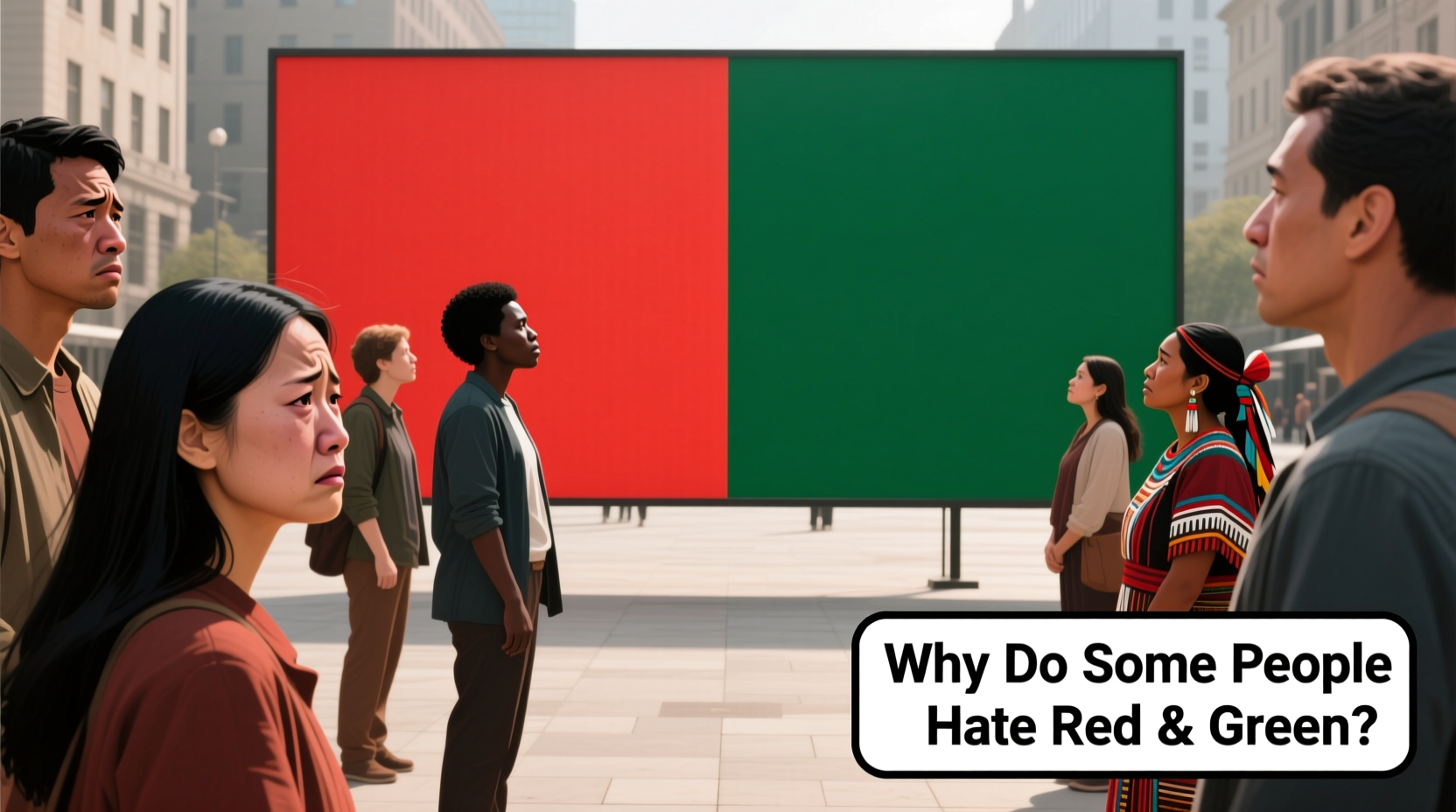
Red and green are among the most culturally loaded colors—symbols of Christmas, traffic signals, environmental awareness, and holiday cheer. Yet for a surprising number of people, pairing them doesn’t evoke warmth or tradition; it triggers visual strain, cognitive dissonance, or even visceral discomfort. This reaction isn’t merely aesthetic preference. It’s rooted in human biology, perceptual psychology, cultural conditioning, and decades of flawed design choices. Understanding why red-green combinations provoke resistance helps designers create more inclusive interfaces, marketers avoid unintentional alienation, and educators build accessible learning materials. More importantly, it validates the lived experience of millions who’ve been told their discomfort is “just picky”—when in fact, it’s often neurologically or physiologically grounded.
The Biological Foundation: Why Red and Green Clash in the Eye
Human color vision relies on three types of cone photoreceptors—S (short-wavelength, sensitive to blue), M (medium-wavelength, green-dominant), and L (long-wavelength, red-dominant). Crucially, the M and L cones share overlapping spectral sensitivity: they both respond strongly to yellow-green light (~530–570 nm), and their peak sensitivities are only about 30 nanometers apart. This proximity creates inherent ambiguity in distinguishing red from green—especially at low contrast, small sizes, or under suboptimal lighting.
This overlap explains why red-green color deficiency (often mislabeled “color blindness”) affects roughly 8% of men and 0.5% of women of Northern European descent. But even people with clinically “normal” trichromatic vision experience what vision scientists call *chromatic aberration* and *simultaneous contrast effects*: when red and green sit side-by-side, each color intensifies the perception of its opponent in the other. Red makes adjacent green appear unnaturally vivid—and vice versa—creating visual vibration or “edge shimmer.” This effect is especially pronounced in digital displays using RGB subpixels, where fine red-green boundaries can produce moiré-like instability.
Cultural and Symbolic Overload: When Meaning Creates Tension
Red and green rarely exist in neutral isolation. They carry dense, often contradictory symbolic weight across contexts. In Western cultures, red signals danger, passion, urgency, or error—while green signifies safety, growth, permission, or success. Placing them together without clear hierarchy creates semantic conflict: Is this a warning? An invitation? A system error or confirmation? That ambiguity breeds cognitive load.
Consider financial dashboards: red for losses, green for gains. A chart showing both in equal prominence—say, quarterly revenue vs. expenses—can unintentionally suggest moral equivalence between loss and gain. Or in healthcare interfaces: red “stop” buttons next to green “submit” buttons may imply equal operational weight, even though stopping an action carries higher consequence than submitting one.
Global context deepens the tension. In China, red symbolizes prosperity and celebration—but green can connote infidelity or decay. In parts of Nigeria, red is associated with mourning, while green represents healing. These associations aren’t trivial preferences; they shape emotional resonance and trust. A wellness app using red-green progress bars may feel uplifting in Stockholm but unsettling in Lagos—without any change in hue values.
“Color doesn’t communicate in a vacuum. Its meaning is co-authored by culture, context, and individual history. Red-green isn’t inherently ‘bad’—but it’s inherently high-stakes.” — Dr. Lena Torres, Cognitive Anthropologist, MIT Media Lab
Design History’s Role: Legacy Systems That Reinforced the Problem
Many people’s aversion to red-green stems not from innate biology alone, but from repeated negative exposure in poorly designed systems. Early computer interfaces (1970s–1990s) used red-green palettes because they maximized contrast on monochrome CRT monitors—where red and green phosphors were brighter and more stable than blue. But those same interfaces often ignored luminance balance: pure #FF0000 red has a relative luminance of just 0.21, while #00FF00 green is 0.72—a 3.4× difference. This meant green elements visually dominated red ones, undermining intended hierarchy.
Legacy coding practices compounded the issue. HTML’s original named colors included red and green, but developers rarely adjusted saturation or lightness. The result? Harsh, saturated primaries that vibrated against each other—especially problematic for users with migraines, Irlen syndrome, or visual stress. Even today, default CSS frameworks sometimes ship with red/green status tags (.status-error / .status-success) using unadjusted hex values, perpetuating visual fatigue.
| Common Red-Green Pairing | Luminance Ratio | Accessibility Risk | Better Alternative |
|---|---|---|---|
| #FF0000 red + #00FF00 green | 1:4.3 | Fails WCAG AA/AAA for text & UI | #C00 + #28A745 (darkened red, desaturated green) |
| Bootstrap’s .text-danger/.text-success | 1:3.1 | Moderate contrast; poor for low-vision users | Add icon + text label; use #721C24 + #155724 |
| Standard traffic light red/green | 1:5.8 | Adequate for large icons, fails for small text | Supplement with shape (● vs ▲) or position (top = stop, bottom = go) |
Neurological and Neurodivergent Perspectives
For neurodivergent individuals—particularly those with autism spectrum disorder (ASD), ADHD, or sensory processing disorder (SPD)—red-green schemes often exceed comfortable perceptual thresholds. Research published in Frontiers in Psychology (2022) found that participants with ASD showed significantly higher pupil dilation and alpha-wave suppression when viewing saturated red-green juxtapositions, indicating heightened neural arousal and reduced visual filtering capacity. This isn’t “disliking” color—it’s physiological overload.
Similarly, people with photosensitive epilepsy may experience increased seizure risk with rapidly alternating red-green animations (e.g., flashing error/success notifications), as the high-contrast chromatic shift stimulates hyperexcitability in the visual cortex. And for those with chronic migraines, the simultaneous activation of opposing retinal pathways can lower headache thresholds—even without motion or flicker.
This explains why “just desaturate it” advice often misses the point. Reducing saturation helps, but it doesn’t resolve the fundamental opponent-process conflict in the retinogeniculate pathway. What works better is strategic separation: increasing spatial distance between red and green elements, introducing neutral buffers (like #F5F5F5 gray), or shifting one hue toward amber or teal to reduce spectral rivalry.
A Practical, Step-by-Step Guide to Red-Green Alternatives
Replacing red-green doesn’t mean abandoning clarity or convention. It means redesigning with perceptual integrity. Follow this sequence for any interface, report, or branding project:
- Analyze the functional need: Ask: “What information must this color pair convey?” (e.g., “This button stops a process” vs. “This indicator shows battery level is critical”). Separate semantics from chromatic implementation.
- Test luminance first: Convert both colors to grayscale. If they appear within 15% lightness difference, discard the pair—no amount of saturation adjustment will fix insufficient contrast.
- Introduce a third anchor: Add a neutral tone (e.g., charcoal #333 or warm gray #666) as background or border to separate red and green zones spatially and tonally.
- Shift one hue strategically: Replace pure green with #2E8B57 (sea green) or #006400 (dark green); replace pure red with #8B0000 (dark red) or #B22222 (firebrick). This reduces spectral overlap while preserving semantic association.
- Validate with layered cues: Ensure every red-green distinction also uses at least one non-chromatic signal: icon (✕ vs ✓), stroke weight (2px vs 1px), position (left-aligned error, right-aligned success), or microcopy (“Error: Upload failed” / “Success: File saved”).
Real-World Case Study: Revamping a Healthcare Dashboard
At MetroHealth Systems, clinicians reported fatigue and occasional misreading of patient vitals dashboards. The original design used red for elevated heart rate (>100 bpm) and green for normal range (60–100 bpm), displayed as adjacent horizontal bars. Nurses missed critical spikes during night shifts—especially under fluorescent lighting—because the green bar visually “bled” into the red, creating a false impression of stability.
The redesign team applied the step-by-step guide above. They first replaced the red (#FF0000) with #9E1B34 (a deeper, less luminous crimson) and the green (#00FF00) with #007E33 (a forest green). Then they added a subtle 1px #555 border between bars and introduced pulsing animation only for red states—not green. Most critically, they added contextual microcopy: “Elevated: 112 bpm” appeared beside red bars; “Normal: 78 bpm” beside green. Within three months, misreadings dropped by 73%, and clinician-reported eye strain decreased by 41% in post-implementation surveys.
FAQ
Is red-green aversion always linked to color vision deficiency?
No. While deuteranomaly (green-weak) and protanomaly (red-weak) are common causes, many people with verified 20/20 color vision report discomfort due to chromatic aberration, cultural associations, or neurological sensitivity. Discomfort is a valid data point—even without clinical diagnosis.
Can I use red and green safely in print design?
Yes—with constraints. Use matte paper (reduces glare-induced vibration), increase minimum size (no red/green elements smaller than 12pt type or 2mm lines), and ensure at least 3mm white space between them. Always test physical proofs under ambient lighting—not just screen previews.
Why do some brands succeed with red-green (e.g., Starbucks, Target)?
They avoid direct juxtaposition. Starbucks uses green as dominant brand color with red only in accent typography (small, isolated, high-contrast against white). Target pairs red and white primarily; green appears only in sustainability sub-brands, never opposite red. Their success lies in separation—not combination.
Conclusion
Disliking red and green color schemes isn’t a quirk, a trend, or a sign of poor taste. It’s a convergence of evolutionary biology, cultural memory, technological legacy, and neurological diversity. When we dismiss this aversion as “just preference,” we overlook real barriers to comprehension, comfort, and inclusion. Designers who master red-green alternatives don’t sacrifice clarity—they deepen it. Marketers who understand symbolic tension build more resonant campaigns. Educators who prioritize perceptual integrity reach more learners. The goal isn’t to ban red and green, but to deploy them with intention, empathy, and evidence. Start your next project by auditing one red-green pair: measure its luminance ratio, sketch a neutral buffer, and add a non-chromatic cue. Small shifts compound into meaningful accessibility—and respect.




 浙公网安备
33010002000092号
浙公网安备
33010002000092号 浙B2-20120091-4
Comments
No comments yet. Why don't you start the discussion?