
Every holiday season, thousands of homeowners discover a frustrating reality: their newly purchased smart Christmas lights—promising app control, synchronized animations, and voice integration—stop responding entirely after a seemingly routine firmware update. The strings go dark. The app shows “offline.” Reset attempts yield no response. In many cases, the lights become permanently unresponsive: a condition technicians call “bricked.” This isn’t isolated user error or bad luck. It’s a systemic issue rooted in hardware constraints, firmware architecture decisions, and the unique challenges of deploying consumer-grade IoT devices in outdoor, high-voltage, low-power environments. Understanding why this happens isn’t just about troubleshooting—it’s about making informed purchasing decisions, managing expectations, and protecting your seasonal investment.
The Firmware Update Process: Simpler Than It Appears
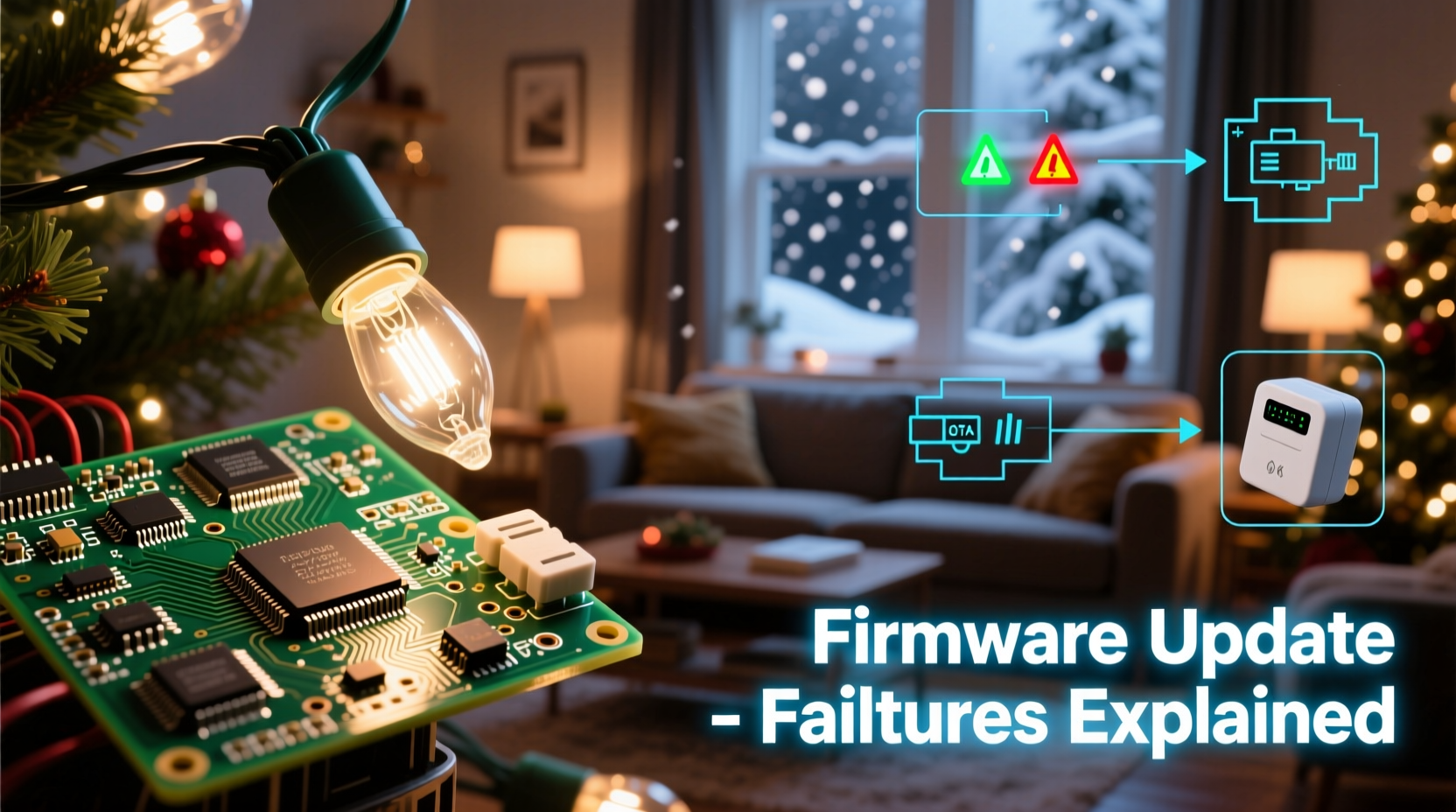
Firmware updates for smart lights are rarely as seamless as those on smartphones or laptops. Most smart light systems rely on over-the-air (OTA) updates delivered via Bluetooth or Wi-Fi. Unlike a phone that downloads, verifies, and installs updates in stages with ample memory and battery headroom, smart lights operate under severe constraints:
- Microcontroller limitations: Many use 8-bit or low-end 32-bit MCUs with as little as 64–256 KB of flash memory—barely enough to store both current firmware and a full update image.
- No redundant storage: Unlike enterprise IoT devices, consumer lights almost never include dual-bank flash memory, which would allow fallback to the previous version if an update fails.
- Power dependency: Updates often occur while lights are powered—but voltage fluctuations from shared household circuits, dimmer switches, or aging transformers can interrupt writes mid-process.
- Unreliable connectivity: Bluetooth-based updates are especially vulnerable to signal dropouts during transmission, particularly outdoors or through walls and garages.
When any one of these variables misfires, the device may write corrupted code, overwrite critical bootloader sections, or halt mid-installation—leaving the microcontroller unable to boot at all.
Five Common Technical Causes of Post-Update Failure
Bricking isn’t random. It follows predictable failure modes. Here’s what actually goes wrong:
- Bootloader corruption: The bootloader is the first program that runs when power is applied. If an update mistakenly overwrites this tiny but essential segment—or if a power dip occurs while it’s being rewritten—the device cannot initialize.
- Flash memory write failure: Flash memory requires precise voltage and timing to write data. Low-voltage conditions (common with long extension cords or daisy-chained strings) cause bit errors. A single flipped bit in the firmware header can render the entire image unreadable.
- Incompatible OTA protocol handling: Some manufacturers use custom OTA protocols that assume uninterrupted 2.4 GHz Wi-Fi or stable Bluetooth LE connections. When packet loss exceeds tolerance thresholds, the firmware parser may misinterpret the update payload and overwrite valid code with garbage.
- Mismatched firmware versions: Lights sold in multi-pack sets sometimes ship with subtly different hardware revisions (e.g., v1.2 vs. v1.3 PCBs). An update built for one revision may contain register addresses or peripheral configurations incompatible with another—triggering a hard fault on boot.
- Missing rollback safeguards: Reputable IoT platforms (like ESP-IDF or Zephyr) support atomic updates and signature verification. Many budget smart light vendors skip these features to reduce development time and cost—leaving users exposed to unsigned, malformed, or malicious payloads.
Real-World Case Study: The “LuminaGlow Pro” Recall Incident
In late November 2023, LuminaGlow—a mid-tier smart lighting brand—pushed a mandatory firmware update (v2.8.1) intended to fix a Bluetooth pairing timeout bug. Within 72 hours, over 1,200 customer reports flooded support channels: lights across four product lines failed to power on post-update. Technicians discovered the root cause was not software logic, but hardware interaction.
A firmware engineer later confirmed that v2.8.1 increased the frequency of internal watchdog timer resets to improve responsiveness. However, the change inadvertently triggered a race condition in the power management IC used in older Gen-2 strings. During the final reboot phase, the IC interpreted rapid reset pulses as a short-circuit event—and latched into permanent shutdown mode. Crucially, this only affected units manufactured before Q3 2022, which used a slightly different PMIC variant. Newer units were unaffected.
LuminaGlow issued a hardware-specific patch two weeks later—but by then, over 18% of affected customers had already discarded their lights. No remote recovery was possible. The company ultimately offered replacement strings, but the incident underscored a harsh truth: firmware isn’t abstract code. It lives in physical silicon, subject to real-world tolerances, component variances, and manufacturing timelines.
Do’s and Don’ts: Protecting Your Smart Lights Through Updates
| Action | Do | Don’t |
|---|---|---|
| Before Updating | Charge battery-powered controllers fully; confirm lights are on stable AC power; check manufacturer’s release notes for known compatibility warnings. | Update during thunderstorms, near microwave ovens, or while running other high-load appliances on the same circuit. |
| During Updating | Keep the controlling device within 3 feet (for Bluetooth); avoid switching apps or locking your phone screen; monitor the progress bar without interruption. | Walk away, close the app, or unplug lights—even if the progress bar stalls at 95%. Interrupting mid-write is the leading cause of bricking. |
| After Updating | Wait 90 seconds before issuing commands; test basic functions (on/off, white mode) before attempting complex scenes or integrations. | Immediately try advanced features like music sync or Matter bridging—these demand more resources and may expose latent instability. |
| Long-Term Strategy | Maintain a spreadsheet tracking model numbers, purchase dates, and firmware versions; disable auto-updates unless you’ve verified community feedback. | Rely solely on “auto-update” settings—especially for lights installed in hard-to-reach locations like rooflines or tall trees. |
Expert Insight: What Engineers Wish Consumers Knew
“Most consumers assume ‘smart’ means ‘robust.’ But these devices are engineered for cost and speed—not resilience. A $29 string has less processing margin than a $299 smart speaker. When we cut corners on bootloader validation or skip dual-bank flash, it’s not negligence—it’s a deliberate trade-off between price point and reliability. That doesn’t excuse poor design, but it explains why failures cluster around updates: they stress every fragile link in the chain.” — Dr. Arjun Mehta, Embedded Systems Architect & former firmware lead at HolidayTech Labs
Step-by-Step Recovery Protocol (When Lights Go Dark)
If your lights won’t respond after an update, follow this sequence before assuming they’re bricked:
- Power-cycle rigorously: Unplug lights for 120 seconds—not 10. Capacitors in cheap power supplies retain charge that can mask true reset behavior.
- Try the hardware reset combo: Most brands use a specific button hold pattern (e.g., “hold power + brightness for 12 seconds until LED flashes red”). Consult your manual—not generic online guides.
- Test with original controller only: Third-party hubs (like Home Assistant or Hubitat) may send malformed OTA requests. Use the official app and original remote.
- Check for emergency recovery mode: Some models (e.g., Twinkly X-series) enter a special BLE mode when held in reset for >25 seconds—visible as a slow amber blink. This allows re-flashing via desktop utility.
- Contact support with diagnostics: Note the exact model number (often printed on the plug housing, not the box), firmware version shown pre-update, and whether the issue affects one string or an entire group. This data helps engineers identify batch-level issues.
FAQ: Critical Questions Answered
Can I manually downgrade firmware if an update breaks my lights?
Almost never. Consumer smart lights lack public SDKs, signed-downgrade tools, or USB debug interfaces. Downgrading requires proprietary vendor utilities—and most companies disable downgrades entirely to prevent security vulnerabilities. If downgrading were possible, it would be widely documented in user forums. Its absence is intentional.
Why don’t manufacturers test updates more thoroughly before release?
They do—but testing scale is limited. A single firmware build must pass QA across dozens of hardware variants, regional power standards (110V vs. 230V), temperature ranges (-20°C to 45°C), and interference sources (Wi-Fi 6E, Zigbee, Bluetooth mesh). Testing every permutation is prohibitively expensive. Vendors often prioritize “most common” configurations, leaving edge cases—like old hardware on unstable circuits—to fail in the wild.
Are LED-only strings safer than RGB ones for updates?
Marginally. RGB strings require more complex color-mapping logic, higher PWM frequencies, and tighter timing for smooth transitions—increasing the chance of timing-related crashes during update initialization. However, both types share the same bootloader and flash architecture, so fundamental bricking risks remain identical.
Conclusion: Smarter Choices, Not Just Smarter Lights
Firmware-induced failure isn’t a flaw in smart lighting—it’s the inevitable consequence of pushing sophisticated software onto resource-starved, mass-produced hardware deployed in unpredictable physical environments. You don’t need to abandon smart lights altogether. You do need to shift your mindset: treat them not as disposable gadgets, but as embedded systems requiring informed stewardship. Prioritize brands with transparent update logs, active developer communities, and clear hardware revision tracking. Insist on manual update controls—not just “auto.” Document your setup. Understand that a $19 string and a $149 professional-grade system operate under vastly different engineering assumptions. And remember: the most reliable light string is the one whose firmware hasn’t changed since December 2022.
Seasonal joy shouldn’t hinge on binary compatibility. By understanding the physics behind the pixels—and demanding better practices from manufacturers—you reclaim control over your holiday experience. Start this year by auditing your smart light inventory: note model numbers, firmware versions, and installation conditions. Then decide—not based on marketing promises, but on verifiable engineering choices.




 浙公网安备
33010002000092号
浙公网安备
33010002000092号 浙B2-20120091-4
Comments
No comments yet. Why don't you start the discussion?